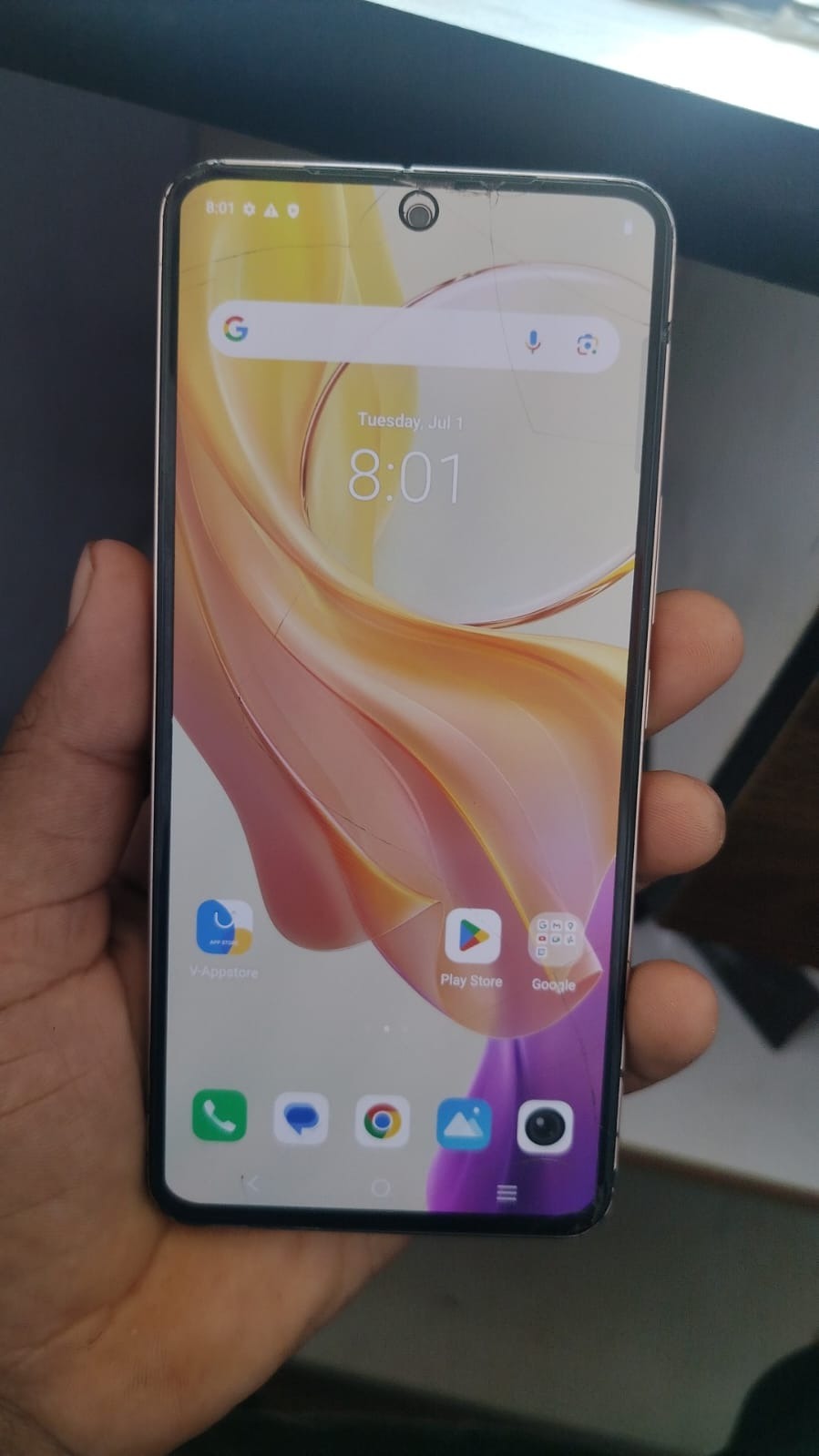
The Vivo Y200 5G is one of the most popular smartphones in the Vivo lineup, offering excellent performance, stylish design, and modern Android security features. One such security feature is Factory Reset Protection (FRP), designed to protect devices from unauthorized access after a factory reset.
However, there are situations where legitimate owners forget their Google account credentials or purchase a second-hand device that still requires verification. In such cases, a reliable Vivo Y200 5G FRP Unlock solution becomes essential.
This guide covers everything you need to know about Vivo Y200 5G FRP Unlock, including installation, activation, supported devices, troubleshooting, pricing, safety considerations, and professional usage for mobile repair businesses.
Whether you are a smartphone owner, technician, repair shop owner, or software service provider, this article will help you understand the complete Vivo Y200 5G FRP Bypass process.

What is Vivo Y200 5G FRP Unlock and Why Is It Needed?
Factory Reset Protection (FRP) is a security mechanism introduced by Google to prevent unauthorized access after a device is reset.
When FRP is active, users must verify the previously synced Google account before gaining access to the device.
Common Situations Requiring Vivo Y200 5G FRP Unlock
- Forgotten Google account credentials
- Forgotten Gmail password
- Purchase of a second-hand device
- Business inventory devices requiring reset
- Refurbished phone preparation
- Service center repairs
- Software testing environments
Without proper verification, the device remains locked even after a successful factory reset.
This is where a professional Vivo Y200 5G FRP Unlock solution becomes useful for legitimate owners and authorized technicians.
Understanding Vivo Y200 5G FRP Bypass
The Vivo Y200 5G FRP Bypass process removes Google verification requirements and restores device accessibility.
Benefits include:
- Quick Google account verification removal
- Safe software operation
- Reduced repair time
- Increased customer satisfaction
- Professional repair workflow
- Support for multiple Android security patches
Many technicians prefer modern mobile unlock programs because they support newer Android versions and security updates.
Key Features of Vivo Y200 5G FRP Unlock (Latest Version)
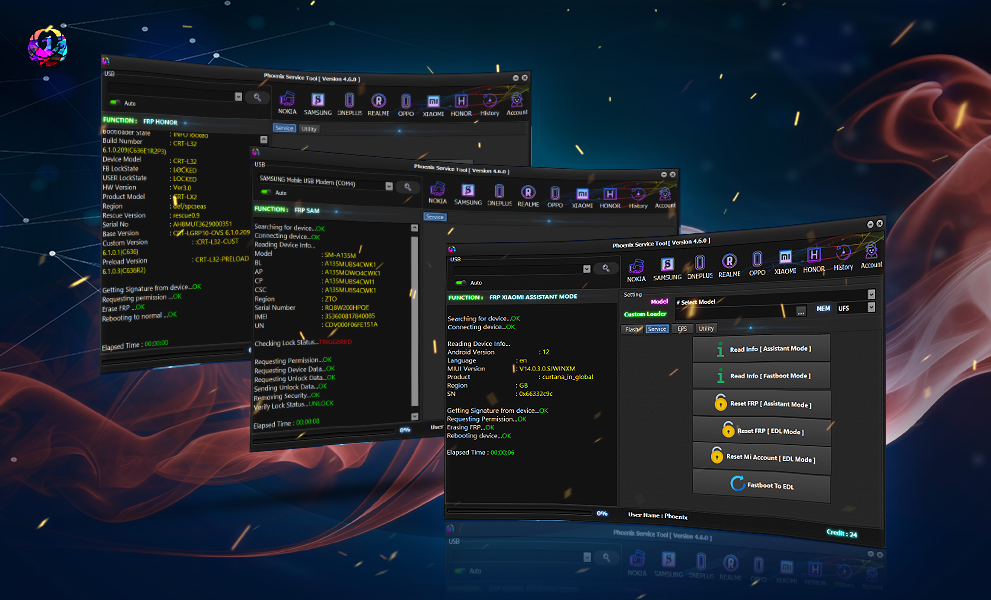
Modern unlocking platforms provide advanced features beyond simple FRP removal.
Main Features
Fast Unlocking
Most procedures take only a few minutes.
Remote Service Support
Vivo Y200 5G Remote FRP Unlock services allow technicians to assist users remotely.
Multiple Security Patch Support
Supports various Android versions and security updates.
Beginner-Friendly Interface
Easy-to-use software for new technicians.
Professional Repair Tools
Useful for repair shops managing multiple devices daily.
Regular Updates
Developers continuously improve compatibility and performance.
Additional Services
Some tools also provide:
- Screen lock removal
- Demo removal
- Device information reading
- Software repair
- Flashing support
Supported Devices and Brands
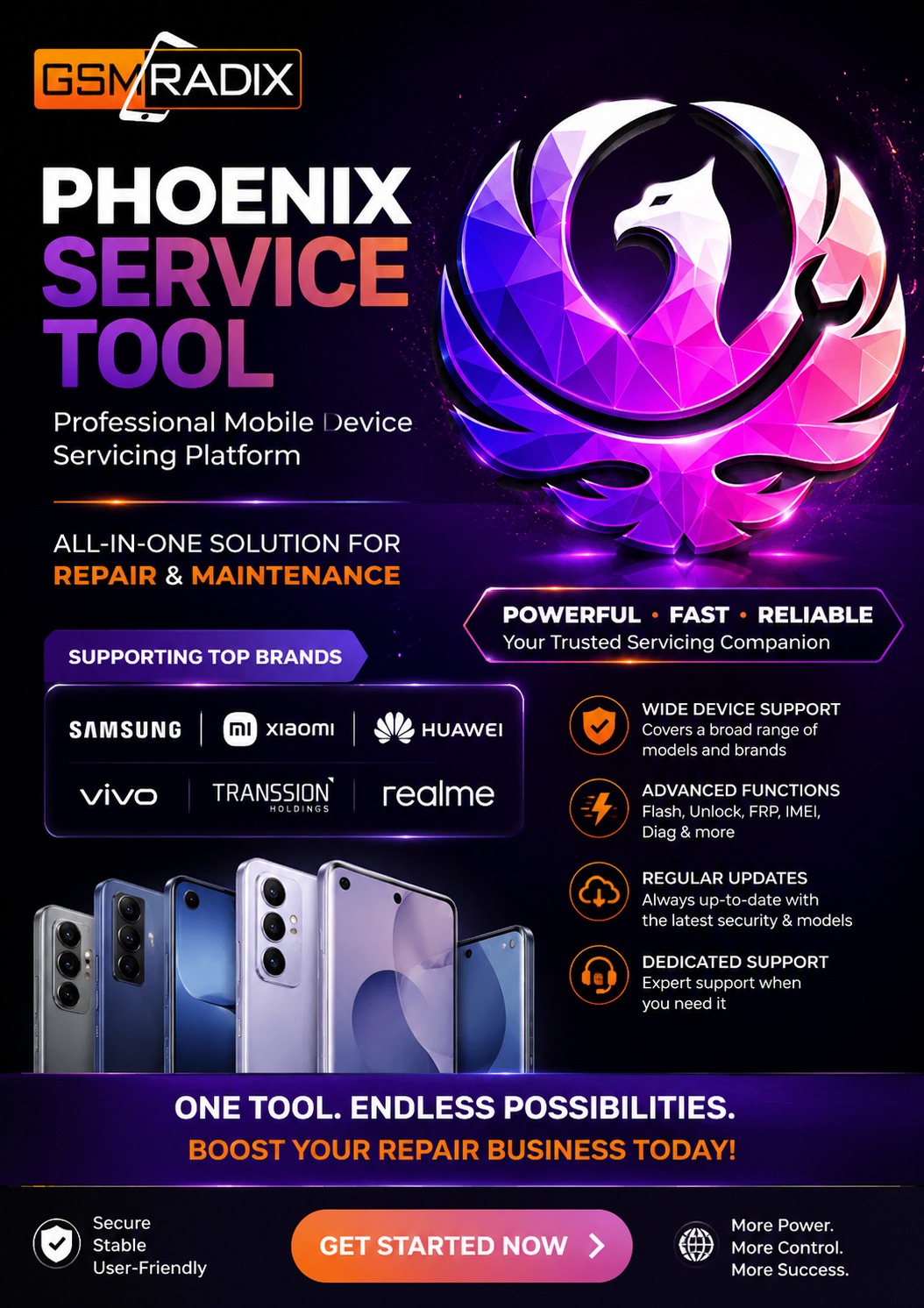
Most professional unlocking solutions support more than just Vivo devices.
Vivo Models
- Vivo Y200 5G
- Vivo Y100 Series
- Vivo V Series
- Vivo X Series
- Vivo T Series
- Vivo Y36
- Vivo Y27
- Vivo Y22
- Vivo Y16
Other Supported Brands
| Brand | Services |
|---|---|
| Samsung | FRP Removal |
| Xiaomi | FRP Bypass |
| Redmi | Google Lock Remove |
| Realme | Account Unlock |
| Oppo | FRP Remove |
| Motorola | FRP Solutions |
| Nokia | Google Verification Removal |
| Huawei | Software Repair |
This makes professional software an excellent choice for service centers.
Download and Installation Process
Before beginning the Vivo Y200 5G FRP Unlock procedure, install the required software properly.
Requirements
- Windows PC
- Stable internet connection
- USB cable
- Updated USB drivers
- Activated software account
Step-by-Step Installation Guide
Step 1: Download Software
Download the latest version from the official source.
Step 2: Install Drivers
Install:
- ADB Drivers
- USB Drivers
- Qualcomm Drivers (if required)
Step 3: Disable Antivirus Temporarily
Some repair software may trigger false-positive alerts.
Step 4: Install Application
Run the setup file and complete installation.
Step 5: Launch Software
Open the application and log in.
How to Register and Activate
Most professional tools require activation.
Registration Process
- Create an account.
- Verify email address.
- Purchase license.
- Receive activation credentials.
- Log into software.
Activation Benefits
- Full software access
- Latest updates
- Customer support
- New model support
- Remote service features

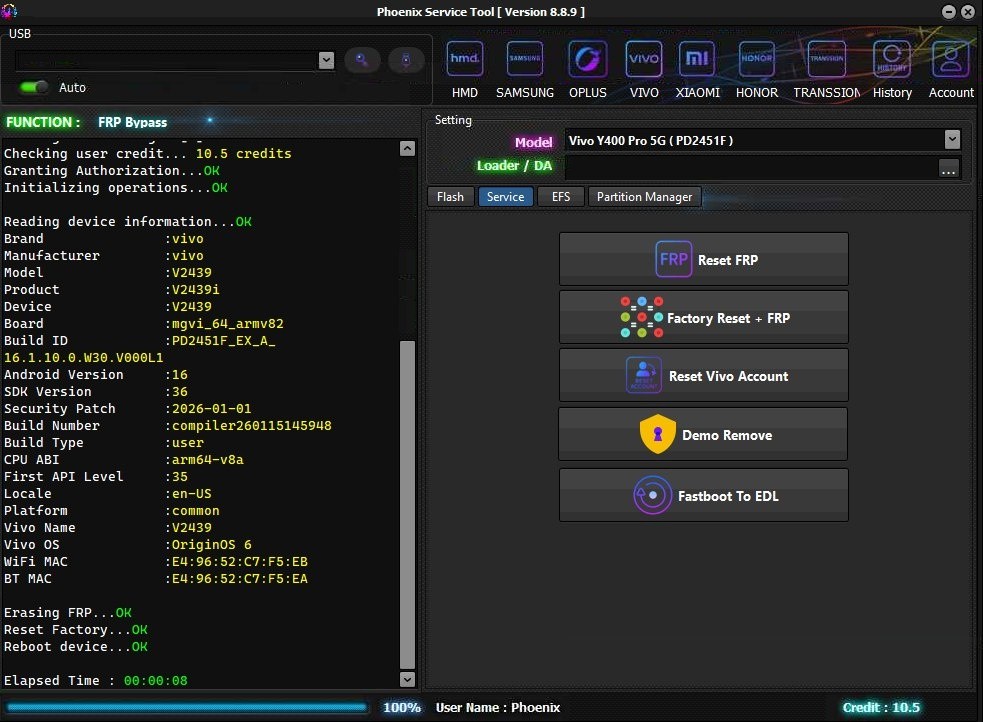
How to Use Vivo Y200 5G FRP Unlock
The exact procedure varies depending on the software being used.
Basic Workflow
- Install software.
- Connect device.
- Detect model.
- Select FRP service.
- Start operation.
- Wait for completion.
- Reboot device.
After completion, users can set up a new Google account.
Vivo Y200 5G Google Account Remove Process
When a device is locked by Google verification:
- Connect phone.
- Enter supported mode.
- Read device information.
- Select Google account removal.
- Execute service.
- Reboot phone.
The device becomes accessible again after successful verification removal.
Vivo Y200 5G Google Lock Remove for Technicians
Repair professionals benefit from:
- Faster turnaround
- Higher success rates
- Reduced customer wait times
- Increased repair revenue
Many service centers process dozens of FRP removals daily using professional tools.
IMEI Repair and Other Services
Some professional software packages provide additional services.
Available Services
- FRP Unlock
- Screen Lock Removal
- Software Repair
- Flashing
- Firmware Installation
- Bootloader Services
- Device Information Reading
Important Note
IMEI modification regulations vary by country and network provider. Always comply with local laws and manufacturer policies.
Comparison with Other Tools
| Feature | Vivo Y200 5G FRP Unlock Tool | Generic FRP Tool |
|---|---|---|
| Latest Security Support | Yes | Limited |
| Remote Service | Yes | Sometimes |
| Professional Use | Yes | Basic |
| Updates | Frequent | Rare |
| Technical Support | Available | Limited |
| Multi-Brand Support | Yes | Varies |
Professional tools generally provide better compatibility and support.
Safety Tips and Legal Considerations
Recommended Practices
- Unlock only devices you own or are authorized to service.
- Maintain customer consent records.
- Backup important data.
- Use official software sources.
- Keep software updated.
Avoid
- Unknown software downloads
- Pirated tools
- Unverified activation providers
- Unauthorized device modifications
Following these practices reduces operational risks.
Troubleshooting Common Errors
Device Not Detected
Possible Causes:
- Faulty USB cable
- Missing drivers
- Incorrect USB mode
Solutions:
- Reinstall drivers
- Change USB port
- Use original cable
Authentication Failed
Possible Causes:
- Expired license
- Incorrect login
- Server issue
Solutions:
- Renew license
- Verify account
- Retry later
Operation Failed
Possible Causes:
- Unsupported firmware
- Security patch mismatch
- Connection interruption
Solutions:
- Update software
- Update drivers
- Reconnect device
Stuck on Logo
Solutions:
- Perform factory reset
- Reflash firmware
- Use repair options
Pricing and Subscription Plans
Pricing varies by software provider.
Common License Types
| Plan | Duration |
|---|---|
| Trial | Limited |
| Monthly | 30 Days |
| Quarterly | 90 Days |
| Semi-Annual | 180 Days |
| Annual | 365 Days |
Suitable Users
Individual Users
Best for occasional device servicing.
Technicians
Monthly and quarterly plans offer flexibility.
Repair Shops
Annual licenses usually provide the best value.
Why Technicians Prefer Vivo Y200 5G Remote FRP Unlock Services
Remote services are becoming increasingly popular because they:
- Save travel time
- Provide instant support
- Reduce service costs
- Improve customer convenience
- Enable global support
This model benefits both customers and service providers.
Frequently Asked Questions (FAQs)
What is Vivo Y200 5G FRP Unlock?
It is the process of removing Google account verification after a factory reset on the Vivo Y200 5G.
Is Vivo Y200 5G FRP Bypass Safe?
When performed using reputable software and authorized procedures, it can be completed safely.
Can I Perform Vivo Y200 5G Google Account Remove at Home?
Depending on your technical experience and the tools available, some methods may be accessible to end users.
Does FRP Removal Delete Data?
A factory reset typically removes user data. Always create backups whenever possible.
Do I Need a Paid Tool?
Some methods may be free, while professional repair environments often use licensed software for reliability and support.
Is Remote FRP Unlock Available?
Yes, many service providers offer remote assistance.
Which Android Versions Are Supported?
Support varies depending on the software version and device security patch level.
Can Repair Shops Use These Tools Commercially?
Many professional licenses are designed specifically for commercial repair operations.
Best Vivo Y200 5G FRP Unlock 2026
As Android security continues evolving, professional software developers regularly release updates to support newer firmware and security patches.
When choosing a solution, prioritize:
- Active development
- Regular updates
- Strong support
- Multi-brand compatibility
- Professional reputation
These factors significantly impact success rates.
Final Thoughts
Vivo Y200 5G FRP Unlock remains one of the most requested mobile repair services in 2026. Whether you are a device owner locked out of your smartphone or a technician serving multiple customers daily, having access to a reliable Vivo Y200 5G FRP Bypass solution can save time and improve productivity.
Modern unlocking software offers advanced features such as Vivo Y200 5G Google Account Remove, Vivo Y200 5G Google Lock Remove, Vivo Y200 5G FRP Remove, and Vivo Y200 5G Remote FRP Unlock capabilities, making it easier than ever to manage Google verification challenges.