Factory Reset Protection (FRP) is a security feature in Android devices that protects your data. However, it can create problems if you forget your Google account credentials after resetting your phone.
In this detailed guide, we will explain how to perform Vivo Y28s FRP Unlock Genda Tool method. This guide is suitable for both normal users and professional technicians who want a reliable and fast solution.
If you are searching for Vivo Y28s FRP bypass, Vivo Y28s Google account remove, or Vivo Y28s FRP unlock without password, this article provides a complete working method.

What is Vivo Y28s FRP Unlock Genda Tool and Why It Is Needed
Factory Reset Protection (FRP) is automatically activated when a Google account is added to an Android device. After a factory reset, the device asks for the previously synced account.
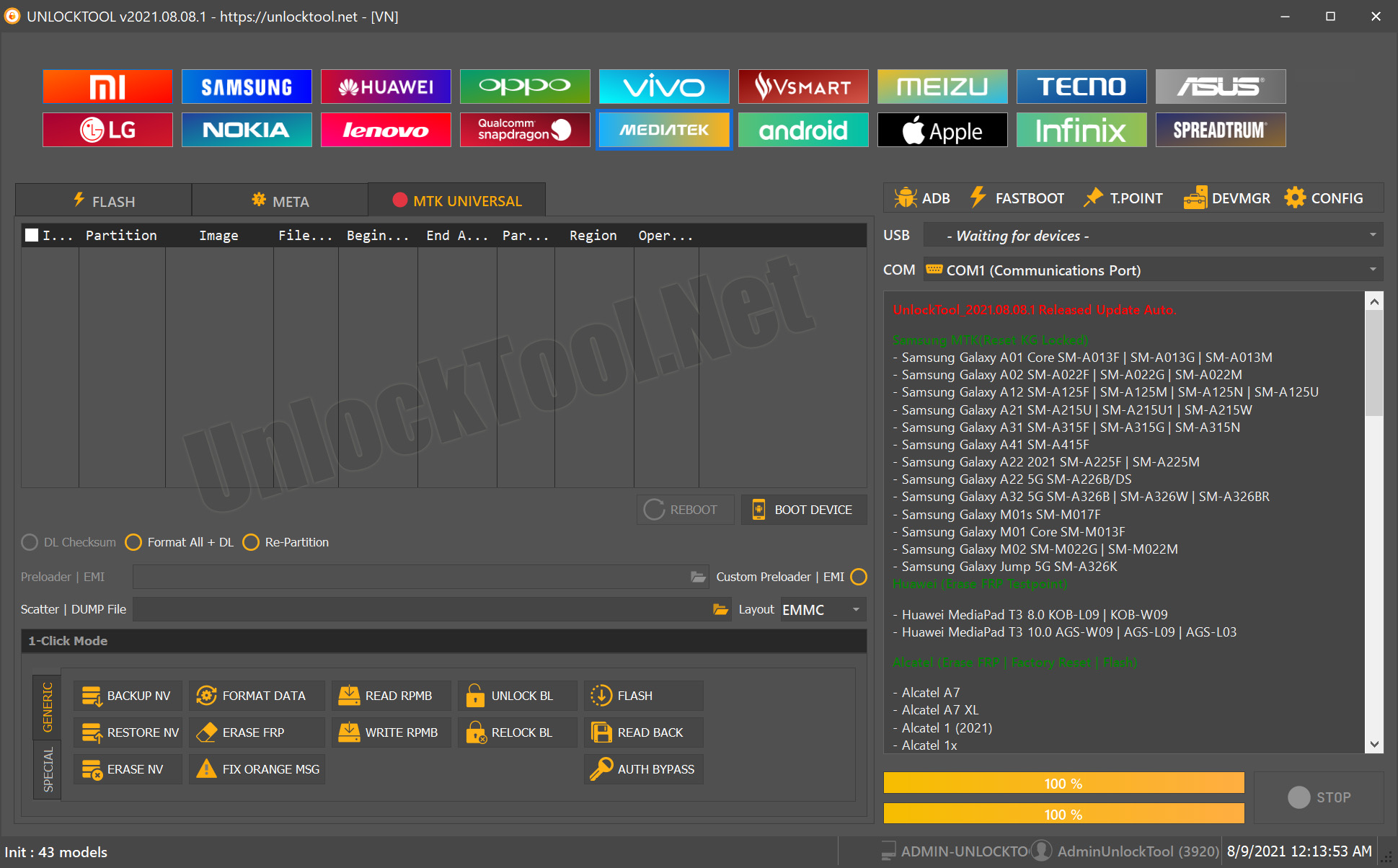
The Vivo Y28s FRP Unlock Genda Tool is a professional phone unlock app that helps remove this lock quickly and safely.
It is needed when:
- You forgot your Google account credentials
- You purchased a second-hand phone
- You are a technician handling customer devices
This tool is widely used as a mobile unlock program due to its reliability and updated features.
Key Features of Vivo Y28s FRP Unlock Genda Tool (Latest Version)
- One-click FRP unlock process
- Supports latest Android versions
- No password required
- Fast and secure unlocking
- Beginner-friendly interface
- Regular updates
- Multi-brand support
This makes it one of the best Vivo Y28s FRP Unlock Genda Tool 2025 solutions available.
Supported Devices and Brands
The tool supports multiple smartphone brands, making it useful for technicians.
| Brand | Support |
|---|---|
| Vivo | Yes |
| Xiaomi | Yes |
| Samsung | Yes |
| Oppo | Yes |
| Realme | Yes |
Download and Installation Process
Requirements
- Windows PC or Laptop
- USB Cable
- Internet connection
- USB Drivers installed
Step-by-Step Installation Guide
- Download the latest version of Genda Tool
- Extract the downloaded file
- Run the setup as Administrator
- Install required drivers
- Launch the tool
How to Register and Activate
- Open the Genda Tool
- Enter your login details
- Purchase or activate license
- Start using the tool
For activation, you can contact the official seller via WhatsApp or Telegram.

How to Use Vivo Y28s FRP Unlock Genda Tool
Step-by-Step Process
- Install Samsung USB drivers on PC
- Open Genda Tool
- Connect your Vivo Y28s via USB
- Select FRP Remove option
- Wait for the process to complete
- Phone will restart automatically
After restart, the Vivo Y28s Google account remove process will be completed successfully.
For Technicians and Advanced Users
- Supports bulk operations
- Faster processing
- Suitable for repair shops
- Professional dashboard
IMEI Repair and Other Services
Genda Tool also provides additional services such as:
- IMEI repair for supported models
- Screen lock removal
- Firmware flashing
- Device information reading
Comparison with Other Tools
| Feature | Genda Tool | Other Tools |
|---|---|---|
| FRP Unlock | Yes | Limited |
| Speed | Fast | Slow |
| Updates | Regular | Rare |
| Ease of Use | Easy | Complex |
Safety Tips and Legal Considerations
- Use only on your own device
- Avoid illegal usage
- Always backup important data
- Follow proper unlocking procedures
FRP unlock should only be performed for legitimate purposes.
Troubleshooting Common Errors
Device Not Detected
- Reinstall USB drivers
- Change USB port
Tool Not Opening
- Run as Administrator
- Disable antivirus temporarily
FRP Not Removed
- Retry the process
- Update to latest version
Pricing and Subscription Plans
Genda Tool is a paid software. Available plans may include:
- Monthly subscription
- 6-month license
- 12-month license
Contact official providers for accurate pricing and activation.
FAQs
What is Vivo Y28s FRP Unlock Genda Tool?
It is a tool used to remove Google account lock from Vivo devices.
Can I unlock Vivo Y28s without password?
Yes, this tool allows Vivo Y28s FRP Unlock Without Password.
Is it safe to use?
Yes, when used correctly on your own device.
Does it support latest Android version?
Yes, it supports updated Android versions.
Is the tool free?
No, it requires a paid license.
Final Thoughts and Call to Action
The Vivo Y28s FRP Unlock Genda Tool is a reliable and efficient solution for removing FRP locks. It is suitable for both beginners and professional technicians.
If you want a fast and secure Vivo Y28s FRP bypass method, this tool is a strong option.