


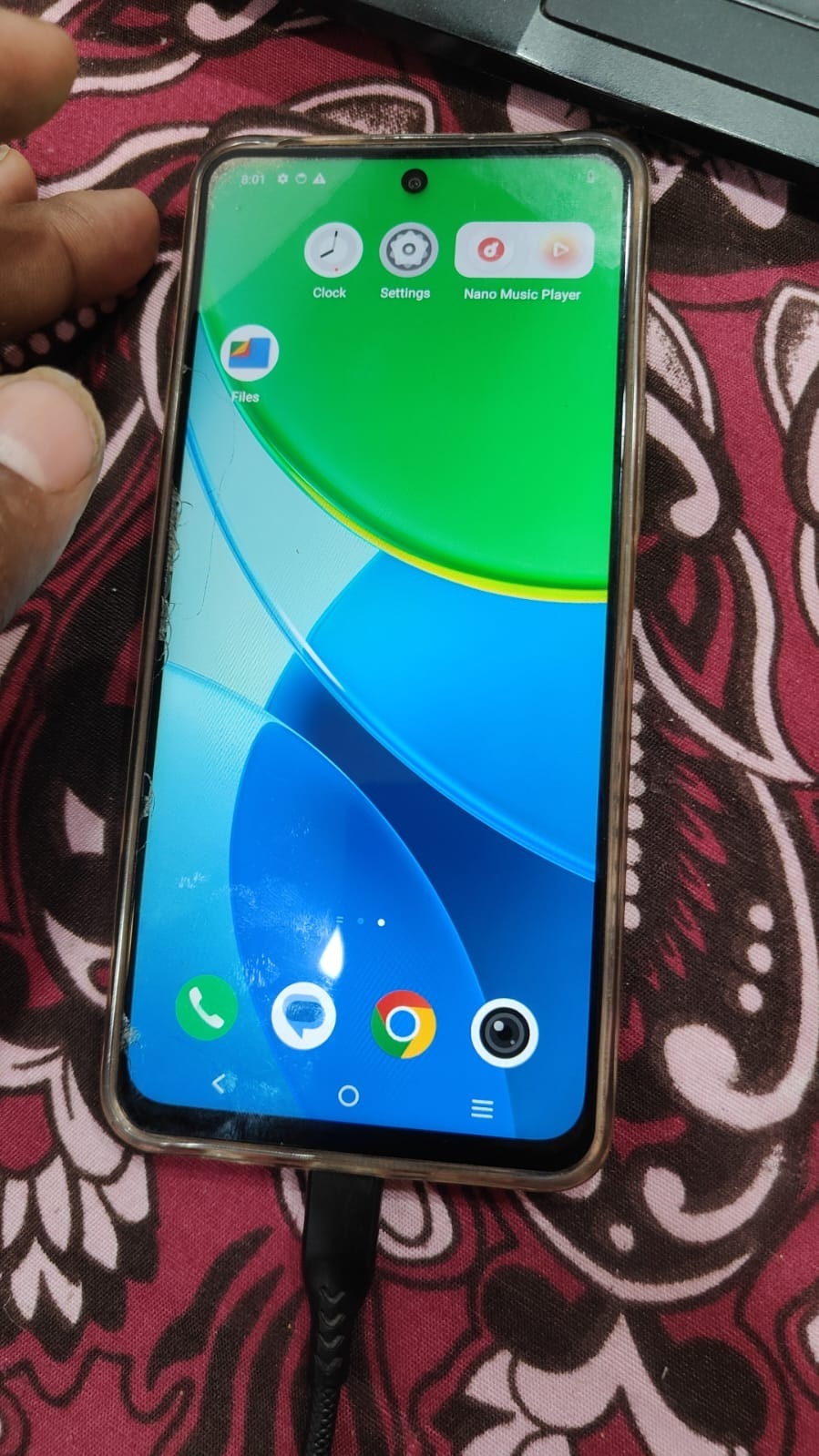
Factory Reset Protection (FRP) helps secure Android devices but can lock users out if they forget their Google account details. The Vivo Y29 5G FRP Unlock Genda Tool provides a quick and reliable way to bypass this issue.
This guide covers everything you need to know about the Vivo Y29 5G FRP Unlock Genda Tool, including features, setup, usage, and solutions for both users and technicians.

What is Vivo Y29 5G FRP Unlock Genda Tool and Why It is Needed
The Vivo Y29 5G FRP Unlock Genda Tool is a specialized mobile unlock program designed to bypass Google account verification (FRP lock) on Vivo devices, especially the Vivo Y29 5G.
Why FRP Unlock is Needed
- You forgot your Google account login credentials
- Purchased a second-hand phone with FRP lock
- Device reset without removing Google account
- Software issues requiring reset
Benefits of Using Genda Tool
- Quick and secure FRP bypass
- Remote service support available
- No technical expertise required
- Works on latest security patches
Key Features of Vivo Y29 5G FRP Unlock Genda Tool (Latest Version)
Advanced Unlocking Capabilities
- One-click FRP bypass
- Supports latest Android versions
- Fast processing speed
Remote Service Support
- Fully remote FRP removal
- No need to visit service center
- Technician-assisted unlocking
User-Friendly Interface
- Simple dashboard
- Beginner-friendly design
- Easy navigation
Multi-Function Tool
- FRP Unlock
- IMEI Repair
- Flashing support
- Software fixing
Supported Devices and Brands
Although optimized for Vivo devices, the Genda Tool Vivo FRP Unlock supports multiple brands:
| Brand | Support Status |
|---|---|
| Vivo | Full Support |
| Xiaomi | Supported |
| Oppo | Supported |
| Realme | Supported |
| Samsung | Partial |
Download and Installation Process
Step-by-Step Installation Guide
- Download the latest Vivo Y29 5G FRP Unlock Genda Tool update
- Extract the ZIP file
- Disable antivirus (temporarily)
- Run setup as Administrator
- Install required drivers
- Launch the tool
How to Register and Activate
- Open the tool
- Enter username & password
- Purchase activation license
- Login and start using
How to Use Vivo Y29 5G FRP Unlock Genda Tool
For Individual Users
- Connect phone via USB
- Enable USB debugging (if possible)
- Select FRP Unlock option
- Click Start
- Wait for process completion
For Technicians
- Use advanced mode
- Select device model manually
- Perform diagnostics
- Execute FRP bypass
IMEI Repair and Other Services
- IMEI repair (supported models only)
- Firmware flashing
- Dead boot repair
- Pattern/password unlock
Vivo Y29 5G FRP Unlock Without PC
In some cases, users prefer Vivo Y29 5G FRP Unlock Without PC, but it has limitations:
- Works only on older security patches
- Not always reliable
- Time-consuming
Recommendation: Use Genda Tool FRP Unlock Vivo Y29 5G for best results.
Remote FRP Unlock Vivo Y29 5G India
Remote unlocking is becoming very popular in India.
Benefits
- No physical visit required
- Safe and fast
- Done by experts
Process
- Contact technician via WhatsApp/Telegram
- Share device details
- Connect via remote software
- FRP unlocked in minutes
Comparison with Other Tools
| Feature | Genda Tool | Other Tools |
|---|---|---|
| FRP Success Rate | High | Medium |
| Remote Support | Yes | Limited |
| Ease of Use | Easy | Complex |
| Updates | Frequent | Rare |
| Pricing | Affordable | Expensive |
Safety Tips and Legal Considerations
Safety Tips
- Always use trusted sources
- Backup your data
- Avoid cracked tools
- Follow proper steps
Legal Considerations
- Use only on your own device
- Avoid unauthorized unlocking
- Follow local laws
Troubleshooting Common Errors
Common Issues & Fixes
Device Not Detected
- Install drivers properly
Tool Not Opening
- Disable antivirus
Process Failed
- Check internet connection
Login Error
- Verify credentials
Pricing and Subscription Plans
Typical pricing for Vivo Y29 5G FRP Unlock Service Online:
| Plan Type | Price Range |
|---|---|
| Single Unlock | $3 – $10 |
| Monthly Plan | $30 – $100 |
| Yearly License | Custom |
Remote services may vary based on device security patch.
FAQs (Frequently Asked Questions)
What is Vivo Y29 5G FRP Unlock Genda Tool?
It is a phone unlock app used to bypass Google account lock on Vivo devices.
Is it safe to use?
Yes, if used properly and from trusted sources.
Can I unlock without PC?
Limited options available, but PC method is recommended.
Does it erase data?
In most cases, data is already erased due to reset.
Is remote unlock safe?
Yes, when done by professional technicians.
Final Thoughts + CTA
The Vivo Y29 5G FRP Unlock Genda Tool is one of the most reliable and efficient solutions available in 2025 for bypassing FRP locks. Whether you’re a beginner or a professional technician, this tool offers speed, safety, and convenience.
FRP locks are definitely a useful security feature, but they can be a huge barrier when forgotten. I think tools like the Genda Tool make it easier for people to regain access, but it’s also essential to balance security and convenience.
Thanks for the detailed guide on the Vivo Y29 5G FRP unlock process. It’s helpful to see a breakdown of how the Genda Tool works, especially for those who might not be familiar with FRP bypass methods. The step-by-step approach makes it easier for both beginners and technicians to follow along. This kind of resource really supports the community in solving device-related issues efficiently.