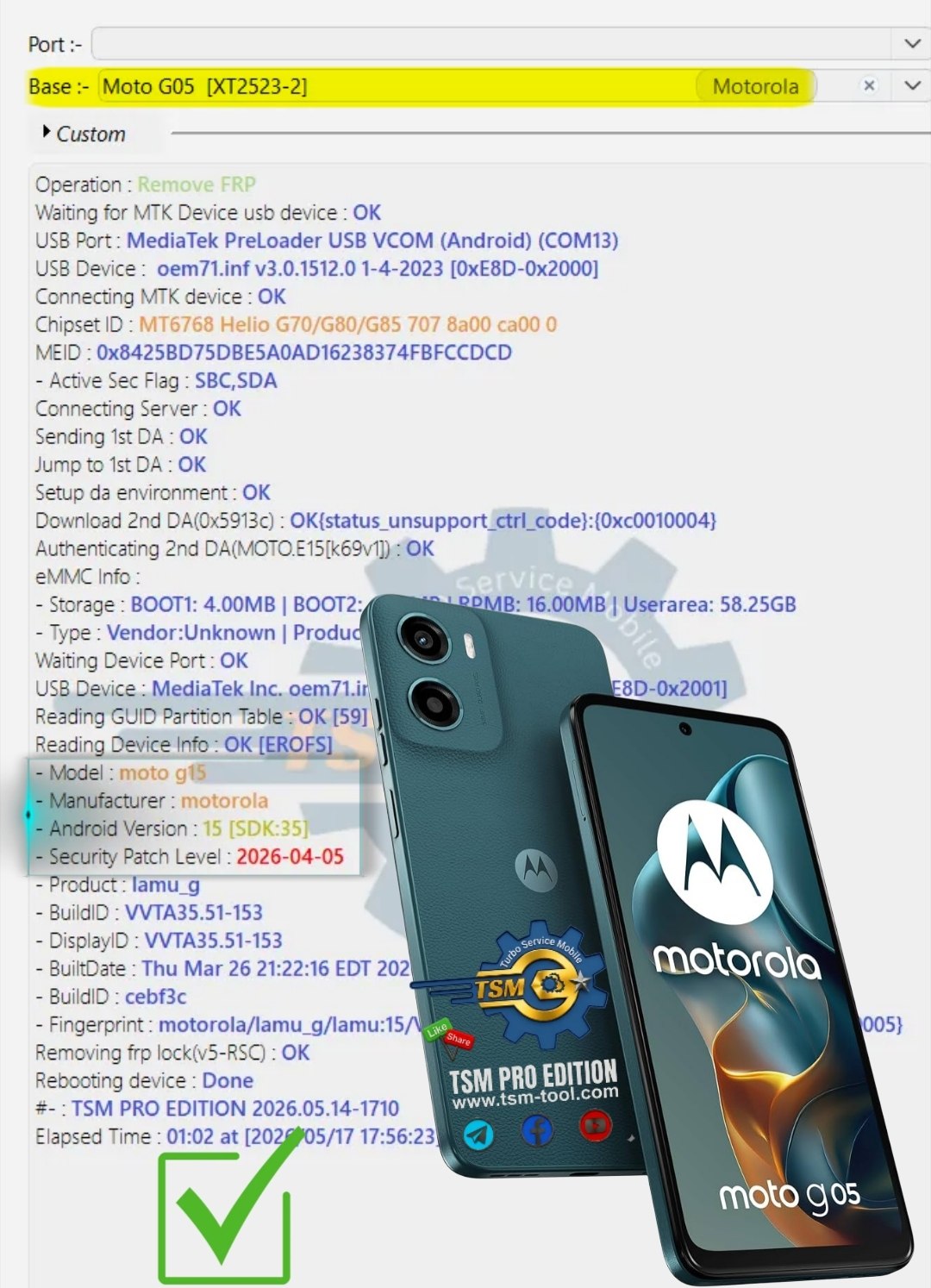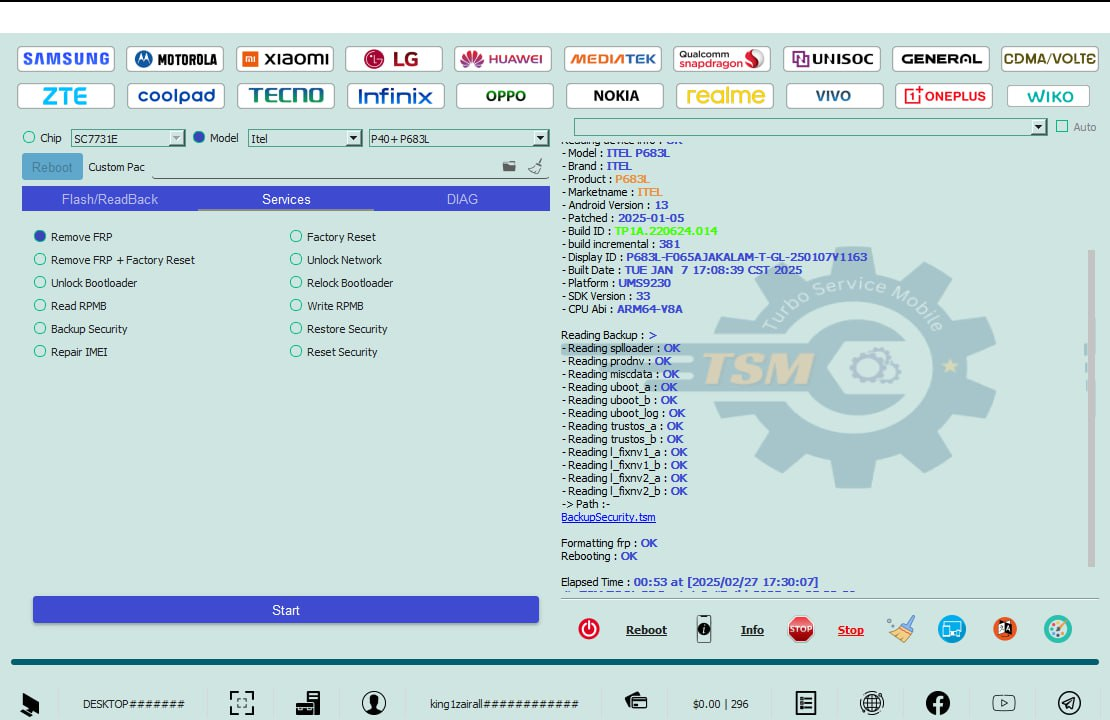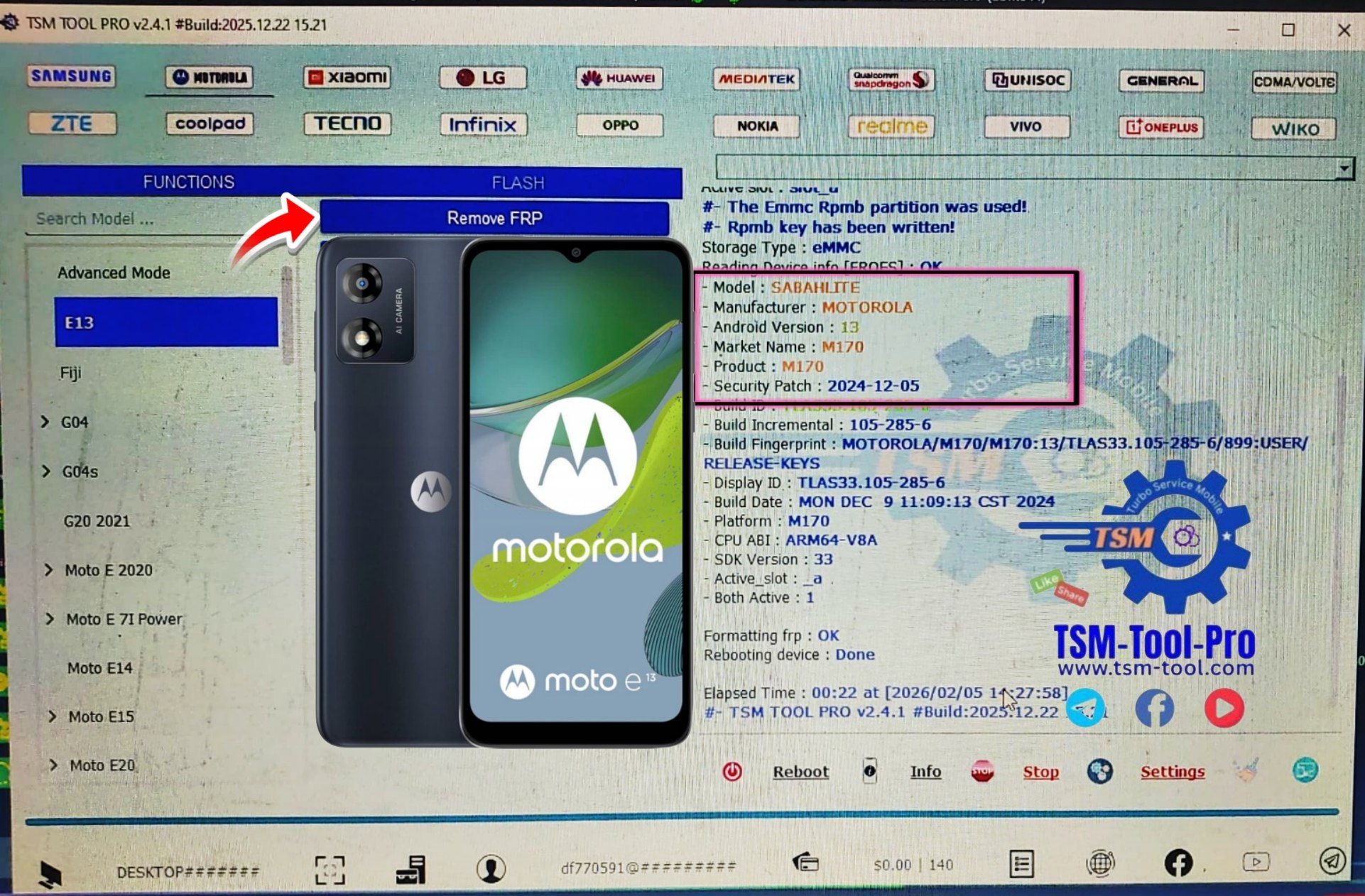
If your Motorola E13 is stuck on Google verification after reset, especially on Android 13 with the 2024 security patch, free YouTube tricks usually fail. That’s why professionals now use a safe and reliable method to Remove FRP Motorola E13 without risking the device.
Table of Contents
1. What is FRP Lock in Motorola E13
FRP stands for Factory Reset Protection.
It is a Google security feature introduced to protect stolen or lost devices.
When FRP is active:
- Phone asks for the previous Google account
- You cannot skip login
- Setup process stops completely
In Motorola E13, FRP gets activated automatically when:
- A Google account is added
- Screen lock is enabled
- Phone is reset without removing Google account
This feature is good for security but becomes a headache when:
- You forget your Gmail ID or password
- You buy a second-hand phone
- Phone comes from EMI, demo, or corporate stock
That’s why users search for Remove FRP Motorola E13 solutions.
TSM Pro Tool 3 Months
- Free Updates
- Can use until expired date
- Release weekly/monthly updates
- Instant support and help
- PC can change every 3 hours later
- Change Serial Number (SN)
- Remove KG/MDM
2. Why FRP Appears After Reset
Many users ask,
“Bhai reset ke baad FRP kyun aa jata hai?”
Here is the simple reason.
FRP appears when:
- Reset is done from recovery mode
- Phone is flashed using tool
- Google account is not removed before reset
Common scenarios:
- Phone hangs, so hard reset kiya
- Technician ne flashing kar di
- Customer forgot Google details
After reboot, phone says:
“This device was reset. To continue, sign in with a Google account previously synced.”
And now you are stuck.
3. Android 13 & 2024 Patch – What Changed
This is very important to understand.
Motorola E13 runs on Android 13 Go Edition, and the 2024 security patch has made FRP much stronger.
Changes in new patch:
- Old TalkBack tricks blocked
- Chrome exploit fixed
- Quick settings access restricted
- Google verification server-side strengthened
That’s why:
- 2022–2023 methods don’t work
- Free APK tricks fail
- Downgrade flashing is blocked
So if your device is updated, you need a professional FRP removal service.
4. Why Free FRP Methods Fail on Motorola E13
Let’s be honest.
Free methods look attractive, but reality is different.
Problems with free FRP tricks:
- Works only on old security patch
- Steps change every update
- Risk of bootloop
- Time wasting (2–3 hours trial)
- No guarantee
Many technicians try:
- OTG + APK
- TalkBack loopholes
- Emergency dial codes
But on Motorola E13 Android 13 2024 patch, these tricks mostly fail.
That’s why professionals now use paid digital license solutions to Remove FRP Motorola E13 permanently.
5. Best Way to Remove FRP Motorola E13 (Working Method)
The most reliable method is using a digital FRP bypass service with tool-based authentication.
Why this works:
- Server-based authorization
- Compatible with latest patch
- No downgrade needed
- No risky flashing
This service:
- Uses official supported model list
- Works globally (Worldwide)
- Suitable for shop owners and individuals
This is the same category of tools used by professional GSM technicians.
6. Supported Models & Android Versions
This FRP removal service supports:
- Motorola E13
- Android 13
- Latest 2024 security patch
Also supports many other Motorola models (as per supported list).
Use case:
- Brand new reset phone
- Second-hand device
- Forgotten Gmail
- Demo or refurbished unit
7. Step-by-Step FRP Removal Process
Here is the simple step-by-step process to remove FRP.
Step 1: Prepare Device
- Charge phone minimum 50%
- Connect to stable internet
- Reach Google verification screen
Step 2: Connect to Tool
- Connect device via USB
- Follow on-screen instructions
Step 3: Authorization Process
- Tool communicates with server
- FRP data cleared safely
Step 4: Reboot Device
- Phone restarts
- Google lock removed
- Setup continues normally
No technical headache.
No risky flashing.
Safe and fast.
8. Features of Digital FRP Bypass Service
Key features that matter:
- ✔ Works on Android 13 (2024 patch)
- ✔ No data cable tricks
- ✔ Digital license based
- ✔ Worldwide supported
- ✔ Fast processing
- ✔ Safe for motherboard
- ✔ Professional-grade solution
This is why technicians trust it.
Image ALT suggestion:
“Remove FRP Motorola E13 Android 13 safely using digital service”
9. Pros and Cons of Paid FRP Removal
Pros:
- Guaranteed success
- Time saving
- Latest security supported
- No phone damage
- One-time clean solution
Cons:
- Paid service
- Needs PC and internet
Honestly, the pros clearly outweigh the cons when customer data and time matter.
10. Real-Life Examples (India Focused)
Example 1: Local Repair Shop – Delhi
A customer brought Motorola E13 reset phone.
Forgot Gmail.
Free methods failed.
Solution:
- Used paid FRP service
- Phone unlocked in minutes
- Customer satisfied
Example 2: Online Buyer – Mumbai
Second-hand phone purchased online.
FRP locked on arrival.
Result:
- FRP removed safely
- No refund drama
- Phone usable again
This is why demand for Remove FRP Motorola E13 is increasing daily.
11. Comparison: Free vs Paid FRP Methods
| Feature | Free Methods | Paid Service |
|---|---|---|
| Android 13 Support | ❌ | ✔ |
| 2024 Patch | ❌ | ✔ |
| Success Rate | Low | High |
| Risk | High | Very Low |
| Time | Wasted | Fast |
| Professional Use | ❌ | ✔ |
Decision becomes easy after this.
12. Who Should Use This FRP Removal Service
This service is ideal for:
- Mobile repair shop owners
- GSM technicians
- Second-hand phone sellers
- Individual users with forgotten Gmail
- Corporate & demo phone handlers
If you want peace of mind, this is the solution.
FAQ SECTION
1. Can I remove FRP Motorola E13 for free?
Free methods mostly fail on Android 13 2024 patch. Paid service is recommended.
2. Is FRP removal safe?
Yes, when done using a professional digital service.
3. Does this work worldwide?
Yes, it works globally including India, Mexico, Germany, and Brazil.
4. Will my data be deleted?
Device is already reset. FRP removal does not harm hardware.
5. How long does FRP removal take?
Usually a few minutes if everything is ready.
6. Does it support future updates?
Service supports latest patches as per supported list.
7. Is technical knowledge required?
Basic PC knowledge is enough.
CONCLUSION
FRP lock on Motorola E13 Android 13 is no longer a small issue, especially after the 2024 security update.
Free tricks are outdated and risky.
Professional solutions exist for a reason.
If you want a safe, fast, and guaranteed way to Remove FRP Motorola E13, a digital license-based FRP bypass service is the smartest choice.
No stress.
No trial-and-error.
Just results.
Final Recommendation:
Use a trusted professional FRP service and save your time, energy, and reputation.