Skip to content
April 3, 2026
  • Infinity CM2MT2 v3.12 Update – Complete Guide, Features, Download & Setup (2026)
  • iQOO 13 FRP Unlock – Complete Remote Solution for Google Lock Removal
  • UAT PRO 198.01 Update – Xiaomi Bootloader Unlock, New Models & FRP Solutions
  • Redmi 13C 5G FRP Bypass (2026) – Remote Unlock Service Without PC
gsm radix

Newsletter
Random News
  • Android Multi Tool
  • Android Root Tool
  • Auth Flash Tool
  • Borneo Schematics
  • Cheetah Pro Tool
  • Cm2 Dongle
  • DFT PRO TOOL
  • DFT PRO TOOL
  • Digital Marketing
  • EFT Dongle
  • F64 Box
  • GivemeROM
  • Google Ads
  • Griffin Unloker Tool
  • HW-Key Tool
  • Iphone
  • iREMOVAL PRO
  • Mdm Fix Tool
  • MI FRP
  • MrAuthTool Credits
  • Nck Dongle
  • Nokia Update
  • Octoplus
  • Pandora Tool
  • Phoenix Service Tool
  • Samsung FRP Remove
  • Samsung KG Bypass
  • Second Hand Phone
  • Sigma Plus
  • SSM Tool
  • TFM Tool Pro
  • TSM Pro Tool
  • UAT Pro Tool
  • UMT / UMT Pro
  • Uncategorized
  • UnlockTool
  • Vivo FRP Bypass Qualcomm
  • Z3x Sams Tool

Chief Editor

Saroj Mhr

Lorem ipsum is simply dummy text
  • Borneo Schematics
  • UnlockTool
  • Android Multi Tool
  • Cheetah Pro Tool
Youtube Live
  • Home
  • MI FRP
  • Redmi 13C 5G FRP Bypass (2026) – Remote Unlock Service Without PC

Highlight News

  • MI FRP

Redmi 13C 5G FRP Bypass (2026) – Remote Unlock Service Without PC

[email protected]4 days ago4 days ago04 mins
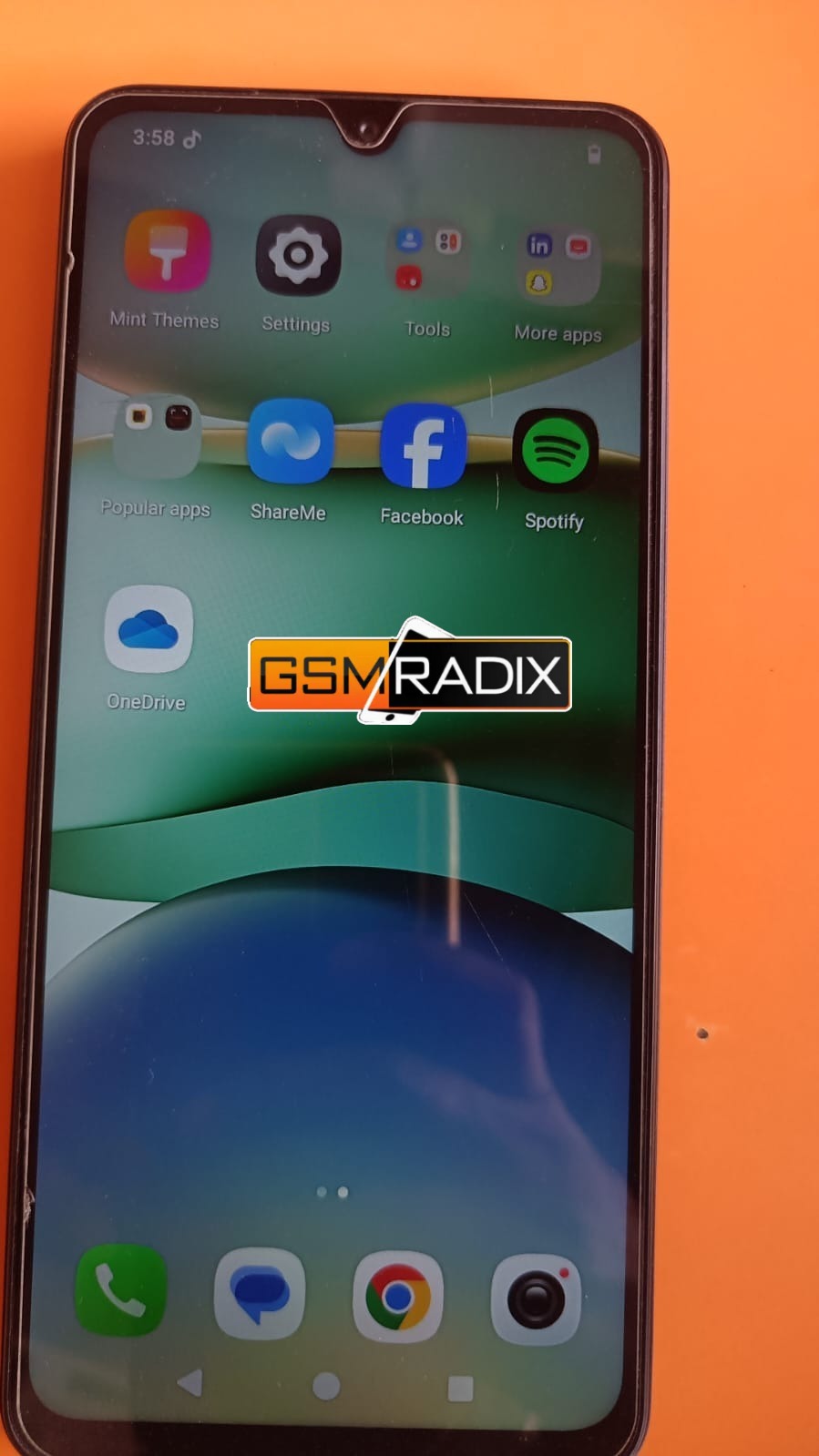
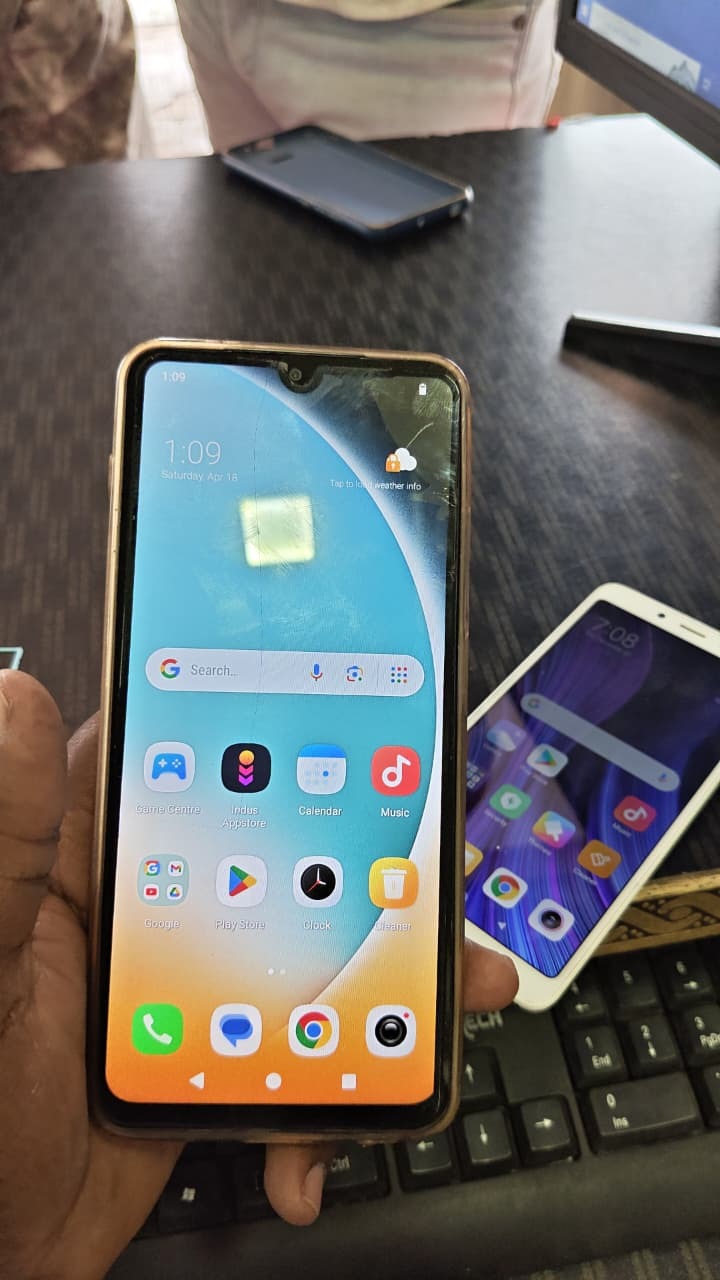
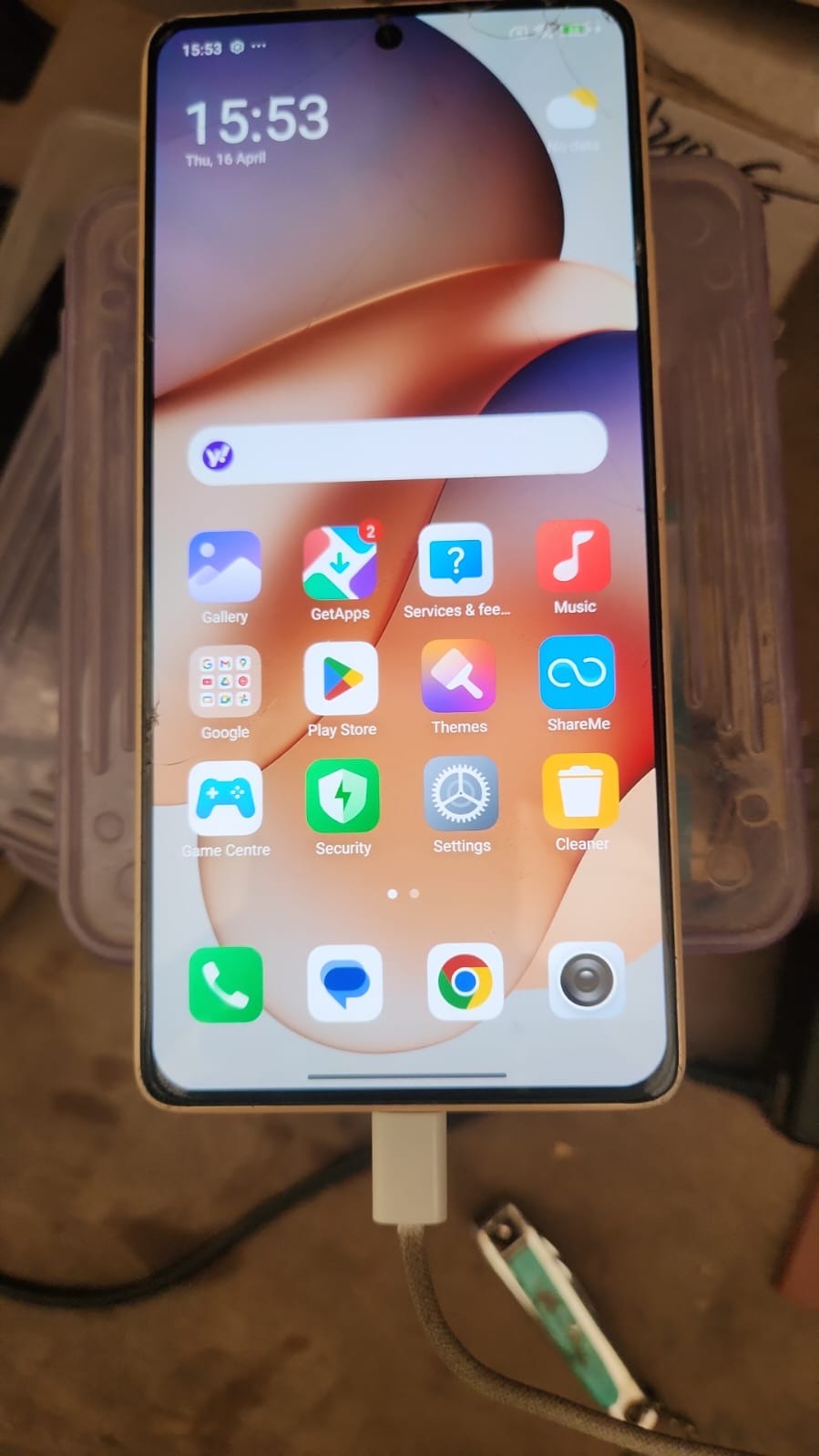
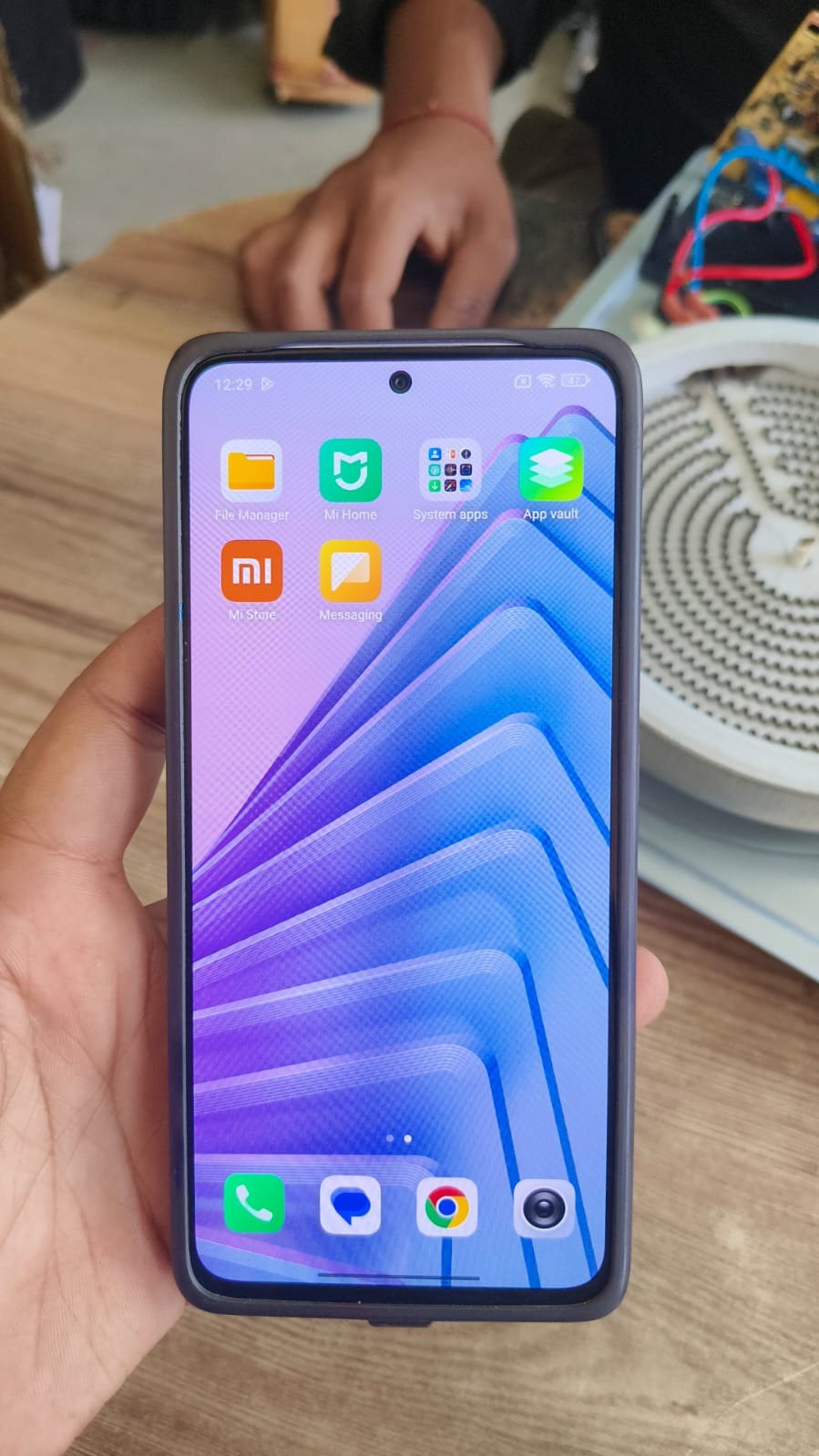
Redmi 13C 5G FRP Bypass

Factory Reset Protection (FRP) is one of the most important security features in Android devices. However, it can also create problems when users forget their Google account credentials. If your phone is locked after a reset, the Redmi 13C 5G FRP Bypass solution helps you regain access quickly and safely.

With increasing Android security updates, traditional bypass methods are no longer reliable. This is where remote services come in. The Redmi 13C 5G FRP Bypass latest method focuses on a completely remote process, making it easier for both normal users and professional technicians to unlock devices without complicated tools.

Redmi 13C 5G FRP Bypass

What is Redmi 13C 5G FRP Bypass and Why It Is Needed

Redmi 13C 5G FRP Bypass is the process of removing the Google account verification lock that appears after a factory reset. This lock is designed to protect user data, but it can block access if credentials are forgotten.

Common Reasons You Need FRP Bypass

  • Forgot Google account or password
  • Bought a second-hand device with a locked account
  • Device stuck on verification screen
  • Unable to proceed after reset

The Redmi 13C 5G Google Account Remove process ensures that you can access your device again without unnecessary delays.

Key Features of Redmi 13C 5G FRP Bypass (Latest Method)

The Redmi 13C 5G FRP Bypass latest method offers advanced features designed for modern Android security systems.

Features

  • Fully remote process
  • No PC required for users
  • Supports latest Android updates
  • Fast and reliable unlocking
  • Safe and secure method
  • Works on most locked devices
  • Suitable for technicians and service centers

This modern mobile unlock program eliminates the need for risky or outdated tools.

Supported Devices and Brands

Although this guide focuses on Redmi 13C 5G FRP Unlock, the same remote method supports multiple brands.

Supported Brands

  • Xiaomi, Redmi, Poco
  • Samsung
  • Oppo, Vivo, Realme
  • Tecno, Infinix
  • Motorola

This makes it a strong alternative to any traditional phone unlock app.

Remote Process (No Download or Installation Required)

Unlike traditional methods, there is no need to download or install any software.

How the Remote Process Works

  • Contact the service provider
  • Share device details
  • Technician verifies the device
  • Remote process is initiated
  • FRP lock is removed successfully

This approach reduces risks and ensures better success rates.

How to Use Redmi 13C 5G FRP Bypass

For Individual Users

The process is simple and beginner-friendly.

  1. Contact via WhatsApp or Telegram
  2. Provide device model and issue details
  3. Follow instructions given by the technician
  4. Wait during the remote process
  5. Device is unlocked successfully

No technical skills are required for Redmi 13C 5G FRP Remove Without PC.

For Professional Technicians

Technicians can use this method to improve efficiency and handle more clients.

  • Faster service delivery
  • No need to install multiple tools
  • Reliable results on latest security patches
  • Ability to manage bulk devices

The Redmi 13C 5G FRP Unlock process becomes faster and more scalable.

Additional Services

Along with Redmi 13C 5G FRP Bypass, remote services may include:

  • Google account removal
  • Factory reset assistance
  • Software repair
  • Flashing support

IMEI-related services depend on legal regulations and may not be available in all regions.

Comparison with Traditional Methods

FeatureRemote FRP ServiceOld Methods
Ease of UseEasyDifficult
Success RateHighMedium
Time RequiredFastSlow
Risk LevelLowHigh
Update SupportYesLimited

Safety Tips and Legal Considerations

When performing Redmi 13C 5G FRP Bypass, always follow safe and legal practices.

  • Only unlock devices you own or have permission for
  • Avoid cracked or unofficial tools
  • Use trusted service providers
  • Protect your personal data

FRP is a security feature, so bypassing it must be done responsibly.

Troubleshooting Common Errors

Some issues may occur during the process.

Common Problems

  • Device not connecting
  • Slow internet
  • Incorrect device details
  • Unsupported software version

Solutions

  • Ensure stable internet connection
  • Double-check device model
  • Follow technician instructions carefully

Pricing and Service Plans

Pricing depends on several factors.

Pricing Factors

  • Android version
  • Security patch level
  • Device condition
  • Urgency of service

Contact the service provider for accurate pricing based on your device.

FAQs

What is Redmi 13C 5G FRP Bypass

It is a method to remove Google account verification after a factory reset.

Can I do Redmi 13C 5G FRP Remove Without PC

Yes, remote services allow unlocking without a computer.

Is this method safe

Yes, when done by professionals, it is safe and secure.

How long does the process take

Usually a few minutes depending on the device.

Does it support latest updates

Yes, Redmi 13C 5G FRP Bypass update supports latest Android versions.

Final Thoughts

Redmi 13C 5G FRP Bypass has become much easier with remote solutions. Instead of using complicated tools, users can now unlock devices safely and quickly.

This method is ideal for both individual users and technicians who want a reliable and professional solution. The Redmi 13C 5G FRP Bypass latest method ensures high success rates with minimal effort.
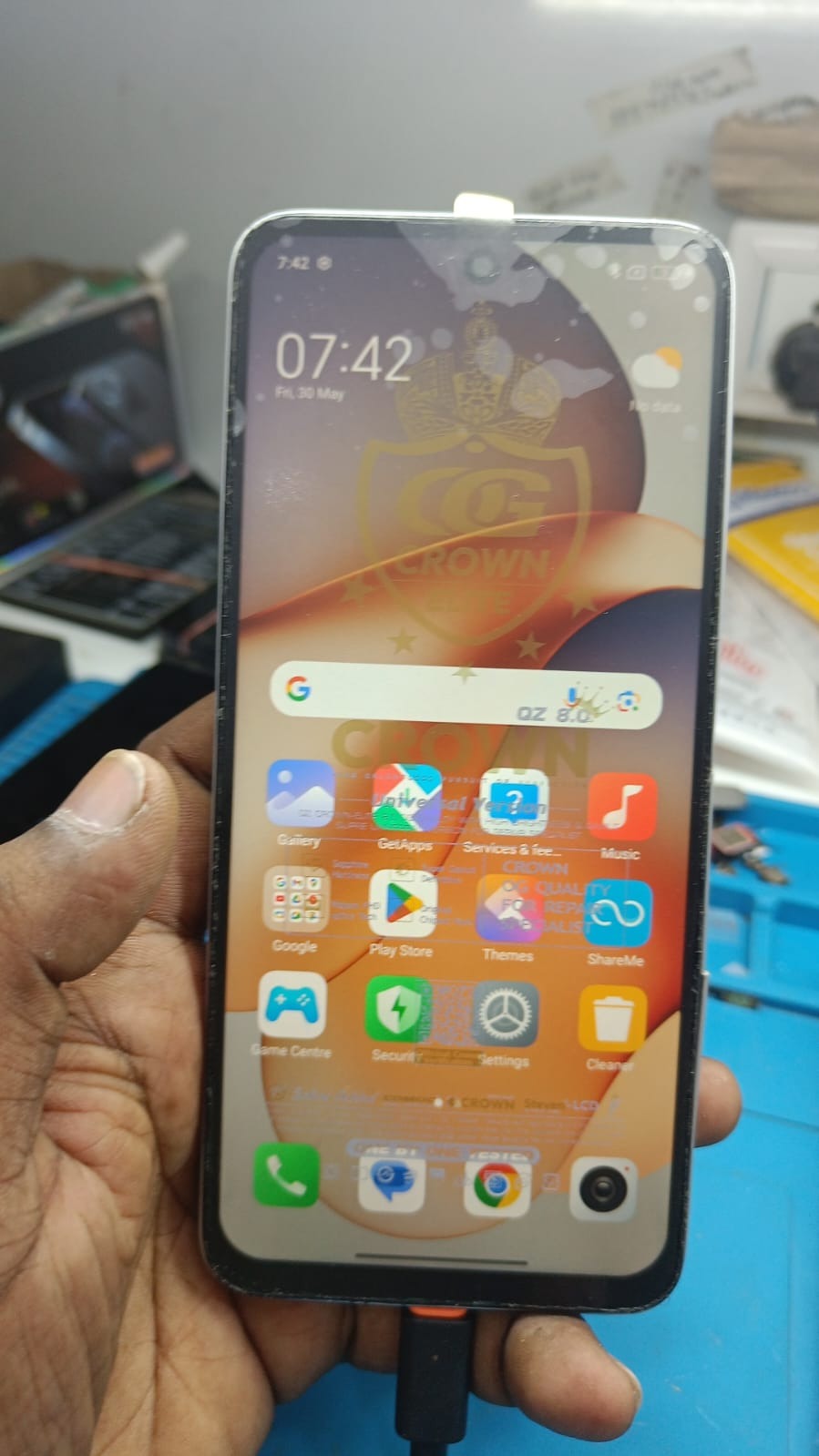
Redmi 13C 5G FRP Bypass
Post Views: 17
Tagged: Android FRP Unlock FRP Bypass Android Google Account Bypass Phone unlock app Remove Google Lock

Post navigation

Previous: Borneo Schematics Discount Offer 2026 – Complete Guide for Technicians & Users
Next: UAT PRO 198.01 Update – Xiaomi Bootloader Unlock, New Models & FRP Solutions

Leave a Reply Cancel reply

Your email address will not be published. Required fields are marked *

Related News

Poco C75 FRP Unlock

Poco C75 FRP Unlock – Complete Remote Solution for Users & Technicians (2025)

[email protected]7 days ago7 days ago 1
Redmi Note 14 Pro Plus 5G FRP Unlock

Redmi Note 14 Pro Plus 5G FRP Unlock – Complete Remote Guide (2026)

[email protected]1 week ago7 days ago 0
Redmi Note 10 Pro FRP Unlock

Redmi Note 10 Pro FRP Unlock – Complete Remote Google Account Removal Guide (2025)

[email protected]3 weeks ago3 weeks ago 0
Redmi 13C 5G FRP Bypass

Redmi 13C 5G FRP Bypass – Complete Guide to Remove Google Lock (Latest Method)

[email protected]3 weeks ago3 weeks ago 0

Recent Posts

  • Infinity CM2MT2 v3.12 Update – Complete Guide, Features, Download & Setup (2026)
  • iQOO 13 FRP Unlock – Complete Remote Solution for Google Lock Removal
  • UAT PRO 198.01 Update – Xiaomi Bootloader Unlock, New Models & FRP Solutions
  • Redmi 13C 5G FRP Bypass (2026) – Remote Unlock Service Without PC
  • Borneo Schematics Discount Offer 2026 – Complete Guide for Technicians & Users
  • Poco C75 FRP Unlock – Complete Remote Solution for Users & Technicians (2025)
  • Redmi Note 14 Pro Plus 5G FRP Unlock – Complete Remote Guide (2026)
  • Vivo V27 Pro 5G FRP Unlock – 100% Remote Working Solution (With Live Proof)
  • Borneo Schematics 2 Days Left Offer – Limited Time Deal for Technicians and Users
  • Vivo V50 FRP Unlock – Complete Guide for Safe & Remote FRP Removal (2026)

Categories

  • Android Multi Tool
  • Android Root Tool
  • Auth Flash Tool
  • Borneo Schematics
  • Cheetah Pro Tool
  • Cm2 Dongle
  • DFT PRO TOOL
  • DFT PRO TOOL
  • Digital Marketing
  • EFT Dongle
  • F64 Box
  • GivemeROM
  • Google Ads
  • Griffin Unloker Tool
  • HW-Key Tool
  • Iphone
  • iREMOVAL PRO
  • Mdm Fix Tool
  • MI FRP
  • MrAuthTool Credits
  • Nck Dongle
  • Nokia Update
  • Octoplus
  • Pandora Tool
  • Phoenix Service Tool
  • Samsung FRP Remove
  • Samsung KG Bypass
  • Second Hand Phone
  • Sigma Plus
  • SSM Tool
  • TFM Tool Pro
  • TSM Pro Tool
  • UAT Pro Tool
  • UMT / UMT Pro
  • Uncategorized
  • UnlockTool
  • Vivo FRP Bypass Qualcomm
  • Z3x Sams Tool

Popular News

1

Infinity CM2MT2 v3.12 Update – Complete Guide, Features, Download & Setup (2026)

  • Cm2 Dongle
2

iQOO 13 FRP Unlock – Complete Remote Solution for Google Lock Removal

  • Vivo FRP Bypass Qualcomm
3

UAT PRO 198.01 Update – Xiaomi Bootloader Unlock, New Models & FRP Solutions

  • UAT Pro Tool
4

Redmi 13C 5G FRP Bypass (2026) – Remote Unlock Service Without PC

  • MI FRP
5

Borneo Schematics Discount Offer 2026 – Complete Guide for Technicians & Users

  • Uncategorized
6

Poco C75 FRP Unlock – Complete Remote Solution for Users & Technicians (2025)

  • MI FRP
7

Redmi Note 14 Pro Plus 5G FRP Unlock – Complete Remote Guide (2026)

  • MI FRP
8

Vivo V27 Pro 5G FRP Unlock – 100% Remote Working Solution (With Live Proof)

  • Vivo FRP Bypass Qualcomm

Trending News

Cm2 Dongle
Infinity CM2MT2 v3.12 Update – Complete Guide, Features, Download & Setup (2026) 01
10 minutes ago10 minutes ago
02
Vivo FRP Bypass Qualcomm
iQOO 13 FRP Unlock – Complete Remote Solution for Google Lock Removal
03
UAT Pro Tool
UAT PRO 198.01 Update – Xiaomi Bootloader Unlock, New Models & FRP Solutions

Recent News

1

Infinity CM2MT2 v3.12 Update – Complete Guide, Features, Download & Setup (2026)

  • Cm2 Dongle
2

iQOO 13 FRP Unlock – Complete Remote Solution for Google Lock Removal

  • Vivo FRP Bypass Qualcomm
3

UAT PRO 198.01 Update – Xiaomi Bootloader Unlock, New Models & FRP Solutions

  • UAT Pro Tool
4

Redmi 13C 5G FRP Bypass (2026) – Remote Unlock Service Without PC

  • MI FRP
5

Borneo Schematics Discount Offer 2026 – Complete Guide for Technicians & Users

  • Uncategorized
6

Poco C75 FRP Unlock – Complete Remote Solution for Users & Technicians (2025)

  • MI FRP
7

Redmi Note 14 Pro Plus 5G FRP Unlock – Complete Remote Guide (2026)

  • MI FRP
8

Vivo V27 Pro 5G FRP Unlock – 100% Remote Working Solution (With Live Proof)

  • Vivo FRP Bypass Qualcomm
© 2026 GsmRadix Team All Rights Reserved Powered By BlazeThemes.
  • Blog
  • Privacy
  • Contact