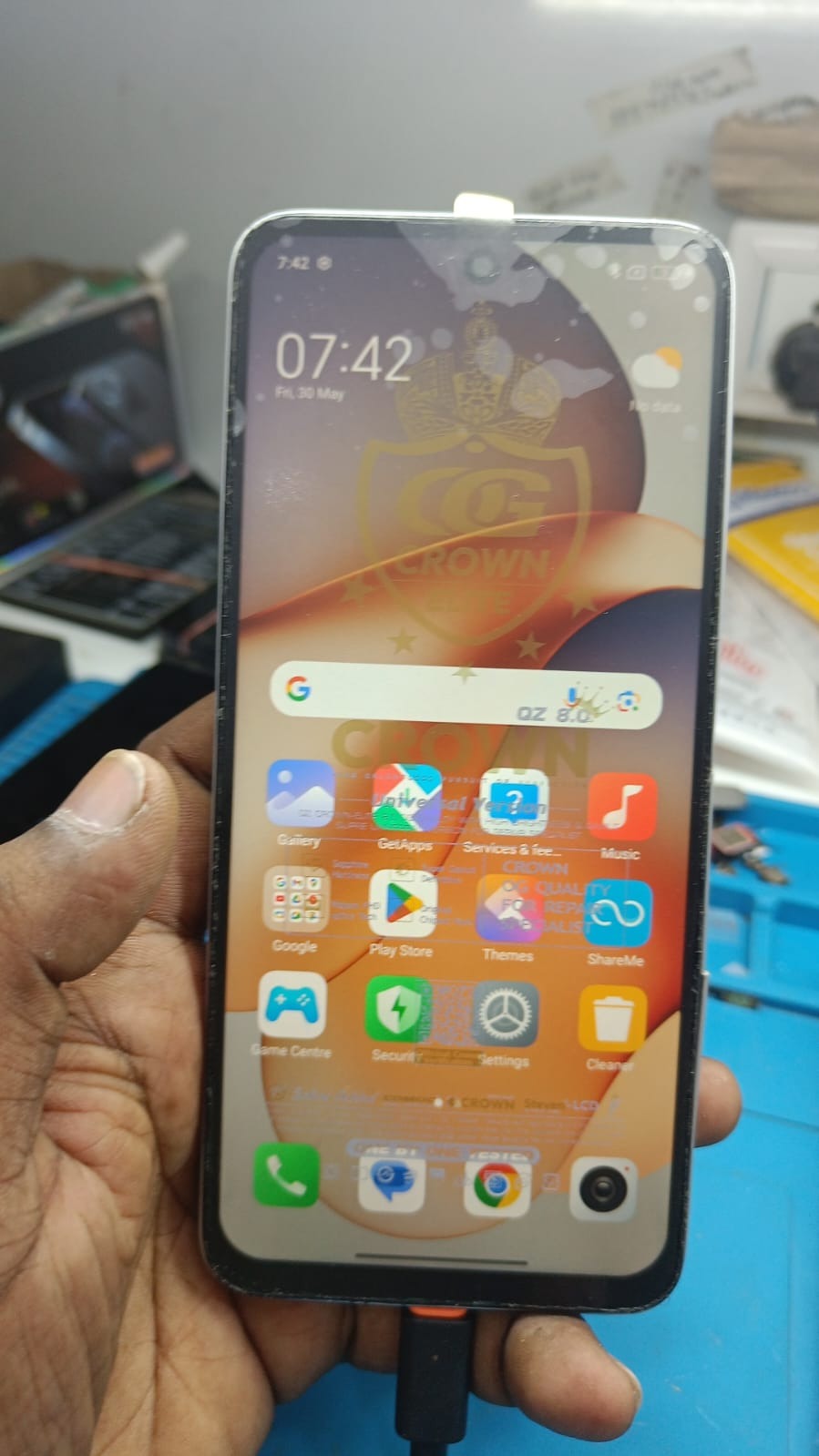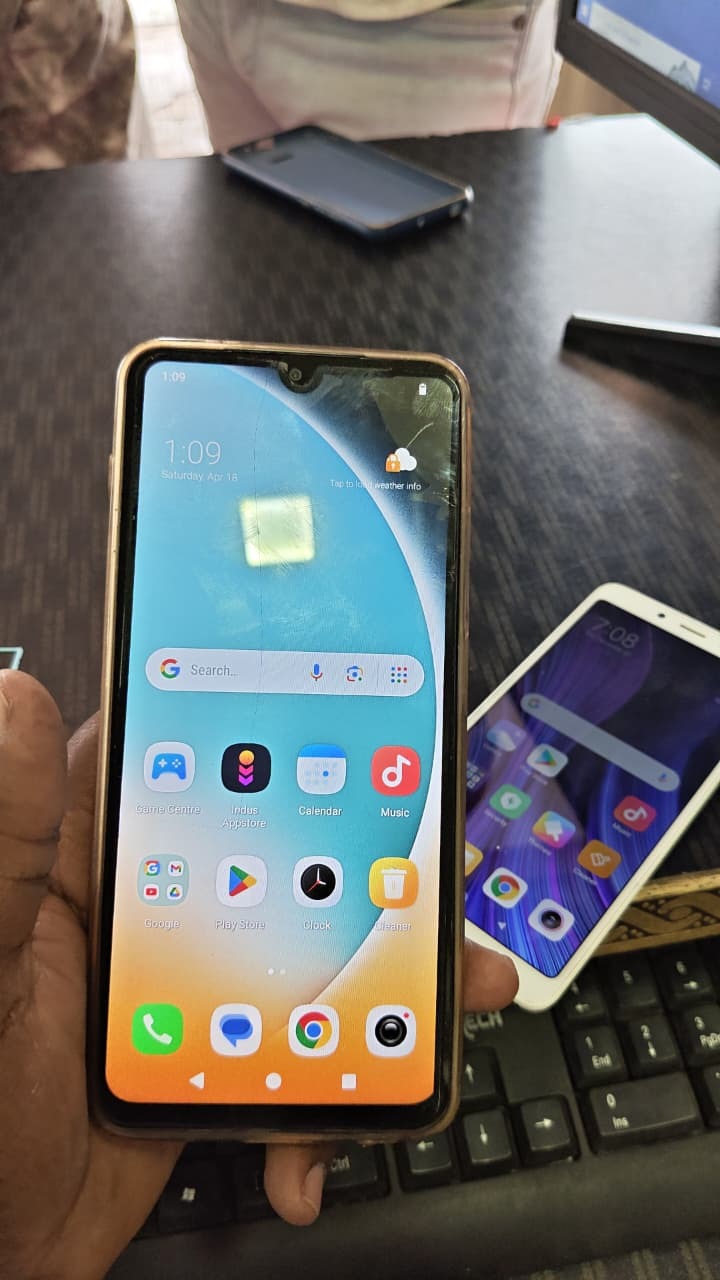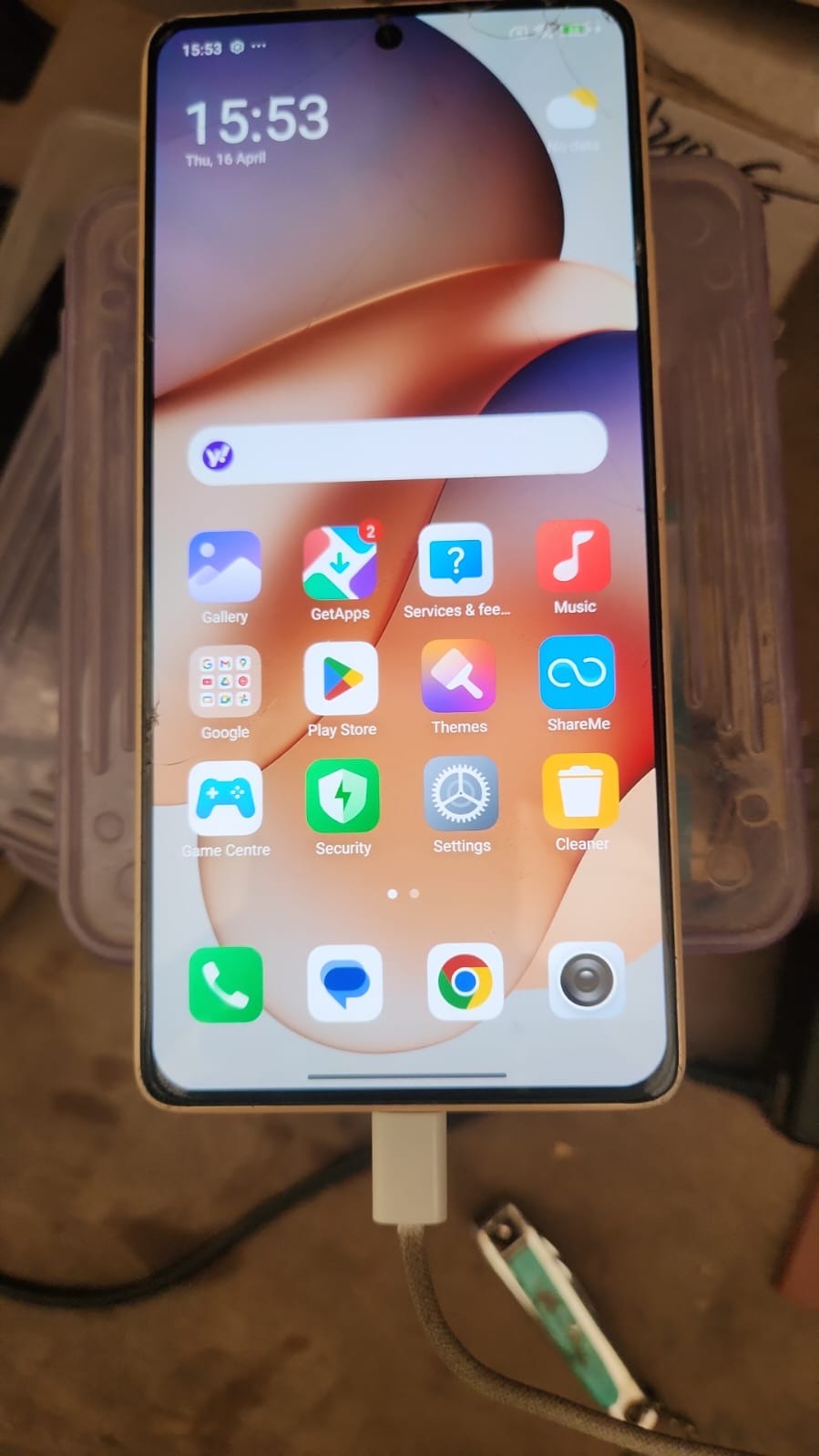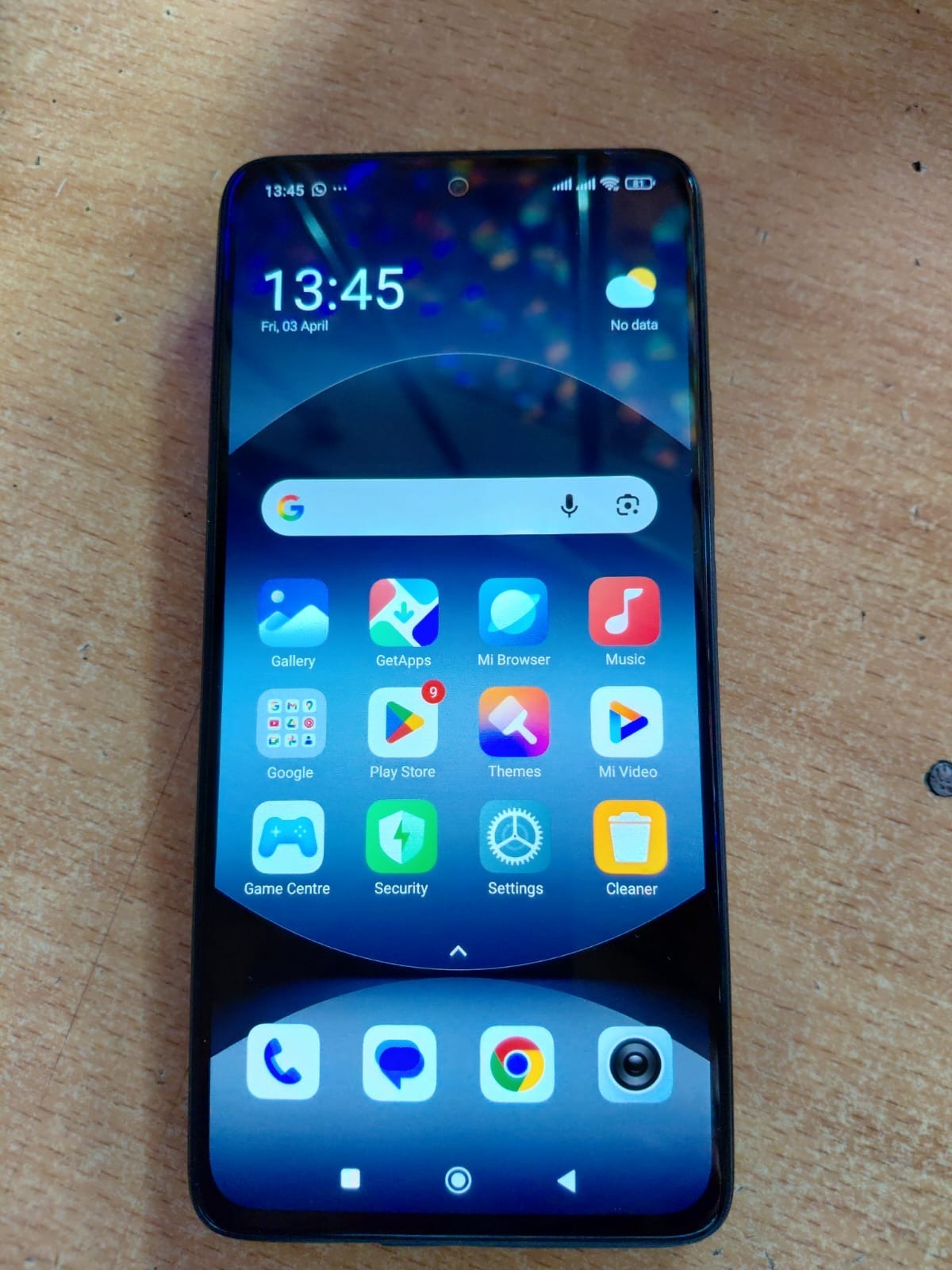
The need for Redmi 13 5G FRP Unlock has increased significantly as more users face Google account verification issues after resetting their devices. Whether you are a normal user locked out of your phone or a technician handling multiple devices daily, having a reliable FRP solution is essential.
This guide explains everything about Redmi 13 5G FRP Unlock, including features, installation, usage, troubleshooting, and how to use Ghost Auth Software effectively.

What is Redmi 13 5G FRP Unlock and Why It Is Needed
Factory Reset Protection (FRP) is a built-in Android security feature that protects devices from unauthorized access after a factory reset. Once activated, the device requires the previously synced Google account.
Why Redmi 13 5G FRP Unlock is Required
- Forgotten Google account credentials
- Second-hand device locked with previous ID
- Device stuck on verification screen
- Unable to recover Gmail account
- Software reset issues
In such cases, Redmi 13 5G FRP Remove becomes necessary to regain access to the device.
Key Features of Redmi 13 5G FRP Unlock (Latest Version)
The latest Redmi 13 5G FRP Unlock update provides powerful features for both beginners and professionals.
Core Features
- One-click FRP bypass
- Support for latest Android security patches (2026)
- Server-based secure unlocking
- Fast and stable performance
- No need to open the device
Advanced Features
- Bulk unlocking for technicians
- Remote unlocking support
- Logs and reporting
- Regular software updates
This makes it one of the best Redmi 13 5G FRP Unlock 2025–2026 solutions.
Supported Devices and Brands
The tool is not limited to Redmi 13 5G only.
Xiaomi Devices
- Redmi 13 5G
- Redmi Note series
- Mi series
Other Supported Brands
- Vivo
- Oppo
- Realme
This makes it a powerful mobile unlock program suitable for repair professionals.
Download and Installation Process
To start using Redmi 13 5G FRP Unlock Ghost Auth, follow the steps below.
Official Links

Step-by-step Installation Guide
Step 1: Download the software from the official website
Step 2: Extract the downloaded file using WinRAR or 7-Zip
Step 3: Install required USB drivers
Step 4: Run the software as Administrator
Step 5: Login with your registered account
How to Register and Activate
- Visit the registration page
- Create an account using your email
- Purchase required credits or plan
- Login to the tool
- Activate your account
After activation, you can start Redmi 13 5G Google Account Remove process.
How to Use Redmi 13 5G FRP Unlock
For Individual Users
- Connect your Redmi 13 5G to PC
- Open the software
- Select FRP Unlock option
- Click Start
- Wait for the process to complete
For Technicians
- Connect device in proper mode
- Use batch processing if available
- Monitor logs for each device
- Complete unlocking efficiently
IMEI Repair and Other Services
Some tools also support additional services:
- IMEI repair (where legally allowed)
- Device information reading
- Flashing support
- Bootloader operations
This enhances the complete Xiaomi Redmi 13 5G FRP Solution experience.
Comparison with Other Tools
| Feature | Ghost Auth Tool | Other Tools |
|---|---|---|
| Success Rate | High | Medium |
| Latest Security Support | Yes | Limited |
| Remote Unlock | Yes | No |
| Ease of Use | Easy | Moderate |
| Updates | Regular | Rare |
Safety Tips and Legal Considerations
- Only unlock devices you own or have permission to service
- Avoid illegal activities such as unauthorized IMEI changes
- Always use official software sources
- Keep your system secure
Data Safety Tips
- Backup important data
- Do not disconnect device during process
- Ensure stable internet connection
Troubleshooting Common Errors
Device Not Detected
- Reinstall USB drivers
- Try a different USB port
Server Error
- Check internet connection
- Retry after some time
Login Issues
- Reset your password
- Verify subscription status
Unlock Failed
- Update the tool
- Contact support
Pricing and Subscription Plans
Pricing depends on usage type:
- Per device credits
- Monthly plans
- Bulk technician packages
For exact pricing details, contact the support team.
FAQs
What is Redmi 13 5G FRP Unlock?
It is a method to remove Google account verification after a factory reset.
Is it safe to use?
Yes, if you use trusted tools like Ghost Auth.
Can beginners use it?
Yes, the process is simple and beginner-friendly.
Does it support latest updates?
Yes, it supports Redmi 13 5G FRP Bypass 2026.
Is internet required?
Yes, since it is a server-based process.
Final Thoughts
Redmi 13 5G FRP Unlock has become much easier with advanced tools available in 2026. Whether you are a normal user or a professional technician, this method offers a reliable, fast, and secure solution.
If you are looking for a trusted Redmi 13 5G FRP Remove method, this is one of the best available options.