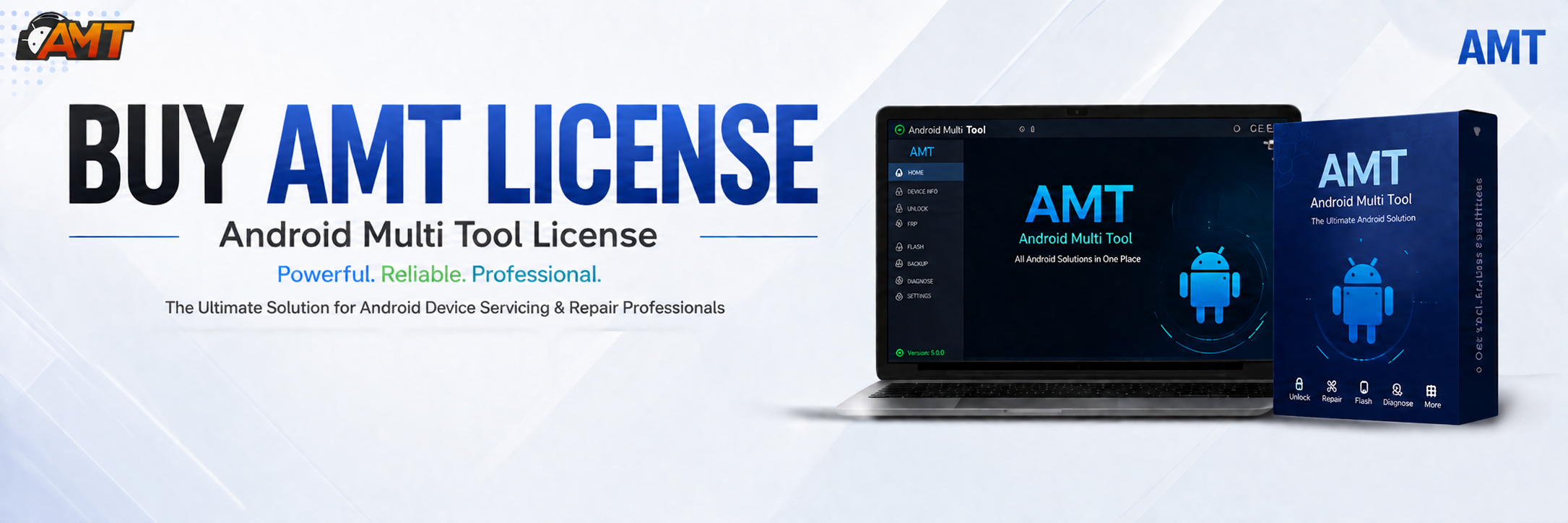
The AMT 6 Month Activation is one of the most reliable and professional tools for Android unlocking, FRP removal, IMEI repair, and more. Whether you are a beginner managing your own phone or a professional technician running a mobile repair shop, this guide will help you understand, install, and use AMT effectively.

What is AMT 6 Month Activation and Why It Is Needed
AMT 6 Month Activation (Android Multi Tool) is a specialized Android unlocking and servicing software. It provides access to a wide range of features, including FRP unlocking, network unlocking, IMEI repair, firmware flashing, and security patch updates. With a 6-month activation plan, users get full access to the latest features and regular updates.
Why You Need AMT 6 Month Activation:
- Unlock Android devices without technical hassle.
- Bypass Google FRP lock easily.
- Perform IMEI repairs and software fixes.
- Get access to constant updates for new devices.
- Perfect for individual users and professional technicians.
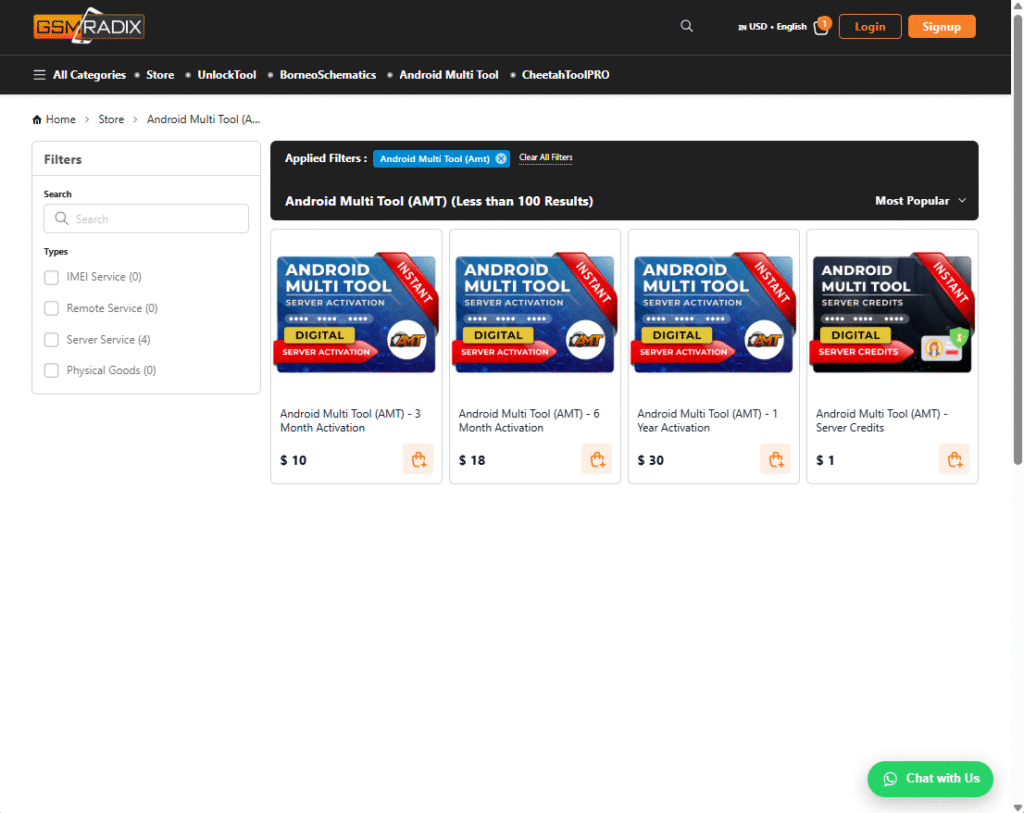
Key Features of AMT 6 Month Activation (Latest Version)
Here are the most important features of the latest AMT 6 Month Activation update:
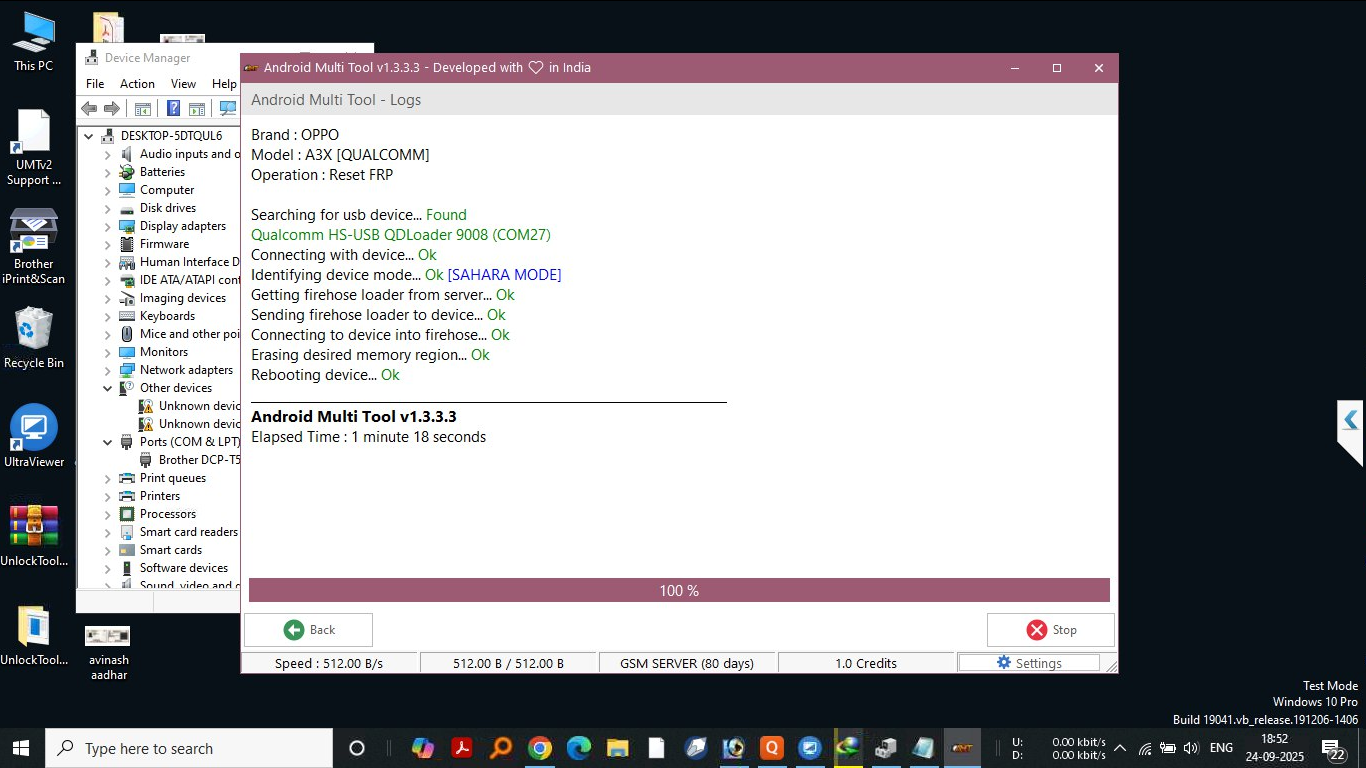
- FRP Unlock: Remove Google account verification with one click.
- Network Unlock: Enable carrier unlocking for multiple brands.
- IMEI Repair: Fix or restore invalid IMEI numbers.
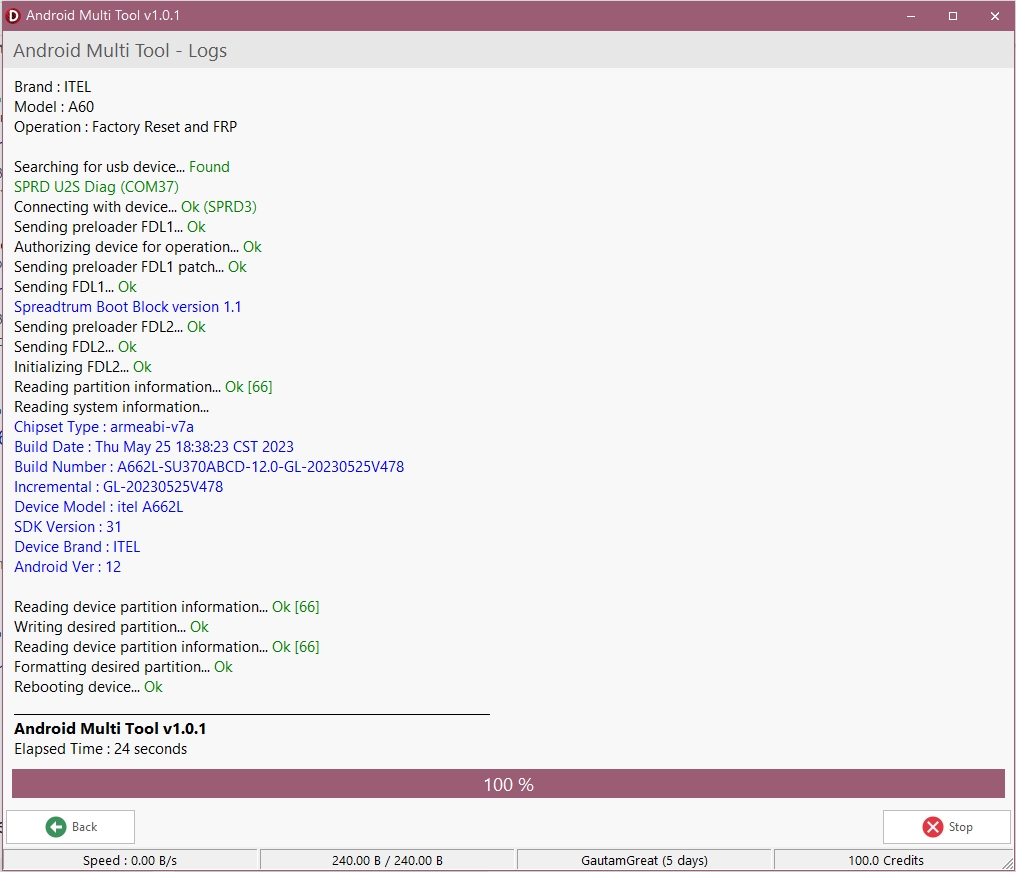
- Flash and Reset Tools: Perform firmware flashing, resets, and data repairs.
- Regular Updates: Automatic updates ensure compatibility with new Android versions.
- Instant Activation: Get started immediately after purchase.
- User-Friendly Interface: Simplified layout for both experts and beginners.
Supported Devices and Brands
Android Multi Tool (AMT) supports a wide range of Android brands, including but not limited to:
| Brand | Supported Features |
|---|---|
| Samsung | FRP Unlock, IMEI Repair, Network Unlock |
| Xiaomi | FRP Unlock, Flash, Reset |
| Oppo | FRP Unlock, Network Unlock |
| Vivo | FRP Unlock, IMEI Repair |
| Realme | FRP Unlock, Flash Tool Support |
| Motorola | FRP Unlock, Network Unlock |
| Huawei | FRP Unlock, IMEI Services |
Note: Support varies depending on the device model and Android version. Always check the latest device compatibility list in AMT software updates.
Download and Installation Process
Step-by-Step Installation Guide
- Visit the official AMT Download Page
- Download the Android Multi Tool (AMT) setup file.
- Run the installer and follow on-screen prompts.
- Choose an installation folder.
- Complete installation and launch AMT.
How to Register and Activate
- Open AMT software after installation.
- Click Register / Activate.
- Enter your AMT 6 Month Activation key.
- Verify your details and complete activation.
- Restart the tool and begin unlocking.
How to Use AMT 6 Month Activation (For Owners and Technicians)
FRP Unlock
- Connect your device via USB.
- Select FRP Unlock from the dashboard.
- Follow the automated steps.
- Device restarts without Google lock.
Network Unlock
- Choose Network Unlock in AMT.
- Select brand and model.
- Start the unlock process.
- Use your preferred carrier afterward.
IMEI Repair and Other Service
Comparison with Other Tools
| Feature | AMT 6 Month Activation | Tool A | Tool B |
| FRP Unlock | ✅ | ✅ | ❌ |
| Network Unlock | ✅ | ❌ | ✅ |
| IMEI Repair | ✅ | ✅ | ✅ |
| Regular Updates | ✅ | ❌ | ✅ |
| Instant Activation | ✅ | ❌ | ❌ |
| Supported Brands | Wide Range | Limited | Moderate |
Safety Tips and Legal Considerations
- Only unlock or repair devices that you own or have permission for.
- Use the official AMT 6 Month Activation license to avoid malware and piracy risks.
- Always backup data before using any unlocking or flashing features.
- Comply with local laws regarding phone unlocking.
Troubleshooting Common Errors
Problem: Activation key not working
Solution: Verify your key and check your internet connection.
Problem: Device not detected
Solution: Install or update USB drivers.
Problem: FRP unlock stuck
Solution: Reboot device and retry with safe mode.
Problem: IMEI repair failed
Solution: Make sure device is rooted (if required) and drivers are installed.
For assistance, contact AMT support through WhatsApp or Telegram.
Pricing and Subscription Plans
- AMT 6 Month Activation: 30$ – Full access to all premium features.
- Renewal Option: Extend your license before expiration for uninterrupted service.
- Bulk Discounts: Available for repair shops and professional technicians.
FAQs
Q1: What is AMT 6 Month Activation?
A professional Android unlocking and repair software license valid for six months.
Q2: Can I use AMT on multiple PCs?
Yes, but each activation requires separate registration.
Q3: Does AMT support Android 14 or later?
Yes, the latest version includes Android 14 compatibility.
Q4: Is internet required for activation?
Yes, initial activation requires an internet connection.
Q5: How do I get support?
You can reach out via official WhatsApp or Telegram support channels.
Final Thoughts + Download / Contact / Subscribe CTA
The AMT 6 Month Activation is a must-have for anyone serious about Android unlocking, repair, and maintenance. With its user-friendly interface, fast activation, and wide compatibility, it’s an all-in-one solution for professionals and everyday users.
Download Now: AMT Download
WhatsApp Support: Contact us
Join Telegram Channel: Support Team
Subscribe for Updates: YouTube
Why Buy from GsmRadix