

Introduction
In the world of mobile repair, speed, accuracy, and access to verified board-level data can completely transform a technician’s workflow. If you’re a mobile repair technician or run a repair shop, you need reliable schematics to diagnose and fix devices fast.

That’s exactly what Borneo Schematics 1 User 3 Months delivers — a powerful short-term subscription plan designed for individual technicians who want full access to Borneo’s database without committing to a long-term license.
This guide covers everything about the plan, including its features, supported devices, installation process, usage for FRP and network unlock, troubleshooting, and pricing.
What is Borneo Schematics 1 User 3 Months and Why It Is Needed
Borneo Schematics 1 User 3 Months is a short-term license plan that gives one user full access to the Borneo Schematics platform for 90 days. It’s ideal for:
- Technicians who want to test the platform before investing in a yearly plan.
- Small repair shops looking for an affordable schematic solution.
- Individuals focusing on board-level repair, FRP unlock, and network unlock jobs.
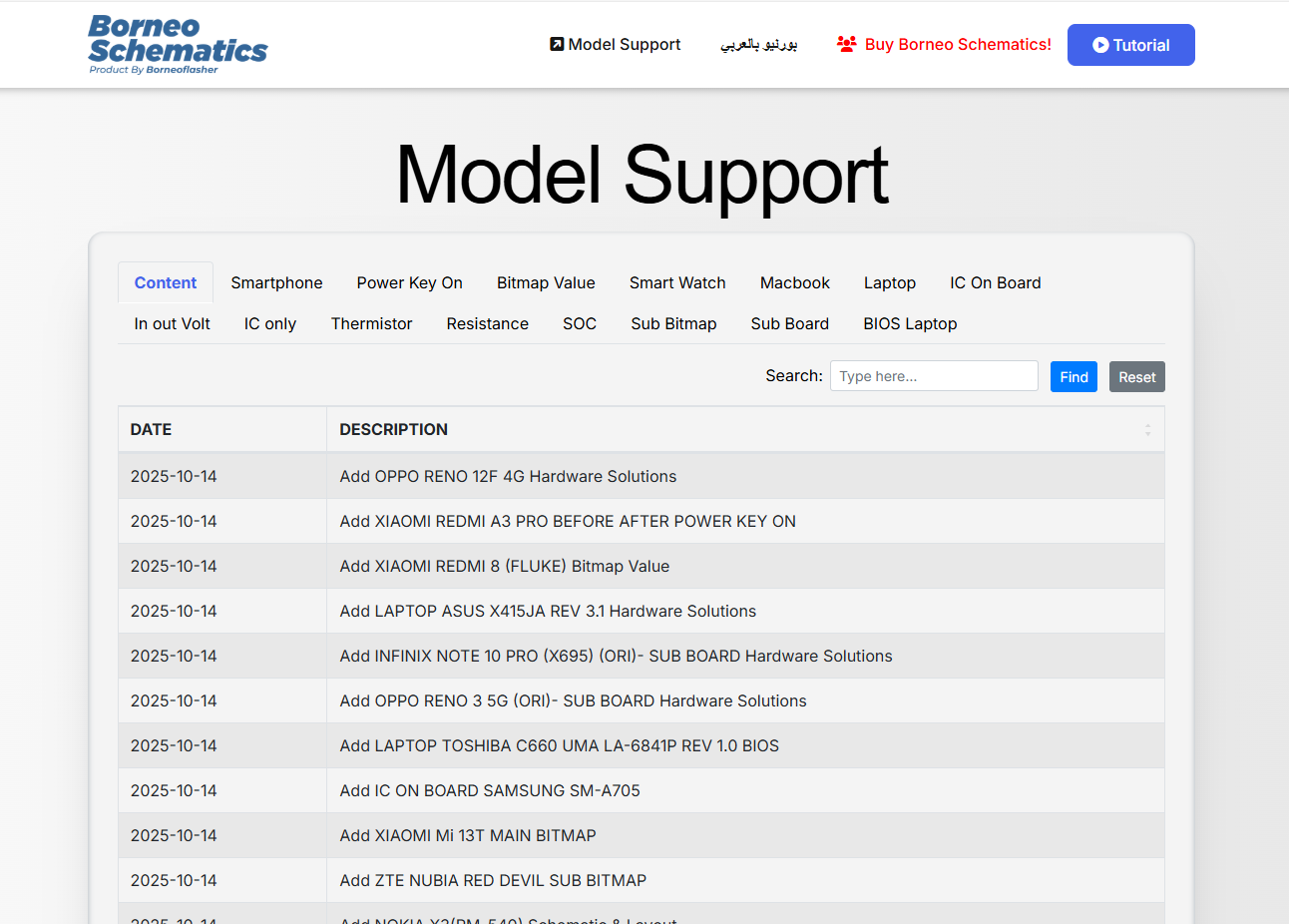
With this subscription, users can access thousands of mobile schematics, board bitmaps, IC values, and repair data with daily updates.
Why this plan is useful:
- Cost-effective for individuals and small shops
- Perfect for technicians who want short-term access
- Easy to renew or upgrade to a 1-year plan
- Includes full technical features without limitations
Key Features of Borneo Schematics 1 User 3 Months (Latest Version)
| Feature | Description |
|---|---|
| Single User Access | One user can use the license for 3 months |
| Daily Schematic Updates | Fresh and verified board data |
| Smart Search System | Quick search for models and component names |
| FRP & Network Unlock Guides | Integrated model-wise solutions |
| High-resolution Bitmaps & IC | Clear and detailed board diagrams |
| Secure Login System | Simple and secure activation process |
| Compatible with Windows | Works smoothly on major Windows versions |
This short-term plan includes all the features available in the annual license, making it perfect for individual technicians who want flexibility.
Supported Devices and Brands
Borneo Schematics covers a massive library of smartphones from major global brands:
- Samsung (M Series, A Series, F Series, Note Series)
- Xiaomi / Redmi / POCO
- Vivo
- Oppo / Realme
- Infinix / Tecno
- Apple (limited schematics)
- OnePlus, Lava, Micromax, Nokia, and more
The platform updates its database daily, ensuring technicians always have the latest schematics for new models.
Download and Installation Process
Setting up Borneo Schematics 1 User 3 Months is quick and straightforward.
Step-by-Step Installation Guide
- Go to the official website: https://www.borneoschematics.com
or authorized reseller: https://www.gsmradix.com - Download the latest Borneo Schematics setup file.
- Extract the file and run the installer as Administrator.
- Follow the installation steps carefully.
- Disable antivirus if it blocks the installer.
- Launch the application and connect to the internet.
How to Register and Activate
- Open the installed software.
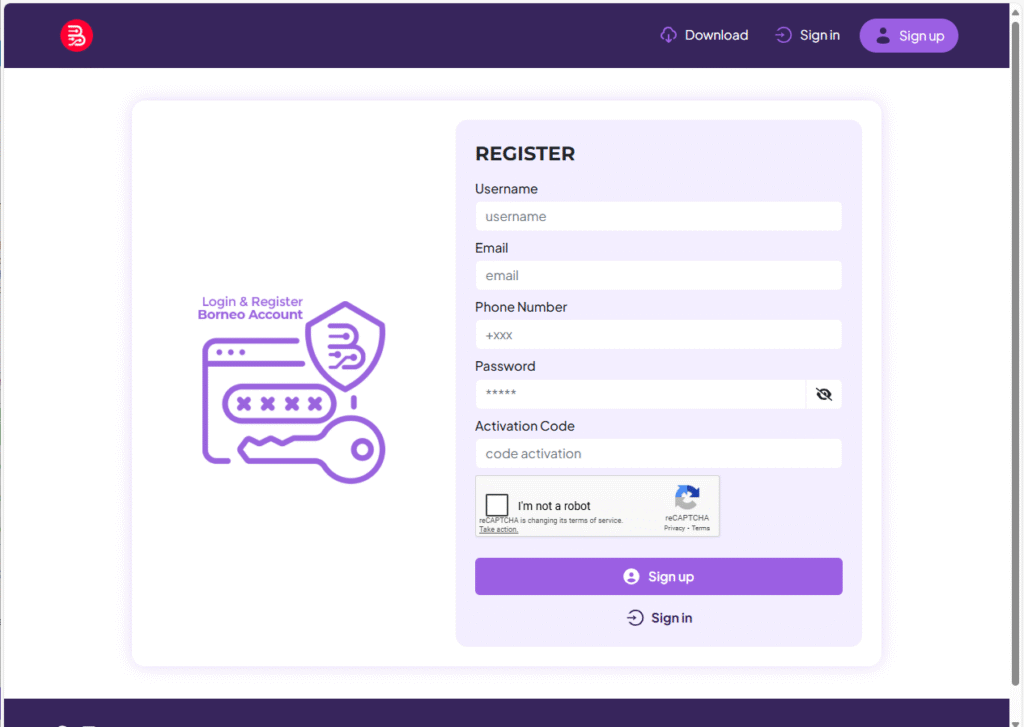
- Click on Register / Activate.
- Enter your license key (provided by the reseller).
- Fill in your account details such as email and username.
- Click Activate Now.
- Restart the software and log in to start using it.
Your 3-month access is now live and ready to use.
How to Use Borneo Schematics 1 User 3 Months
FRP Unlock
- Access model-specific FRP bypass solutions.
- Clear step-by-step instructions for major Android brands.
- Save time on bypassing FRP locks without risky tools.
Network Unlock
- Diagnose network locks, baseband issues, and IMEI faults.
- Follow circuit paths and check signal components using schematics.
- Use verified network unlock steps for supported devices.
IMEI Repair and Other Services
- Access IC placement diagrams and motherboard pathways.
- Pair with Android unlock software for advanced repairs.
- Complete unlock jobs more accurately and faster.
Comparison with Other Tools
| Feature | Borneo Schematics 1 User 3 Months | Other Tools |
|---|---|---|
| Schematics & Bitmaps | Yes | Limited |
| Daily Updates | Yes | Often Delayed |
| FRP & Network Unlock Guides | Included | External Required |
| Device Support | 5000+ Models | Limited |
| Short-Term Plan Available | Yes | Rare |
| Pricing | Affordable | Higher |
Safety Tips and Legal Considerations
- Always download software from official or authorized sources.
- Avoid using cracked versions to prevent security issues.
- Use unlocking services only on authorized devices.
- Keep your license key private.
- Follow legal repair guidelines in your country.
Troubleshooting Common Errors
| Error Message | Cause | Solution |
|---|---|---|
| Invalid License Key | Incorrect or expired license | Contact your reseller for a valid key |
| Login Failed | Server or credential issue | Check internet connection or reset your password |
| Software Not Opening | Antivirus or firewall interference | Whitelist the software and restart |
| Access Blocked | License used on another device | Log out from the other device |
| Update Error | Poor network connection | Reconnect and try again |
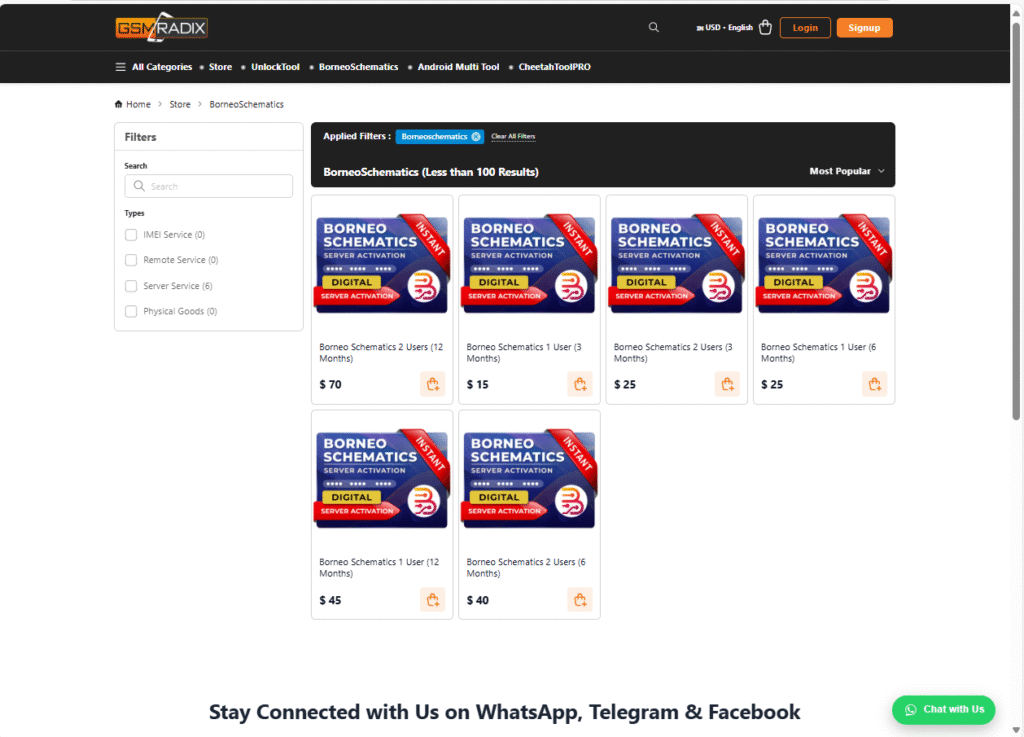
Pricing and Subscription Plans
Pricing may vary depending on location, taxes, and reseller discounts.
For the best deal in India, visit https://www.gsmradix.com.
Borneo Schematics Login Setup – Quick Steps
- Click Register / Activate on the login page.
- Download & install the official software.
- Enter license key, email & username.
- Enter Username & password to access your account.
- Complete activation and return to login.
What is Borneo Schematics 1 User 3 Months?
It’s a 3-month subscription plan that gives one user access to the full Borneo Schematics database and features.
Can I use this license on more than one device?
No, this plan is for a single user only.
Is it legal to use in India?
Yes, it’s legal if used for authorized repair work.
What payment methods are supported?
UPI, Debit/Credit Card, Net Banking, Crypto (USDT), Binance Pay,
Does it require internet?
Yes, for login and updates. You can view downloaded schematics offline.
Can I upgrade later?
Yes, you can easily upgrade to the 12-month or multi-user plan.
Final Thoughts
For individual technicians or small repair shops, Borneo Schematics 1 User 3 Months is one of the most affordable and practical solutions available. It provides access to reliable schematics, daily updates, FRP and network unlock guides, and easy installation without committing to a full year.
If you want to try the platform, this plan is the perfect starting point.
Borneo Schematics download and Registration – Call to Action
- Visit https://www.gsmradix.com
- Choose Borneo Schematics 1 User 3 Months plan.
- Complete payment and receive your license key instantly.
- Download and activate the software.
- Start using schematics and repair solutions right away.
Why Buy from GsmRadix
- 100% genuine and verified firmware
- Official download mirror of Borneo 3 months 1pc
- Instant auto-delivery 24/7
- Secure checkout with fast technical support