


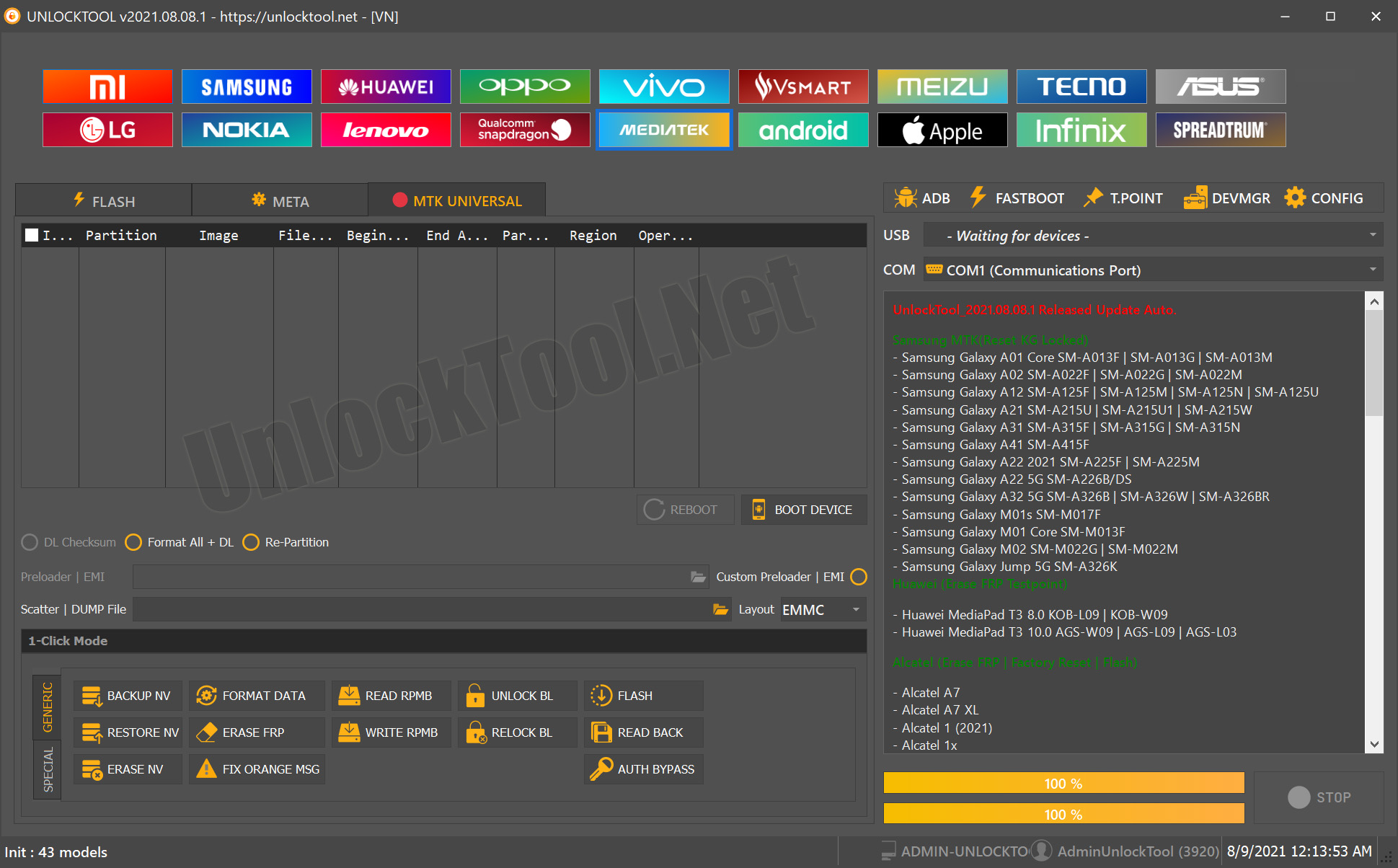
UnlockTool is a popular mobile unlocking software used by technicians worldwide. Each update adds new features, fixes bugs, and supports more devices.
This guide covers the latest UnlockTool update, including features, supported models, download steps, and basic usage tips for faster and secure mobile unlocking.

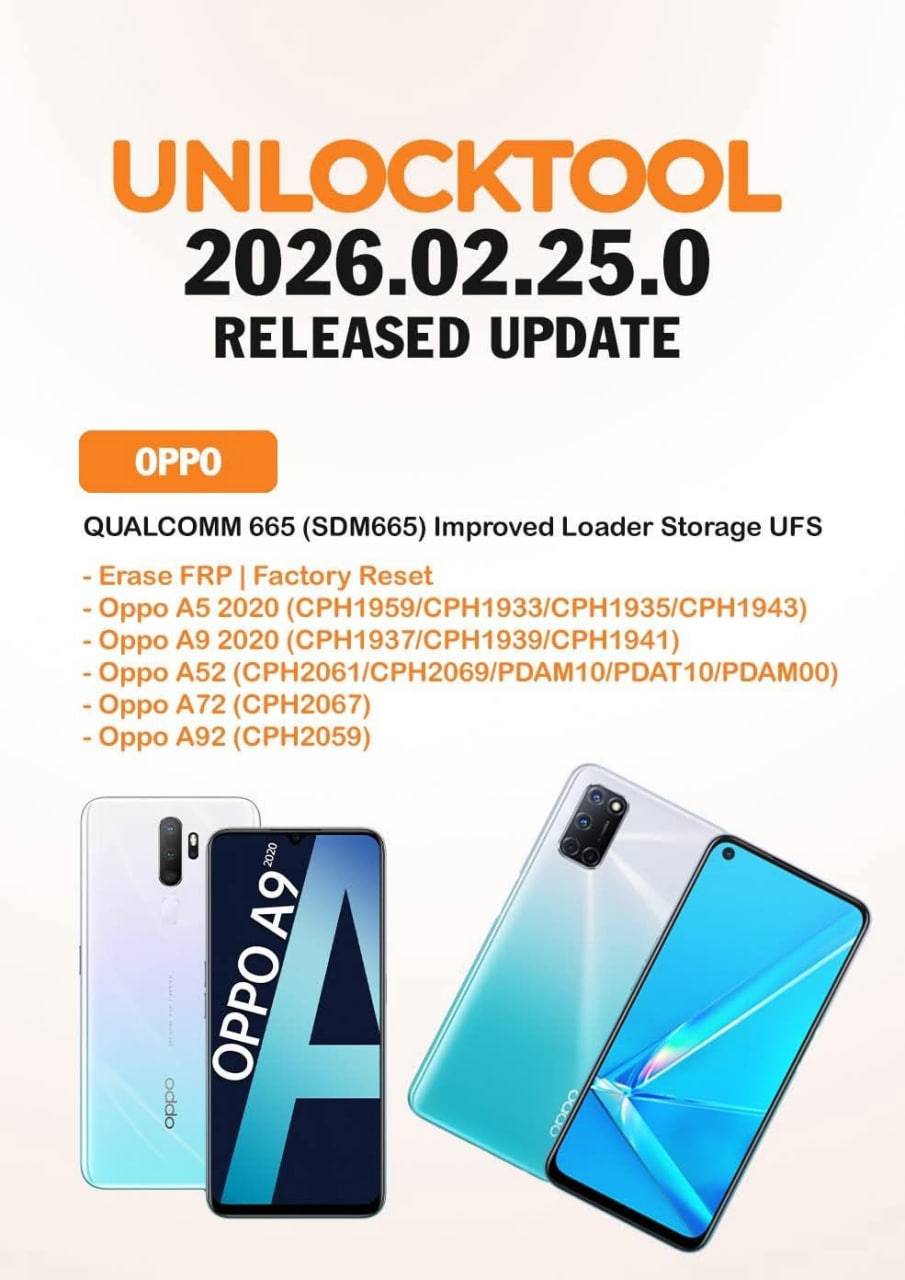
UnlockTool-2025.10.18.0 Released Update !
TECNO/INFINIX CPU MTK Up To ANDROID 15
- Supported Factory Reset, Erase FRP With META MODE (Use direct erase in Meta mode)
- Fixed Set Password/Pattern/Fingerprint + Login Google Play/Email On Android 15 Devices
XIAOMI QUALCOMM
- Factory Reset | Erase FRP | Readback | Flash | Reset Micloud | Disable Micloud Via ADB
- Xiaomi Redmi 15 (Creek) Tested
- Xiaomi Poco M7 4G (Creek)
SAMSUNG QUALCOMM
- Factory Reset | Erase FRP | Readback | Flash
- Samsung S21 5G (SM-G991U) (BIT-H)
- Samsung S21+ 5G (SM-G996U) (BIT-H)
- Samsung S21 Ultra 5G (SM-G998U) (BIT-H)

What is UnlockTool Update and Why It Is Needed
UnlockTool Update is the official version upgrade of UnlockTool software. Updates usually include:
- New FRP and network unlock support for additional devices.
- Performance improvements and bug fixes.
- Security enhancements and bypass method updates.
- Additional features for technicians and professional users.
Why staying updated matters:
- Access to the latest device support.
- Better stability and speed in unlocking processes.
- More success rate in FRP and network unlocking.
- Stronger security and official support.
With the latest UnlockTool 2025.10.18.0 Update, many new models and brands have been added, making it even more powerful.
Key Features of UnlockTool Update (Latest Version 2025)
- FRP Unlock for the latest Android models.
- Network unlock support for multiple brands.
- Updated drivers and improved compatibility.
- Faster flashing and repair performance.
- Optimized UI for better workflow.
- Official support for both individual and team licenses.
- Frequent updates and changelogs.
This UnlockTool Latest Version 2025 makes the unlocking process more stable, faster, and more reliable for mobile service professionals.
Supported Devices and Brands
UnlockTool supports a wide range of Android devices and adds more with every update. Popular supported brands include:
- Samsung
- Xiaomi / Redmi / Poco
- Oppo / Realme / Vivo
- Huawei / Honor
- Infinix / Tecno
- Motorola
- OnePlus
- Itel / Lava / Micromax
For the full list of Supported devices and updated models, visit:
Download and Installation Process
Step-by-Step Installation Guide
- Visit the official UnlockTool website or authorized reseller.
- Download the Latest UnlockTool Update version.
- Extract the installer file and run it as Administrator.
- Allow necessary permissions if prompted by Windows Security.
- Complete the installation and restart your PC if required.

How to Register and Activate
- Launch the installed UnlockTool software.
- Click on “Register” or “Login” if you already have an account.
- Purchase or use your existing license key.
- Enter the key in the activation section.
- Restart the tool to activate the full version.
Once activated, the software is ready to use for FRP unlock, network unlock, IMEI repair, and more.

How to Use UnlockTool Update (For Owners and Technicians)
FRP Unlock
- Connect the device using a compatible USB cable.
- Select the correct brand and model from the list.
- Run the FRP unlock function.
- Wait for the process to complete and reboot the device.
Network Unlock
- Choose the correct network unlock method.
- The tool supports both direct unlock and server-based methods.
- Unlock carrier restrictions on supported devices.
IMEI Repair and Other Services
- Access IMEI repair tools under the service section.
- Perform safe repairs with step-by-step instructions.
- Supports multiple chipsets and models.
This UnlockTool New Update has made the unlocking and repair process faster and easier than previous versions.
Comparison with Other Tools
| Feature | UnlockTool | Competitor Tools |
|---|---|---|
| FRP Unlock Support | Yes | Partial |
| Network Unlock Support | Yes | Limited |
| Regular Updates | Very Frequent | Irregular |
| Supported Brands | Extensive | Moderate |
| Activation & License | Easy & Secure | Varies |
| Speed & Stability | High | Mixed |
Safety Tips and Legal Considerations
- Always use the official UnlockTool Update from authorized sources.
- Avoid cracked or pirated versions, as they can be unsafe.
- Use the tool only for legitimate repairs and unlocking.
- Keep your login credentials secure.
- Backup all customer data before unlocking or flashing devices.
Using genuine UnlockTool software ensures better stability, legal compliance, and support.
Troubleshooting Common Errors
| Error | Cause | Solution |
|---|---|---|
| Activation Failed | Wrong or expired license | Contact reseller or support |
| Update Not Installing | Old version not removed properly | Uninstall previous version, reinstall |
| FRP Unlock Not Working | Unsupported model | Check supported list |
| Network Unlock Failed | Poor internet or outdated version | Update tool and retry |
| Login Error | Wrong credentials | Reset password or contact support |
Pricing and Subscription Plans
| Plan Type | Duration | Price | Buy Now |
|---|---|---|---|
| 3 Months | 90 Days | 20 USD | Available Now |
| 6 Months | 180 Days | 30 USD | Available Now |
| 12 Months | 360 Days | 50 USD | Available Now |
Prices may vary slightly depending on region or reseller. Buying from an official reseller ensures valid support and updates.
Frequently Asked Questions (FAQs)
1. What is the UnlockTool Update?
UnlockTool Update refers to the latest version of the UnlockTool software, which includes new features, performance improvements, bug fixes, and support for the latest smartphone models and security patches.
2. Is UnlockTool safe to use?
Yes, UnlockTool is safe to use when downloaded from an official and trusted source. We strongly recommend avoiding unofficial, modified, or cracked versions to ensure security and proper functionality.
3. Which devices are supported by UnlockTool?
UnlockTool supports most major Android smartphone brands, including Samsung, Xiaomi, Oppo, Vivo, Realme, Tecno, Infinix, and many more. New models are added regularly through updates.
4. How often is UnlockTool updated?
UnlockTool receives frequent updates with new device support, improved features, and fixes for the latest Android security versions and chipsets.
5. Do I need to pay for every update?
No, you do not need to pay separately for every update. All updates are free as long as your subscription or activation license remains active within the selected plan period.
Final Thoughts and Call to Action
UnlockTool remains one of the most powerful mobile unlock programs for technicians and mobile repair shops. The UnlockTool 2025.10.18.0 Update brings faster performance, better compatibility, and wider device support.
If you’re a professional technician or service center owner, keeping your UnlockTool updated ensures you stay ahead in the repair market.
Download the latest UnlockTool Update today and start unlocking devices with confidence.
Why Buy from GsmRadix
- 100% genuine and verified firmware
- Official download mirror of UnlockTool 12 Months
- Instant auto-delivery 24/7
- Secure checkout with fast technical support

Your means off telling all in this article is truly pleasant, every one can without difficulty
know it, Thanks a lot.
Superb, what a website it is! This website gives valuable facts to us,
keep it up.