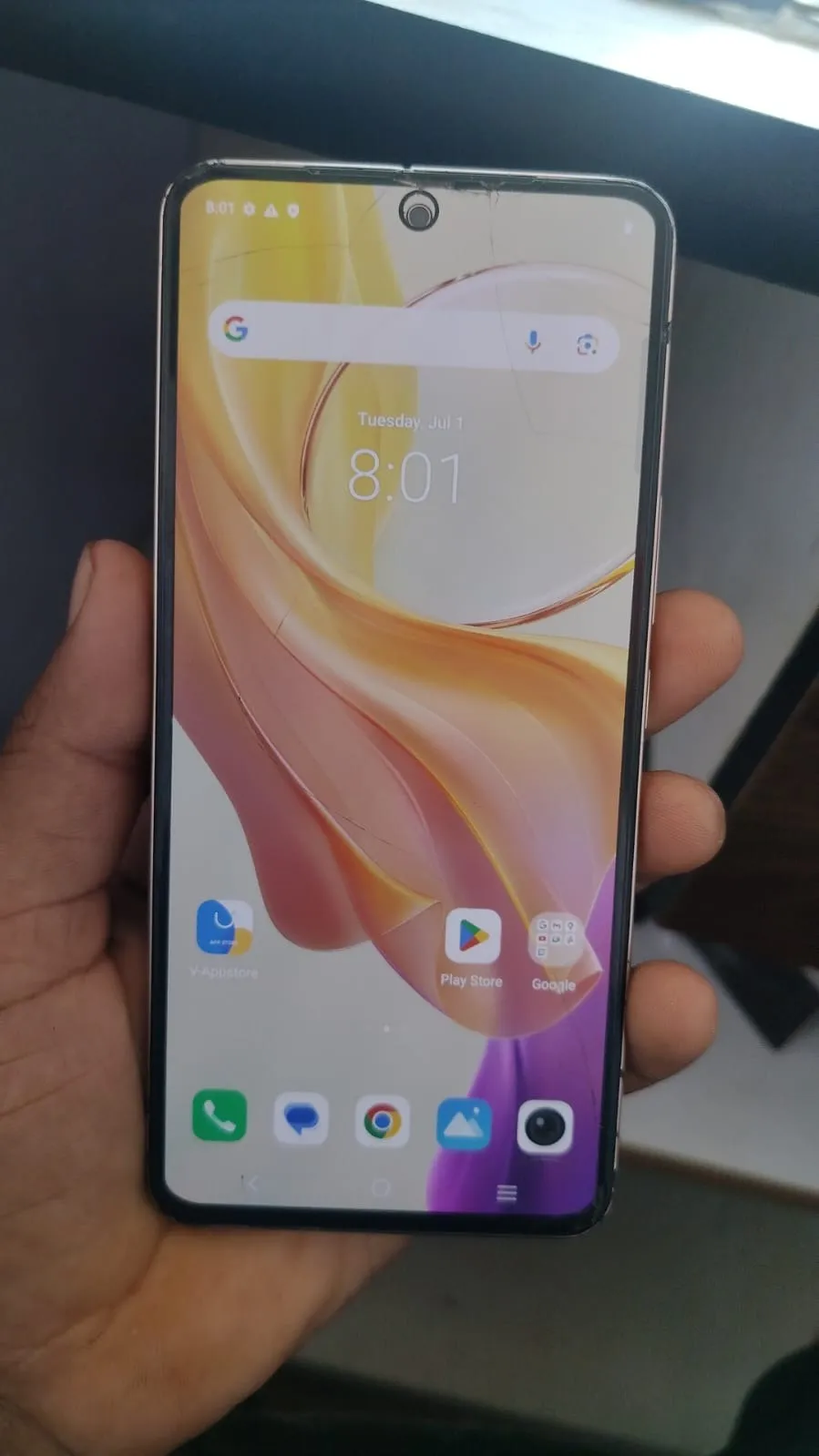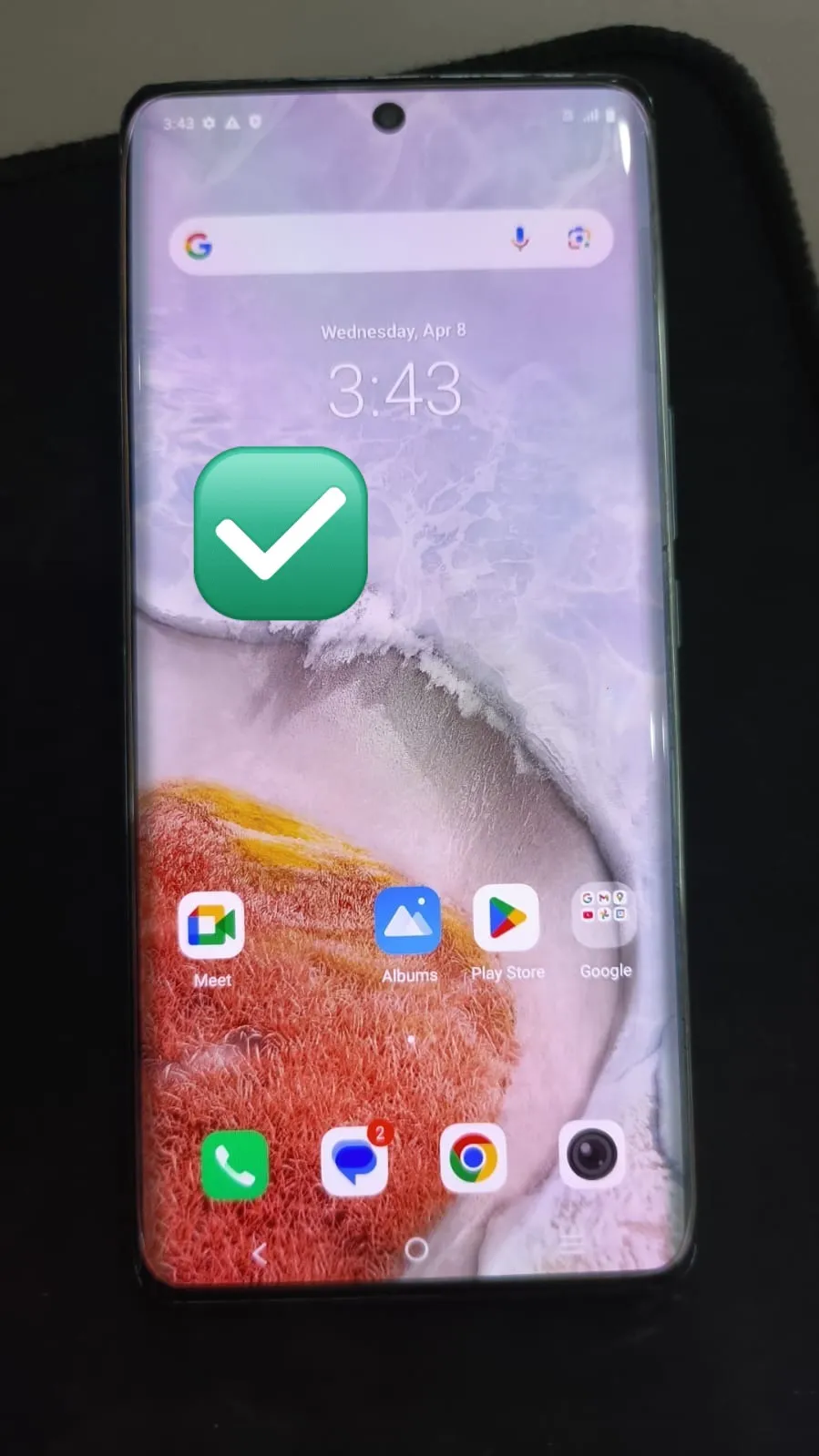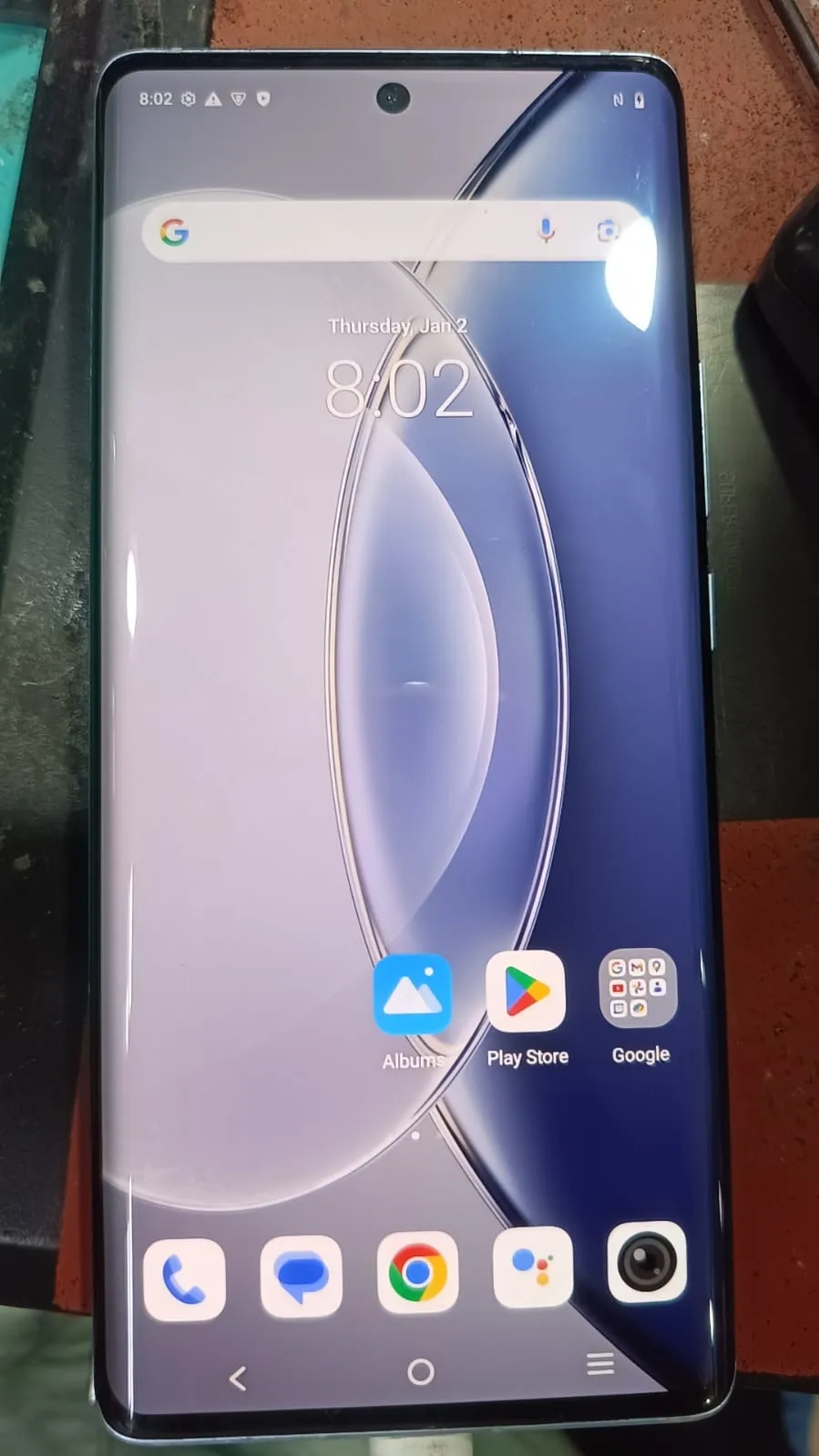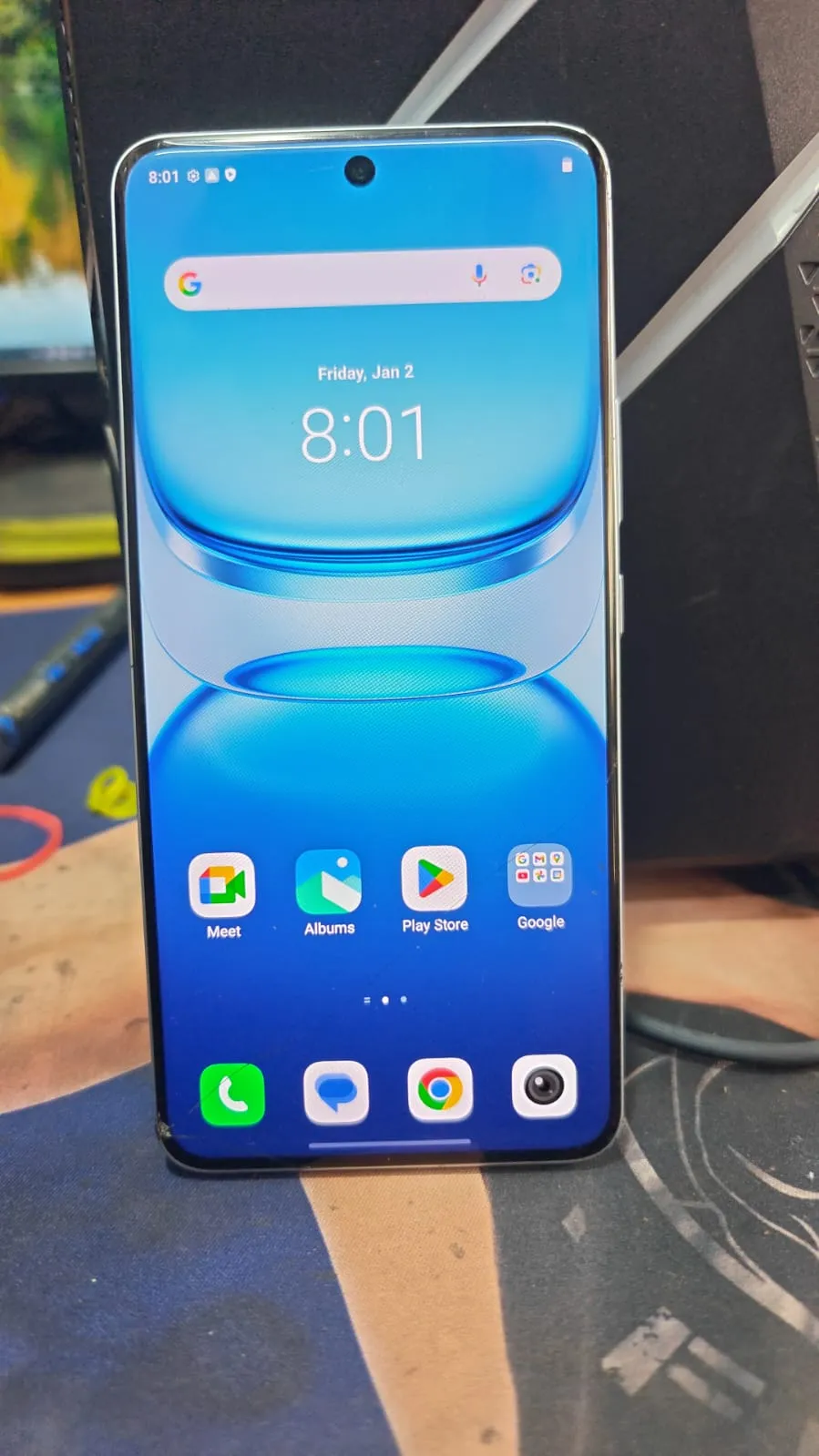
iQOO FRP Done Online Server is a fast and reliable solution for removing FRP locks on iQOO devices. It helps users and technicians unlock devices online quickly, securely, and without complex procedures.
What is iQOO FRP Done Online Server and Why Is It Needed?
The iQOO FRP Done Online Server is an advanced online unlocking solution designed to bypass Factory Reset Protection on iQOO smartphones. FRP is automatically enabled when a Google account is added to an Android device. After a factory reset, the phone requires the previously synced Google account credentials.
This security feature protects devices from unauthorized access, but it can also create problems in situations such as:
Forgotten Google account passwords
Purchasing second-hand devices
Devices stuck on verification screen
Corporate or enterprise device resets
Service center repair operations
The iQOO FRP Unlock Online solution allows users and technicians to remove the FRP lock remotely through server-based methods.
Why Users Need iQOO FRP Remove Service
Common Reasons:
Forgot Google account login
Device locked after hard reset
Used phone without original credentials
Android update caused verification issue
Need instant access for business use
For repair shops and technicians, the iQOO FRP Remove Service saves time and improves customer satisfaction by offering fast turnaround.
Key Features of iQOO FRP Done Online Server (Latest Version)
The latest Best iQOO FRP Done Online Server 2025 includes several upgraded features for modern Android devices.
1. Instant FRP Unlock
The server processes unlock requests quickly, reducing waiting time for users and technicians.
2. Online Server-Based Solution
No advanced hardware setup is required. Most operations are handled through cloud-based processing.
3. Wide Device Compatibility
Supports multiple iQOO and Vivo devices running different Android versions.
4. Secure and Reliable
Uses safe server communication methods with reduced risk of device damage.
5. User-Friendly Interface
Even beginners can use the Phone Unlock App interface with minimal technical knowledge.
6. Technician-Friendly Dashboard
Professional repair shops can manage multiple unlock jobs efficiently.
7. Frequent Updates
The latest iQOO FRP Done Online Server update improves compatibility with new security patches.
8. Multiple Service Functions
Besides FRP unlocking, some versions include:
Device information reading
Software repair
IMEI-related services
Account reset support
Supported Devices and Brands
The iQOO FRP Bypass Online solution supports many devices across different series.
Supported iQOO Models
Neo Series
iQOO Neo 6
iQOO Neo 7
iQOO Neo 9
Z Series
iQOO Z6
iQOO Z7
iQOO Z9
Number Series
iQOO 9
iQOO 10
iQOO 11
iQOO 12
Other Supported Devices
Vivo devices
Selected Qualcomm-based Android phones
Download and Installation Process
Installing the Mobile Unlock Program is simple when following the correct steps.
System Requirements
Before downloading the tool, ensure your PC meets these requirements:
Requirement | Minimum Specification |
|---|---|
OS | Windows 10/11 |
RAM | 4GB |
Storage | 2GB Free Space |
Internet | Stable Broadband Connection |
Drivers | USB Drivers Installed |
Step-by-Step Installation Guide
Step 1 – Download the Tool
Download the latest iQOO FRP Done Online Server update from the official provider.
Step 2 – Disable Antivirus Temporarily
Some security programs may block unlocking utilities.
Step 3 – Extract Files
Use WinRAR or 7-Zip to extract the setup package.
Step 4 – Install Drivers
Install USB and ADB drivers for proper device detection.
Step 5 – Launch the Software
Open the Phone Unlock App and log in with your credentials.
How to Register and Activate
Activation is usually completed through server authorization.

Registration Process
Create an account
Purchase credits or subscription
Verify email or phone number
Log in to the software dashboard
Activation Methods
Online Activation
Instant server authorization
Best for technicians
Reseller Activation
Purchase through official resellers
Includes support assistance
How to Use iQOO FRP Done Online Server
The process is designed for both beginners and advanced technicians.
For Individual Users
Basic FRP Unlock Process
Power off the device
Connect via USB cable
Open the software
Select model
Click “Remove FRP”
Wait for server processing
Reboot device
The iQOO Google Account Remove operation usually takes a few minutes depending on the server load.
For Professional Technicians
Repair shops can use the iQOO FRP Unlock Instant feature for handling multiple customer devices daily.
Benefits for Technicians
Faster job completion
Increased customer trust
Reduced manual work
Better profitability
Remote processing capabilities
IMEI Repair and Other Services
Some versions of the Mobile Unlock Program may include additional services.
Available Functions
Service | Availability |
|---|---|
FRP Unlock | Yes |
Device Information | Yes |
Factory Reset | Yes |
Bootloader Functions | Partial |
IMEI Services | Region Dependent |
Software Flashing | Limited |
Always follow local laws regarding IMEI-related operations.
Comparison with Other Tools
Here is a comparison between iQOO FRP Done Online Server and other unlocking solutions.
Feature | iQOO FRP Done Online Server | Offline Tools | Generic FRP Apps |
|---|---|---|---|
Online Unlock | Yes | No | Limited |
Instant Processing | Yes | Medium | Slow |
Latest Security Support | High | Medium | Low |
Technician Features | Advanced | Basic | Limited |
Cloud-Based | Yes | No | Partial |
Beginner Friendly | Yes | Medium | Yes |
The Best iQOO FRP Done Online Server 2025 stands out because of its server-based technology and regular updates.
Safety Tips and Legal Considerations
Using an iQOO FRP Unlock Online service responsibly is important.
Safety Tips
Use official versions only
Avoid cracked software
Backup device data before unlocking
Use stable internet connection
Install correct USB drivers
Legal Considerations
The iQOO FRP Remove Service should only be used:
On devices you own
With customer authorization
For legal repair operations
Unauthorized unlocking of stolen devices may violate local laws.
Troubleshooting Common Errors
Even advanced unlocking tools can occasionally encounter issues.
Device Not Detected
Solution:
Reinstall drivers
Change USB port
Use original USB cable
Server Error
Solution:
Check internet connection
Retry after a few minutes
Verify subscription status
Login Failed
Solution:
Reset password
Check server maintenance announcements
Ensure correct credentials
Unlock Failed
Solution:
Update software version
Reboot device
Retry operation
The latest iQOO FRP Done Online Server update often fixes compatibility issues.
Pricing and Subscription Plans
Pricing may vary depending on the provider and service package.
Common Plans
Plan | Best For | Estimated Price |
|---|---|---|
Daily Access | Small Jobs | Budget Friendly |
Monthly Plan | Technicians | Moderate |
Yearly License | Repair Businesses | Cost Effective |
Credit-Based | Flexible Use | Pay Per Job |
Professional technicians usually prefer yearly subscriptions for better value.
Advantages for Repair Shops
The iQOO FRP Unlock Instant service provides strong business advantages.
Why Technicians Prefer It
Faster Workflow
Jobs are completed quickly through online processing.
More Customers
Customers prefer shops offering instant FRP solutions.
Higher Revenue
Unlock services are highly profitable in mobile repair markets.
Lower Hardware Costs
Cloud processing reduces dependence on expensive boxes and dongles.
Why iQOO FRP Done Online Server Is Trending in 2025
The increasing popularity of Android security has created high demand for reliable FRP solutions.
Key Reasons for Growth
More Android users
Increased device security
Growth in second-hand phone market
Need for remote unlock services
Technician demand for instant solutions
The Best iQOO FRP Done Online Server 2025 continues to evolve with faster cloud infrastructure and better compatibility.
FAQs – iQOO FRP Done Online Server
What is iQOO FRP Done Online Server?
It is an online unlocking solution used to remove Google account verification from iQOO devices after a factory reset.
Is iQOO FRP Unlock Online safe?
Yes, when downloaded from trusted providers and used legally.
Can beginners use this tool?
Yes. The interface is beginner-friendly and suitable for non-technical users.
Does it support the latest Android versions?
Most updated versions support newer Android security patches.
Is internet required?
Yes. Since it is server-based, a stable internet connection is necessary.
Can technicians unlock multiple devices?
Yes. Professional users can process multiple jobs using subscription plans.
Does the tool support Vivo devices?
Many versions also support selected Vivo smartphones.
How long does FRP removal take?
Usually between 2–10 minutes depending on the device and server response.
Recommended Internal Links
To improve on-page SEO, add internal links such as:
Android FRP Tools Guide
Best Mobile Unlock Software
Vivo FRP Unlock Methods
Qualcomm Driver Installation Tutorial
Phone Flashing Tools
Recommended Outbound Links
Use trusted external resources like:
Official Android Developer website
USB Driver resources
Qualcomm support pages
Official iQOO website
iQOO Official Website
Final Thoughts
The iQOO FRP Done Online Server has become one of the most reliable solutions for removing Google account locks on modern iQOO smartphones. Whether you are an everyday user locked out of your phone or a professional technician handling dozens of devices, this tool offers speed, convenience, and efficiency.

Share this article
About the author