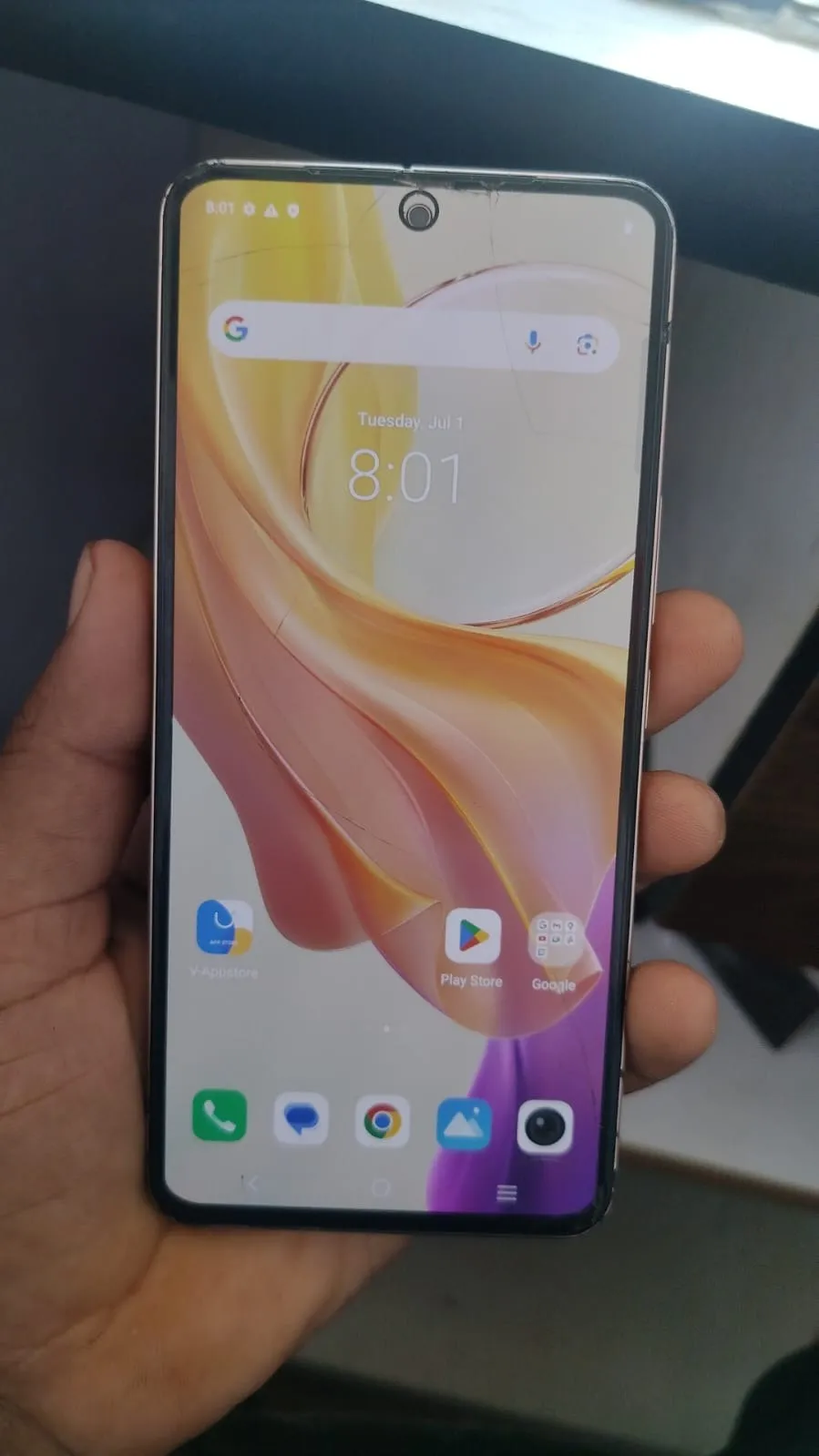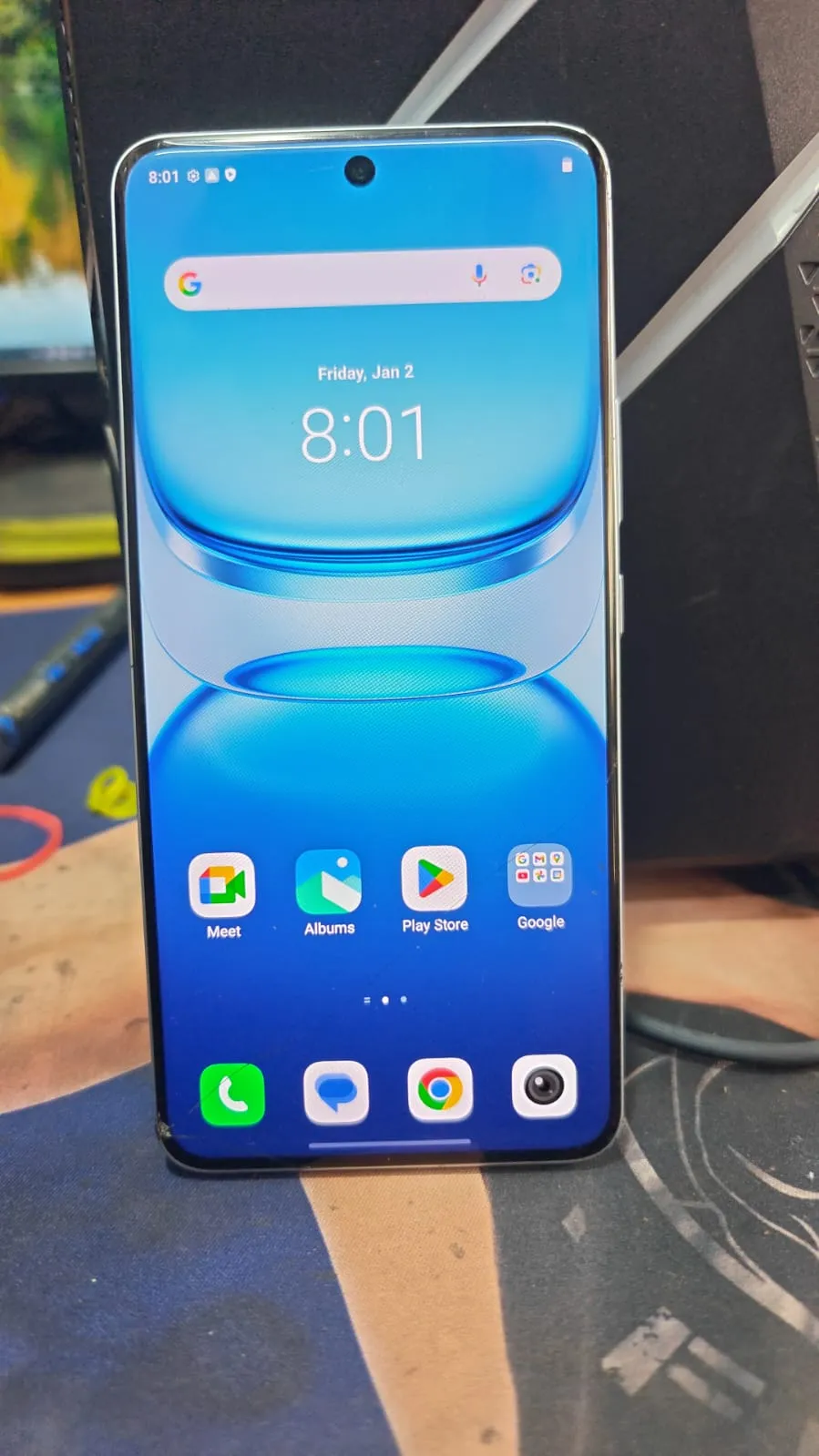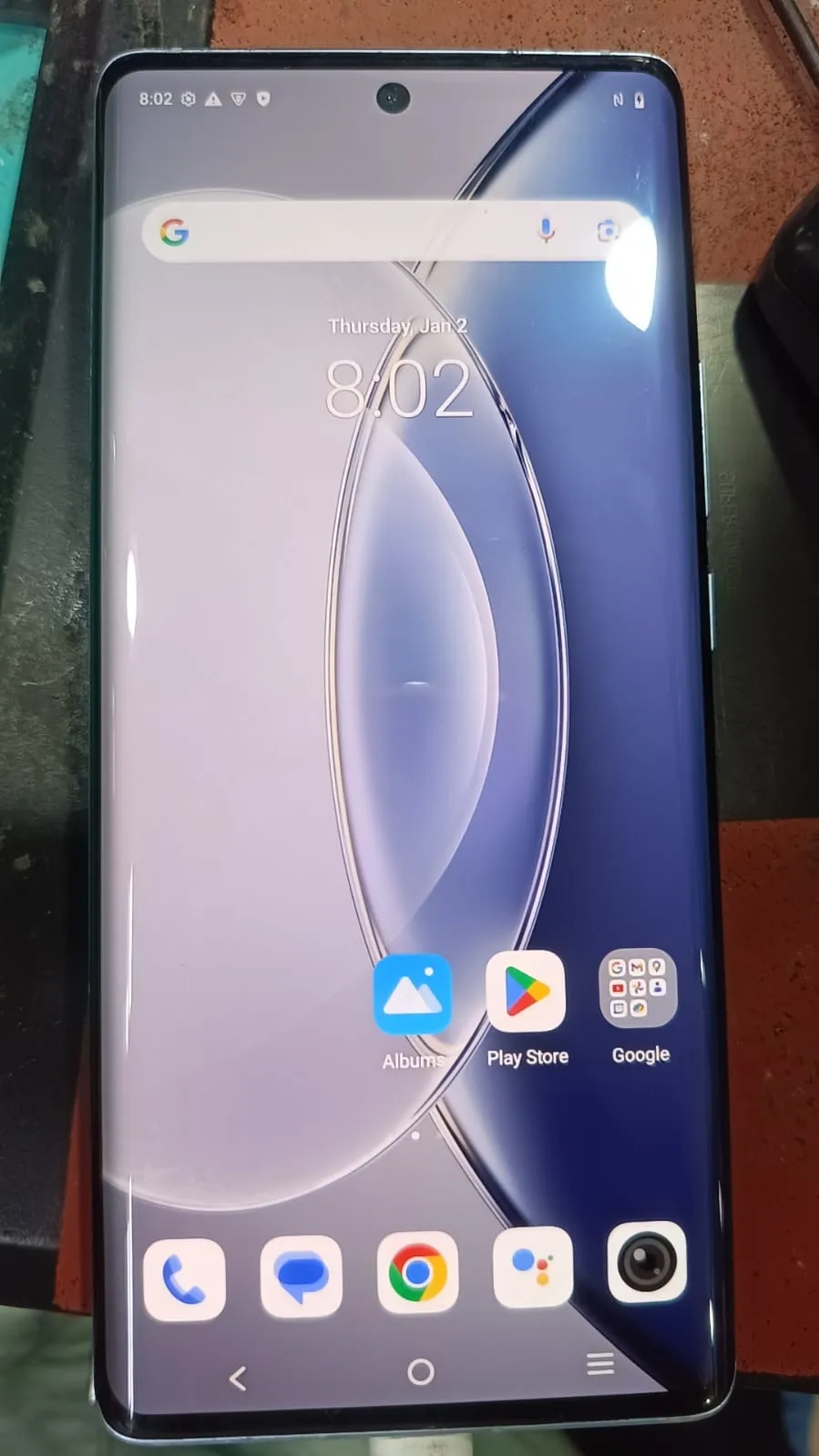
Factory Reset Protection (FRP) is a built-in security feature in Android devices designed to protect user data. However, it can become a major issue when users forget their Google account credentials. In such cases, Vivo X90 FRP Unlock becomes essential.
Today, the most effective solution is remote FRP unlocking, where experts handle the process online without requiring physical tools or complicated software. This method is ideal for both everyday users and professional technicians looking for a reliable unlocking solution.

What is Vivo X90 FRP Unlock and Why It is Needed
Vivo X90 FRP Unlock refers to the process of removing the Google account verification lock that appears after a factory reset.
Why FRP Lock Occurs:
Forgotten Google account details
Second-hand device purchase
Reset performed without removing the account
Software update issues
Common Problems:
Device stuck on Google verification screen
No access to phone features
Unable to proceed without login credentials
With Vivo X90 Google Account Remove, users can regain full access without stress using a remote service.
Key Features of Vivo X90 FRP Unlock (Latest Remote Service)
The latest Vivo X90 FRP Unlock 2026 remote service offers:
Fast remote processing (usually within 15–30 minutes)
Secure server-based unlocking method
No need for software installation or hardware tools
Works on latest security patches
High success rate
Beginner-friendly process
Suitable for technicians and repair shops
This makes it one of the best Vivo X90 FRP Unlock update solutions available.
Supported Devices and Brands
This remote solution primarily supports:
Vivo Devices:
Vivo X90
Vivo X80 Series
Vivo V and Y Series
Other Supported Brands:
Xiaomi (Mi, Redmi)
Samsung (selected models)
OPPO and Realme
This makes it a flexible mobile unlock program for professionals.
Remote Service Process (No Download Required)
Unlike traditional tools, this is a Vivo X90 FRP Unlock Remote Service, meaning:
No download required
No installation needed
No manual setup
Everything is handled online by experts.
Step-by-Step Remote Process
Contact the service provider via WhatsApp or Telegram
Share your device details and issue
Follow basic connection instructions
Technician connects remotely
FRP unlocking process starts
Device is unlocked successfully
Registration and Activation
No manual registration required
Service is activated by the technician
Secure remote session ensures safety
How to Use Vivo X90 FRP Unlock (Users and Technicians)
For Individual Users:
No technical skills required
Simple guided steps
Quick and hassle-free process
For Technicians:
Offer Vivo X90 FRP Unlock Remote Service to clients
No need to invest in costly tools
Increase profits with fast service delivery
IMEI Repair and Additional Services
Along with Vivo X90 FRP Bypass, some services may include:
IMEI repair (supported devices only)
Software flashing
Unlocking additional locks
Device optimization
Comparison with Other Tools
Feature | Remote Service | Traditional Tools |
|---|---|---|
Setup Required | No | Yes |
Technical Skills | Not required | Required |
Success Rate | High | Medium |
Time Required | Fast | Slow |
Cost Efficiency | Better | Expensive |
The Vivo X90 FRP Unlock Remote Service clearly offers better efficiency and convenience.
Safety Tips and Legal Considerations
Safety Tips:
Always choose trusted service providers
Avoid unofficial or cracked tools
Follow instructions carefully
Legal Considerations:
Only unlock devices you own or have permission for
Follow local laws and regulations
Troubleshooting Common Errors
Common Issues:
Device not detected
Internet instability
USB connection problems
Missing drivers
Solutions:
Use a stable internet connection
Follow technician instructions step-by-step
Use original cables
Ensure proper device setup
Pricing and Service Plans
Pricing for Vivo X90 FRP Unlock Remote Service depends on:
Device model and variant
Security patch level
Service urgency
General Pricing Structure:
Per-device charges
Bulk pricing for technicians
Discounts for regular clients
FAQs
What is Vivo X90 FRP Unlock?
It is the process of removing Google account verification from the device.
Is this method safe?
Yes, when performed by professionals using secure remote systems.
Do I need a PC?
No, Vivo X90 FRP Unlock Without PC is possible with guided assistance.
How long does it take?
Typically 15–30 minutes.
Does it support latest updates?
Yes, including Vivo X90 FRP Unlock 2025 and 2026 updates.
Can technicians use this service?
Yes, it is highly suitable for repair shops.
Final Thoughts and Call to Action
Vivo X90 FRP Unlock via remote service is the most efficient and modern solution for removing Google account locks. It eliminates the need for complicated tools while ensuring a safe and fast process.
Whether you are a user facing an FRP issue or a technician looking to expand your services, this remote method offers a reliable and scalable solution.
Share this article
About the author