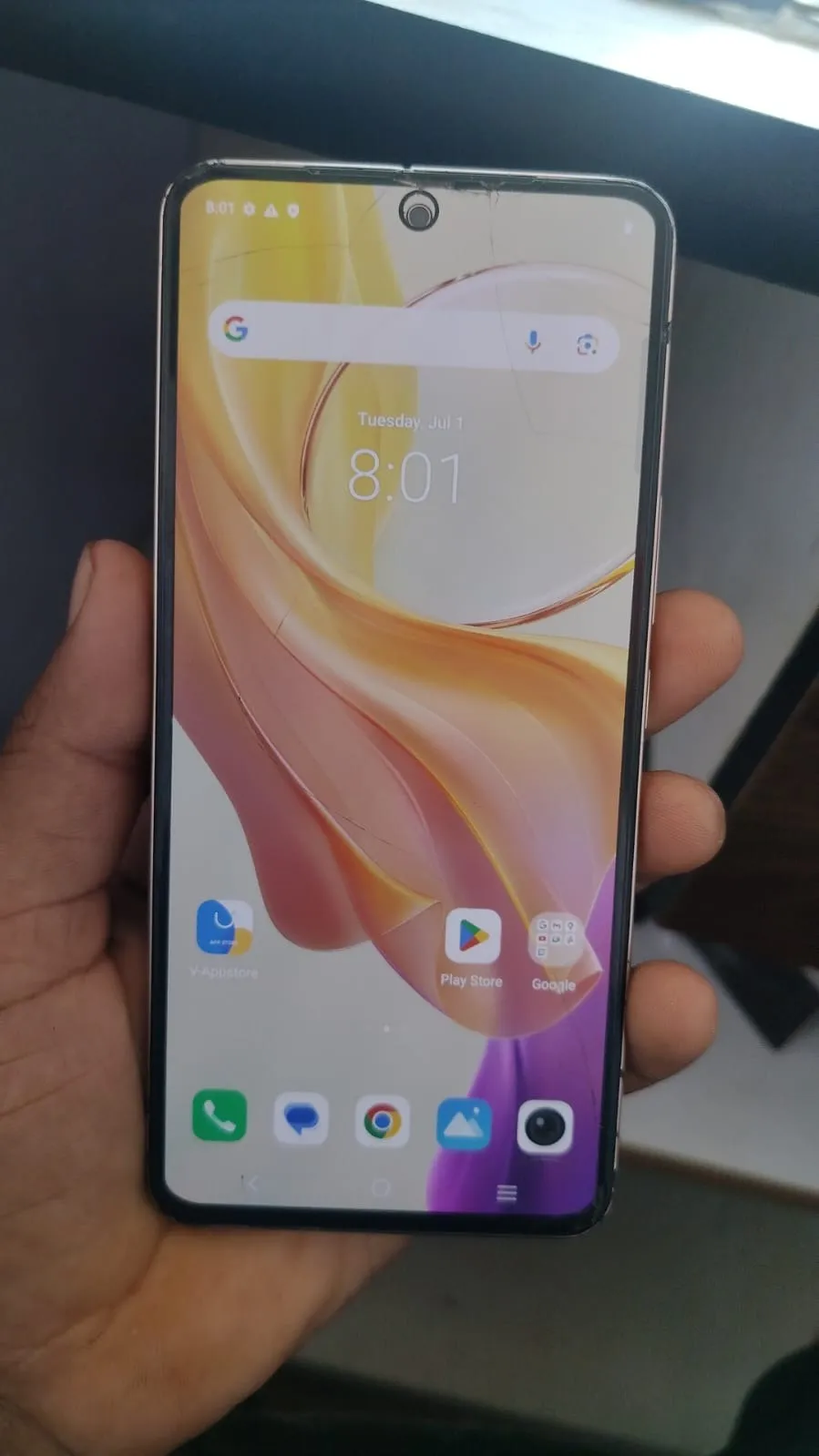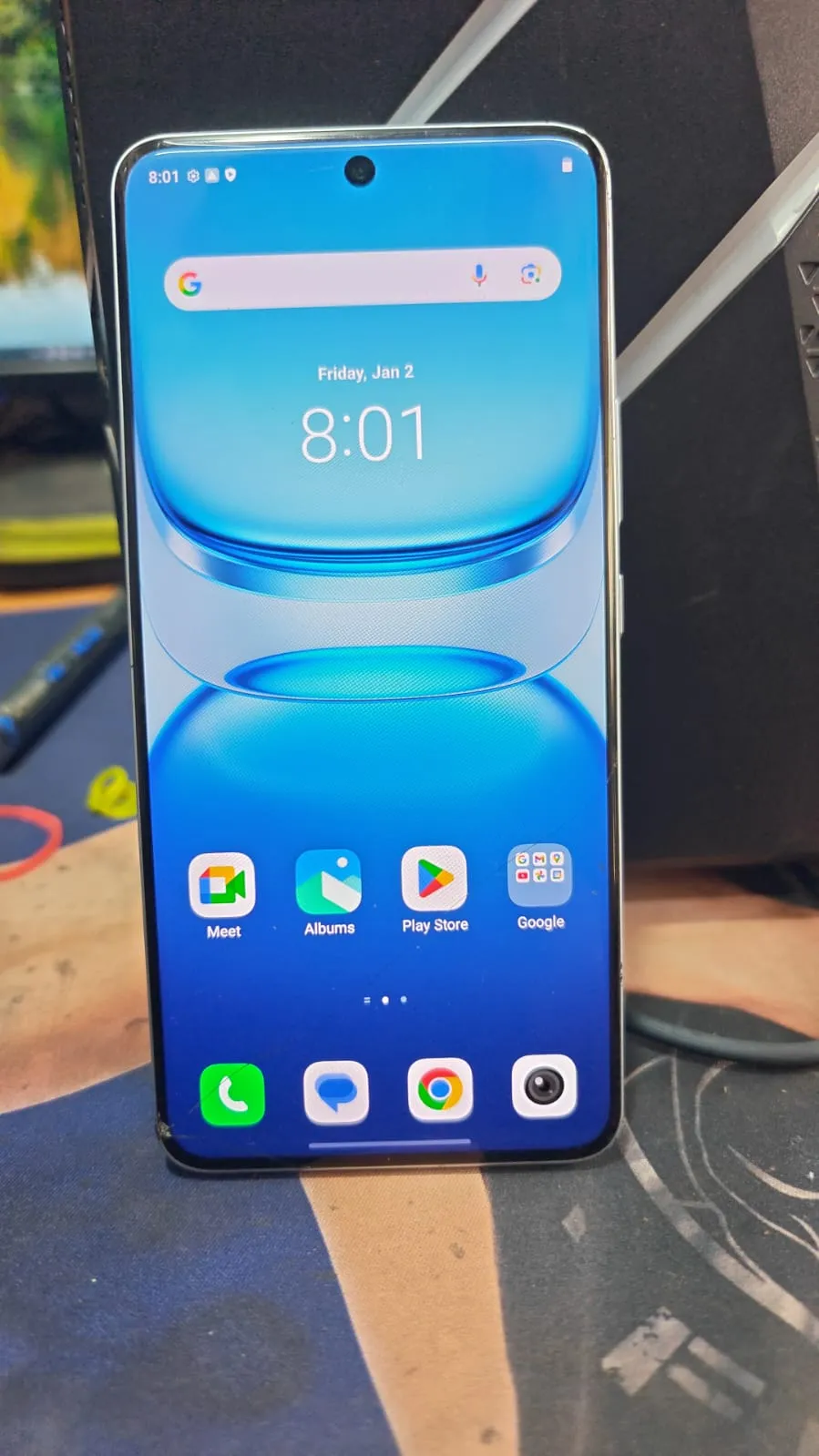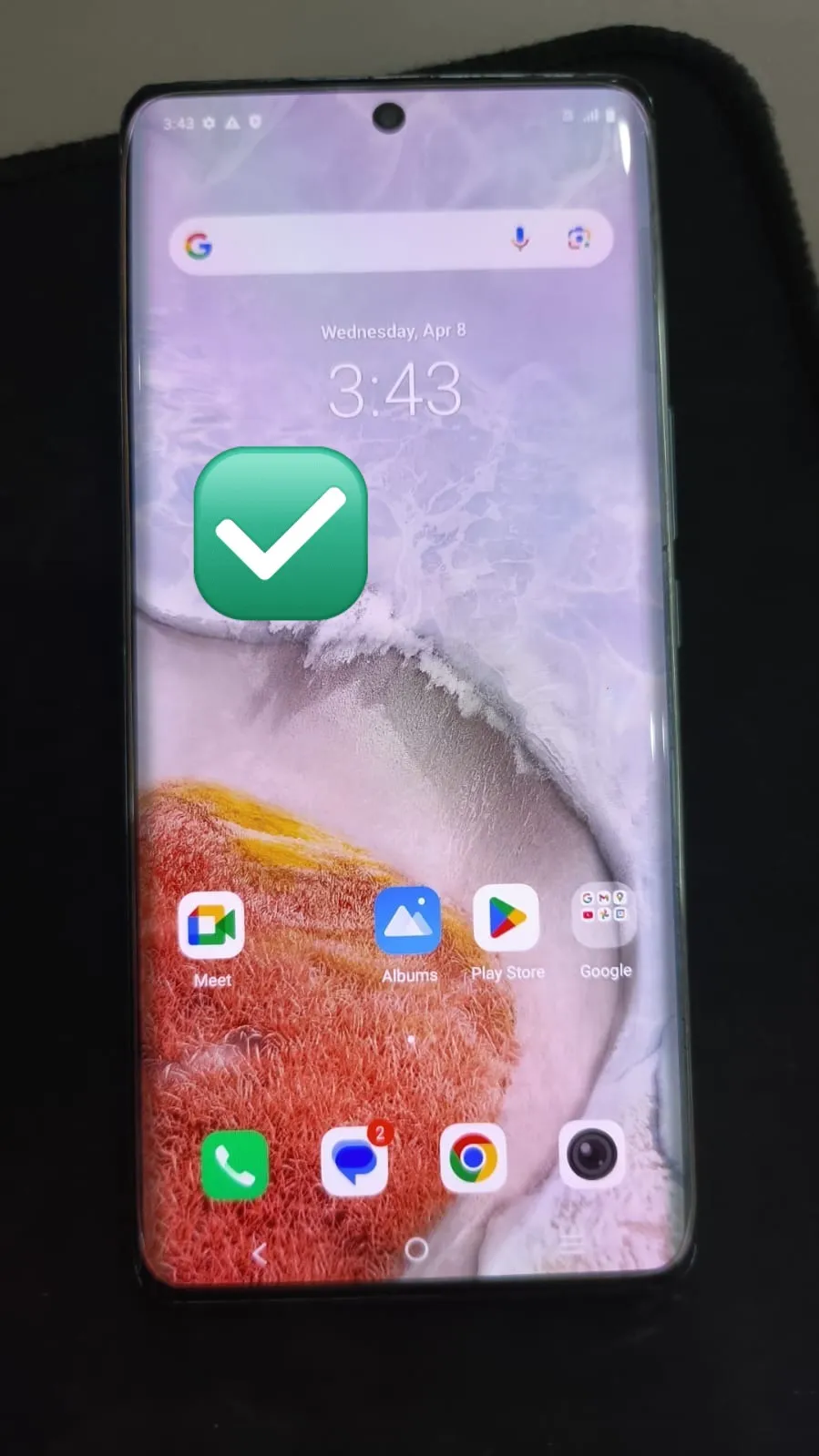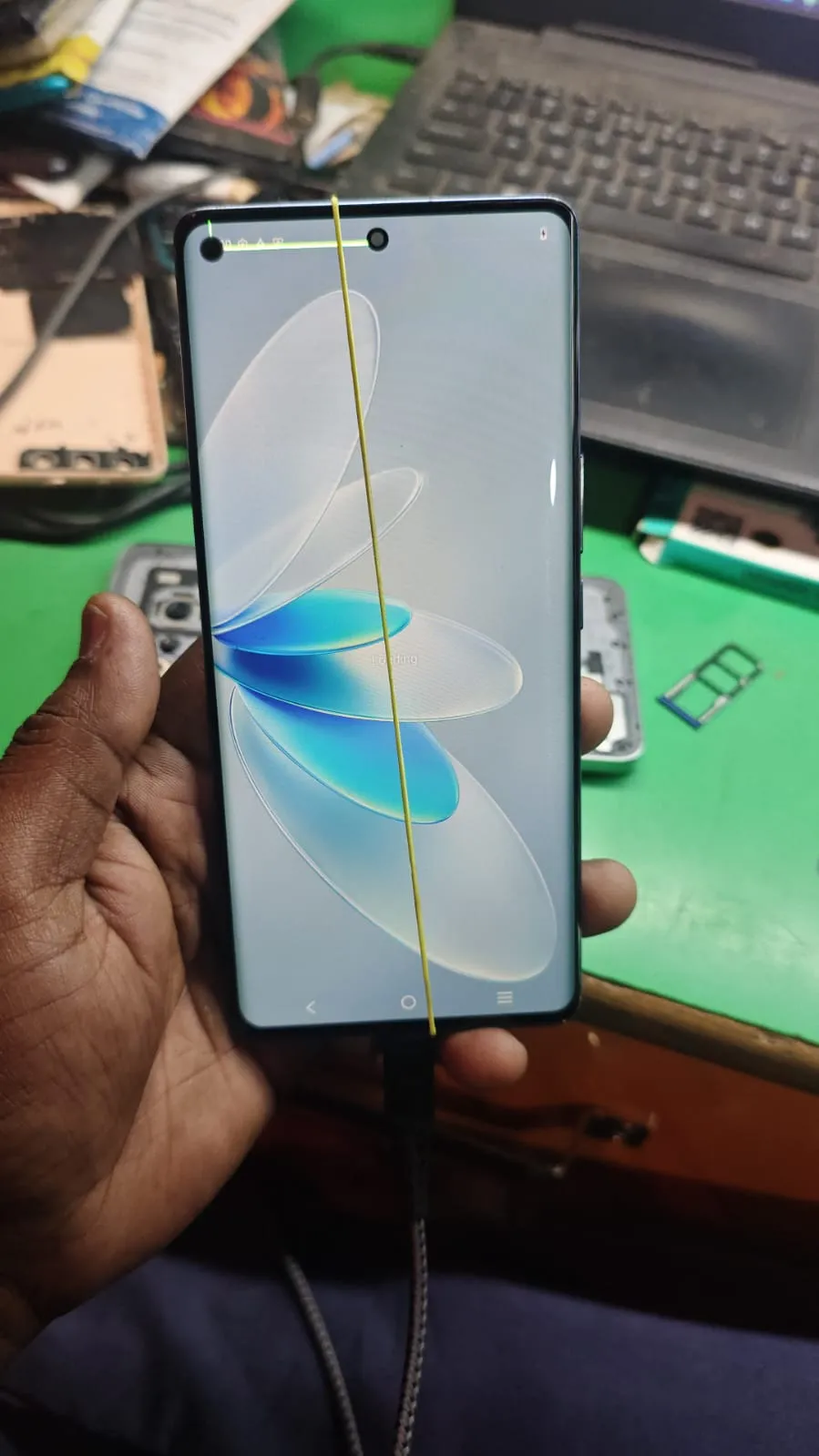
If you are stuck on the Google account verification screen after a factory reset, you are not alone. Many users and technicians face this issue daily, especially with newer Android security updates.
This guide provides a real, tested, and working Vivo V27 Pro 5G FRP Unlock remote solution, backed by actual tool logs and live operation proof.
Whether you are:
A normal user locked out of your phone
A mobile technician handling client devices
This solution will help you unlock the device safely and quickly.
What is Vivo V27 Pro 5G FRP Unlock and Why It Is Needed
Vivo V27 Pro 5G FRP Unlock is the process of removing Google account verification after a factory reset.
FRP (Factory Reset Protection) activates automatically when a Google account is added. After reset, the device asks for the same account credentials.
Why You Need It
Forgot Gmail ID or password
Bought second-hand device
Device reset without removing account
Locked after update or flashing
In these cases, Vivo V27 Pro 5G Google Account Remove becomes necessary.
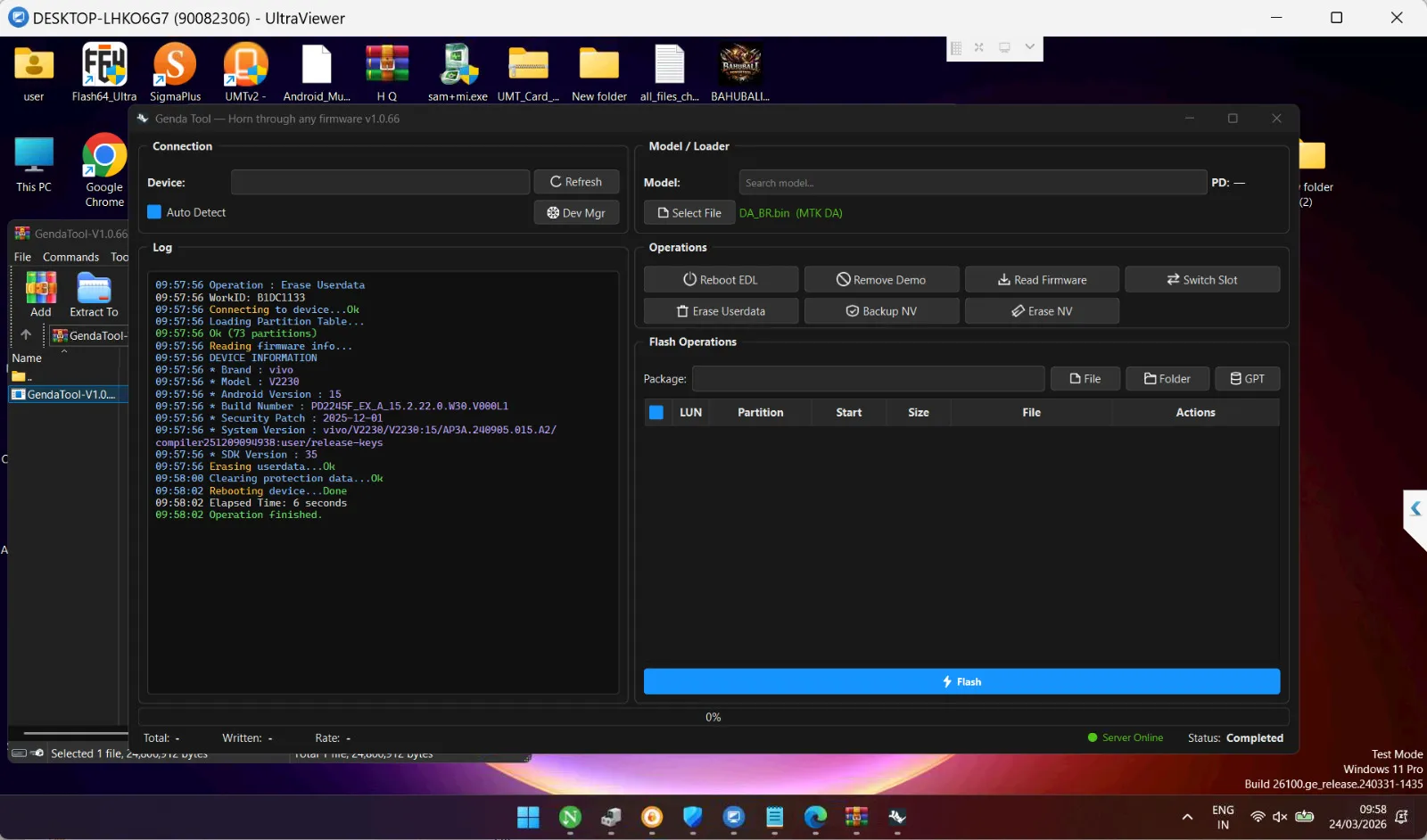
Real Working Proof (Live Tool Log)
Below is a real operation log from the unlocking process, confirming that the method is working on latest security:
Device Information Detected:
Brand: Vivo
Model: V2230 (Vivo V27 Pro 5G)
Android Version: 15
Security Patch: 2025-12-01
Build Number: PD2245F_EX_A_15.2.22.0
Operation Performed:
Erase Userdata
Clearing Protection Data
Final Result:
FRP Removed Successfully
Device Rebooted
Operation Completed in 6 Seconds
Log Summary:
Operation: Erase UserdataReading device info... OKAndroid Version: 15Security Patch: 2025-12-01Erasing userdata... OKClearing protection data... OKRebooting device... DoneOperation finished.👉 This proves that the Vivo V27 Pro 5G FRP Unlock Android 13/14/15 is fully supported even on latest updates.
Key Features of Vivo V27 Pro 5G FRP Unlock (2026)
100% Remote Service
Works on latest Android 15 security
No risk of dead device
Fast unlocking (few minutes)
No complex setup required
Safe and professional process
Supports updated firmware
This makes it a reliable Vivo V27 Pro 5G FRP Solution 2026.
Supported Devices and Platforms
Although focused on Vivo V27 Pro 5G, this service supports:
Latest Vivo models
MTK-based devices
Android 11 / 12 / 13 / 14 / 15
Perfect for technicians handling multiple brands.
How Remote Service Works
This is not a downloadable tool — it is a fully remote unlocking service.
Process:
Contact support team
Share device details
Get confirmation
Connect device (if needed)
Expert performs unlock remotely
Device unlocked successfully
No need to install any risky Vivo V27 Pro 5G FRP Unlock Tool yourself.

How to Use Vivo V27 Pro 5G FRP Unlock
For Users
Just connect with support
Follow simple steps
Let expert handle everything
No technical knowledge required.
For Technicians
Unlock customer devices instantly
No trial-and-error methods
Increase daily income
Handle latest security devices
Better than unstable Vivo V27 Pro 5G FRP Unlock Free methods.
Additional Services Available
Along with FRP unlock:
Network unlock
IMEI repair
Software flashing
Dead boot repair
Security patch fixes
Comparison with Other Methods
Feature | Remote Service | Free Methods | Tool-Based |
|---|---|---|---|
Success Rate | 100% | Low | Medium |
Safety | High | Risky | Medium |
Time | Fast | Slow | Medium |
Skill Required | None | High | Medium |
Latest Support | Yes | No | Limited |
Safety and Legal Considerations
Only unlock your own device
Do not use for illegal purposes
Always choose trusted service
Avoid unknown cracked tools
Troubleshooting Common Issues
Problems:
Device not connecting
Driver missing
USB issue
Internet unstable
Solutions:
Use original cable
Install drivers properly
Maintain stable internet
Follow instructions carefully
Pricing and Service Plans
This is a paid remote service.
Available Options:
Single device unlock
Bulk unlock for technicians
Priority fast service
Price depends on:
Android version
Security patch
Urgency
FAQs
Is Vivo V27 Pro 5G FRP Unlock safe?
Yes, it is completely safe when done professionally.
Does it support Android 15?
Yes, as shown in the live proof, latest versions are supported.
Can I do it free?
Free methods are outdated and unreliable.
How long does it take?
Usually 5–10 minutes.
Do I need a PC?
Basic connection may be required, but no technical setup needed.
Final Thoughts
The Vivo V27 Pro 5G FRP Unlock remote service is currently the most reliable and fastest solution available in 2026.
With real proof, latest Android support, and high success rate, this method is ideal for both:
Individual users
Professional technicians
Instead of wasting time on risky or outdated methods, go with a tested remote solution.

Share this article
About the author