The mobile repair industry is evolving faster than ever, and the need for accurate schematics, sub-board layouts, and hardware solutions is consistently rising. Whether you run a repair shop, offer freelancing repair services, or are a beginner learning board-level repairs, the Borneo Schematics Update is one of the most powerful tools you can rely on today.
In this comprehensive guide, you will learn everything about the Borneo Schematics Update—what it is, how it works, how to install it, supported devices, pricing, comparison with other tools, troubleshooting errors, FAQs, and more.
Let’s begin.

What Is Borneo Schematics Update and Why It Is Needed?
The Borneo Schematics Update is a professional mobile hardware solution database designed for:
- Mobile technicians
- Repair shops
- Training institutes
- IC repair specialists
- Beginners learning board-level work
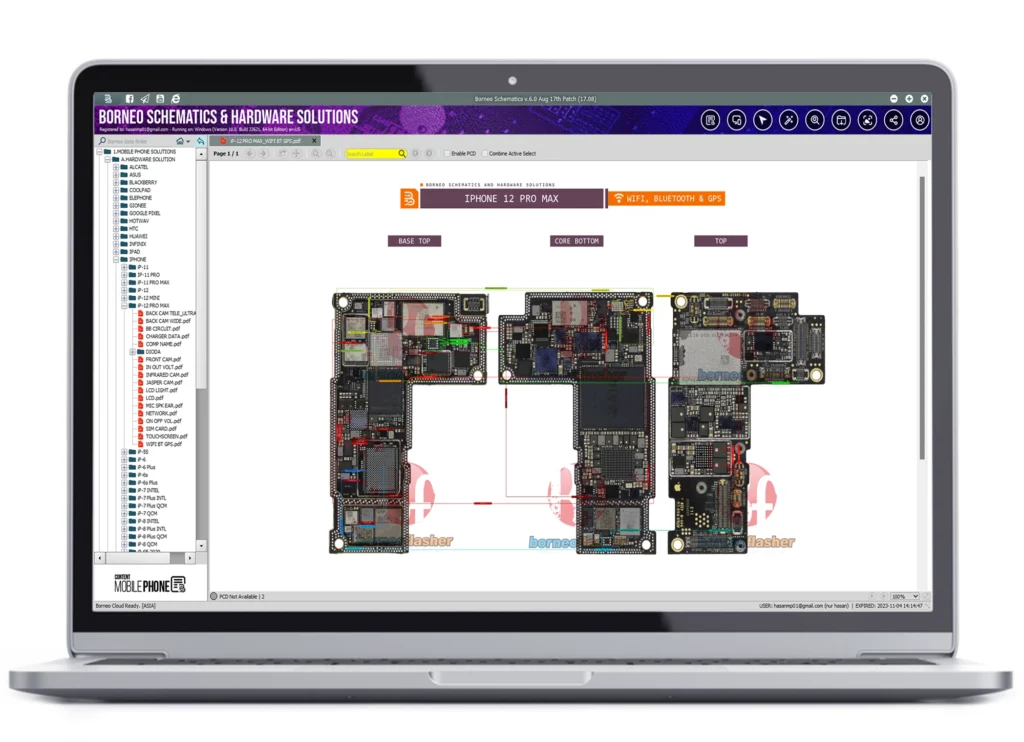
It provides schematic diagrams, bitmap images, sub-board layouts, component values, resistance measurements, and hardware troubleshooting guides for hundreds of mobile brands and thousands of models.
Why Technicians Need Borneo Schematics Update
Here’s why this tool is considered essential:
- Helps identify component placement
- Shows accurate resistance & voltage values
- Provides detailed paths and line connections
- Reduces time spent on manual diagnosis
- Increases success rate in advanced chip-level repairs
- Supports multi-brand libraries (Android, iPhone & laptops)
In short:
It saves time, increases repair accuracy, and boosts efficiency for repair shops.
Key Features of the Latest Borneo Schematics Update (2025)
The newest update brings multiple improvements, covering thousands of mobile models.
1. Multi-Brand Hardware Library
Includes data for:
- Samsung
- Xiaomi
- Vivo
- Oppo
- Realme
- Motorola
- Infinix
- Tecno
- iPhone
- Nokia
- Lenovo
- Acer
- Dell
- Many more…
2. Schematic Diagrams
High-quality PDF and interactive diagrams for:
- Power lines
- Charging circuits
- Display circuits
- Backlight lines
- Network IC sections
3. Bitmap & Sub-Board Layouts
View the exact location of key components:
- Sub boards
- Daughter boards
- SMPS sections
- PMIC lines
- IC-level map
- Capacitors, resistors & coils
4. Hardware Troubleshooting Solutions
Ready-to-use solutions for:
- No power
- No display
- Charging issues
- Network failure
- Baseband problems
- WiFi/Bluetooth issues
- Touch faults
- Dead board repairs
5. Resistance & Voltage Values
Latest thermistor values, pad resistance readings, and component lookup.
6. BIOS & Laptop Motherboard Schematics
Covers:
- Lenovo
- Dell
- HP
- Acer
- Asus
Useful for laptop repair professionals.
7. Weekly & Daily Updates
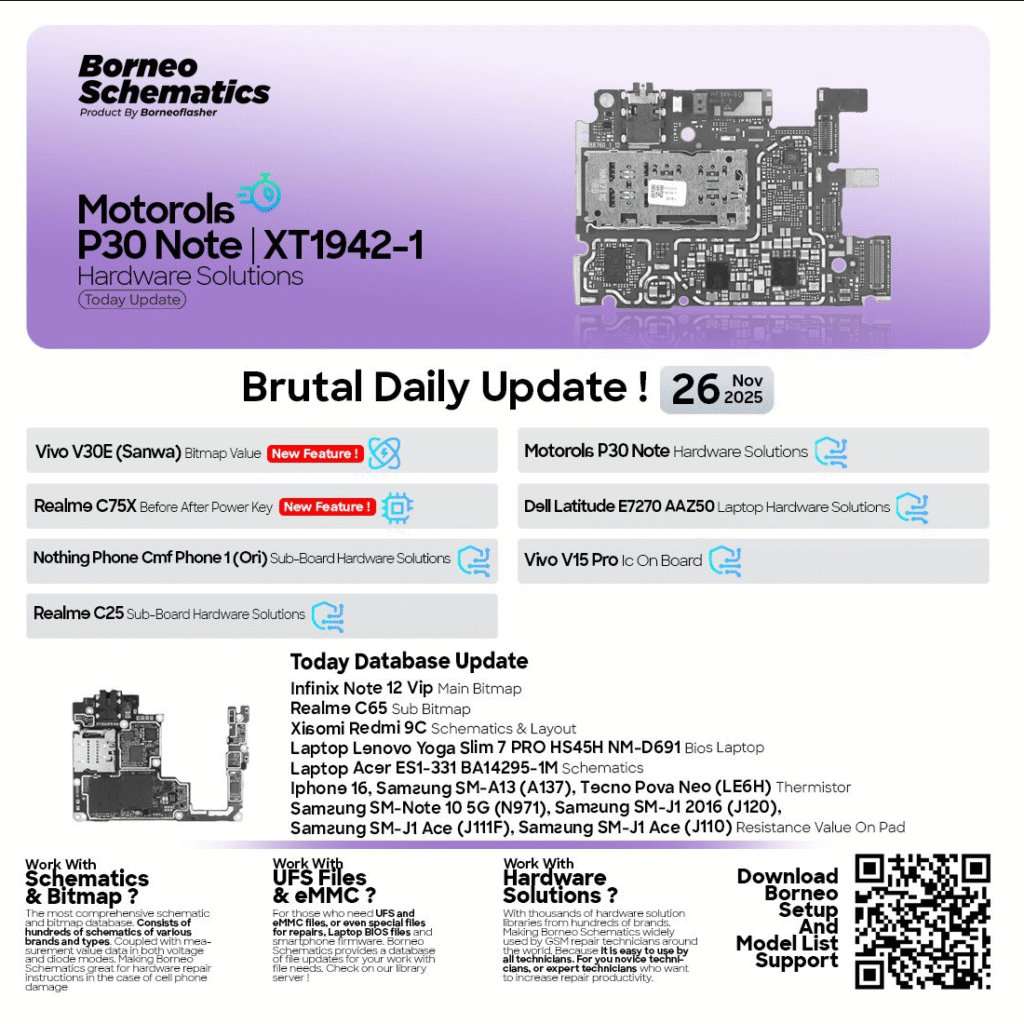
New models added regularly:
- Realme C75X
- Vivo V30E
- Xiaomi Redmi 9C
- Infinix Note 12 VIP
- Motorola P30 Note
- More coming each day
8. Easy Search Dashboard
Type the model → instantly see diagrams, bitmaps, and solutions.
9. Offline Access (after download)
No need for constant internet.
10. Technician-Friendly Interface
Simple, clean, and optimized for repair shops.
Supported Devices and Brands
The Borneo Schematics Update supports:
Android Smartphone Brands
- Realme
- Samsung
- Xiaomi / Redmi / Poco
- Vivo / iQOO
- Oppo
- Motorola
- Tecno
- Infinix
- Nokia
- Honor & Huawei
iPhone Models
All major iPhone series, including component maps and boardview layouts.
Laptop & PC Motherboards
- Lenovo Yoga Slim
- Acer ES1 series
- Dell Latitude
- HP ProBook/EliteBook
🛠 Tablet & Smart Device Circuits
- Samsung Tabs
- Lenovo Tabs
- Amazon Fire
- iPads
How to Download and Install Borneo Schematics Update
Below is the official, safe, step-by-step installation guide.
Step-by-Step Installation Guide
- Download the latest Borneo Schematics installation file
- Extract the ZIP folder
- Run the setup.exe file
- Allow the installation to complete
- Launch the program from Start Menu
- Enter your login credentials
- Activate your subscription
- Update the library after first login
System Requirements
- Windows 7/8/10/11
- Minimum 4GB RAM (8GB recommended)
- .NET Framework installed
- Stable internet for activation

How to Register and Activate Borneo Schematics
After installing:
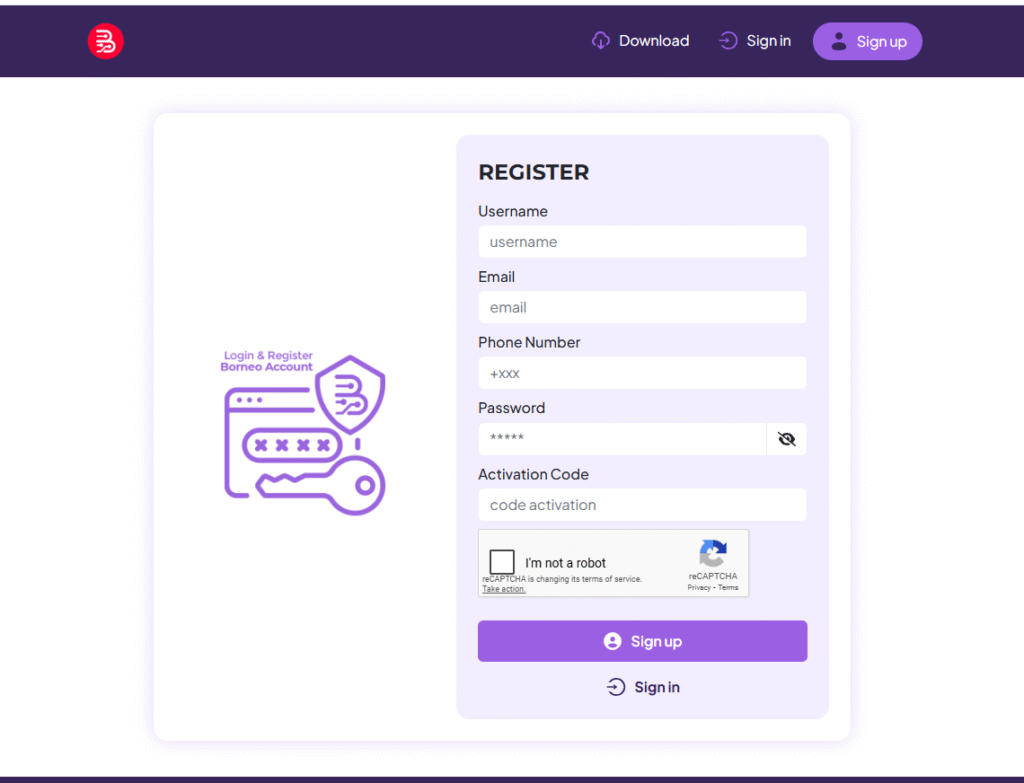
- Open the software
- Click Register Account
- Enter:
- Name
- Phone number
- Service type (shop/individual)
- Create a strong password
- Verify email or OTP
- Open software → Login → Activate Subscription
If you face activation errors, contact support via WhatsApp/Telegram (CTA at the end).
How to Use Borneo Schematics Update (Beginners + Technicians)
The tool is designed for both beginners and advanced-level repair engineers.
1. Searching for Mobile Hardware Solutions
Simply type:
- Model number
- Brand
- PCB code
You will instantly see:
- Schematic diagram
- Sub-board bitmap
- Component values
- Section-based troubleshooting
2. FRP Unlock Solutions
While Borneo Schematics itself is not a direct FRP tool, it provides:
- FRP jumper diagrams
- Test point guides
- EDL point locations
Useful for:
- Xiaomi
- Vivo
- Oppo
- Realme
- Infinix
3. Network Unlock Support
Includes hardware-based guides for:
- Network IC
- Baseband section
- RF circuits
- PA/antenna issues
4. IMEI Repair & Other Services
Provides:
- CPU pinouts
- ISP pinouts
- Test point mapping
- EMMC/UFS IC diagrams
This helps technicians perform:
- IMEI repair
- Software flashing
- Boot repair
- Dead boot recovery
Comparison with Other Tools
| Feature | Borneo Schematics | Wuxinji | ZXW | PhoneBoard |
|---|---|---|---|---|
| Mobile Diagrams | ✔️ | ✔️ | ❌ | ✔️ |
| Laptop BIOS | ✔️ | ❌ | ❌ | ❌ |
| Android + iPhone Support | ✔️ | ✔️ | ❌ | ✔️ |
| Daily Updates | ✔️ | ❌ | ❌ | ❌ |
| Offline Mode | ✔️ | ✔️ | ✔️ | ✔️ |
| Sub-board Layouts | ✔️ | ✔️ | ✔️ | ✔️ |
| Pricing | Affordable | High | High | Free |
Winner: Borneo Schematics due to multi-brand coverage and daily updates.
Safety Tips and Legal Considerations
Before using any hardware repair tool:
- Always use original diagrams
- Avoid using cracked versions
- Do not misuse schematics for illegal unlocking
- Follow customer privacy rules
- Ensure ESD protection at all times
- Maintain proper grounding when repairing ICs
Troubleshooting Common Errors
Login Error
- Check your internet connection
- Reset your password
- Restart the application
Activation Failed
- Your subscription may be expired
- System date/time incorrect
Library Not Loading
- Update your software
- Delete the cache folder
- Restart your PC
Blank Bitmap
- Re-download the specific model
- Update your offline library
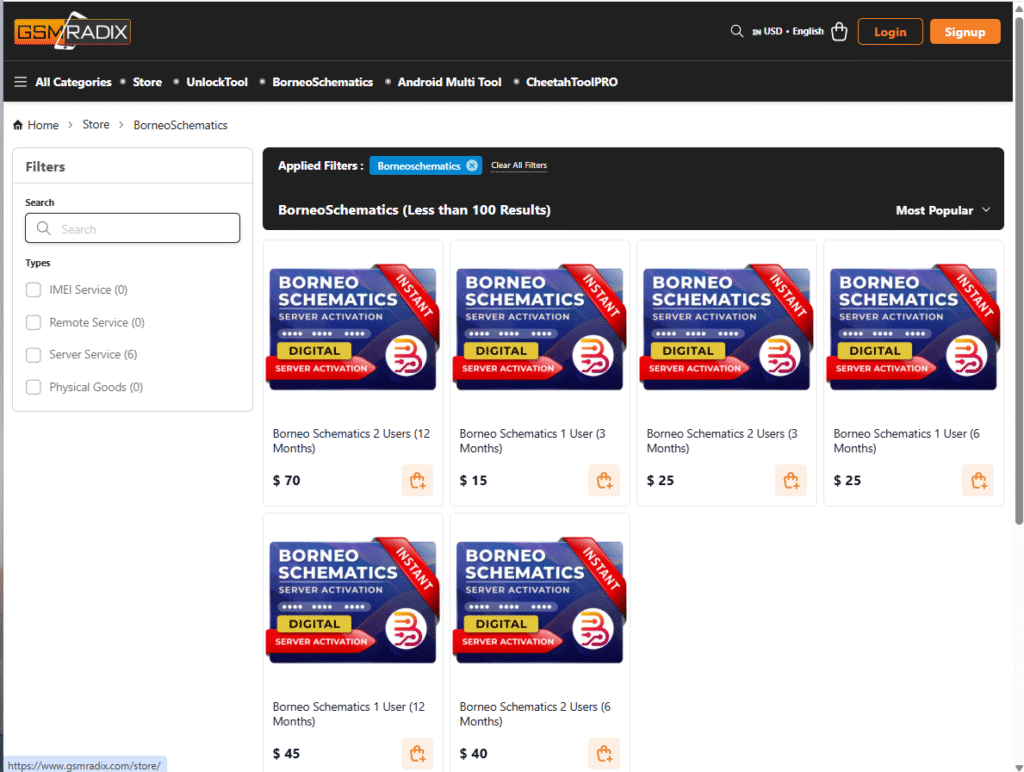
Pricing and Subscription Plans
Typical Borneo Schematics plans include:
✔️ Monthly Plan
- Affordable
- Suitable for beginners
✔️ 6-Month Plan
- Best value
- Includes bonus updates
✔️ 1-Year Full Access
- Recommended for repair shops
- Unlimited diagrams
- Priority support
Contact WhatsApp/Telegram (below) for current discounts.
FAQs — Frequently Asked Questions
1. Is Borneo Schematics Update safe to use?
Yes, 100% safe and trusted by thousands of global technicians.
2. Can beginners use it?
Absolutely. Even non-technical users can learn quickly.
3. Does it support iPhones?
Yes, including IC layouts and schematic references.
4. Is internet required?
Only for activation and updates. Offline mode available.
5. Does it support laptop schematics?
Yes—Dell, HP, Acer, Lenovo, Asus & more.
6. Is there a cracked version available?
Avoid cracked copies—they are unsafe and illegal.
Final Thoughts + Download / Contact / Subscribe CTA
The Borneo Schematics Update is one of the most powerful, reliable, and essential tools for mobile technicians today. With daily updates, multi-brand support, accurate diagrams, and professional-level hardware troubleshooting, it is perfect for beginners, individuals, and repair shop owners.
Why Buy from GsmRadix
- 100% genuine and verified firmware
- Official download mirror of UnlockTool 3 months
- Instant auto-delivery 24/7
- Secure checkout with fast technical support