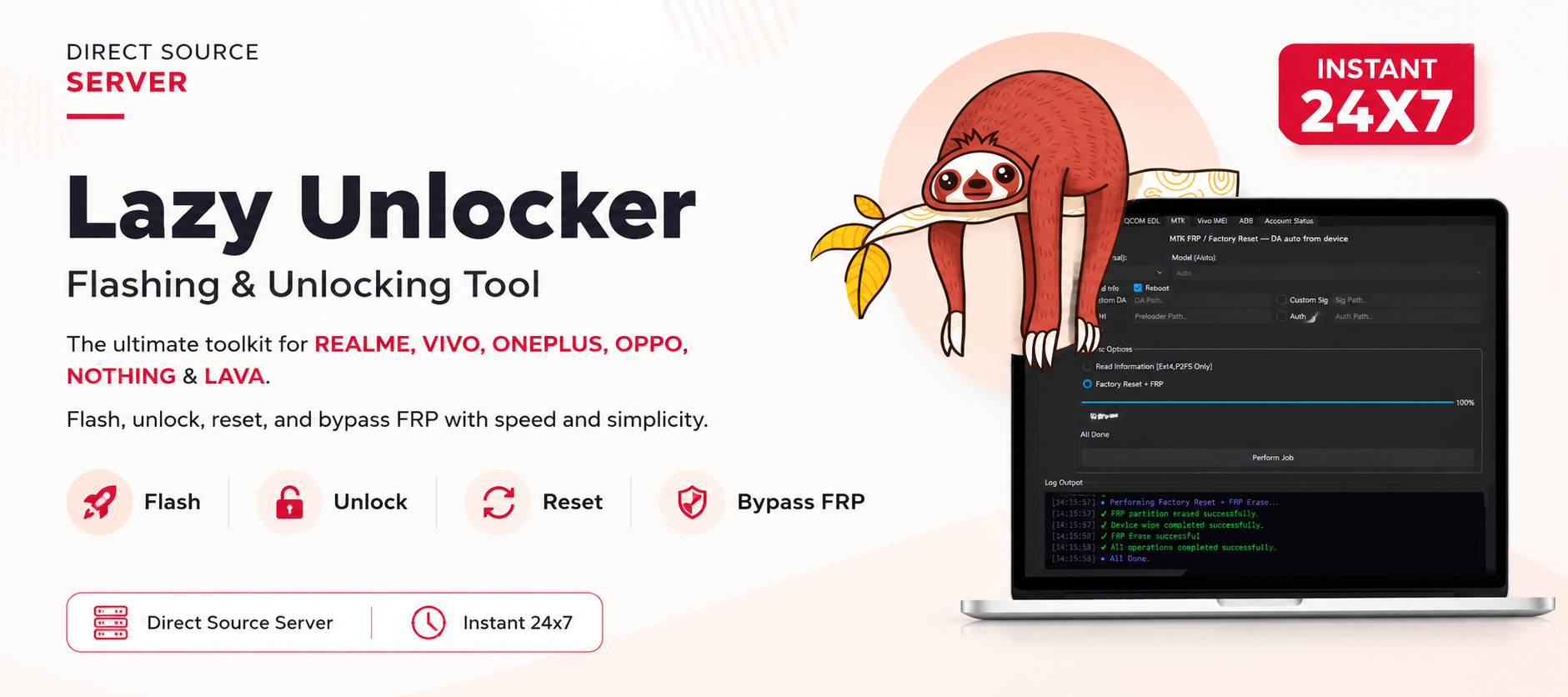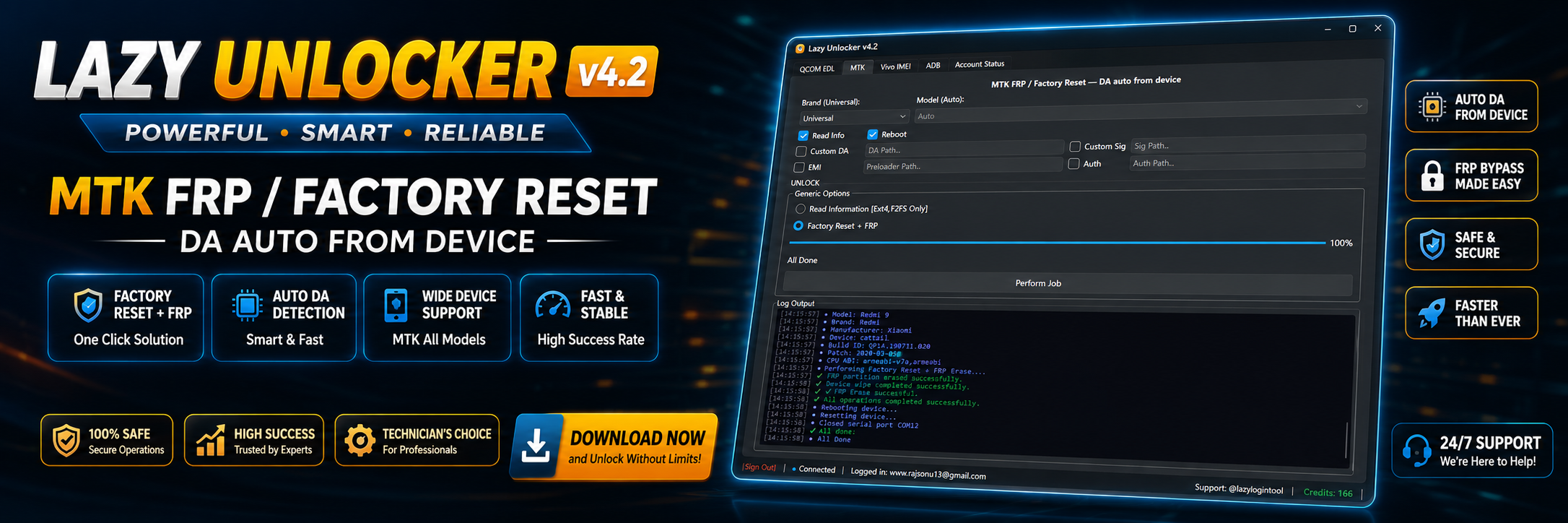


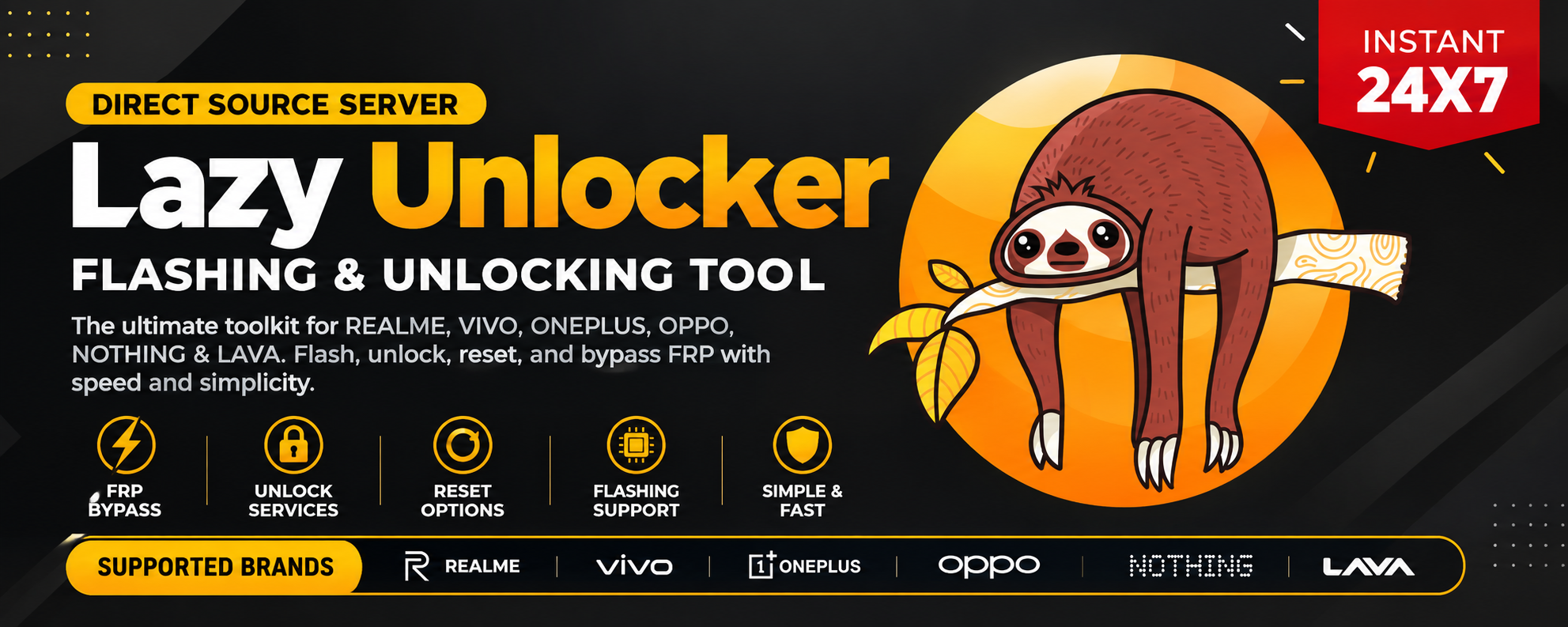
If you are looking for a reliable way to purchase credits for supported Lazy Unlocker services, this guide explains everything from Buy Lazy Unlocker Credits Online to installation, registration, activation, credit usage, troubleshooting, and support.
Lazy Unlocker is used by mobile repair professionals and service providers for supported device operations. Depending on the service and supported model, credits may be required before a particular server-based operation can be processed.
Instead of searching through multiple websites for information about Lazy Unlocker Credits, this complete guide explains the buying process, activation requirements, supported brands, and important precautions in one place.
Whether you are an individual user handling a supported device or a professional technician managing multiple customer devices, understanding how the credit system works can help you avoid unnecessary delays and incorrect purchases.
What Are Lazy Unlocker Credits and Why Are They Needed?
Lazy Unlocker Credits are service credits used for supported operations available through the Lazy Unlocker ecosystem. Certain server-based services require credits before processing can begin.
The exact number of credits required can depend on the device, model, service, and current server requirements. Therefore, users should always confirm the required credit amount before purchasing or starting an operation.
For technicians, a credit-based system can be useful because it allows services to be purchased according to actual requirements instead of necessarily committing to a large subscription.
Why Do Users Buy Lazy Unlocker Credits?
There are several common reasons users search for Buy Lazy Unlocker Credits:
- They need credits for a supported service.
- They want to process a specific customer device.
- They need additional server credits after using an existing balance.
- They want to check the current Lazy Unlocker Credit Price.
- They operate a repair shop and require credits regularly.
- They want a convenient online purchase process.
- They need activation or registration assistance.
Before purchasing, always verify that the required service and device are currently supported.
Key Features of Lazy Unlocker Credits
The latest available version and service environment may introduce changes to supported operations, device compatibility, and credit requirements. For that reason, users should check the current service information before beginning an operation.
Important benefits of the credit system can include:
Credit-Based Service Access
Users can purchase credits according to their requirements instead of buying services they do not need.
Server-Based Processing
Supported operations can communicate with the applicable service infrastructure to process eligible requests.
Support for Multiple Brands
Depending on current service availability, Lazy Unlocker may provide support for devices from multiple manufacturers.
Suitable for Repair Professionals
Technicians can maintain a credit balance and use it for supported customer jobs.
Easy Recharge
When the existing balance is insufficient, users can purchase additional credits through the available recharge process.
Regular Software Updates
Using the latest compatible software version is important because older releases may not properly support newer services or server requirements.
Supported Devices and Brands
Compatibility can change as manufacturers release new firmware, security patches, and device models. Therefore, users should not assume that every device from a supported manufacturer will automatically work.
Depending on the currently available services, users may encounter support for brands such as:
- Vivo
- Realme
- OPPO
- Xiaomi
- OnePlus
- Nothing
- Motorola
- Samsung
- Other supported Android brands
Support can also vary by model, chipset, Android version, security patch, and specific operation.
Check Model Support Before Buying
Before you Buy Lazy Unlocker Credits, identify:
- Device brand
- Exact model number
- Android version
- Security patch where relevant
- Required service
- Required credit amount
This simple verification can prevent buying credits for an unsupported operation.
Buy Lazy Unlocker Credits Online
The easiest approach for many users is to purchase the required credits online through a trusted reseller or service provider.
When searching for Buy Lazy Unlocker Credits Online, do not choose a seller based only on the lowest advertised price. A professional seller should provide clear information about the service, payment process, activation, and support.
What to Check Before Purchasing
Before placing an order, confirm:
- Current credit price
- Credit quantity
- Supported operation
- Supported model
- Delivery or activation procedure
- Payment method
- Support availability
- Whether credits are refundable
- Whether the service is currently online
If the requirements are unclear, contact the seller before making payment.
How to Buy Lazy Unlocker Credits
The purchasing process is generally straightforward.
Step 1: Identify Your Required Service
First determine exactly what you want to perform. For example, the required service may involve FRP, network-related processing, IMEI-related services, or another supported operation.
Step 2: Check Device Compatibility
Confirm the exact model and current support status.
Step 3: Check the Lazy Unlocker Credit Price
Credit pricing can change according to service requirements and provider pricing. Always confirm the latest price before ordering.
Step 4: Select the Required Credit Quantity
Avoid purchasing an arbitrary quantity. Choose the amount appropriate for the operation you intend to perform.
Step 5: Complete Payment
Use the payment method provided by the seller.
Step 6: Provide Required Account Information
If the service requires an account, provide the correct username, email, or other required details.
Never share unnecessary passwords or sensitive information with an unknown seller.
Step 7: Confirm Activation or Credit Delivery
After payment, verify that the credits have been added to the correct account or that the activation process has been completed.
Lazy Unlocker Credits Recharge
Existing users may not need a completely new account when they simply require additional balance.
Lazy Unlocker Credits Recharge allows users to add credits according to their service requirements.
Before requesting a recharge, check your current balance and confirm the number of credits required for the next operation.
For repair shops, maintaining a reasonable balance can help reduce delays when multiple customer devices require supported services.
Credit Recharge Checklist
Before requesting a recharge:
- Check current balance.
- Confirm required credits.
- Confirm exact account details.
- Verify current pricing.
- Confirm service availability.
- Keep your payment receipt.
Download and Installation Process
Using the correct software version is important when working with server-based mobile servicing tools.
Download the application only from a trusted source or the official distribution channel provided by your service provider.
Avoid modified, cracked, or unknown builds because they may contain unwanted software or create account and security problems.
Step-by-Step Installation Guide
Step 1: Download the Latest Compatible Version
Obtain the currently supported Lazy Unlocker software package from a trusted source.
Step 2: Extract the Package
If the download is provided as a compressed archive, extract it to a dedicated folder.
Step 3: Run the Installer
Launch the installer and follow the displayed instructions.
Step 4: Install Required Drivers
If the application requires device drivers, install the appropriate drivers before connecting the phone.
Step 5: Restart the Computer if Required
Some driver installations require Windows to restart before the device can be detected correctly.
Step 6: Launch Lazy Unlocker
Open the software after installation and check that it starts without errors.

How to Register and Activate Lazy Unlocker
Registration and activation requirements can vary depending on the current service configuration.
A typical workflow involves creating or receiving a service account and then activating the required access.
Basic Registration Process
- Open Lazy Unlocker.
- Select the registration or account option if available.
- Enter the requested information.
- Verify your account details.
- Log in using the registered credentials.
- Check your credit balance.
- Confirm that the required service is available.
Activation
If activation is required, follow the activation instructions provided by the seller or service provider.
Make sure the account information is correct before requesting activation. Incorrect details can delay processing.
How to Use Lazy Unlocker Credits
The exact workflow depends on the operation and supported device.
For both individual users and professional technicians, the safest approach is to first identify the device and service before starting the operation.
For Individual Users
Individual users should:
- Identify the exact device model.
- Confirm the required service.
- Check compatibility.
- Verify the credit requirement.
- Back up important data.
- Follow the software instructions carefully.
If you are unfamiliar with mobile servicing procedures, professional assistance may be safer than experimenting with advanced operations.
For Technicians and Repair Shops
Technicians can integrate Lazy Unlocker Credits into their existing service workflow.
A professional workflow can look like this:
Customer Device → Model Verification → Service Check → Credit Check → Operation → Result Verification
Keeping accurate records of credits and completed jobs can also make it easier to calculate service costs.
FRP Unlock
FRP, or Factory Reset Protection, is an Android security feature designed to help protect devices after a reset.
Some Lazy Unlocker services may support FRP-related operations on eligible models. However, availability depends on the device and current service support.
FRP-related services should only be performed on devices that the user legitimately owns or is authorized to service.
Before starting:
- Verify the device model.
- Confirm current support.
- Check the required credits.
- Follow the supported procedure.
- Do not interrupt the operation.
Network Unlock
Network unlocking is different from FRP-related servicing.
Network unlock availability depends on the device, carrier, region, and service provider. A particular Lazy Unlocker service may support only selected devices or network conditions.
Always verify eligibility before purchasing credits for a network-related operation.
IMEI Repair and Other Services
IMEI-related operations are sensitive and can be regulated differently depending on the country.
Only perform legitimate repair or restoration work where permitted by applicable law and where you have authorization to service the device.
Do not use servicing tools to alter identifiers for fraudulent purposes, bypass ownership controls, or disguise stolen devices.
The availability of IMEI-related and other advanced services can change, so check the current service list before purchasing credits.
Lazy Unlocker Credits Buy vs Other Tool Options
Different mobile servicing tools use different licensing and credit models. The right choice depends on the operation, supported devices, pricing, and workflow.
| Feature | Lazy Unlocker Credits | Subscription-Based Tool | Single-Service Solution |
|---|---|---|---|
| Credit-based services | Yes | Depends on tool | Usually |
| Multiple operations | Depending on support | Often | Limited |
| Suitable for technicians | Yes | Yes | Yes |
| Pay according to usage | Yes | Not always | Often |
| Server-based services | Depending on service | Depending on tool | Depending on provider |
| Best for occasional jobs | Often suitable | May vary | Often suitable |
This comparison is general. Always check the current features and support of the specific product before purchasing.
Safety Tips and Legal Considerations
Mobile servicing software should be used responsibly.
Use Only Authorized Devices
Never attempt to service a device that you do not own or have permission to repair.
Keep a Backup
Important user data should be backed up whenever possible before performing advanced servicing operations.
Use Trusted Software
Download software from reliable sources and avoid modified or suspicious packages.
Verify the Model
A wrong model selection can result in failed operations or unexpected problems.
Check Service Availability
Server services can occasionally be unavailable for maintenance or technical reasons. Confirm availability before purchasing a large number of credits.
Follow Local Laws
Rules concerning IMEI modification, network unlocking, FRP servicing, and other mobile operations vary by jurisdiction. Users are responsible for complying with applicable laws and carrier or manufacturer policies.
Troubleshooting Common Lazy Unlocker Errors
Even when the software is installed correctly, an operation can fail because of drivers, device configuration, server status, account issues, or unsupported models.
Device Not Detected
Try:
- Reinstalling the correct USB drivers.
- Using another USB cable.
- Trying another USB port.
- Restarting the computer.
- Checking the phone’s connection mode.
Login or Activation Error
Check that:
- Username and password are correct.
- The account is active.
- Internet access is working.
- The latest compatible version is installed.
- The service has not expired.
Insufficient Credits
If the software reports insufficient credits, check your account balance and verify the required credit quantity.
You may need a Lazy Unlocker Credits Recharge before starting another operation.
Unsupported Model
An unsupported model cannot necessarily be processed simply by adding more credits.
First confirm the exact model and current supported-device list.
Server Error
If the server is temporarily unavailable, avoid repeatedly starting the same operation. Check the provider’s service status or contact support.
Lazy Unlocker Credit Price and Subscription Plans
The Lazy Unlocker Credit Price can vary depending on the service, credit quantity, reseller pricing, and current provider rates.
For this reason, displaying an outdated fixed price in an article can create confusion.
Before purchasing, contact the seller and ask for the current:
- Credit price
- Available packages
- Minimum credit quantity
- Supported services
- Activation requirements
- Payment options
If you are a regular technician, ask whether larger credit packages or reseller pricing are available.
How to Choose the Right Package
For occasional users, purchasing only the required amount may be more practical.
For repair shops handling multiple devices every day, a larger credit balance may reduce the need for frequent purchases.
The best option depends on actual usage rather than simply choosing the largest package.
Frequently Asked Questions
What are Lazy Unlocker Credits?
Lazy Unlocker Credits are service credits used for eligible operations available through the Lazy Unlocker platform. The required amount depends on the service and supported device.
Where can I Buy Lazy Unlocker Credits?
You should purchase credits from a trusted and established service provider or reseller. Always confirm current pricing, support, and activation details before payment.
Can I Buy Lazy Unlocker Credits Online?
Yes, online purchasing can be convenient when the seller provides a reliable payment and activation process. Verify the account and service details before completing the transaction.
What is the Lazy Unlocker Credit Price?
Pricing can change according to the service, package, and provider. Contact the seller for the latest available rate before ordering.
How does Lazy Unlocker Credits Recharge work?
Recharge generally means adding additional service credits to an existing account. Check your balance and required credits before requesting a recharge.
Are Lazy Unlocker Credits refundable?
Refund policies depend on the seller and service provider. Always confirm the refund policy before making payment.
Do Lazy Unlocker Credits work on every Android phone?
No. Service availability depends on the exact device, model, firmware, security level, and currently supported operations.
Can technicians use Lazy Unlocker Credits?
Yes, where the applicable service is supported. Technicians can use credits as part of their customer-device servicing workflow.
Do I need the latest Lazy Unlocker version?
Using the latest supported version is recommended because older versions may have compatibility or server-communication issues.
What should I do if my device is unsupported?
Do not purchase additional credits simply because the device is unsupported. First confirm the latest compatibility information with the service provider.
Is Lazy Unlocker suitable for beginners?
The software may be accessible to users with basic computer knowledge, but advanced mobile servicing operations can require technical experience. Beginners should carefully follow official instructions and seek professional help when necessary.
Why Choose GsmRadix for Lazy Unlocker Services?
When purchasing service credits, support and reliability are just as important as price.
GsmRadix provides a direct support channel for customers who need assistance with product information, activation, purchasing, and service availability.
Before placing an order, customers can contact the GsmRadix Team to confirm the current credit requirements and available options.
For professional technicians and repair shops, this can make the purchasing process easier because the required service can be discussed before payment.
Final Thoughts
Finding the right place to Buy Lazy Unlocker Credits is only one part of the process. Successful servicing also depends on using the correct software version, checking device compatibility, confirming credit requirements, and following the appropriate procedure.