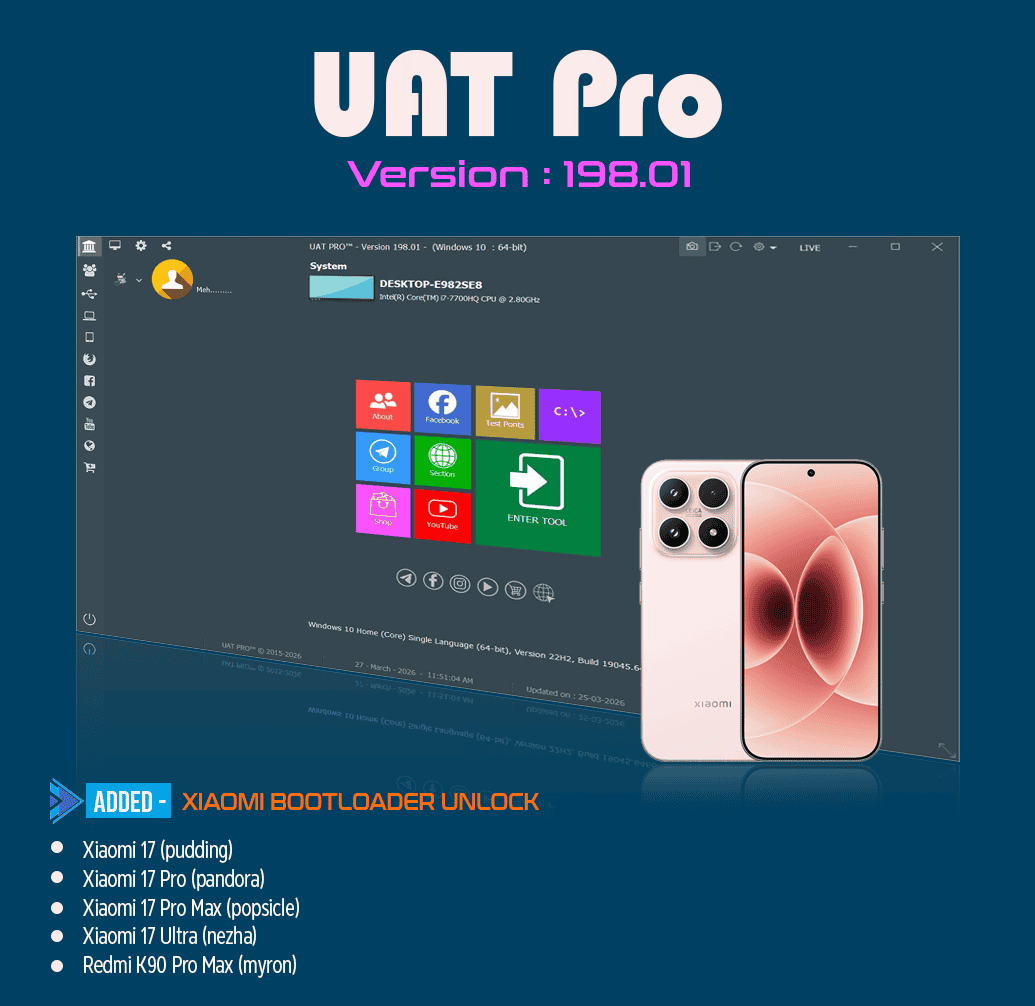
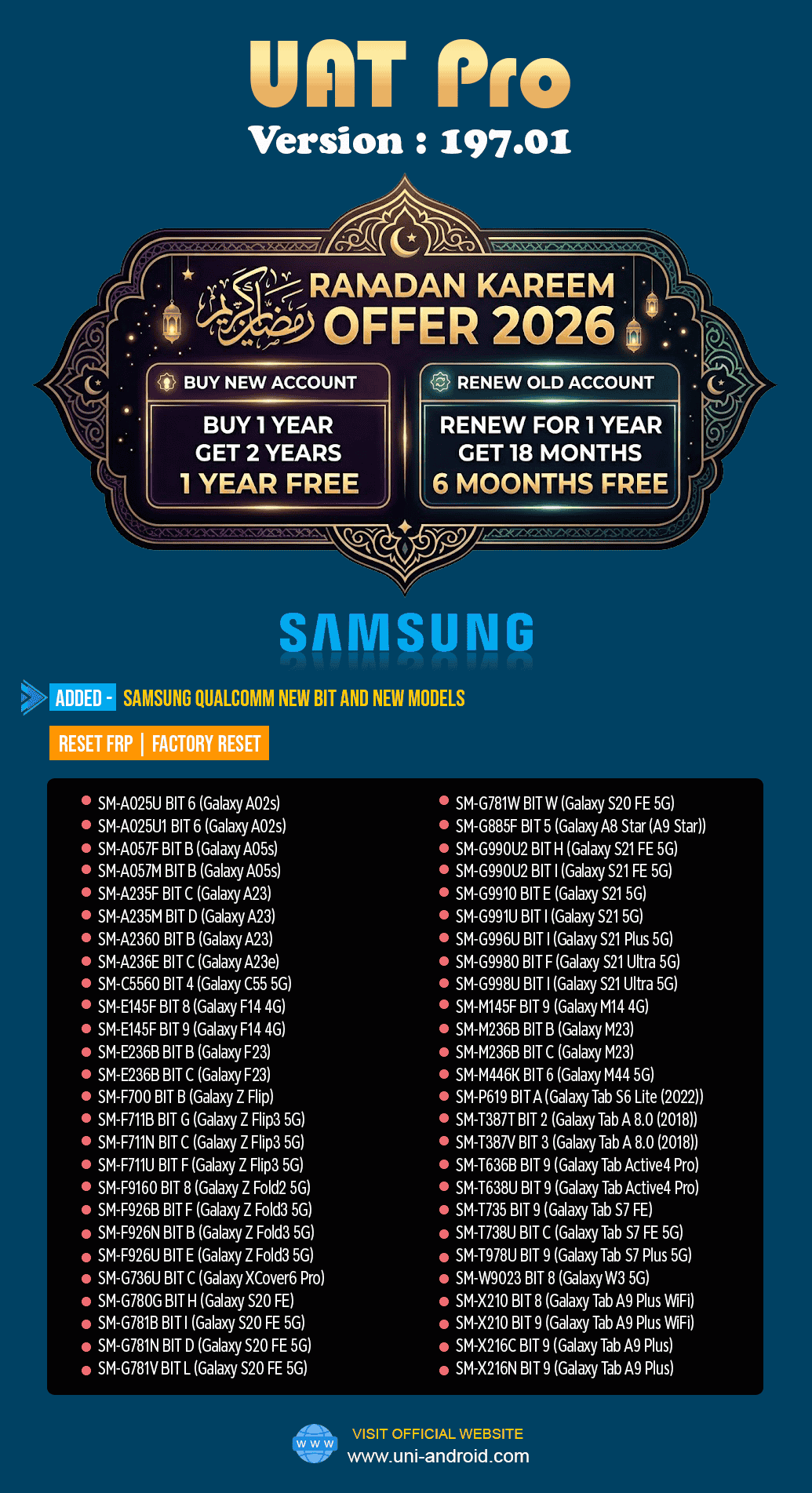
The mobile servicing and unlocking industry is advancing fast, making updated software tools essential for handling new Android security patches and chipsets. UAT PRO Version 196.01 Update delivers a powerful solution for Qualcomm-based Android devices with improved stability and higher success rates. This release expands support for Oppo, Realme, and OnePlus models, ensuring smoother and faster operations. Whether you’re a repair shop owner, technician, or advanced user, this update is a must-have for 2026.
What is UAT PRO Version 196.01 Update and Why It Is Needed
UAT PRO is a professional-grade mobile unlock program used worldwide for Android servicing tasks such as FRP reset, factory reset, flashing assistance, and advanced Qualcomm-based operations.
The UAT PRO Version 196.01 Update is a version-specific release focused on improving Qualcomm compatibility and expanding supported devices. Version-specific updates tend to rank fastest in Google because users search directly for the exact version they need.
Why This Update Is Important
- Android security is getting stricter with every update
- Qualcomm-based devices now use stronger protection layers
- Older tools fail on newer Oppo, Realme, and OnePlus models
- Repair shops need faster, safer, and more reliable solutions
The UAT PRO Version 196.01 Update addresses all these challenges by delivering updated protocols, enhanced Qualcomm handling, and broader device coverage.
Key Features of UAT PRO Version 196.01 Update (Latest Version)
The latest version introduces multiple enhancements designed for real-world servicing environments.
Core Features
- Qualcomm-based FRP reset and factory reset
- Improved support for new Oppo, Realme, and OnePlus devices
- Faster detection of Qualcomm ports
- Improved success rate on locked devices
- Stable performance for daily professional use
Advanced Capabilities
- Secure handling of modern Android security patches
- Optimized workflow for repair technicians
- Works as both a phone unlock app (PC-based) and mobile unlock program
- Reduced errors during reset and servicing operations
The UAT PRO Qualcomm FRP Reset Tool functionality has been significantly refined in this update, making it suitable even for newer flagship models.
Supported Devices and Brands
One of the strongest points of the UAT PRO Version 196.01 Update is its extensive Qualcomm device support.
Supported Brands
- Oppo
- Realme
- OnePlus
Device Categories Covered
- Entry-level smartphones
- Mid-range devices
- Flagship models
- Tablets (Pad series)
This UAT PRO Oppo Realme OnePlus Update ensures technicians can handle a wide range of customer devices without switching tools.
The update officially confirms UAT PRO Latest Qualcomm Models Added, which is critical for shops dealing with newly launched phones.
Download and Installation Process
Installing the UAT PRO Version 196.01 Update is straightforward if done correctly.
System Requirements
- Windows 10 or Windows 11 (64-bit recommended)
- Minimum 8 GB RAM
- Stable internet connection
- Qualcomm USB drivers installed
- Administrator access on PC
Step-by-Step Installation Guide
- Download the official UAT PRO Version 196.01 Update setup file
- Disable antivirus temporarily to avoid false positives
- Run the installer as Administrator
- Follow on-screen installation instructions
- Install required drivers when prompted
- Restart your system after installation
Once installed, the tool is ready for registration and activation.

How to Register and Activate
Registration is mandatory to unlock full features.
- Open UAT PRO software
- Copy your Hardware ID (HWID)
- Purchase a valid license from an authorized seller
- Submit HWID for activation
- Receive activation credentials
- Enter credentials and restart the tool
After activation, all features of the Best UAT PRO Version 196.01 Update 2026 become accessible.

How to Use UAT PRO Version 196.01 Update (For Owners and Technicians)
The tool is designed for both technical and semi-technical users.
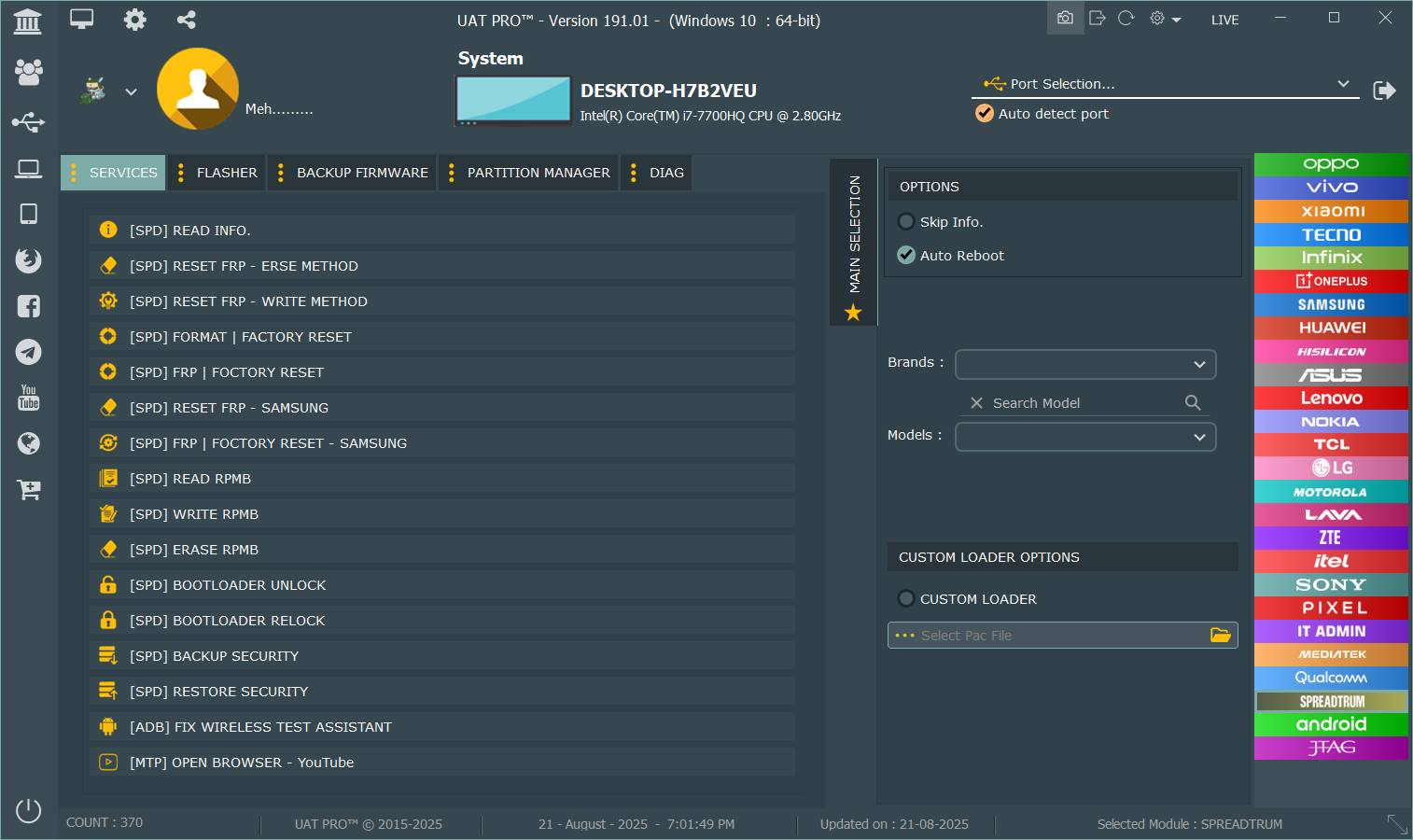
Basic Usage Workflow
- Launch UAT PRO
- Select Qualcomm module
- Choose brand and model
- Connect device in required mode
- Select operation (FRP reset, factory reset, etc.)
- Start the process and wait for completion
Clear on-screen instructions make it usable even for beginners.
IMEI Repair and Other Services
Depending on your license and local laws, UAT PRO Version 196.01 Update may offer advanced servicing options such as:
- IMEI repair (for permitted regions only)
- Backup and restore support data
- Flashing assistance
- Device information reading
Always follow legal guidelines when using advanced features.
Comparison with Other Tools
| Feature | UAT PRO Version 196.01 Update | Other Tools |
|---|---|---|
| Qualcomm Support | Excellent | Limited |
| Oppo / Realme / OnePlus | Strong Focus | Partial |
| Version-Specific Optimization | Yes | No |
| Professional Use | Highly Suitable | Mixed |
| Stability | High | Medium |
| Update Frequency | Regular | Irregular |
Compared to generic phone unlock apps, UAT PRO Version 196.01 Update offers more control, reliability, and professional-grade results.
Safety Tips and Legal Considerations
Using any mobile unlock program requires responsibility.
Safety Tips
- Always back up customer data when possible
- Use original USB cables
- Avoid interrupting processes
- Keep drivers updated
Legal Considerations
- Use only on devices you own or have permission to service
- Follow your country’s IMEI and unlocking laws
- Do not misuse the software for illegal activities
UAT PRO is a professional tool and should be used ethically.
Troubleshooting Common Errors
Device Not Detected
- Reinstall Qualcomm drivers
- Change USB port
- Use another cable
Operation Failed
- Ensure correct model selection
- Check device mode
- Restart PC and retry
License Error
- Verify HWID
- Check internet connection
- Contact official reseller
Most issues are easily resolved with proper setup.
Pricing and Subscription Plans
UAT PRO follows a license-based pricing model.
Common License Options
- Monthly subscription
- Quarterly plans
- Annual professional license
Pricing may vary depending on reseller and region. Professional repair shops usually benefit most from long-term plans.
Frequently Asked Questions (FAQs)
What is UAT PRO Version 196.01 Update?
It is the latest version of UAT PRO Version 196.01 Update focusing on Qualcomm-based Oppo, Realme, and OnePlus devices.
Is UAT PRO suitable for beginners?
Yes. The interface is user-friendly, and basic operations are easy to perform.
Does it support the latest Qualcomm models?
Yes. The update includes UAT PRO Version 196.01 Update Latest Qualcomm Models Added.
Can I use it as a phone unlock app?
Yes, it works as a PC-based phone unlock app with advanced features.
Is the software safe?
When downloaded from official sources and used correctly, it is safe and stable.
Final Thoughts – Why You Should Use UAT PRO Version 196.01 Update
The UAT PRO Version 196.01 Update is a must-have tool in 2026 for anyone involved in Android device servicing. With strong Qualcomm support, expanded Oppo, Realme, and OnePlus compatibility, and professional-grade stability, it delivers real value to both individuals and repair businesses.
Why Buy from GsmRadix
- 100% genuine and verified firmware
- Official download mirror of UAT Pro Tool
- Instant auto-delivery 24/7
- Secure checkout with fast technical support