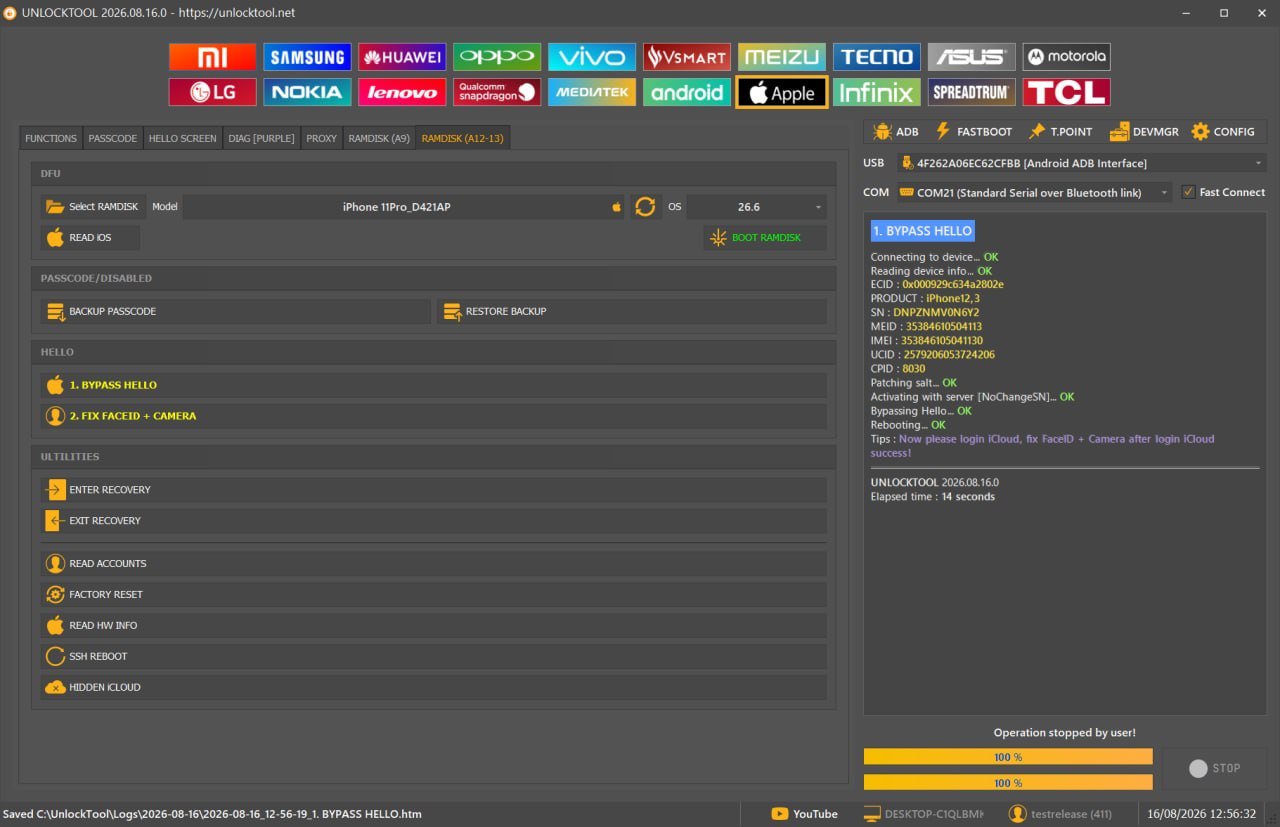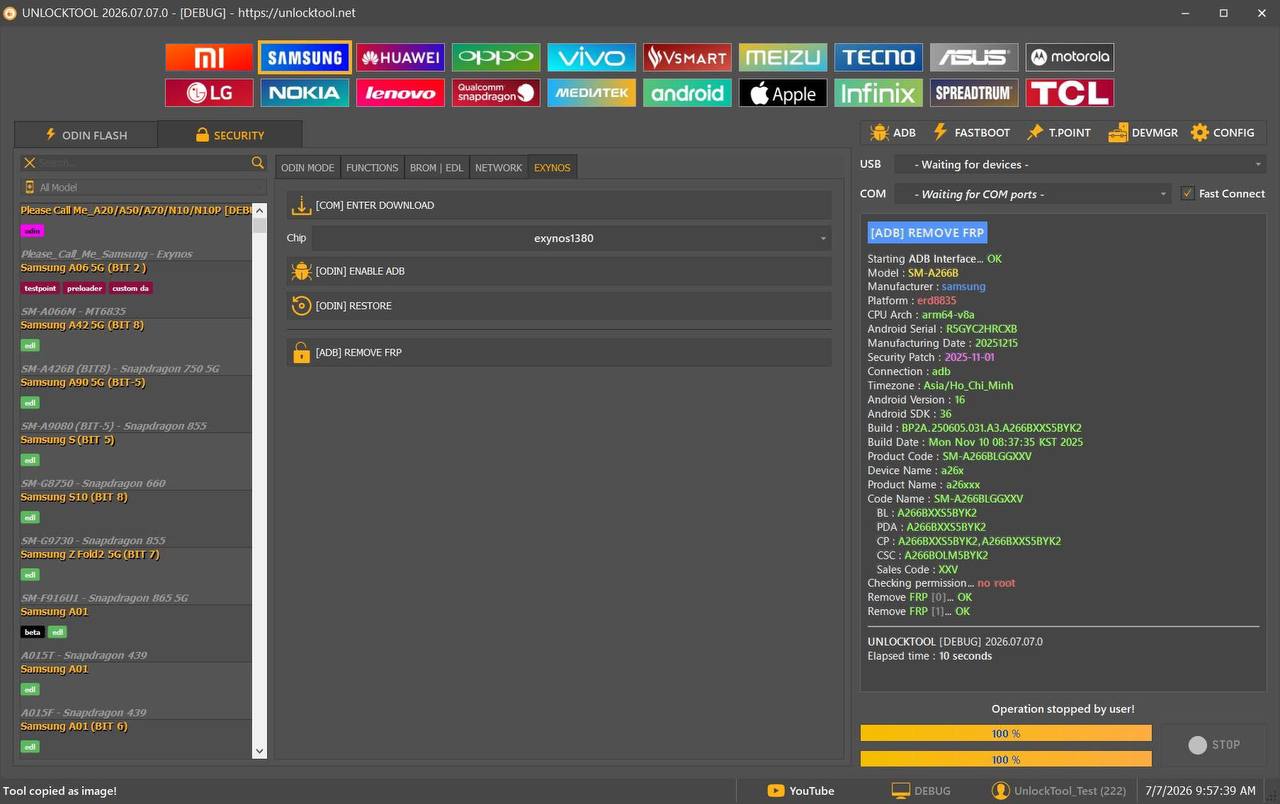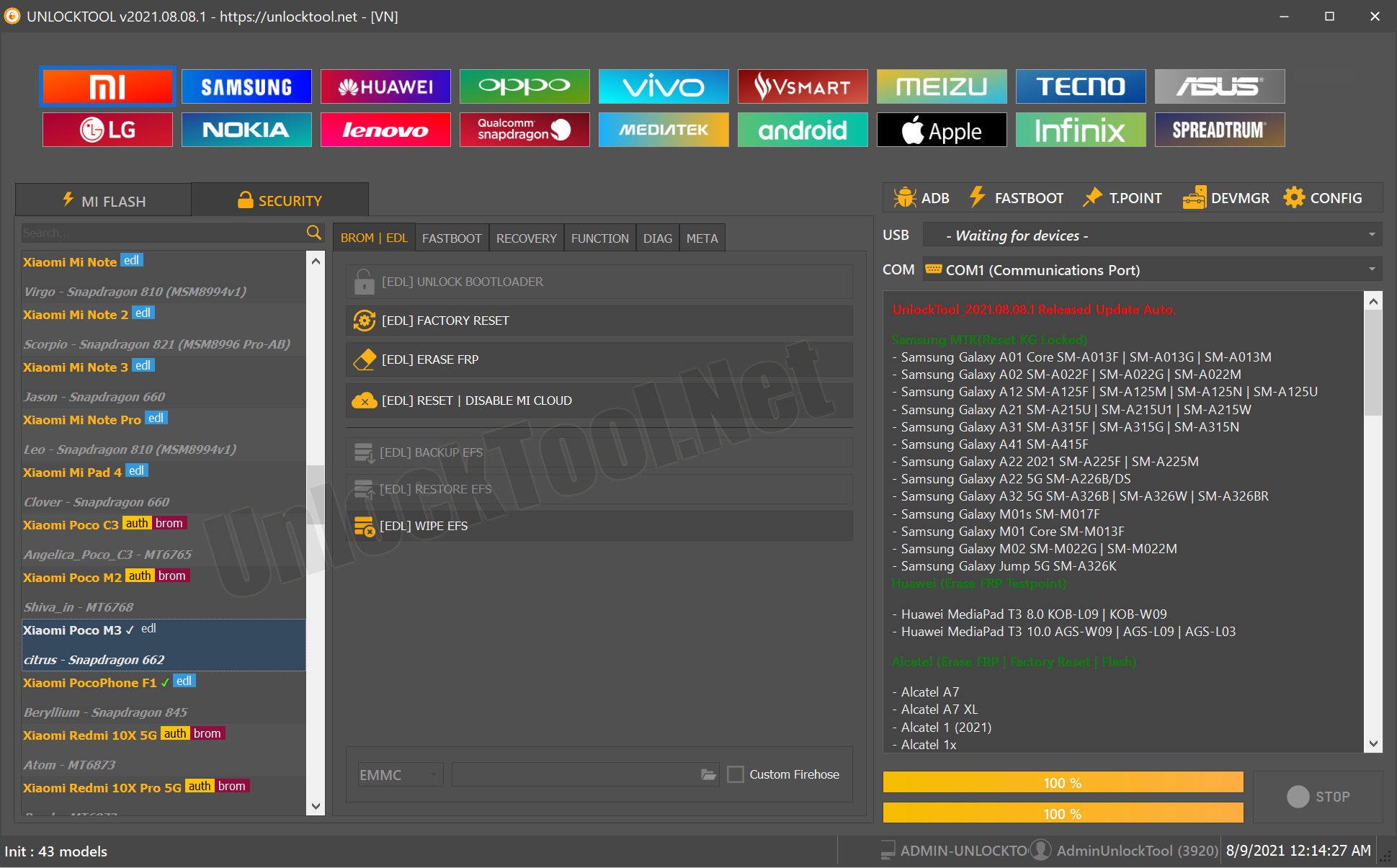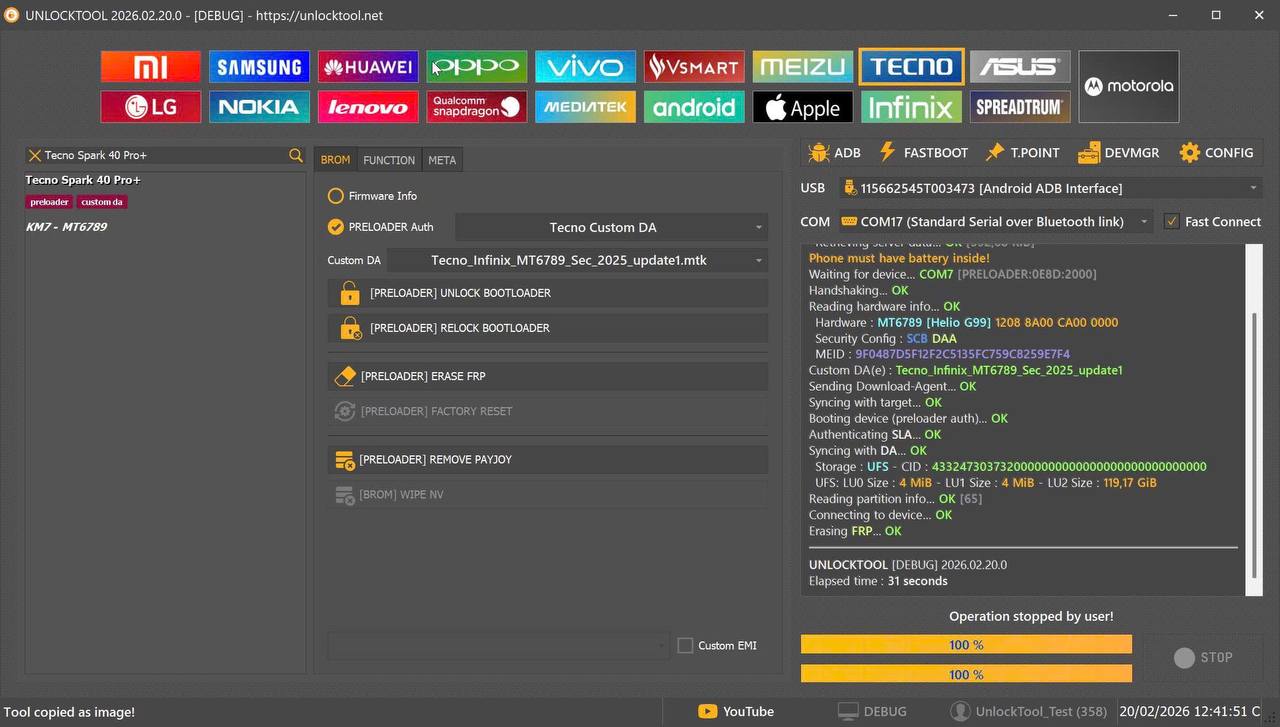
The mobile repairing industry in India is growing very fast in 2026. Every month, new smartphones are launched with stronger Android security patches. Because of this, many old servicing tools stop working properly. Technicians face problems while removing FRP, doing factory reset, or flashing new security devices.
That’s where the UnlockTool 2026.02.20.0 Update becomes extremely important. This update is not just a small patch. It brings MTK V6 support, New Security 2025 Custom DA, and full compatibility with the latest Motorola, Tecno, Infinix, Huawei, and AI+ models.
If you are a GSM technician, shop owner, or digital license reseller in India, this complete guide will help you understand:
- What’s new in this version
- Which models are supported
- How it improves your daily work
- How you can increase your earnings
Let’s explore everything step by step.

Table of Contents
1. What is UnlockTool and Why It Is Important in 2026
UnlockTool is a professional GSM servicing software used for:
- FRP (Factory Reset Protection) removal
- Factory reset
- Flashing firmware
- Readback and erase functions
In 2026, Android security has become stronger. Many devices come with encrypted partitions and updated boot protections. Because of this, older tools fail to support new devices.
The UnlockTool 2026.02.20.0 Update solves this problem by adding support for 2025 security patch devices. It is especially useful for Indian technicians who work with budget and mid-range smartphones daily.
2. UnlockTool 2026.02.20.0 Update – What’s New
This version includes major improvements:
- Motorola MTK V6 (MT6878) support
- Tecno / Infinix MT6789 Custom DA
- New Security 2025 compatibility
- Huawei / Honor Qualcomm advanced features
- AI+ phone support
The Custom DA addition is very important. Many 2025 security devices block normal DA files. Now, communication between the device and the software is more stable and secure.
The UnlockTool 2026.02.20.0 Update ensures technicians can handle the latest models without complicated methods.
3. Motorola MTK V6 (MT6878) Full Support
Motorola has launched several new MTK V6-based smartphones. These devices are more secure and difficult to unlock using older tools.
Supported models include:
- Motorola Razr 2024
- Motorola Razr 50
- Motorola Edge 60
- Motorola ThinkPhone 25
Main functions:
- Direct FRP erase
- Safe factory reset
- Stable MTK V6 connection
In India, FRP removal charges range from ₹800 to ₹1500 depending on the city. With this support, technicians can confidently service new Motorola devices.
4. Tecno & Infinix MTK V6 (MT6789) – New Security 2025
Tecno and Infinix dominate the Indian budget smartphone market. Many customers forget their Google accounts, creating FRP issues.
Supported examples:
- Tecno Spark 40 Pro+
- Tecno Pova 6
- Infinix Hot 50 Pro+
- Infinix Note 40 Pro 4G
With the UnlockTool 2026.02.20.0 Update:
- Custom DA supports MT6789 chipset
- New security 2025 devices can be handled
- Lower risk of device damage
5. Huawei & Honor Qualcomm Features
This update also includes Qualcomm-based features for:
- Huawei Honor X7c
- Huawei Honor X8c
Functions available:
- Factory Reset
- Erase FRP
- ReadBack
- Flash
- Erase ID
These advanced functions help technicians perform deeper servicing tasks.
6. AI+ Phone Support – A New Opportunity
New brands are entering the Indian smartphone market. UnlockTool now supports:
- AI+ Nova 1 5G
- AI+ Pulse 1
Early support means less competition. Technicians can gain an advantage by servicing these devices before others.
7. Key Features: FRP, Reset, Flash & Readback
Feature | Purpose | Business Value
FRP Erase | Remove Google lock | High demand
Factory Reset | Remove pattern/PIN | Medium demand
Flash | Repair software issues | High value
Readback | Backup firmware | Advanced use
The UnlockTool 2026.02.20.0 Update combines all these features in one interface.
8. Step-by-Step Guide to Use UnlockTool
Basic process:
- Install and open the software
- Log in with your digital license
- Select brand and model
- Connect device with proper driver
- Choose function (FRP, Reset, Flash)
- Click Start
Safety Tips:
- Use original USB cable
- Keep battery above 50%
- Avoid interrupting the process
9. Digital License System in India
UnlockTool works on a digital license system.
Process:
- Purchase license from authorized reseller
- Receive login credentials
- Log in through the software
- Activation is automatic
Digital delivery makes it fast and convenient for Indian technicians.
Internal linking suggestion:
“Read our detailed UnlockTool digital license activation guide.”
10. Benefits for Indian Mobile Repair Shops
Why is this update important?
- Supports latest 2025 models
- Increases customer trust
- Allows higher service charges
- Reduces dependency on online unlock services
The UnlockTool 2026.02.20.0 Update helps small-town technicians compete with bigger service centers.
11. Pros and Cons
Pros:
- 2025 security support
- MTK V6 compatibility
- Multiple brands
- Regular updates
Cons:
- Requires internet connection
- License renewal cost
Overall, benefits clearly outweigh limitations.
12. UnlockTool vs Other GSM Tools
Feature | UnlockTool | Older Tools
2025 Security | Yes | Limited
MTK V6 | Full Support | Rare
Regular Updates | Frequent | Slow
The UnlockTool 2026.02.20.0 Update is future-ready for the Indian market.
13. Income Potential in India
Average FRP charges:
- Metro cities: ₹1000–₹1500
- Tier 2 cities: ₹600–₹1000
If a technician handles just 2–3 devices daily, monthly additional income can reach ₹40,000–₹70,000.
This software is not just a tool. It is a business investment.
FAQ SECTION
1. What is UnlockTool 2026.02.20.0 Update used for?
It is used for FRP removal, factory reset, flashing, and servicing 2025 security smartphones.
2. Does it support MTK V6?
Yes, MTK V6 (MT6878 and MT6789) chipsets are supported.
3. Is this update useful for Tecno and Infinix devices?
Yes, it includes Custom DA for new security devices.
4. Do I need internet access?
Yes, internet is required for license verification.
5. Is UnlockTool suitable for beginners?
Basic GSM knowledge is required, but the interface is simple.
6. How can I get a digital license in India?
You can purchase it from an authorized reseller for quick activation.
CONCLUSION
The mobile repairing industry is evolving rapidly. New devices with stronger security are entering the market every month. Without updated tools, technicians may lose customers.
The UnlockTool 2026.02.20.0 Update provides MTK V6 support, 2025 security compatibility, and wide brand coverage including Motorola, Tecno, Infinix, Huawei, and AI+.