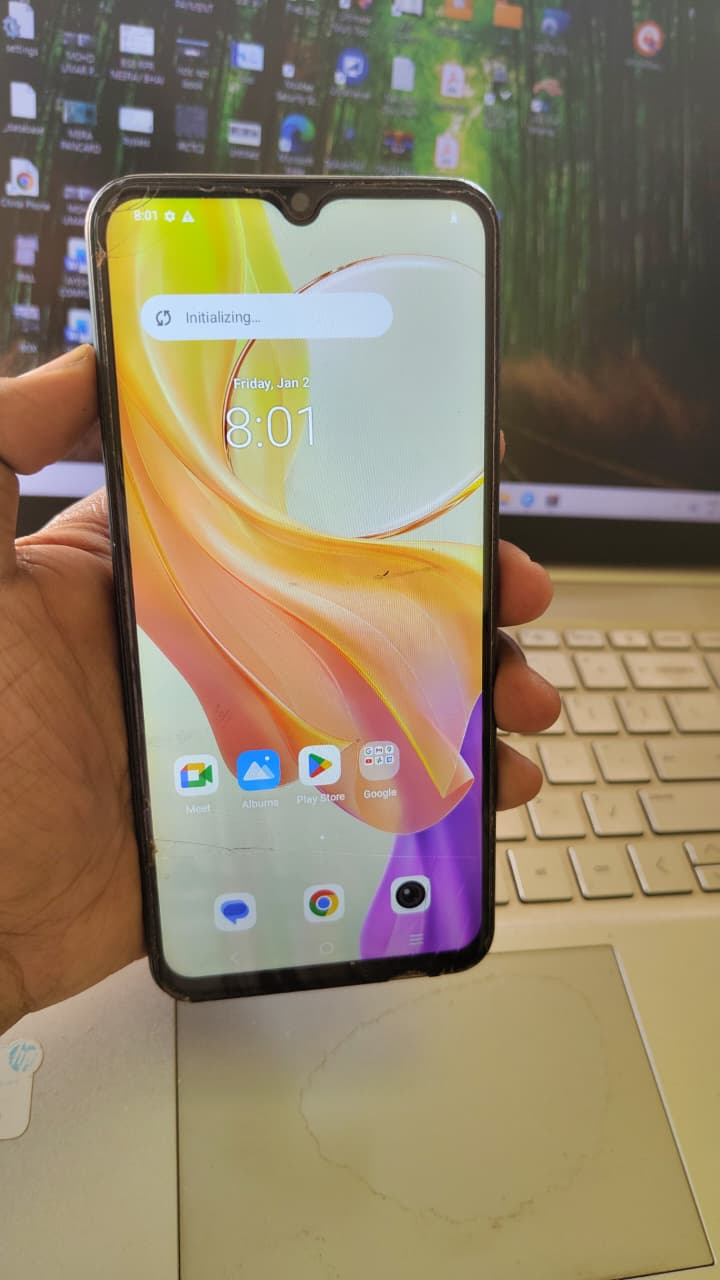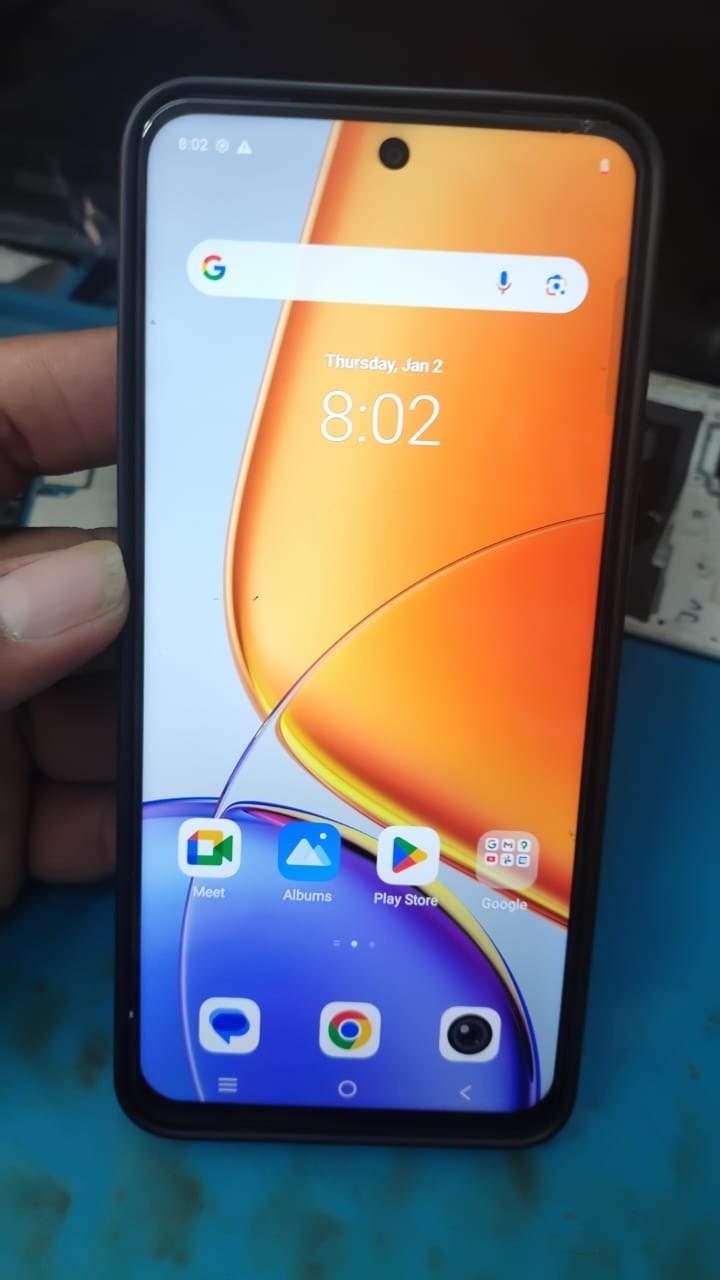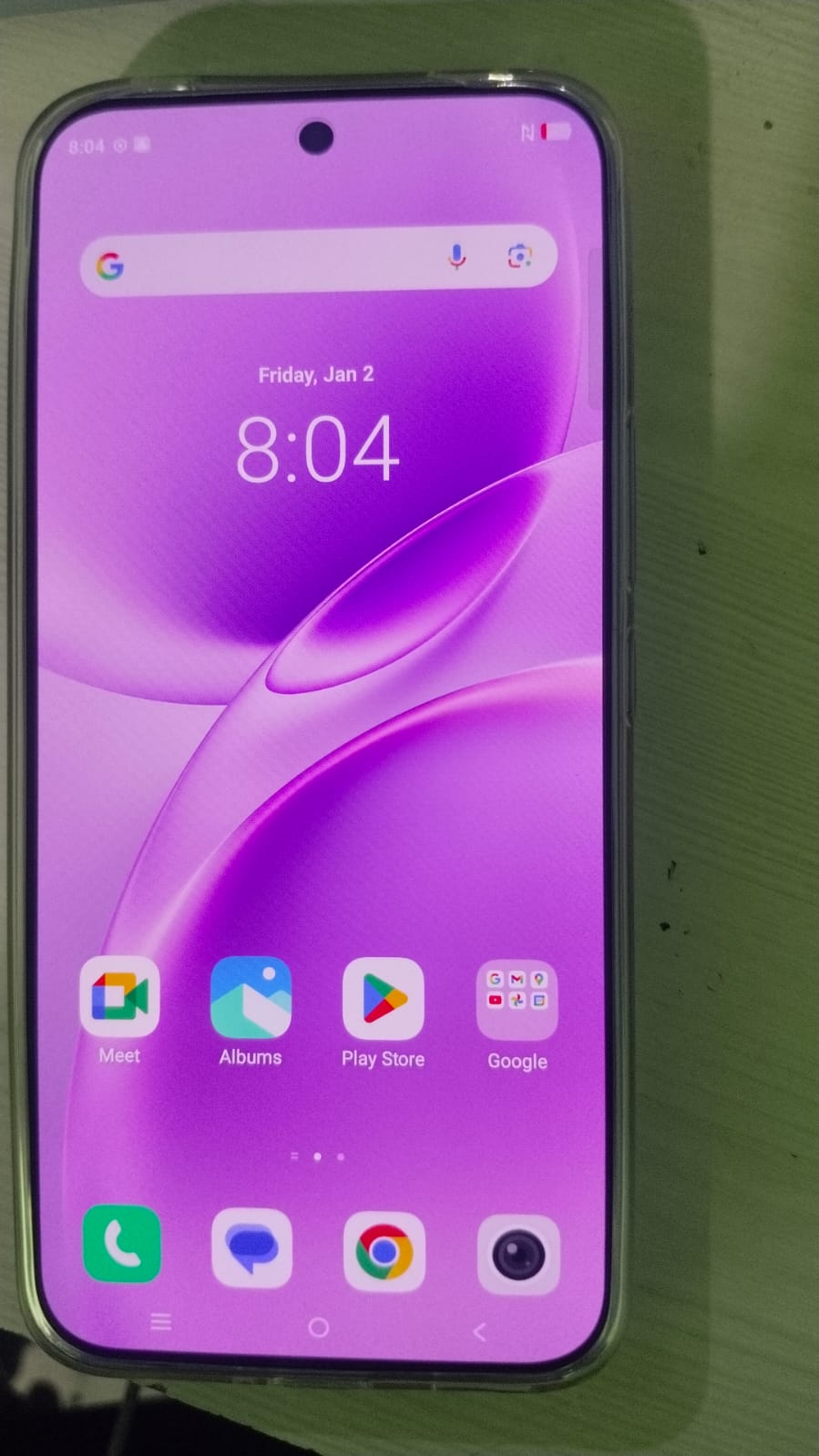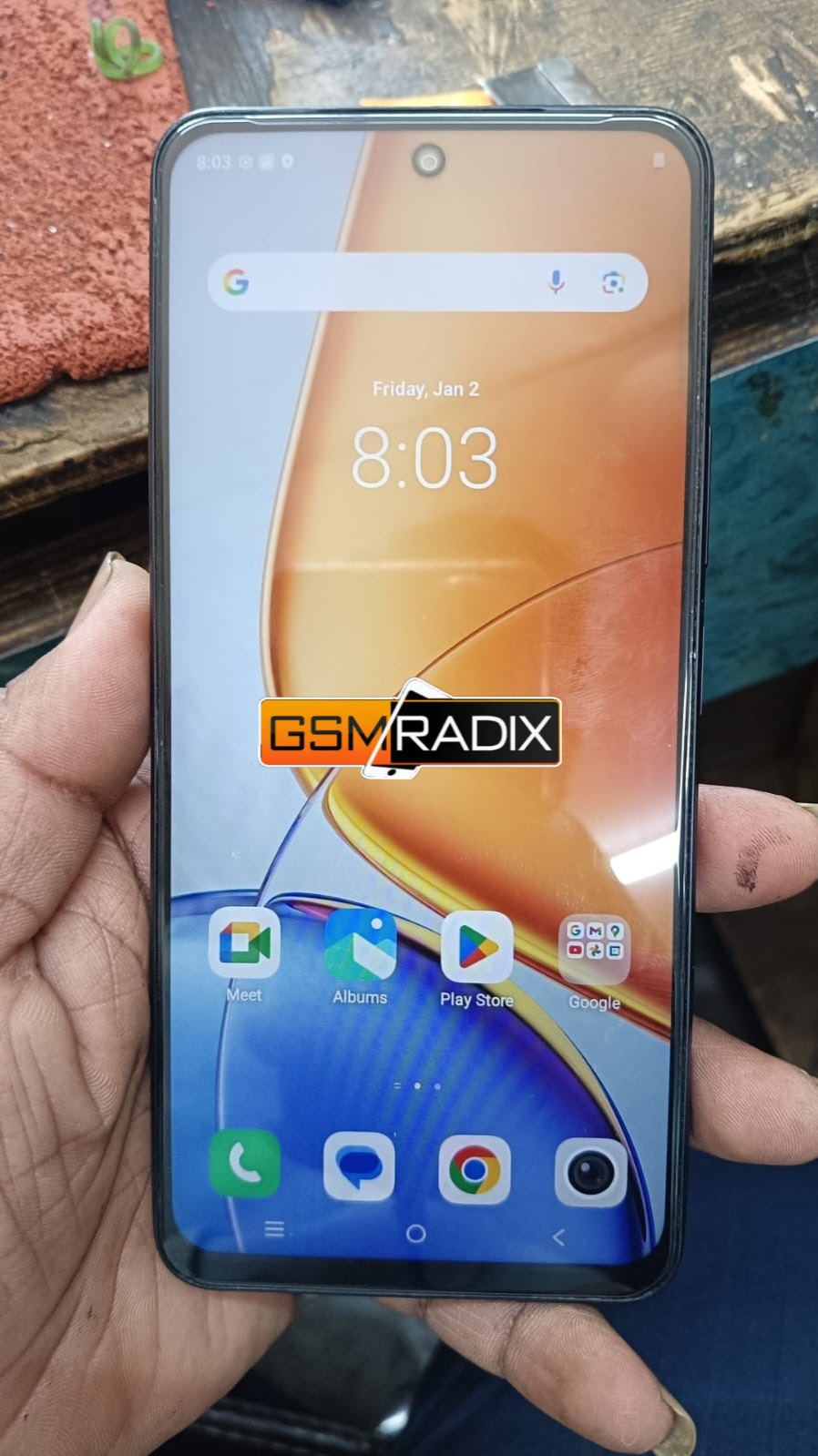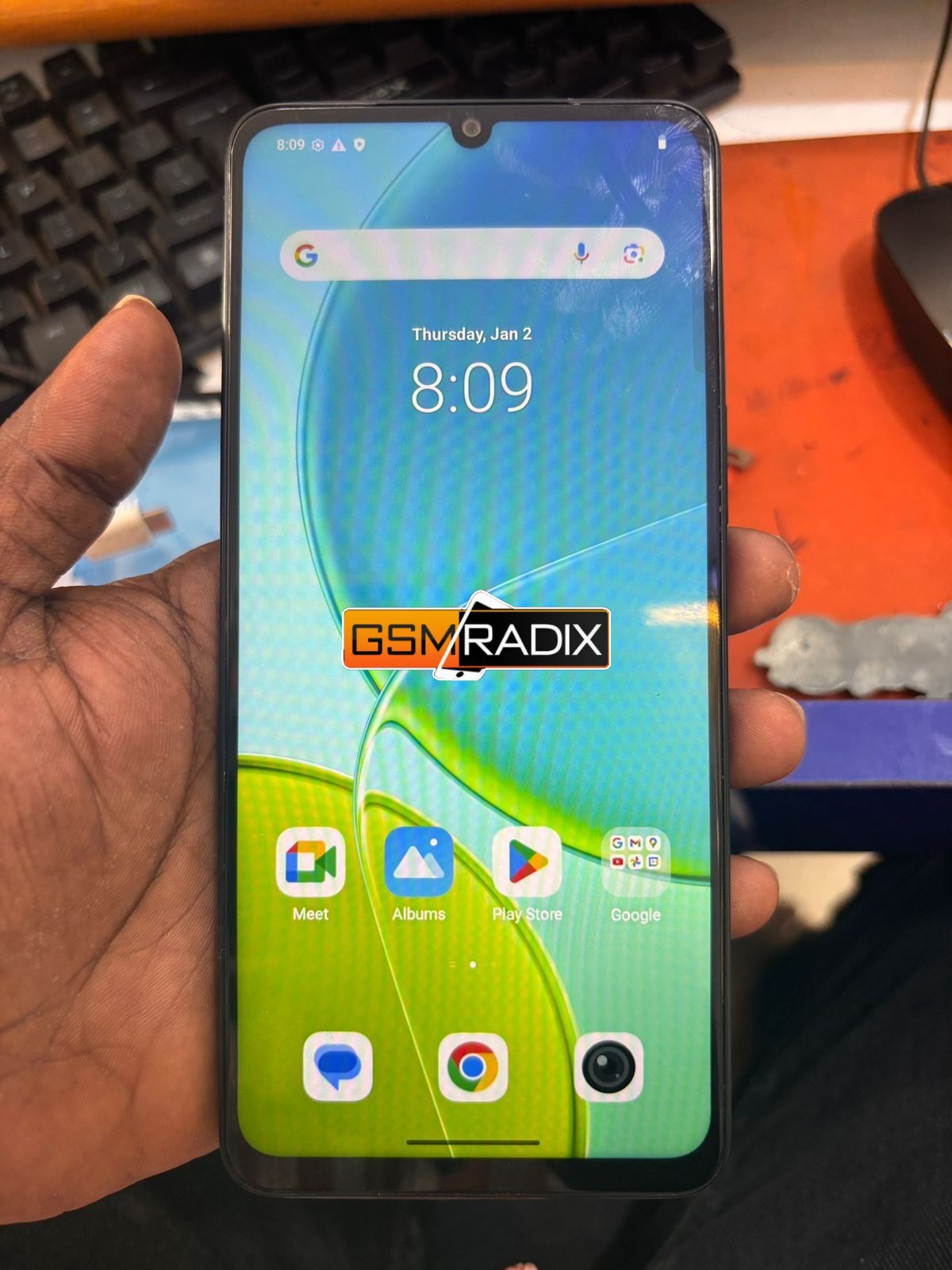
Factory Reset Protection (FRP) is an essential security feature in Android devices, but it can create serious issues if you forget your Google account credentials. The Vivo Y19s FRP Unlock process is one of the most reliable ways to regain access to your device without unnecessary complications.
This guide is designed for both individual users and professional technicians. It explains how to bypass FRP on Vivo Y19s, provides a step-by-step process, and introduces the best Vivo Y19s FRP unlock service available in 2025. Whether you are a beginner or an expert, this article will help you complete the unlocking process safely and efficiently.

What is Vivo Y19s FRP Unlock and Why It Is Needed
Factory Reset Protection is automatically activated when a Google account is added to an Android device. After a factory reset, the system requires the same Google account credentials to verify ownership.
The Vivo Y19s FRP Unlock process removes this restriction and restores full access to the device.
Common Situations Where FRP Unlock Is Needed
- Forgotten Google account email or password
- Purchase of a second-hand device with FRP lock
- Device stuck on verification screen after reset
- Unable to access the home screen
Using a proper Vivo Y19s unlock without password method ensures that the device becomes usable again without damaging the system.
Key Features of Vivo Y19s FRP Unlock (Latest Version 2025)
The Best Vivo Y19s FRP Unlock 2025 solutions offer improved performance and security.
Main Features
- Fully remote unlocking process
- Compatible with latest Android updates
- Fast and stable performance
- Secure and safe unlocking environment
- Simple interface suitable for beginners
- Regular Vivo Y19s FRP Unlock update support
These features make modern tools suitable as a mobile unlock program or a professional phone unlock app.
Supported Devices and Brands
Although this guide focuses on Vivo Y19s FRP Unlock, most professional tools support multiple brands.
| Brand | Supported Models |
|---|---|
| Vivo | Y19s, Y20, Y21, Y33, Y35 |
| Samsung | A Series, M Series |
| Xiaomi | Redmi Series |
| Oppo | A Series, Reno |
| Realme | Narzo, Number Series |
This wide compatibility is useful for technicians who handle multiple devices daily.
Download and Installation Process
Step-by-Step Installation Guide
- Download the latest Vivo Y19s FRP Unlock tool from a trusted source
- Extract the downloaded file on your computer
- Install USB and ADB drivers
- Temporarily disable antivirus if required
- Run the tool with administrator permissions
How to Register and Activate
- Open the software after installation
- Enter your username and password or license key
- Connect to the server
- Complete activation
- Start using the tool
Many modern tools offer online activation, making the setup process faster and easier.

How to Use Vivo Y19s FRP Unlock
For Individual Users
Follow this Vivo Y19s FRP unlock step by step process:
- Connect your phone to the computer using a USB cable
- Launch the FRP unlock tool
- Select the FRP removal option
- Wait for the device to be detected
- Click on the unlock button
- Allow the process to complete
- The device will restart automatically
After completion, your phone will be fully unlocked and ready to use.
For Technicians and Repair Shops
Professional users can benefit from advanced capabilities such as:
- Handling multiple devices
- Providing remote unlock services
- Faster processing for clients
IMEI Repair and Other Services
Many tools used for Vivo Y19s FRP Unlock also include additional features:
- IMEI repair and write
- Pattern and password removal
- Firmware flashing
- Network unlocking
This makes the tool more valuable for repair businesses.
Comparison with Other Tools
| Feature | Vivo Y19s FRP Unlock Tool | Other Tools |
|---|---|---|
| Remote Unlock | Yes | Limited |
| Latest Android Support | Full | Partial |
| Ease of Use | High | Medium |
| Speed | Fast | Slow |
| Safety | High | Variable |
Safety Tips and Legal Considerations
Before performing Vivo Y19s FRP Unlock, it is important to follow safety and legal guidelines.
Safety Tips
- Use only trusted and verified tools
- Avoid modified or cracked software
- Ensure stable internet connection
- Backup important data if accessible
Legal Considerations
- Only unlock devices that you own or have permission to service
- Do not use FRP unlock methods for illegal activities
- Follow local laws regarding device servicing
Troubleshooting Common Errors
Device Not Detected
- Install proper drivers
- Change USB cable or port
Unlock Process Failed
- Check internet connection
- Restart the tool and device
Device Stuck After Unlock
- Perform a reboot
- Flash firmware if necessary
Pricing and Subscription Plans
Pricing for Vivo Y19s FRP Unlock services varies depending on the provider.
| Plan Type | Estimated Cost |
|---|---|
| Single Unlock | 5 to 10 USD |
| Monthly Plan | 30 to 50 USD |
| Lifetime Plan | 100 USD or more |
Technicians often prefer subscription plans for regular use.
FAQs
What is Vivo Y19s FRP Unlock?
It is the process of removing Google account verification after a factory reset.
Is Vivo Y19s FRP Unlock safe?
Yes, if performed using a reliable and safe FRP unlock for Vivo solution.
Can I unlock without a computer?
Some methods exist, but professional tools provide better success rates.
How long does the process take?
Usually between 5 and 15 minutes.
Do I need technical knowledge?
No, most tools are designed to be user-friendly.
Final Thoughts and Call to Action
The Vivo Y19s FRP Unlock process has become faster and more accessible with the latest tools and services in 2025. Whether you are an individual user or a professional technician, choosing the right method ensures a smooth and secure unlocking experience.
If you want a reliable solution, use a trusted mobile unlock program or phone unlock app that supports the latest Vivo Y19s FRP Unlock update.