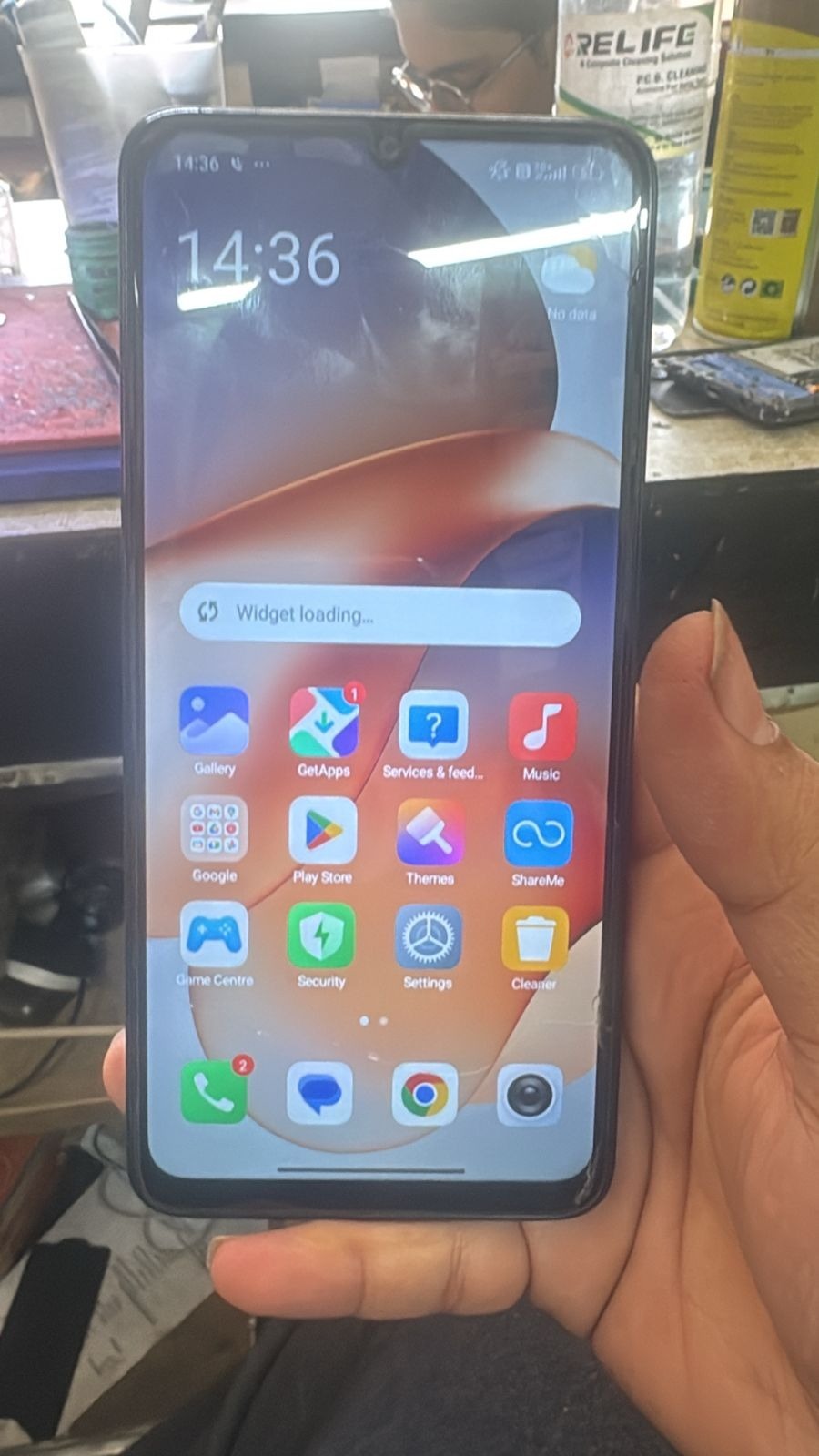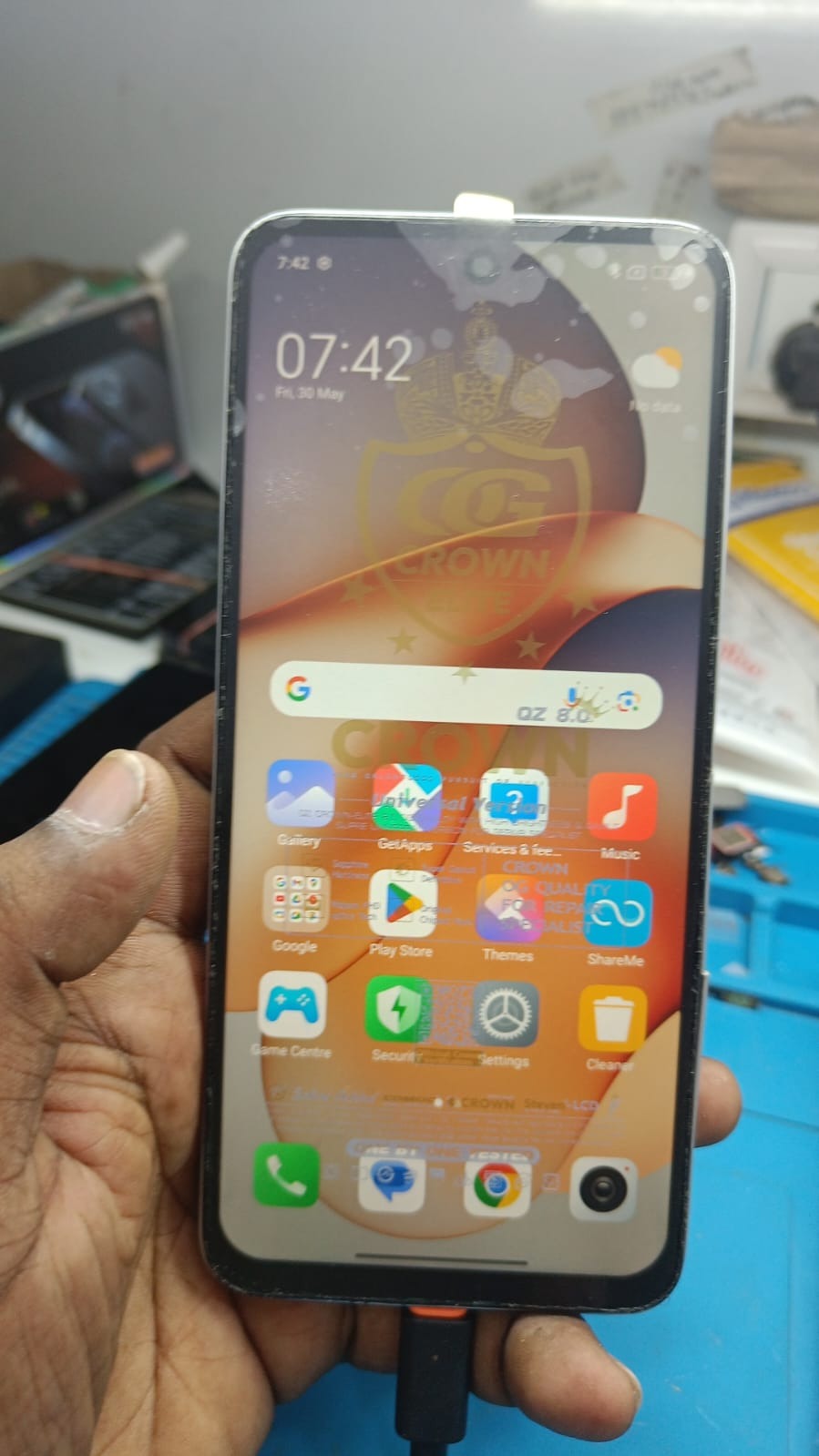
Factory Reset Protection (FRP) is an important Android security feature that protects devices from unauthorized access after a factory reset. However, users often face issues when they forget their Google account credentials. In such cases, Redmi 12 5G FRP Unlock solutions help remove Google verification and restore device access quickly.
This guide covers the Redmi 12 5G FRP Unlock process, including FRP bypass methods, activation steps, supported tools, troubleshooting, and important safety tips for users, technicians, and mobile repair shops.
What is Redmi 12 5G FRP Unlock and Why Is It Needed?
FRP stands for Factory Reset Protection. Google introduced this feature to prevent unauthorized access after a device reset. When a Redmi 12 5G device is reset without removing the previously synced Google account, the phone asks for the original credentials during setup.
If the owner forgets the account information, the device becomes locked on the verification screen. In such cases, Redmi 12 5G Google Account Remove methods are required.
Common Reasons for FRP Lock
- Forgotten Google account password
- Purchased second-hand device
- Device reset without account removal
- Screen lock issues
- Software corruption
- Failed updates or flashing process
For professional repair technicians, FRP unlocking services are now one of the most demanded GSM solutions.
Key Features of Redmi 12 5G FRP Unlock
The latest Redmi 12 5G Unlock Tool solutions offer powerful features designed for both beginners and advanced technicians.
Main Features
Fast FRP Bypass
Remove Google account verification quickly with updated security patch support.
Safe Unlock Process
Modern tools use secure methods that reduce risks during unlocking.
Remote Unlock Support
Many services now provide remote FRP unlocking without requiring physical visits.
Wide Android Support
Supports multiple Android versions including Android 13, Android 14, and latest security patches.
User-Friendly Interface
Simple UI allows even non-technical users to perform operations.
Multiple Unlock Options
- FRP Unlock
- Screen Lock Removal
- Mi Account Services
- Demo Mode Remove
- Factory Reset
- Bootloader Services
Redmi 12 5G FRP Bypass – Why It Is Popular
The demand for Redmi 12 5G FRP Bypass is increasing because Redmi devices are widely used worldwide. Technicians often receive devices with locked Google accounts after resets.
The latest bypass methods help users:
- Recover access quickly
- Avoid motherboard replacement
- Save service costs
- Unlock devices remotely
- Restore devices for resale
Supported Devices and Brands
Most modern FRP tools support a wide range of Xiaomi and Android devices.
Supported Redmi Devices
| Device | Supported |
|---|---|
| Redmi 12 5G | Yes |
| Redmi Note Series | Yes |
| Redmi A Series | Yes |
| Redmi K Series | Yes |
| Poco Devices | Yes |
| Mi Devices | Yes |
Other Supported Brands
- Samsung
- Vivo
- Oppo
- Realme
- Tecno
- Infinix
- Motorola
- Huawei
This makes advanced FRP tools valuable for professional GSM repair shops.
Download and Installation Process
Before starting the unlock procedure, users need the proper software and drivers.
Requirements
- Windows PC or Laptop
- Stable internet connection
- USB cable
- Redmi 12 5G device
- USB drivers installed
- Authorized unlocking software
Step-by-Step Installation Guide
Step 1 – Download the Tool
Download the latest version of the FRP unlocking software from the official source.
Step 2 – Extract Files
Extract the setup package using WinRAR or 7-Zip.
Step 3 – Install Drivers
Install:
- Xiaomi USB Drivers
- Qualcomm Drivers
- ADB Drivers
Step 4 – Install Software
Run the setup file and complete installation.
Step 5 – Restart PC
Reboot your system to apply all drivers properly.

How to Register and Activate
Most professional FRP solutions require activation.
Registration Process
- Create an account
- Purchase a license or credits
- Login inside the tool
- Activate your device
- Start using services
Some premium tools offer:
- Daily credits
- Yearly licenses
- Lifetime activation
- Pay-per-use services
How to Use Redmi 12 5G FRP Unlock
Now let’s understand how the actual unlocking process works.
Redmi 12 5G FRP Unlock Process
Step-by-Step Guide
Step 1 – Power Off Device
Turn off the Redmi 12 5G completely.
Step 2 – Enter Fastboot or EDL Mode
Use the required key combination or test point method.
Step 3 – Connect to PC
Use a quality USB cable.
Step 4 – Open Unlock Tool
Launch the installed FRP software.
Step 5 – Detect Device
Wait for the tool to identify the phone.
Step 6 – Select FRP Unlock
Choose:
- FRP Reset
- Google Account Remove
- Factory Reset Protection Bypass
Step 7 – Start Process
Click the unlock button and wait.
Step 8 – Reboot Device
After completion, reboot the phone.
The device should now bypass Google verification successfully.
Redmi 12 5G FRP Remove Without PC
Many users search for Redmi 12 5G FRP Remove Without PC methods. While some browser-based or accessibility methods exist, they may not work on newer security patches.
Common Without-PC Methods
- TalkBack method
- SIM card trick
- QR code method
- Browser exploit
- OTG bypass
However, these methods are often patched in newer Android versions. Professional software tools remain the most reliable option.
Redmi 12 5G Unlock Tool for Technicians
Professional GSM technicians use advanced tools for better success rates.
Popular Tool Features
| Feature | Availability |
|---|---|
| FRP Unlock | Yes |
| Network Unlock | Yes |
| IMEI Repair | Yes |
| Flashing | Yes |
| Bootloader Unlock | Yes |
| Remote Services | Yes |
Network Unlock Services
Besides FRP unlocking, many tools also support network unlocking.
Benefits of Network Unlock
- Use any SIM card
- Remove carrier restrictions
- Increase resale value
- International compatibility
This is especially useful for imported Redmi devices.
IMEI Repair and Other Services
Some advanced software also provides repair functions.
Supported Repair Functions
- IMEI Repair
- Baseband Repair
- Flashing Firmware
- Remove Demo Mode
- Screen Lock Remove
- Pattern Unlock
- Mi Account Services
Professional technicians prefer all-in-one tools because they reduce workflow complexity.
Comparison with Other Tools
Redmi 12 5G FRP Unlock vs Other Methods
| Feature | Professional Tool | Free Method |
|---|---|---|
| Success Rate | High | Medium |
| Security Patch Support | Latest | Limited |
| Time Required | Fast | Slow |
| Risk Level | Low | Medium |
| Technical Knowledge | Basic | Advanced |
| Remote Support | Yes | No |
For repair businesses, premium tools provide better efficiency and reliability.
Safety Tips and Legal Considerations
Using FRP unlock tools responsibly is important.
Important Safety Tips
- Always backup device data
- Use trusted software only
- Avoid modified cracked tools
- Keep antivirus enabled
- Use original USB cables
Legal Considerations
FRP removal should only be performed:
- On personally owned devices
- With customer authorization
- For legal repair purposes
Unauthorized unlocking may violate local regulations.
Troubleshooting Common Errors
Sometimes users face issues during the unlock process.
Device Not Detected
Solutions
- Reinstall USB drivers
- Change USB port
- Use original cable
- Restart PC
Unlock Failed Error
Solutions
- Update tool version
- Check internet connection
- Try another mode
- Use latest drivers
Bootloop After Unlock
Solutions
- Flash stock firmware
- Perform factory reset
- Reboot into recovery
Authentication Error
Solutions
- Re-login tool account
- Verify license status
- Contact support team
Pricing and Subscription Plans
Pricing depends on the software provider and service type.
Common Pricing Models
| Plan | Features |
|---|---|
| Daily Access | Temporary use |
| Monthly License | Short-term technicians |
| Yearly License | Professional users |
| Lifetime Plan | One-time purchase |
Remote Unlock Service Pricing
Remote FRP unlock services are also becoming popular.
Advantages
- No physical shipping
- Fast turnaround
- Technician support
- Safe process
Prices vary depending on:
- Android version
- Security patch
- Unlock method
- Service provider
Why Repair Shops Need Redmi 12 5G FRP Unlock Services
For GSM repair businesses, FRP services generate regular customer traffic.
Business Benefits
- Additional revenue stream
- Faster repair turnaround
- Better customer satisfaction
- Increased repeat business
Many technicians now combine:
- FRP unlock
- Software flashing
- IMEI repair
- Network unlock
- Remote support
into one complete service package.
Frequently Asked Questions (FAQs)
What is Redmi 12 5G FRP Unlock?
It is the process of removing Google account verification after a factory reset.
Is Redmi 12 5G FRP Bypass safe?
Yes, if performed using trusted tools and legal methods.
Can I perform Redmi 12 5G FRP Remove Without PC?
Some methods exist, but newer Android security updates may block them.
Final Thoughts
The demand for Redmi 12 5G FRP Unlock solutions continues to grow among both users and GSM technicians. Whether you need to recover access to your personal device or provide services professionally, modern unlocking tools make the process faster, safer, and more reliable.