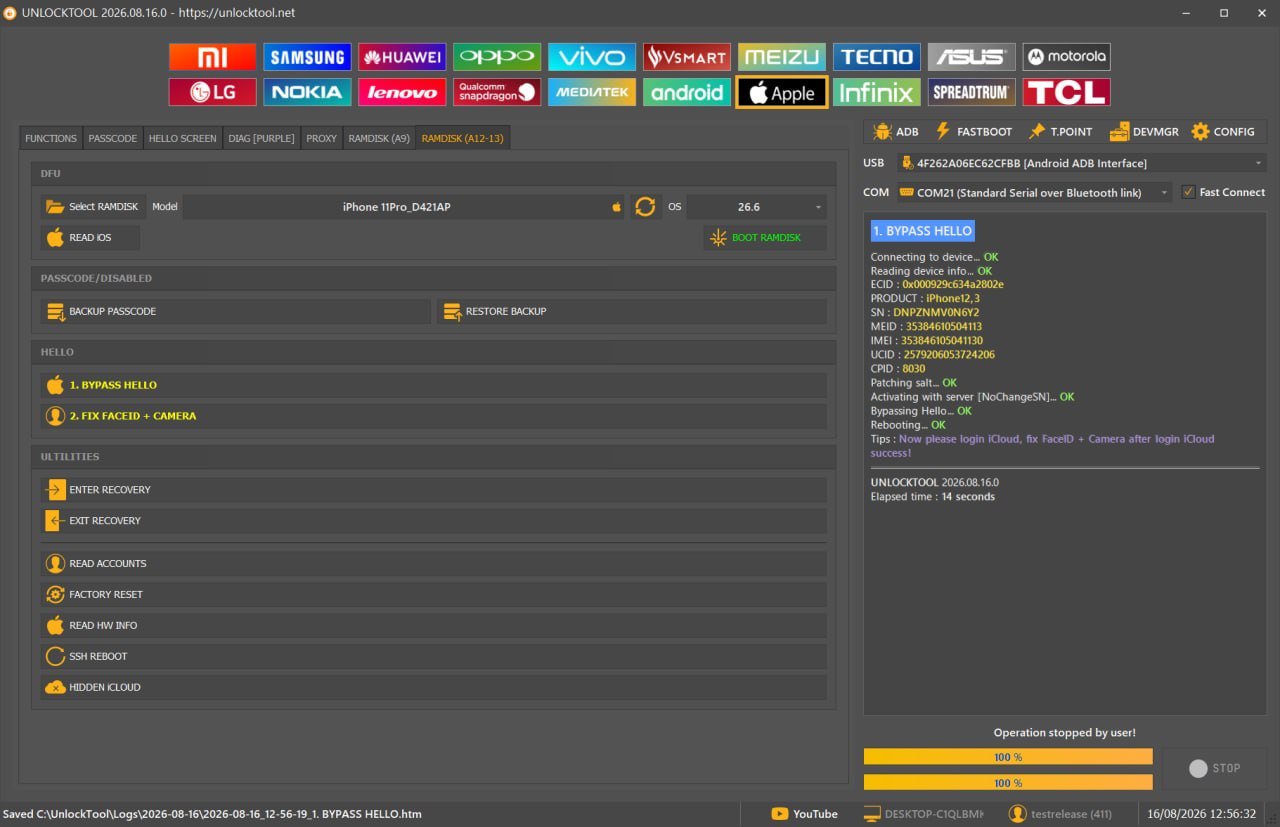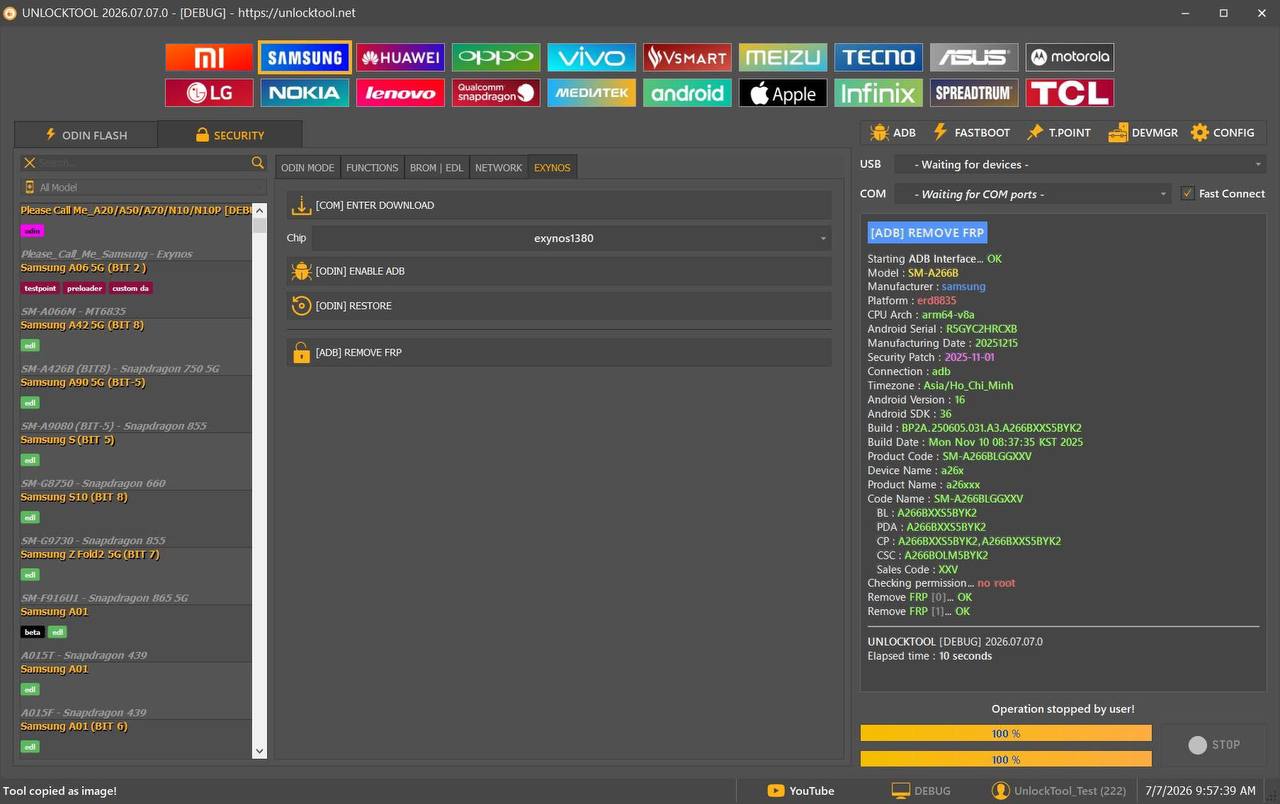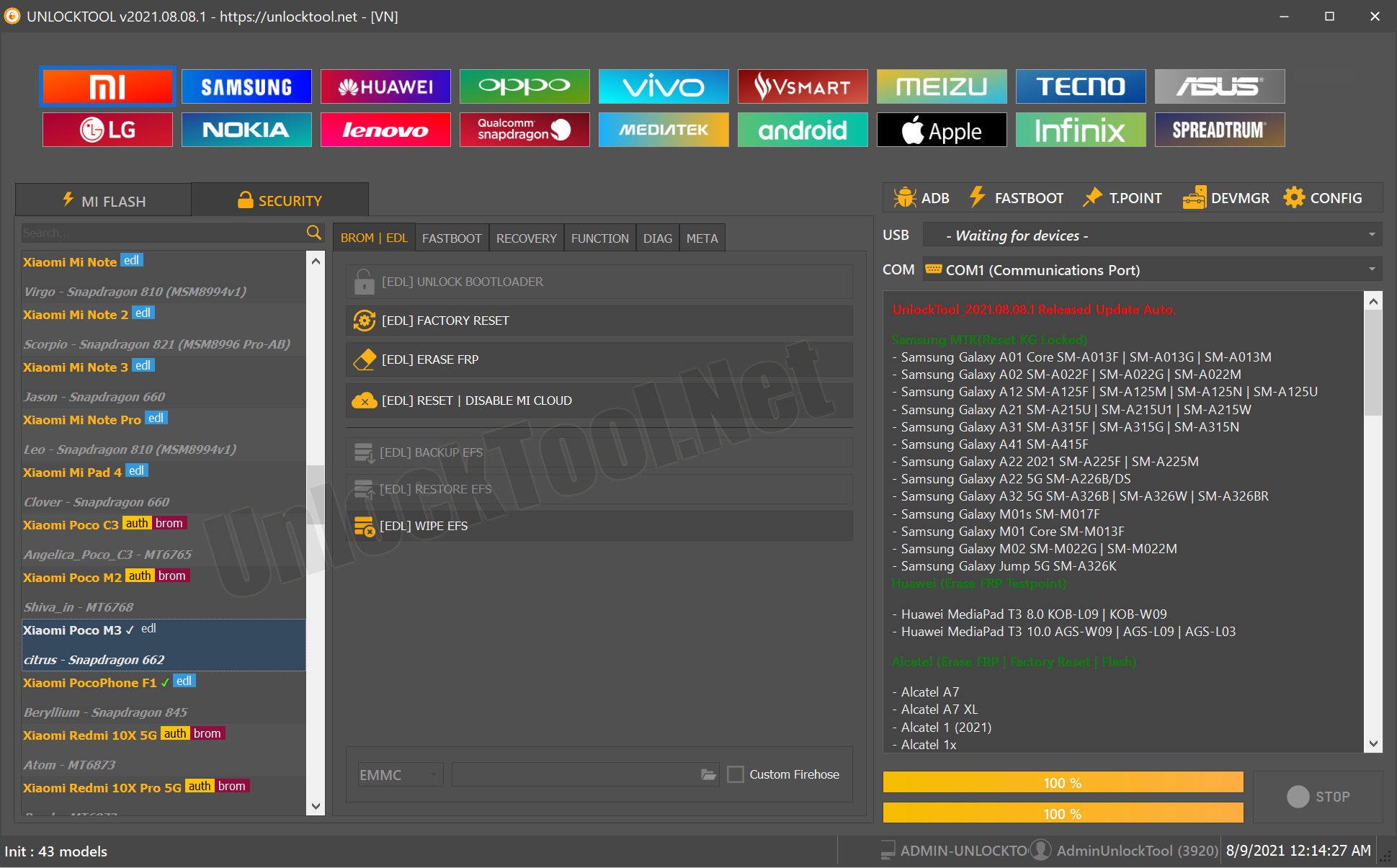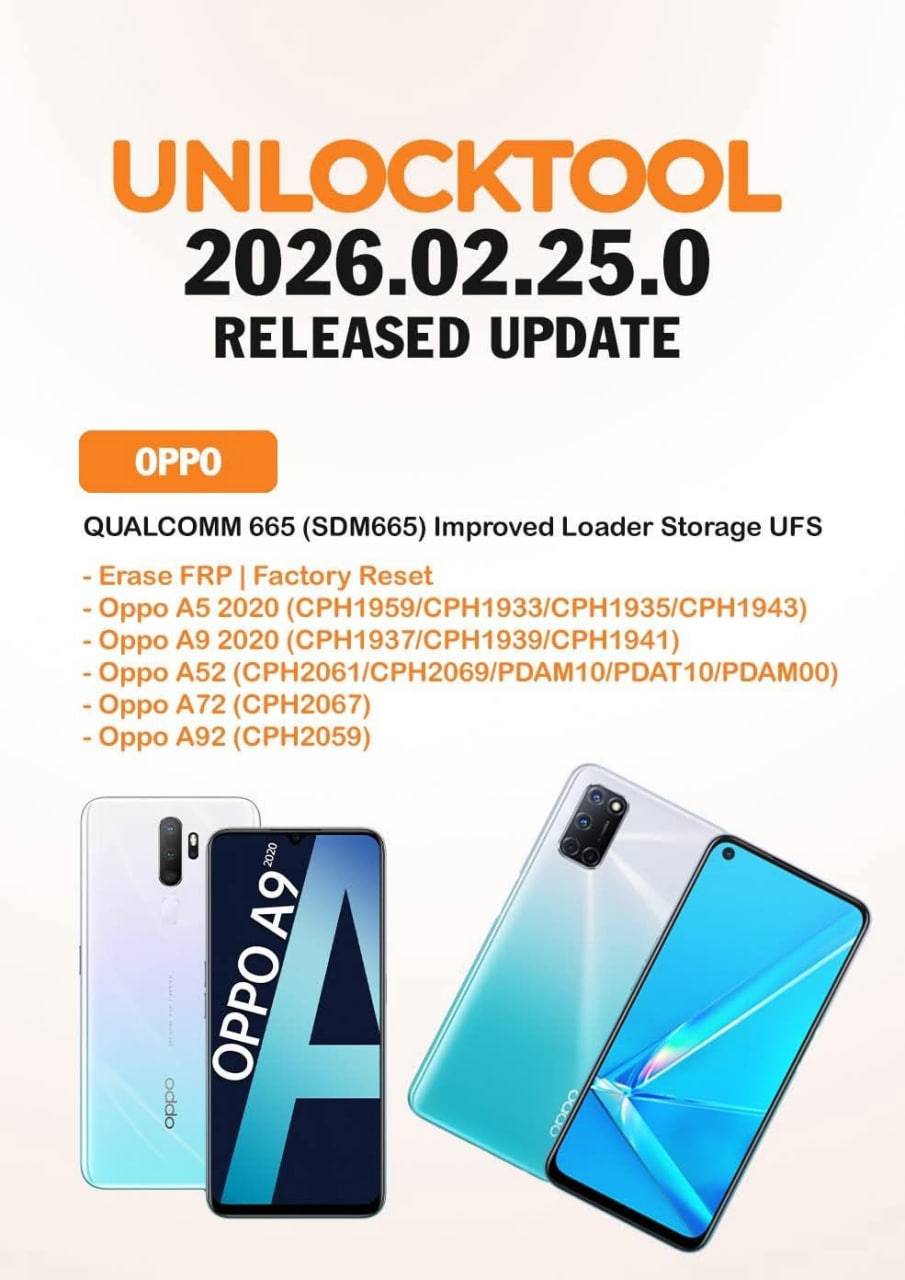


The mobile repair industry continues to evolve rapidly, requiring technicians to use professional software tools that support the latest smartphones and security updates. One of the most trusted solutions available today is Rent UnlockTool, a flexible and affordable option for users who need temporary access without purchasing a long-term subscription.
Whether you are an individual user, a beginner learning mobile software repair, or a professional repair shop handling dozens of devices every day, Rent UnlockTool provides access to premium features whenever you need them.
Instead of paying for a yearly license, users can choose an UnlockTool Rental Service for a day or a limited period, making it a cost-effective solution for occasional repairs.
In this complete guide, you’ll learn everything about Rent UnlockTool, including features, supported devices, installation, activation, pricing, troubleshooting, safety tips, and frequently asked questions.

What is Rent UnlockTool and Why Is It Needed?
Rent UnlockTool is a temporary licensing service that allows users to access the UnlockTool software for a limited time without purchasing a full subscription.
This service is especially useful for:
- Independent mobile technicians
- Professional repair shops
- GSM software users
- Beginners learning mobile repair
- Freelance technicians
- Businesses handling occasional repair jobs
Many technicians only require UnlockTool for specific repair tasks. Buying a yearly subscription may not always be economical. An UnlockTool Rental gives users complete access to professional functions at a much lower cost.
Why Choose UnlockTool Rent?
- Lower investment
- Instant activation
- No annual commitment
- Ideal for emergency jobs
- Professional-grade software
- Perfect for one-time repair work
Key Features of Rent UnlockTool (Latest Version)
The latest UnlockTool release includes support for modern Android devices and advanced security patches.
Main Features
Samsung Support
- FRP Unlock
- Factory Reset
- KG Unlock
- MDM Removal
- Flash Firmware
- Read Device Information
Xiaomi Support
- Flash Firmware
- FRP Reset
- Bootloader Functions
- Mi Account Operations
- Factory Reset
OPPO & Realme
- Flashing
- Format Data
- Factory Reset
- FRP Removal
- Authentication Functions
Vivo
- Safe Format
- FRP Unlock
- Device Information
- Firmware Flash
Motorola
- FRP Removal
- Bootloader Functions
- Flash Support
Huawei
- Fastboot Functions
- Device Information
- Factory Reset
Other Supported Operations
- Read Information
- Backup
- Restore
- Safe Flashing
- Partition Management
- Device Detection
Benefits of Using UnlockTool Rental
Choosing UnlockTool Rental offers several advantages.
| Feature | UnlockTool Rental | Annual License |
|---|---|---|
| Low Cost | ✅ | ❌ |
| Instant Access | ✅ | ✅ |
| Ideal for Beginners | ✅ | ❌ |
| Best for One-Time Jobs | ✅ | ❌ |
| Professional Functions | ✅ | ✅ |
| Flexible Usage | ✅ | ❌ |
Supported Devices and Brands
Rent UnlockTool supports a wide variety of Android manufacturers.
Samsung
- Galaxy A Series
- Galaxy M Series
- Galaxy S Series
- Galaxy Note Series
- Fold Devices
Xiaomi
- Redmi
- Redmi Note
- Poco
- Mi Series
OPPO
- Reno
- F Series
- A Series
- Find Series
Realme
- Narzo
- GT
- Number Series
- C Series
Vivo
- V Series
- Y Series
- X Series
Motorola
- Moto G
- Moto Edge
- Moto E
Huawei
- Nova
- P Series
- Mate Series
Additional support is frequently added through software updates.
Download and Installation Process
Installing Rent UnlockTool is simple.
System Requirements
- Windows 10 or Windows 11
- Intel or AMD Processor
- Minimum 8GB RAM
- Stable Internet Connection
- USB Drivers Installed
- Administrator Access

Step-by-Step Installation Guide
Step 1
Download the latest UnlockTool setup from the official source.
Step 2
Extract the downloaded archive.
Step 3
Run the installer as Administrator.
Step 4
Install USB drivers.
Step 5
Restart the computer.
Step 6
Launch UnlockTool.
How to Register and Activate
After installation:
- Purchase Rent UnlockTool.
- Receive activation credentials.
- Log into UnlockTool.
- Verify internet connectivity.
- Activation completes automatically.
Most rental activations are delivered within minutes.
How to Use Rent UnlockTool
Using Rent UnlockTool is straightforward.
FRP Unlock
The software helps remove Google Factory Reset Protection on supported devices.
Typical steps include:
- Connect the device
- Select brand
- Choose FRP
- Start operation
- Wait for completion
Network Unlock
Unlock carrier restrictions on supported models using the latest supported methods.
IMEI Repair and Other Services
Depending on the supported device and local regulations, UnlockTool may assist with:
- Read Device Info
- Backup Security
- Firmware Flash
- Partition Repair
- Safe Formatting
- Device Detection
Always comply with local laws regarding IMEI-related operations.
Why Repair Shops Prefer UnlockTool Daily Rent
Professional technicians often choose UnlockTool Daily Rent because:
- No yearly commitment
- Excellent return on investment
- Fast activation
- Supports multiple customers daily
- Affordable operating costs
For repair shops handling occasional UnlockTool-supported devices, renting is often more profitable than maintaining an annual subscription.
Comparison with Other Mobile Repair Tools
| Feature | Rent UnlockTool | Tool A | Tool B |
|---|---|---|---|
| Daily Rental | ✅ | ❌ | ❌ |
| FRP Support | ✅ | ✅ | ✅ |
| Flashing | ✅ | ✅ | ✅ |
| Multiple Brands | ✅ | Limited | Limited |
| Easy Activation | ✅ | Moderate | Moderate |
| Regular Updates | ✅ | Yes | Yes |
Safety Tips and Legal Considerations
Always use Rent UnlockTool responsibly.
Best Practices
- Repair only devices you own or are authorized to service.
- Keep software updated.
- Backup customer data.
- Use genuine USB cables.
- Ensure stable internet.
- Install official USB drivers.
- Follow manufacturer recommendations.
Legal Notice
Certain operations, including IMEI-related functions, may be restricted or regulated depending on your country’s laws. Always ensure compliance with applicable regulations and obtain proper authorization before performing such operations.
Troubleshooting Common Errors
Login Failed
Possible Causes
- Incorrect credentials
- Internet problem
- Server maintenance
Solution
- Verify username
- Restart router
- Try again later
Device Not Detected
Possible Reasons
- Missing drivers
- Bad USB cable
- Unsupported mode
Solution
- Install drivers
- Use original cable
- Reconnect device
Activation Error
Possible Causes
- Expired rental
- Wrong login
- Server issue
Solution
- Contact support
- Verify subscription
- Wait for maintenance completion
Software Crash
Try:
- Update Windows
- Run as Administrator
- Disable antivirus temporarily if it is incorrectly blocking the software
- Install Microsoft Visual C++ packages
Pricing and Subscription Plans
Typical rental options may include:
| Plan | Best For |
|---|---|
| UnlockTool 1 Day Rent | Emergency repairs |
| UnlockTool Daily Rent | Freelancers |
| Weekly Rental | Small repair shops |
| Monthly Rental | Frequent technicians |
| Annual License | High-volume businesses |
Pricing varies depending on the reseller and current offers.
Frequently Asked Questions
What is Rent UnlockTool?
It is a temporary UnlockTool license that provides access for a limited period instead of requiring an annual subscription.
Is UnlockTool Rental suitable for beginners?
Yes. It is an affordable way to learn professional mobile repair software without a large upfront investment.
Can I use UnlockTool Rent on Windows 11?
Yes, the latest versions support both Windows 10 and Windows 11.
Is an internet connection required?
Yes. Activation and many operations require an active internet connection.
Can I renew my rental?
Yes. Most providers allow you to extend your rental period.
Which brands are supported?
Samsung, Xiaomi, Redmi, Poco, OPPO, Realme, Vivo, Motorola, Huawei, and many other Android brands.
Is UnlockTool Rental safe?
Yes, when obtained from an authorized reseller and used according to applicable laws and the software’s terms of use.
Who Should Choose Rent UnlockTool?
Rent UnlockTool is ideal for:
- Mobile repair shops
- GSM technicians
- Software engineers
- Service centers
- Students learning mobile repair
- Freelancers
- Part-time technicians
- Businesses with occasional repair needs
Tips for Getting the Best Experience
- Keep Windows updated.
- Use quality USB cables.
- Install all required drivers.
- Maintain a stable internet connection.
- Back up devices before major operations.
- Check for the latest UnlockTool updates regularly.
Final Thoughts
Rent UnlockTool is one of the most practical solutions for users who need professional mobile repair software without committing to a long-term subscription. Whether you’re performing FRP removal, flashing firmware, diagnosing devices, or handling routine repair jobs, an UnlockTool Rental Service provides flexibility, affordability, and access to advanced features.
For individual users, it eliminates the need for a costly yearly license. For repair shops and technicians, it offers a scalable way to manage workloads while keeping operating costs under control. As long as you use the software responsibly and stay compliant with local regulations, Rent UnlockTool can be a valuable addition to your repair toolkit.