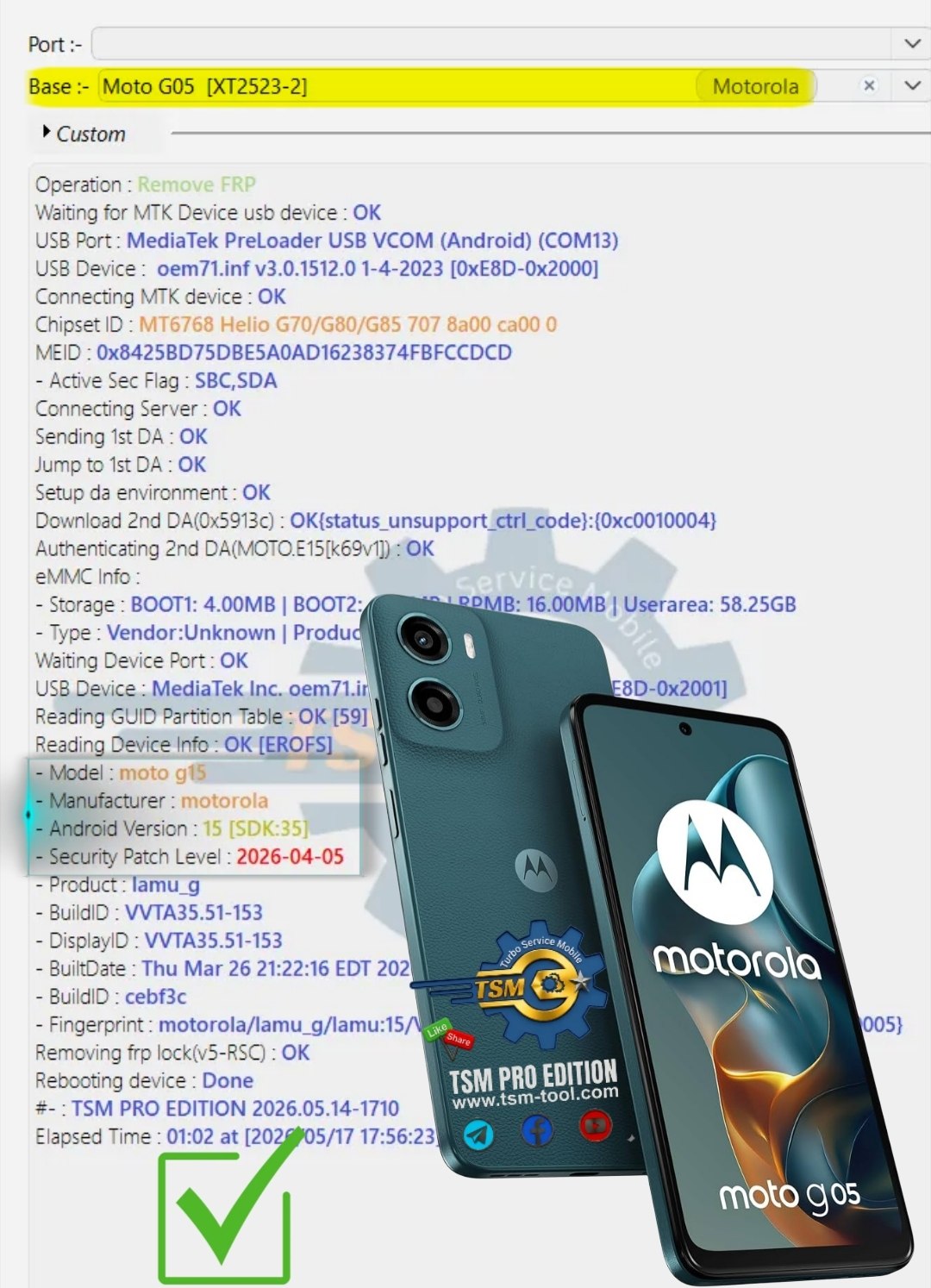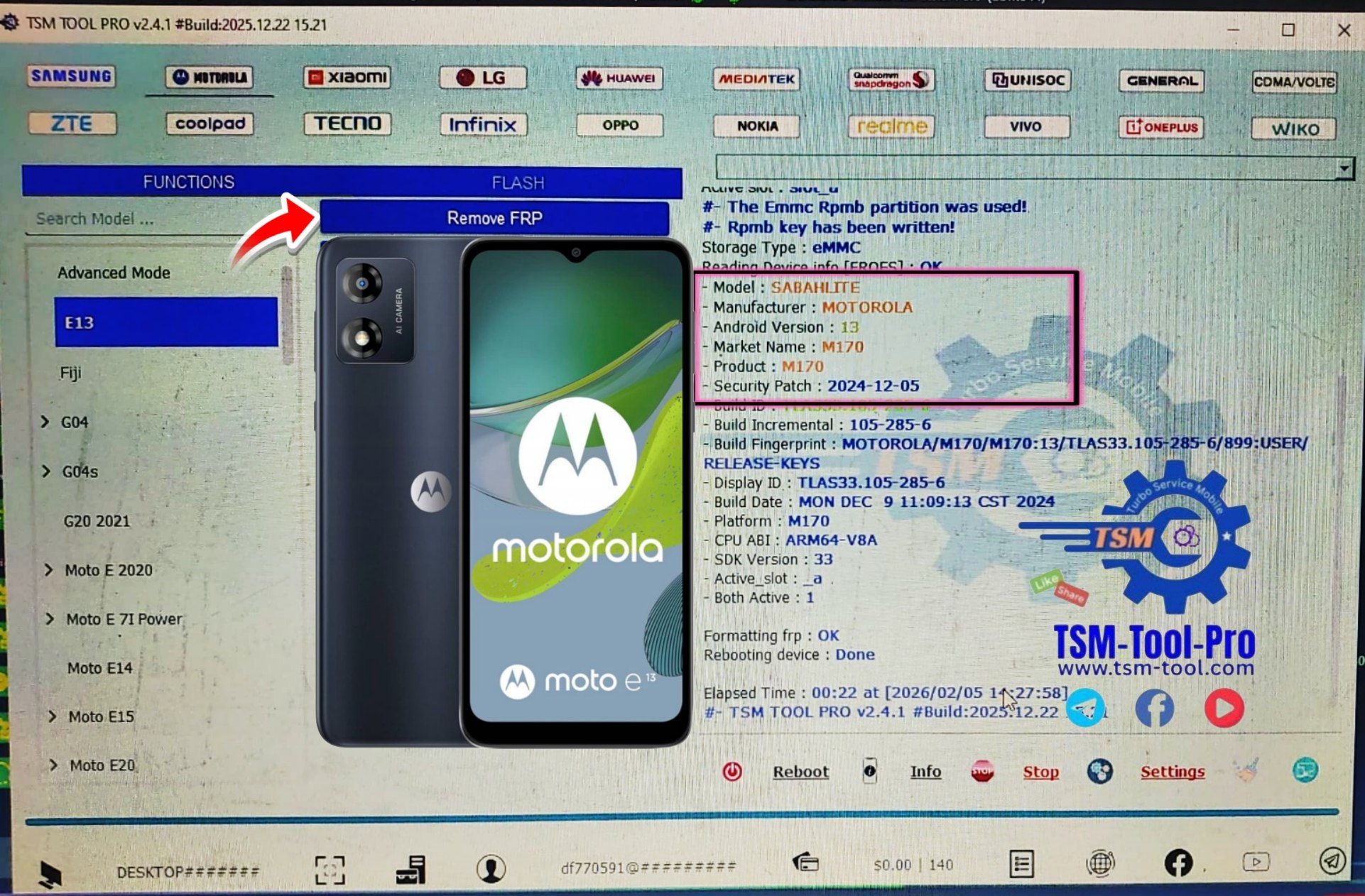
Factory Reset Protection (FRP) has become an essential security feature on modern Android devices, including the OPPO A74 5G. While it safeguards user data, it can become a hurdle if a user forgets their Google account credentials or purchases a second-hand phone.
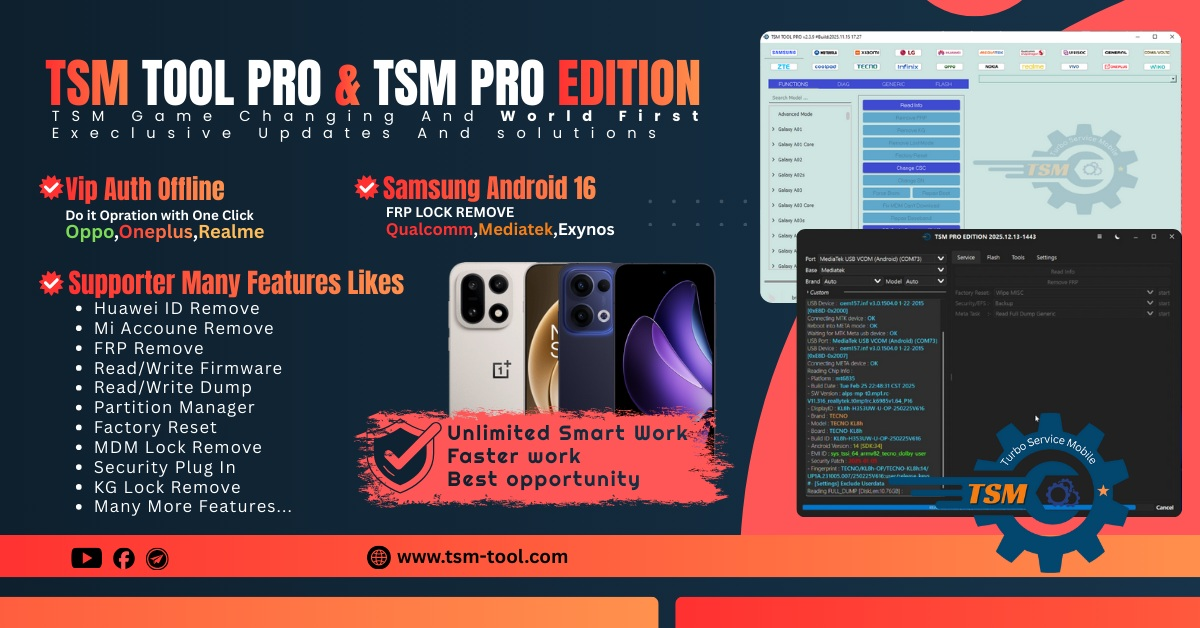
Enter OPPO A74 5G FRP Solution 2025, powered by TSM PRO Edition, a reliable and professional tool for unlocking FRP and managing Qualcomm-based OPPO devices. This guide is designed for both individual users and professional technicians, providing a step-by-step roadmap to bypass FRP safely.
What is OPPO A74 5G FRP Solution 2025 and Why It Is Needed
FRP, or Factory Reset Protection, is triggered when a device is reset without removing the associated Google account. It prevents unauthorized access but can lock legitimate owners out.
Why OPPO A74 5G FRP Solution 2025 is essential:
- Unlock Google Account Restrictions: Remove FRP safely without data corruption.
- Qualcomm Support: Optimized for Qualcomm Snapdragon-powered OPPO A74 5G devices.
- EDL Mode Unlock: Supports Emergency Download (EDL) mode for secure unlocking.
- Technician-Friendly: Works in repair shops for multiple OPPO devices efficiently.
Key Features of OPPO A74 5G FRP Solution 2025 (Latest Version)
| Feature | Description |
|---|---|
| EDL Mode Support | Unlock FRP on Qualcomm devices without booting Android. |
| Google Account Bypass | Removes FRP lock without password. |
| IMEI Repair | Allows legitimate IMEI repair for devices. |
| User-Friendly Interface | Easy for beginners and professional technicians. |
| Fast & Stable | Secure unlocking in minutes with high success rate. |
| Multi-Device Support | Supports various OPPO, Vivo, Xiaomi, Realme, and other brands. |
| Regular Updates | Ensures compatibility with latest Android security patches. |
Supported Devices and Brands
While the primary focus is on OPPO A74 5G (CPH2197), the tool also supports:
- OPPO: Reno series, F series, A series
- Vivo: V series, Y series
- Xiaomi: Redmi, Mi series
- Realme: Narzo & Realme series
- Qualcomm-based Android devices
This makes TSM PRO Edition a versatile mobile unlock program for repair shops and mobile enthusiasts.
Download and Installation Process
Step-by-Step Installation Guide
- Download TSM PRO Edition from the official website: www.tsm-tool.com.
- Install Qualcomm Drivers for proper device recognition.
- Run the Setup and follow the on-screen instructions.
- Connect your OPPO A74 5G using a USB cable.

How to Register and Activate
- Open TSM PRO Edition software.
- Enter Email provided upon purchase.
- Verify registration through the software dashboard.
- After activation, the tool is ready for FRP removal, IMEI repair, and other services.
✅ Tip: Always use official activation to prevent tool malfunction and security issues.
How to Use OPPO A74 5G FRP Solution 2025 (For Owners and Technicians)
Step 1 – Enter EDL Mode
- Method 1: Test Point (technical method for advanced users)
- Method 2: Use TSM PRO auto-detect EDL feature
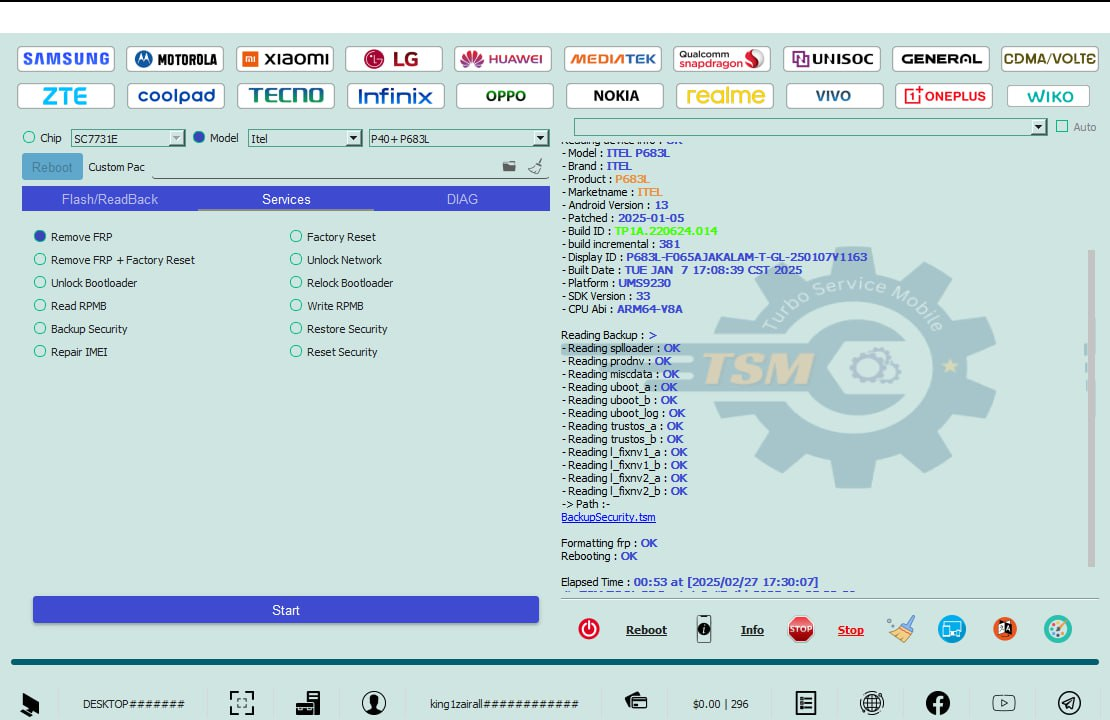
Step 2 – Launch FRP Unlock
- Select OPPO A74 5G from the device list
- Choose FRP Remove
- Click Start Unlock and wait for the process to complete
Step 3 – IMEI Repair and Other Services
- Navigate to IMEI Repair Module
- Enter the legitimate IMEI number
- Click Repair to restore device network functionality
⚠ Ensure IMEI legality to avoid network issues.
Comparison with Other Tools
| Feature | TSM PRO Edition | Other Tools |
|---|---|---|
| EDL Mode Support | ✅ Yes | Limited |
| Multi-Device Support | ✅ Yes | Partial |
| Google Account Bypass | ✅ Yes | Some fail |
| IMEI Repair | ✅ Yes | Rarely |
| Updates | Regular | Infrequent |
Safety Tips and Legal Considerations
- Use only on your own device or with owner’s permission
- Avoid unverified third-party tools to prevent data loss
- Always backup data before FRP removal
- Do not use FRP unlock for illegal purposes
Troubleshooting Common Errors
| Error | Solution |
|---|---|
| Device not detected | Reinstall Qualcomm drivers & reconnect USB |
| FRP unlock failed | Check EDL mode & software activation |
| IMEI repair error | Verify IMEI legality & re-enter correct IMEI |
Pricing and Subscription Plans
- Single Device 3 months License: $15
- 6 Monthly Technician Plan: $25
- 12 Months Subscription: $35 with updates
Official download and pricing: www.tsm-tool.com
FAQs
1. Can I remove FRP without TSM PRO Edition?
Yes, but using TSM PRO ensures safety, speed, and high success rate, especially for Qualcomm devices.
2. Is it legal to use this tool?
Yes, if used on your own devices or with owner consent.
3. Will data be lost after FRP unlock?
FRP removal itself may not erase data, but a factory reset before unlock is recommended for safety.
4. Can beginners use TSM PRO Edition?
Absolutely! The software interface is beginner-friendly, with step-by-step guides for FRP, IMEI repair, and device activation.
Final Thoughts + Download / Contact / Subscribe CTA
OPPO A74 5G FRP Solution 2025 powered by TSM PRO Edition is the fastest, safest, and most reliable method to bypass FRP and manage Qualcomm OPPO devices.
Why Buy from GsmRadix
- 100% genuine and verified firmware
- Official download mirror of Tsm Pro 3 months
- Instant auto-delivery 24/7
- Secure checkout with fast technical support