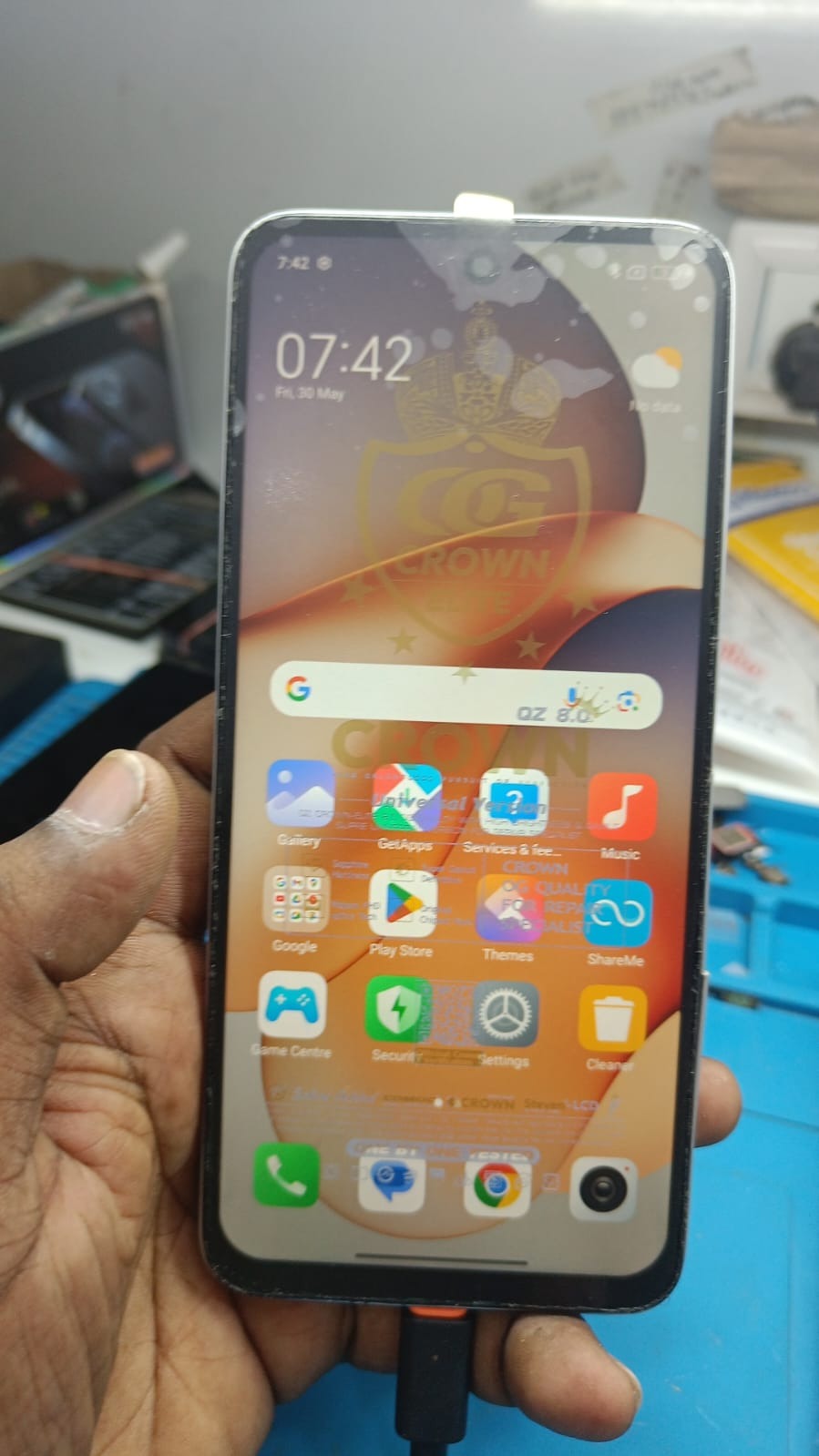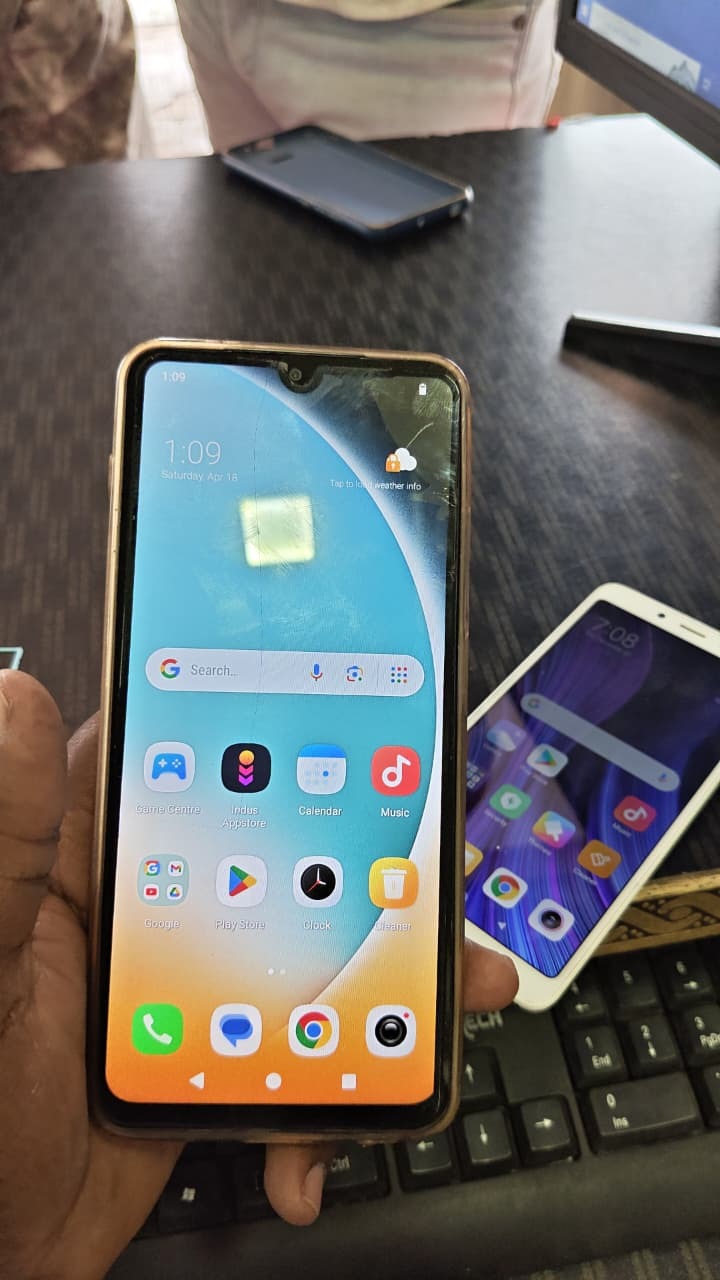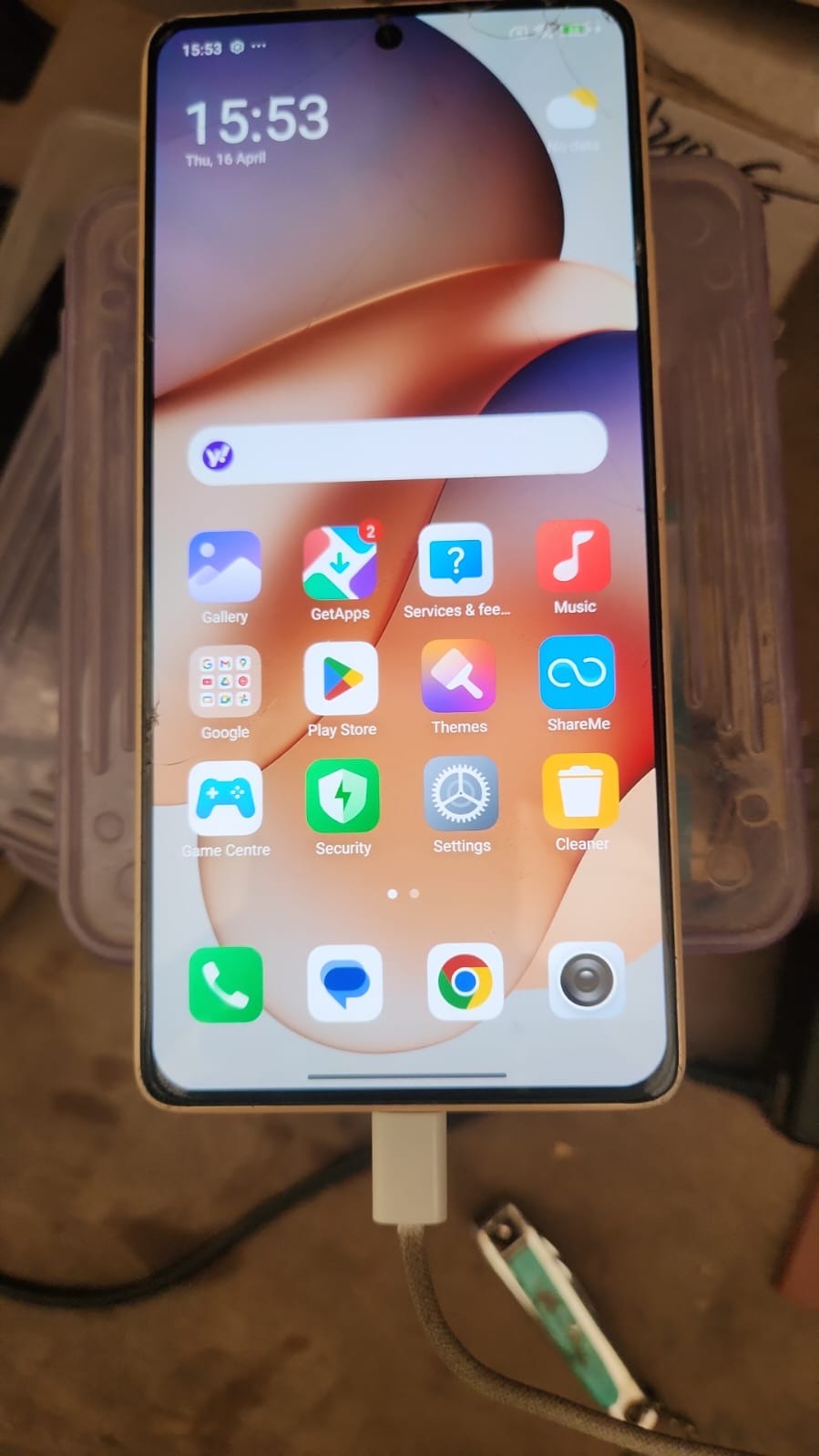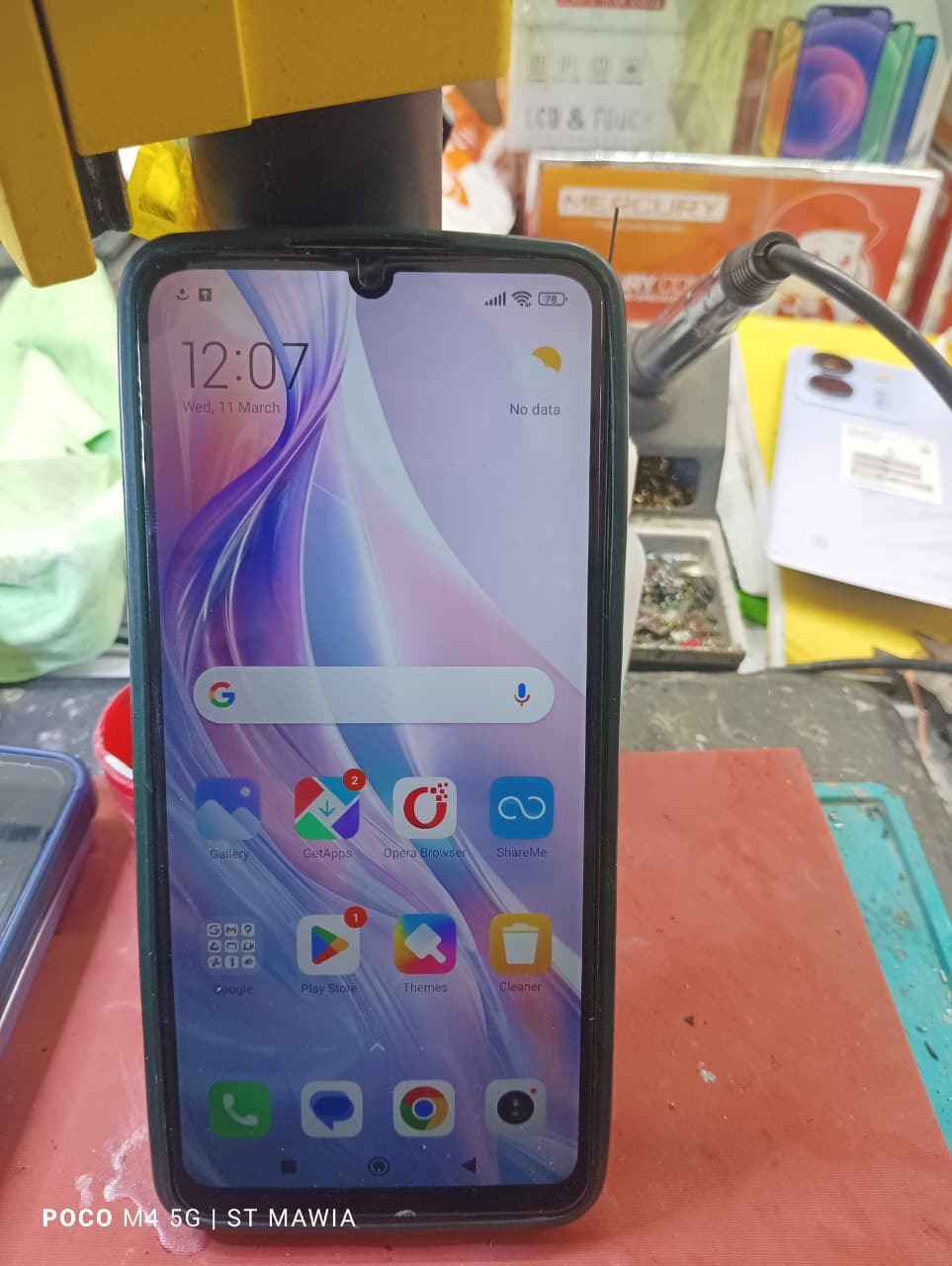
The Redmi 13C 5G is a popular budget smartphone from Xiaomi with strong performance and modern Android security features. However, after a factory reset, the FRP lock may appear if the original Google account is forgotten.

What is Redmi 13C 5G FRP Bypass and Why It Is Needed
Factory Reset Protection (FRP) is a security feature introduced by Android to prevent unauthorized access after a device reset.
When a device running Android 5.1 or higher is reset without removing the linked Google account, the system requires the same account credentials during the setup process.
This means the device cannot be used unless the correct Google account information is entered.
Situations Where Redmi 13C 5G FRP Bypass Is Needed
There are several scenarios where users may need Redmi 13C 5G FRP Bypass.
Forgotten Google Account
Users sometimes forget the email or password linked to their phone.
Second-Hand Phone Purchase
If you buy a used Redmi 13C 5G, the previous owner may not remove their Google account.
Factory Reset Without Account Removal
Resetting the phone directly from recovery mode can activate the FRP lock.
Mobile Repair Situations
Technicians frequently encounter FRP-locked devices during repair or software servicing.
In such cases, Redmi 13C 5G Google Account Remove solutions are required to regain access to the device.
Understanding the Redmi 13C 5G FRP Security System
The Android 13 operating system used in the Redmi 13C 5G includes enhanced security features.
When the device detects a factory reset, it automatically activates the FRP verification screen.
This ensures that:
- Stolen devices cannot be easily reused
- Personal data remains protected
- Only the original owner can unlock the phone
However, legitimate users who forget their credentials may require a Redmi 13C 5G FRP Unlock Android 13 solution.
Key Features of Redmi 13C 5G FRP Bypass (Latest Security)
Modern mobile unlocking solutions are designed to handle the latest Android security patches.
The latest Redmi 13C 5G FRP Bypass solutions support:
Latest Android Security Updates
Compatible with recent Android patches and firmware versions.
Fast Google Lock Removal
Removes Google verification quickly without complicated procedures.
Compatibility With Multiple Unlock Tools
Supports different mobile unlock programs and service tools used by technicians.
Professional Repair Usage
Many mobile repair shops use these methods as part of their regular service workflow.
Safe Unlocking Process
Advanced unlocking methods minimize risks of system damage.
These improvements make Redmi 13C 5G FRP Bypass Latest Security methods more reliable than older solutions.
Supported Devices and Brands
Although this guide focuses on Redmi 13C 5G FRP Bypass, most professional mobile unlock programs support many Android brands.
Popular Supported Brands
| Brand | Example Devices |
|---|---|
| Xiaomi | Redmi series, Mi series |
| Samsung | Galaxy A, M, S series |
| Oppo | A series, Reno series |
| Vivo | Y series, V series |
| Realme | C series, Narzo series |
| Motorola | Moto G series |
These tools allow technicians to perform various services including:
- FRP Unlock
- Google Lock Remove
- Firmware flashing
- Software repair
For technicians, this makes mobile unlock program tools extremely valuable.
Redmi 13C 5G FRP Bypass Without PC
Some users search for Redmi 13C 5G FRP Bypass Without PC methods.
These approaches typically rely on:
- Accessibility menu tricks
- System app exploits
- Browser access methods
However, these solutions often depend on the Android security patch version.
New firmware updates may block older bypass techniques, which is why technicians usually rely on professional unlocking tools instead.
Best Redmi 13C 5G FRP Bypass 2025 Solutions
As Android security evolves, new methods are developed every year.
The Best Redmi 13C 5G FRP Bypass 2025 solutions typically include:
Professional Unlock Tools
Used by technicians in repair shops.
Phone Unlock Apps
Software applications designed to remove Google account locks.
Firmware-Based Methods
Using specialized flashing tools to bypass FRP verification.
Service Mode Techniques
Accessing hidden system menus.
The best solution depends on the firmware version installed on the phone.
How Redmi 13C 5G FRP Unlock Works
The process behind Redmi 13C 5G FRP Unlock involves modifying system verification checks.
During the initial setup process, the Android system checks:
- Device reset history
- Linked Google account
- Security credentials
FRP bypass solutions either:
- Skip the verification step
- Remove stored account data
- Enable system access without authentication
Once completed, the phone can be set up normally.
Comparison With Other FRP Unlock Methods
Different methods exist for removing Google locks.
| Method | Difficulty | Reliability |
|---|---|---|
| Manual bypass tricks | Medium | Low |
| Online unlock services | Easy | Medium |
| Professional unlock tools | Easy | High |
| Firmware modification | Advanced | High |
For professional repair shops, phone unlock app solutions are generally the fastest and most reliable.
Safety Tips and Legal Considerations
Before attempting Redmi 13C 5G FRP Bypass, it is important to consider safety and legality.
Always Verify Device Ownership
Only unlock phones that belong to the customer or device owner.
Avoid Unauthorized Use
FRP protection exists to prevent device theft.
Backup Important Data
Some bypass methods may erase user data.
Use Trusted Software
Unverified software tools can contain malware or damage the device.
Following these guidelines ensures safe and ethical use of Redmi 13C 5G Google Lock Remove methods.
Troubleshooting Common Errors
During the Redmi 13C 5G FRP Remove Successfully process, users may encounter certain issues.
Device Not Recognized
Ensure USB drivers are installed properly.
FRP Lock Still Appears
The method used may not support the current firmware version.
Software Tool Not Detecting Device
Try switching USB ports or using a different cable.
Device Boot Loop
This may happen after incomplete firmware flashing.
Technicians usually resolve these issues using updated unlock tools or firmware files.
Redmi 13C 5G FRP Bypass Update and Future Security Changes
Android security patches are updated regularly.
Manufacturers like Xiaomi continuously strengthen their device security systems.
This means:
- Old FRP bypass tricks may stop working
- New bypass techniques will continue to appear
- Professional tools receive regular updates
Staying updated with the latest Redmi 13C 5G FRP Bypass update methods is essential for technicians.
Frequently Asked Questions (FAQs)
What is Redmi 13C 5G FRP Bypass?
Redmi 13C 5G FRP Bypass is a process used to remove the Google account verification screen that appears after a factory reset.
Is Redmi 13C 5G FRP Unlock safe?
Yes, when performed using legitimate tools and by authorized technicians, it is generally safe.]
Can I perform Redmi 13C 5G FRP Bypass Without PC?
Some manual methods exist, but they may not work on newer security updates.
Does FRP bypass delete data?
Most FRP unlock methods require a factory reset, which deletes stored data.
Is FRP bypass legal?
It is legal only when performed on devices owned by the user or with proper authorization.]
Final Thoughts
Redmi 13C 5G FRP Bypass helps users and technicians remove the Google account lock when access is lost. While FRP improves device security, legitimate users may still need a safe way to unlock their phones.
Understanding the Redmi 13C 5G FRP Unlock process ensures quick and efficient solutions, especially as Android security updates continue to evolve on devices like the Redmi 13C 5G.