


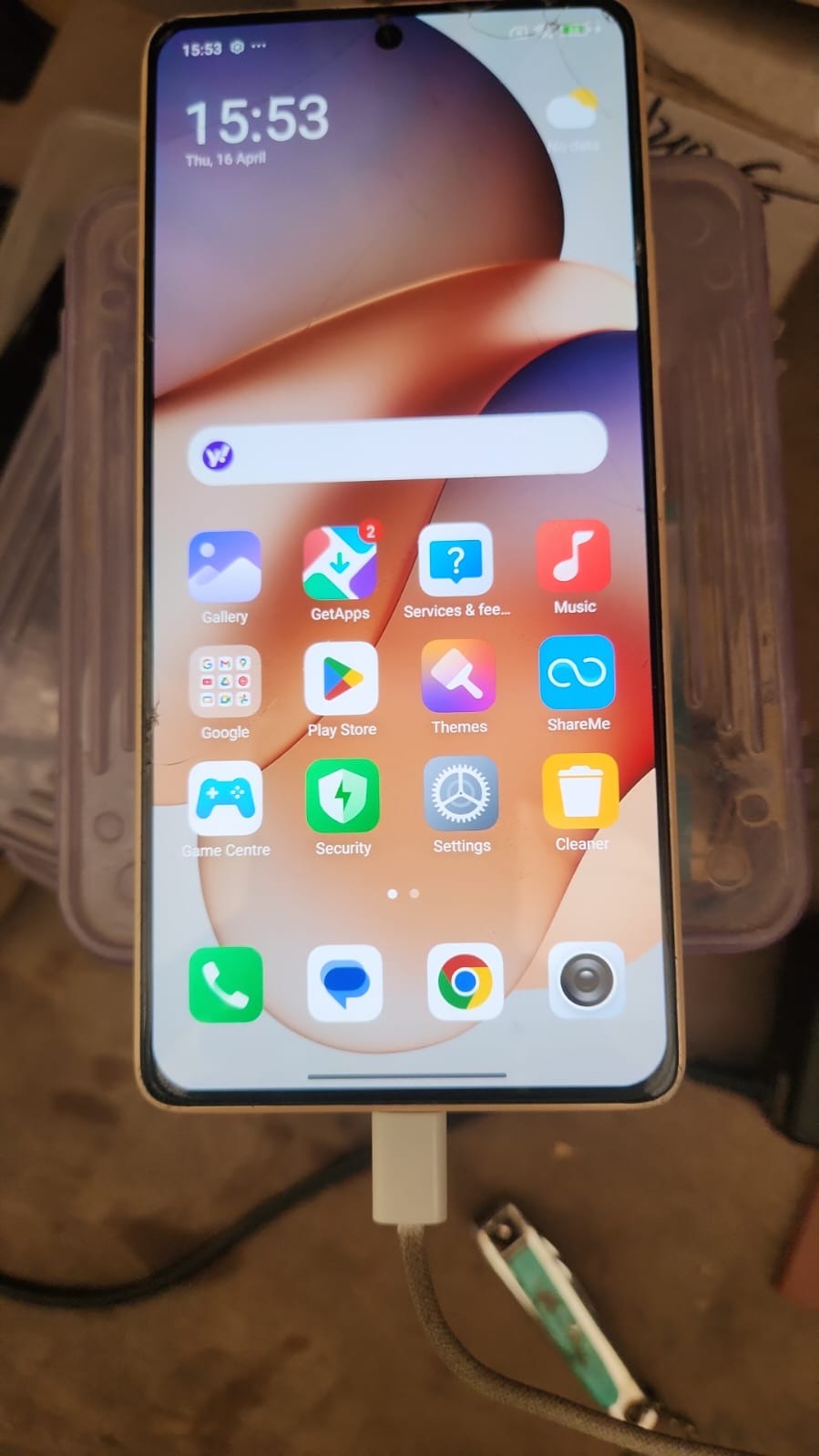
Factory Reset Protection (FRP) is a powerful security feature designed to protect Android devices from unauthorized access. However, many users and technicians often face difficulties when a device gets locked after a reset.
In this guide, we will explain everything about Redmi Note 13 5G FRP Unlock Online, including how to bypass FRP safely, tools required, step-by-step instructions, and professional tips.
Whether you are a mobile repair technician or a normal user, this guide will help you unlock your device quickly and efficiently.

What is Redmi Note 13 5G FRP Unlock Online and Why It Is Needed
Redmi Note 13 5G FRP Unlock Online is a method to remove the Google account verification lock using online tools or remote services.
Why FRP Lock Occurs:
- Device reset without removing Google account
- Forgotten Gmail ID or password
- Buying a second-hand phone
- Software update issues
Why You Need FRP Unlock:
- Regain access to your device
- Use phone without restrictions
- Avoid unnecessary service center visits
- Save time and money
Key Features of Redmi Note 13 5G FRP Unlock Online (Latest Version)
The Best Redmi Note 13 5G FRP Unlock Online 2025 tools offer:
- 100% safe and secure process
- No data risk during unlocking
- Fast remote service support
- Works without PC (in some methods)
- Compatible with latest MIUI updates
- Beginner-friendly interface
- Supports multiple Android versions
Supported Devices and Brands
Although this guide focuses on Redmi Note 13 5G, most mobile unlock programs also support:
| Brand | Supported Models |
|---|---|
| Xiaomi / Redmi | Note Series, Mi Series |
| Samsung | A, M, S Series |
| Vivo | Y Series, V Series |
| Oppo | A Series, Reno |
| Realme | Narzo, Number Series |
Download and Installation Process
To begin the Redmi Note 13 5G FRP Unlock Online, you need a trusted phone unlock app or software.
Step-by-Step Installation Guide
- Download the latest FRP unlock tool from official source
- Extract the file on your PC (if required)
- Install the setup file
- Launch the tool as administrator
- Connect your device via USB
How to Register and Activate
- Create an account on the tool’s official website
- Purchase credits or subscription (if required)
- Login inside the tool
- Activate your license

How to Use Redmi Note 13 5G FRP Unlock Online
For Normal Users
- Connect device to Wi-Fi
- Open browser method or tool
- Follow on-screen instructions
- Remove Google account verification
- Restart device
For Technicians / Repair Shops
- Connect phone in fastboot or EDL mode
- Open professional unlocking software
- Select FRP Unlock option
- Execute command
- Wait for success message
IMEI Repair and Other Services
Advanced tools also provide:
- IMEI Repair
- Bootloader Unlock
- Pattern/Password Remove
- Flashing and Software Repair
Comparison with Other Tools
| Feature | Online FRP Unlock | Offline Tool | Service Center |
|---|---|---|---|
| Speed | Fast | Medium | Slow |
| Cost | Low | Medium | High |
| Convenience | High | Medium | Low |
| Skill Required | Low | Medium | None |
Safety Tips and Legal Considerations
Important Guidelines:
- Only unlock devices you own
- Avoid illegal or stolen phones
- Use trusted tools only
- Backup data if possible
- Follow local laws and regulations
Troubleshooting Common Errors
Device Not Detected
- Check USB cable
- Install drivers
FRP Not Removed
- Try updated tool
- Reconnect device
Server Error
- Check internet connection
- Retry after some time
Pricing and Subscription Plans
Most Redmi Note 13 5G FRP Unlock Online update tools offer:
- Pay-per-use credits
- Monthly subscription
- Yearly license
Average Pricing:
- ₹300 – ₹1500 per unlock
- ₹3000 – ₹10000 yearly tools
FAQs (Frequently Asked Questions)
What is Redmi Note 13 5G FRP Unlock Online?
It is a method to remove Google account lock using online tools or remote services.
Can I unlock FRP without PC?
Yes, some methods support Redmi Note 13 5G FRP Unlock Without PC using browser tricks or APKs.
Is it safe?
Yes, if you use trusted tools and follow proper steps
How long does it take?
Usually 5–15 minutes via remote service.
Does it erase data?
No, most FRP unlock methods do not erase existing data.
Final Thoughts + Call To Action
The Redmi Note 13 5G FRP Unlock Online method is the fastest and most reliable way to regain access to your locked device. Whether you are a beginner or a professional technician, this solution saves time and ensures a hassle-free experience.
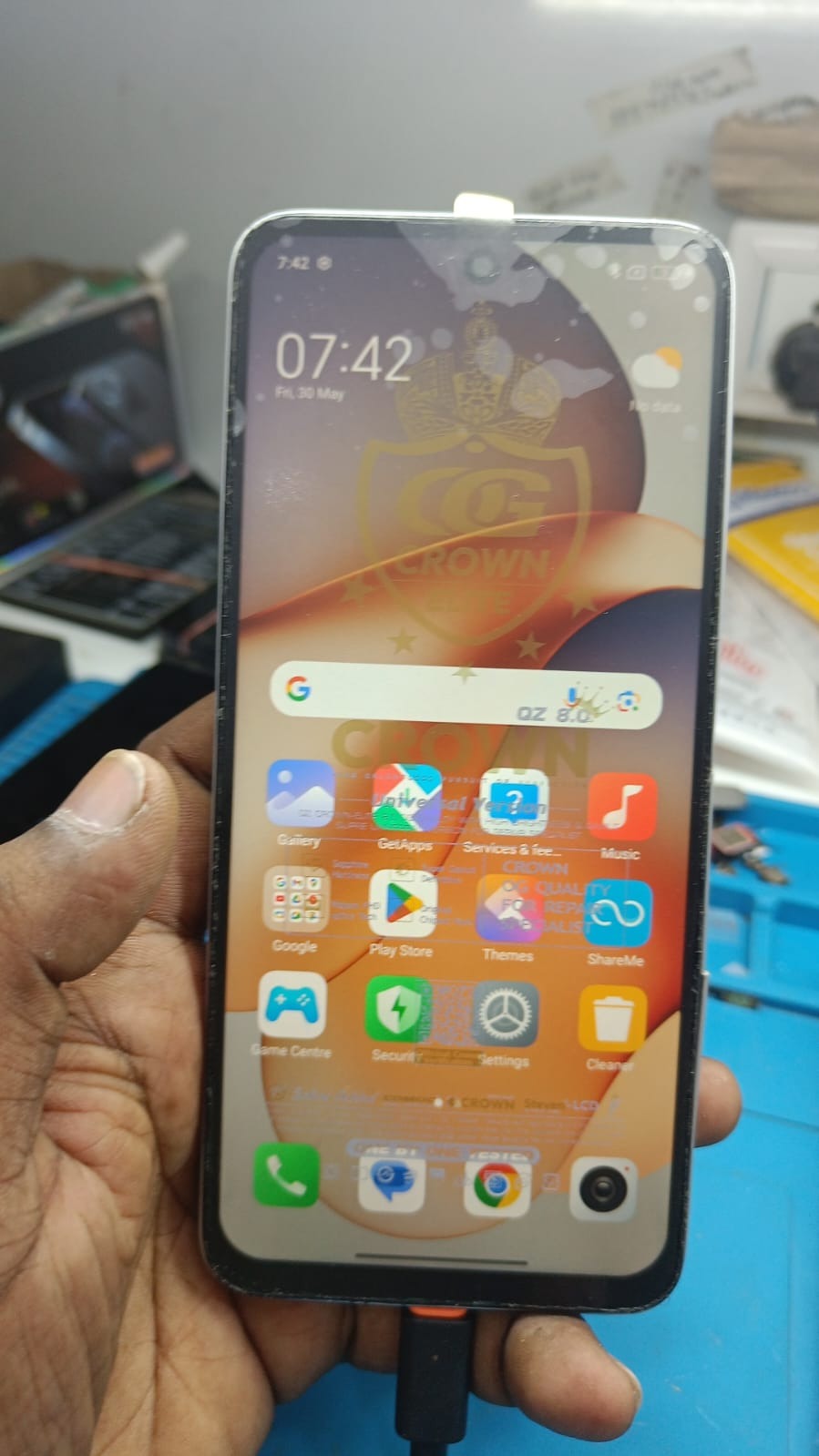
FRP is a crucial security feature, but it’s understandable why it can become frustrating when you’re locked out of your device. This guide seems like a great solution for those who need help unlocking their Redmi Note 13 5G safely!