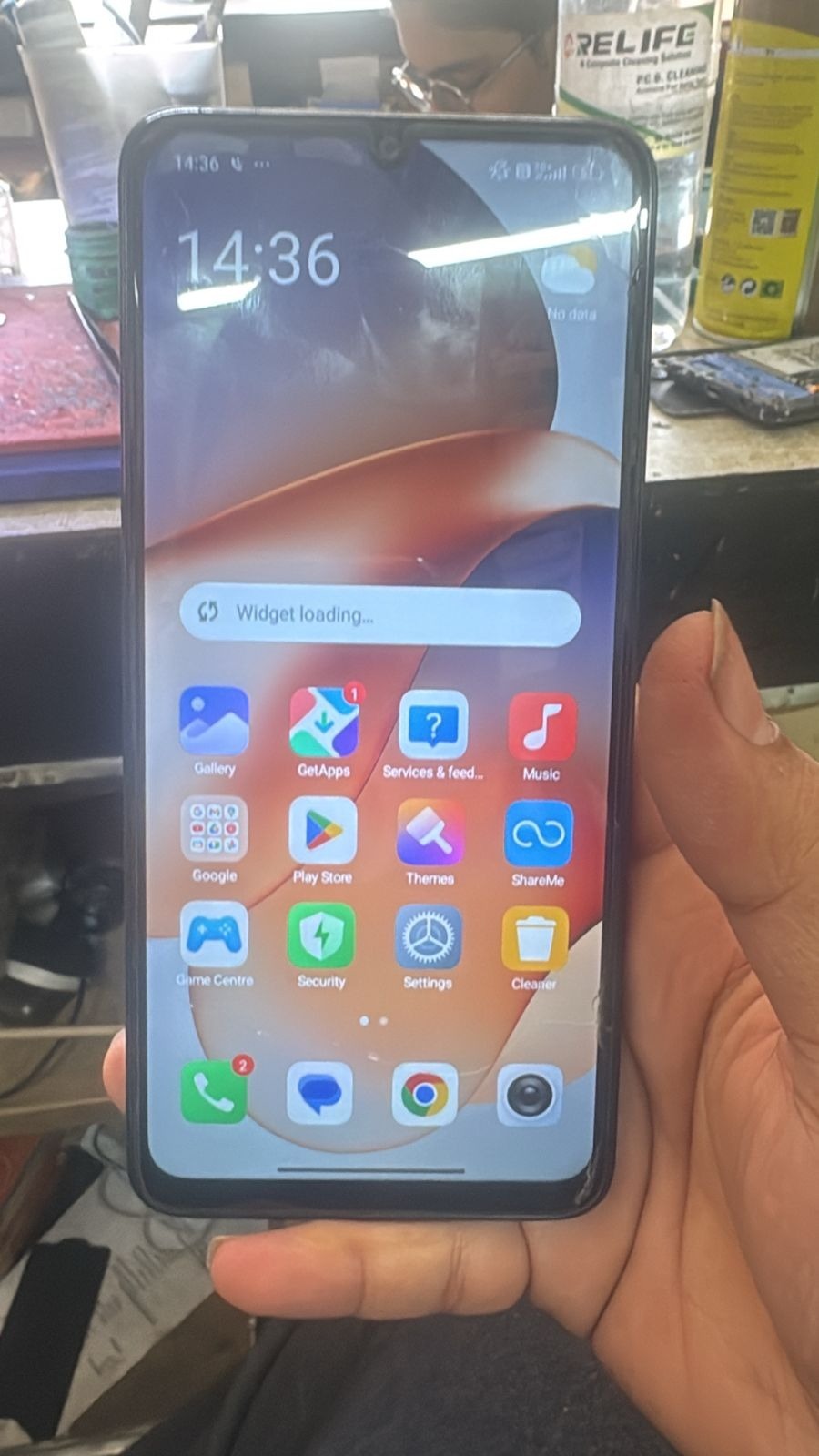
Factory Reset Protection (FRP) is one of the most important security features in modern Android smartphones. While it helps protect user data, it can also create serious problems if you forget your Google account credentials after a reset. This is where Redmi 13 5G FRP Unlock solutions come into play.
Whether you’re a mobile repair technician or a regular smartphone user, this complete guide will help you understand how to perform Redmi 13 5G FRP Unlock safely and efficiently using the latest tools and methods.
This guide is fully updated for 2025–2026, ensuring compatibility with the latest security patches and system updates.

What is Redmi 13 5G FRP Unlock and Why It Is Needed
Understanding FRP Lock
FRP (Factory Reset Protection) is a security feature introduced by Android to prevent unauthorized access. Once enabled, the device requires the previously synced Google account credentials after a factory reset.
Why You Need Redmi 13 5G FRP Unlock
You may need Redmi 13 5G FRP Unlock in the following situations:
- Forgot Google account email or password
- Purchased a second-hand device with FRP lock
- Device stuck on Google verification screen
- System reset without removing account
- Software crash or update issue
Without a proper Redmi 13 5G FRP Bypass, the phone becomes unusable.
Key Features of Redmi 13 5G FRP Unlock (Latest Version)
The latest tools offering Xiaomi Redmi 13 5G FRP Solution come with advanced features:
Main Features
- One-click Redmi 13 5G Google Account Remove
- Support for latest MIUI / HyperOS updates
- Fast and secure unlocking process
- No technical expertise required
- Compatible with Windows systems
- Online server-based unlocking
Advanced Features for Technicians
- Bulk device unlocking support
- Flashing and firmware repair options
- IMEI repair (for supported regions)
- Device information reading
- Auto driver installation
These features make it one of the Best Redmi 13 5G FRP Unlock 2025 solutions available.
Supported Devices and Brands
Although this guide focuses on Redmi 13 5G FRP Unlock, most professional tools support multiple brands.
Supported Xiaomi Devices
- Redmi 13 5G
- Redmi Note Series
- Mi Series
- Poco Devices
Other Supported Brands
- Vivo
- Oppo
- Realme
- Samsung
- Motorola
This makes the tool a powerful mobile unlock program for repair shops.
Download and Installation Process
System Requirements
- Windows 7/10/11 (64-bit recommended)
- Minimum 4GB RAM
- USB drivers installed
- Stable internet connection
Step-by-Step Installation Guide
- Download the Redmi 13 5G Unlock Tool from official source
- Extract the ZIP file
- Run setup as Administrator
- Install all required drivers
- Launch the tool
How to Register and Activate
- Open the software
- Create a new account
- Purchase or activate license
- Login with credentials
- Connect your device
Once activated, you can perform Redmi 13 5G FRP Unlock Without Password easily.

How to Use Redmi 13 5G FRP Unlock (Step-by-Step)
Method 1: Using PC Tool
- Power OFF the device
- Boot into Fastboot or Recovery Mode
- Connect via USB cable
- Open the FRP tool
- Click “FRP Unlock”
- Wait for process to complete
Method 2: Online Server-Based Unlock
- Connect device to internet
- Use supported phone unlock app
- Login with tool account
- Execute FRP removal
For Technicians (Advanced Use)
- Use EDL mode for deep unlocking
- Flash firmware if needed
- Backup device data
- Perform full diagnostic
IMEI Repair and Other Services
Some tools also offer:
- IMEI repair (legal restrictions apply)
- Network unlock
- Software repair
- Bootloader unlock
Comparison with Other Tools
| Feature | Redmi 13 5G FRP Unlock Tool | Other Tools |
|---|---|---|
| Ease of Use | High | Medium |
| Success Rate | High | Medium |
| Latest Update Support | Yes | Limited |
| Speed | Fast | Average |
| Multi-brand Support | Yes | Partial |
Safety Tips and Legal Considerations
Before performing Redmi 13 5G FRP Unlock, keep these points in mind:
Safety Tips
- Always backup data before unlocking
- Use trusted tools only
- Avoid cracked or illegal software
- Ensure proper USB connection
Legal Considerations
- Only unlock devices you own
- Do not bypass security on stolen devices
- Follow local laws regarding IMEI repair
Troubleshooting Common Errors
Device Not Detected
- Install correct USB drivers
- Change USB cable or port
Unlock Failed
- Retry process
- Check internet connection
- Update tool to latest version
Stuck on Logo
- Flash firmware
- Perform factory reset
Pricing and Subscription Plans
Most professional tools offering Redmi 13 5G FRP Unlock come with:
Pricing Options
- Monthly Plan
- 6-Month License
- Yearly Subscription
Typical Cost Range
- 10 to 50 USD depending on features
For technicians, yearly plans are more cost-effective.
FAQs (Frequently Asked Questions)
Q1: Can I perform Redmi 13 5G FRP Unlock without PC?
Yes, some methods allow unlocking using a phone unlock app, but PC tools are more reliable.
Q2: Is Redmi 13 5G FRP Unlock safe?
Yes, if done using trusted tools and proper steps.
Q3: Will unlocking delete my data?
Yes, most FRP bypass methods remove user data.
Q4: Does it work on latest updates?
Yes, updated tools support latest security patches.
Q5: Is it legal?
It is legal only if you own the device.
Final Thoughts + Call to Action
The Redmi 13 5G FRP Unlock process has become easier and more accessible thanks to modern tools and updated solutions. Whether you’re an individual user locked out of your device or a professional technician handling multiple repairs daily, using the right method ensures success.