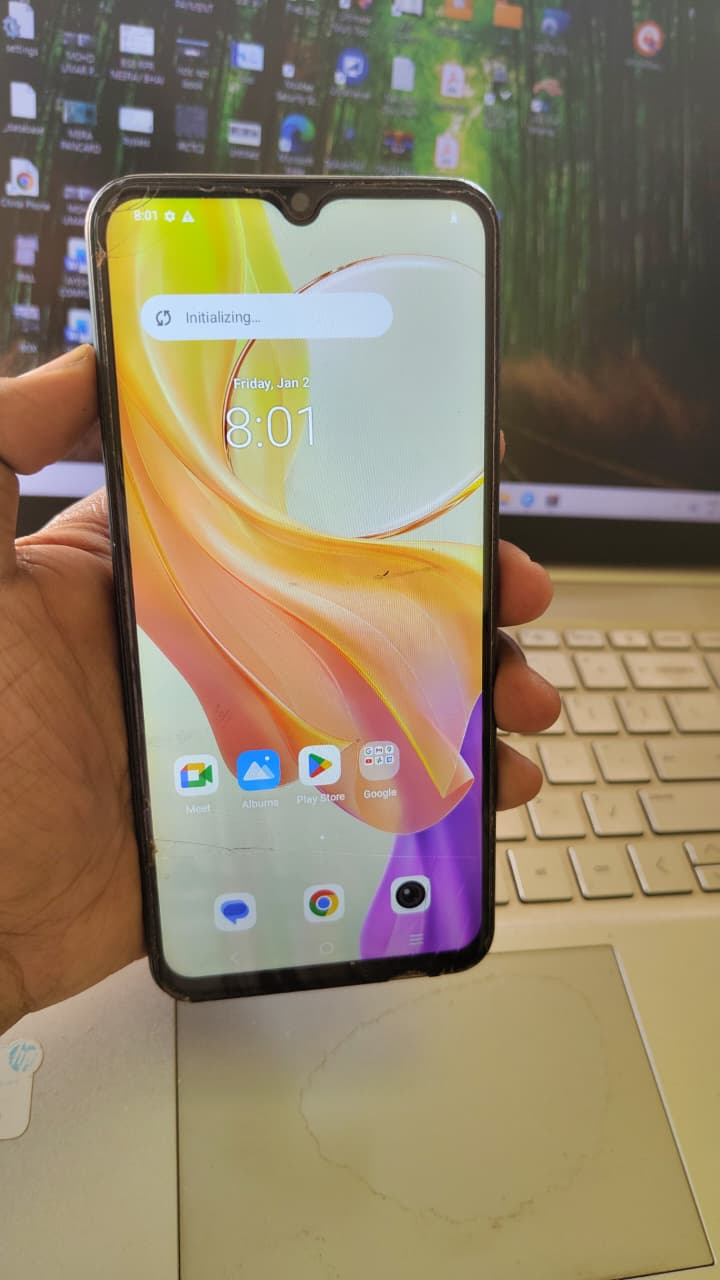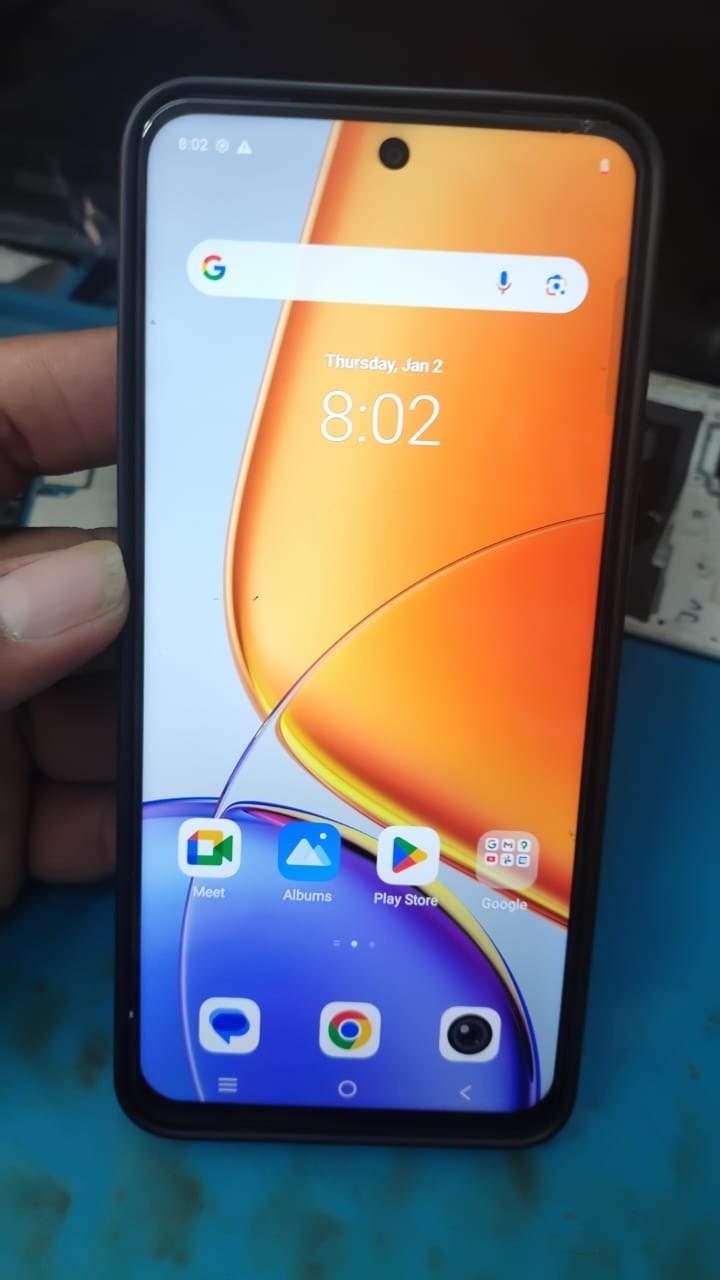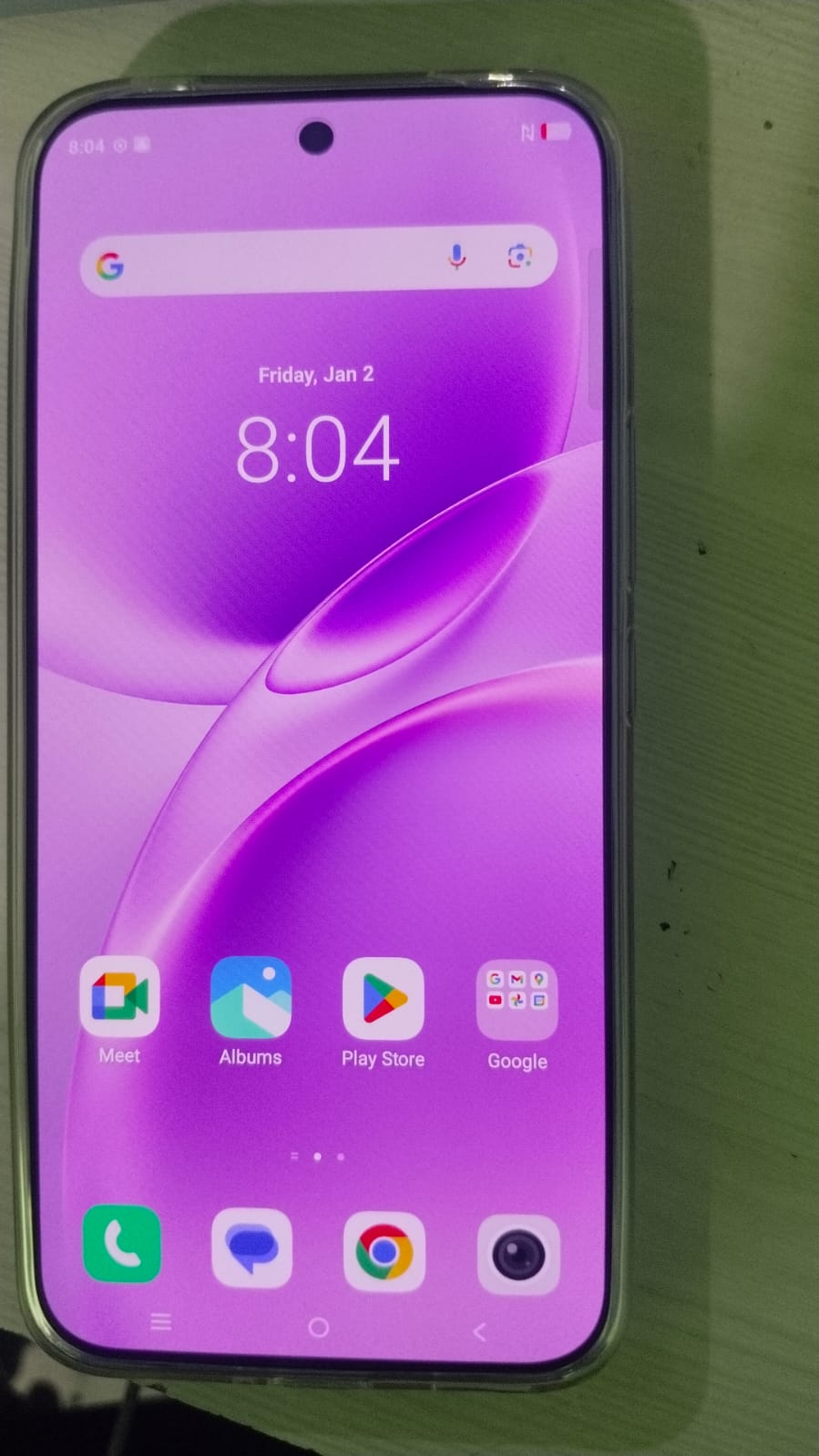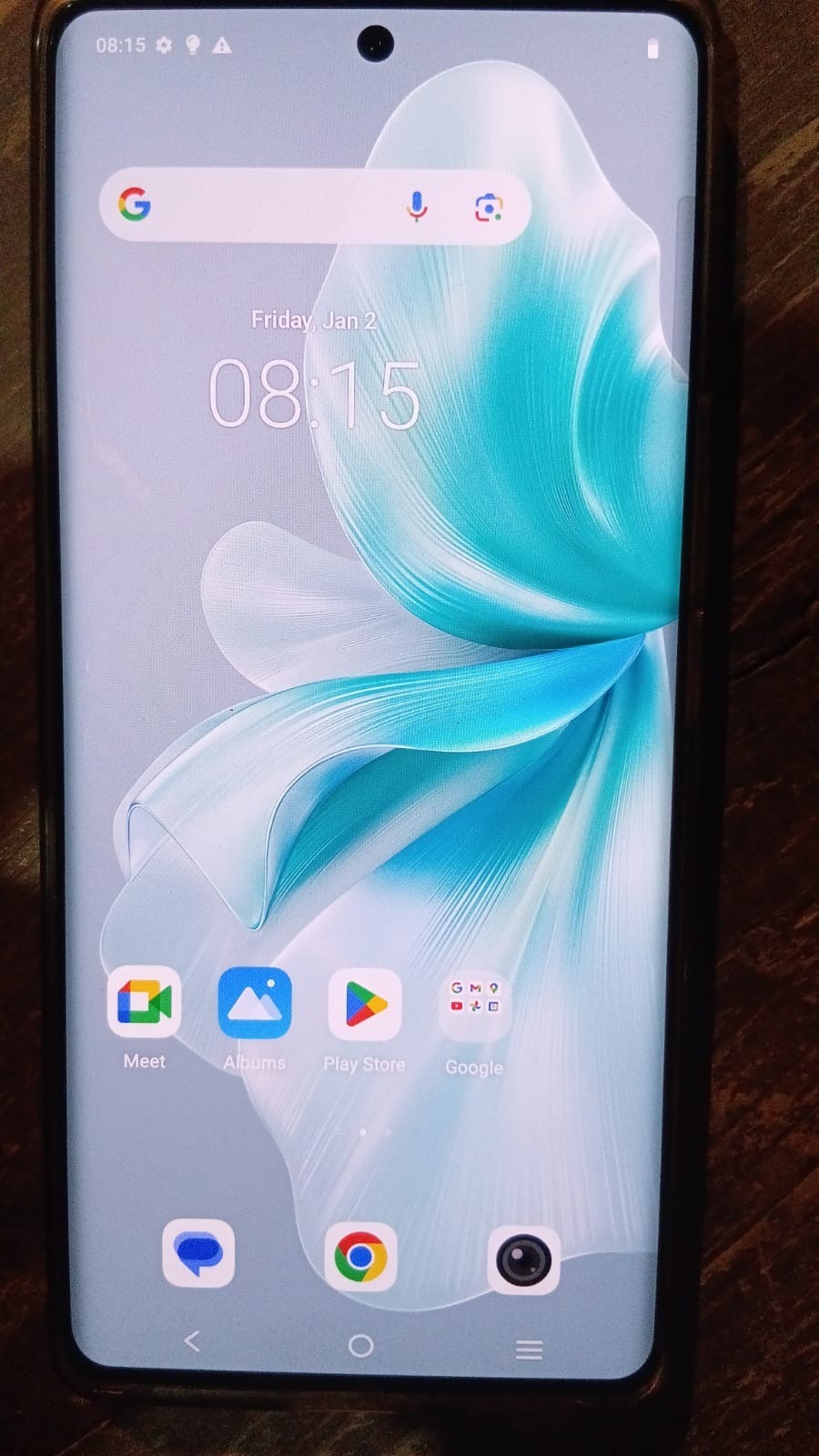
In today’s mobile repair industry, Vivo V30e Remote Unlock has become one of the most effective and in-demand solutions for unlocking smartphones without physical intervention. Whether you are an individual user locked out of your device or a professional technician handling multiple clients, remote unlocking provides a fast, secure, and efficient method.
Unlike traditional methods that require opening the phone or using hardware tools, this process works entirely online using secure servers and professional software. It reduces risk, saves time, and ensures a higher success rate.

What is Vivo V30e Remote Unlock and Why It is Needed
Vivo V30e Remote Unlock is a process where a locked device is unlocked using remote access tools and server-based technology without physically opening the phone.
Common Reasons for Unlocking
- Forgot Google account credentials (FRP lock)
- Device locked after factory reset
- Network or SIM restrictions
- Password or pattern lock issues
- Second-hand device locked by previous owner
Why Choose Remote Unlock
- No need to open the device
- No hardware risk or damage
- Faster than traditional methods
- Can be done from any location
- Ideal for both users and technicians
Key Features of Vivo V30e Remote Unlock (Latest Version)
Modern Vivo V30e Remote Unlock tools come with advanced capabilities:
- FRP bypass and Google account removal
- Network unlock and SIM unlocking
- IMEI repair and system fixes
- Server-based processing without box tools
- Remote access by professionals
- Quick execution within minutes
- Secure and reliable operations
Supported Devices and Brands
While this guide focuses on Vivo V30e Remote Unlock, most tools also support a wide range of devices.
Vivo Devices
- Vivo V30e
- Vivo V29 Series
- Vivo Y Series
- Vivo X Series
Other Supported Brands
- Samsung
- Xiaomi (Mi/Redmi)
- Oppo
- Realme
Download and Installation Process
To perform Vivo V30e Remote Unlock, you need a compatible unlocking tool.
Step-by-Step Installation Guide
- Download the official unlocking software from a trusted source
- Extract the downloaded file
- Disable antivirus temporarily if required
- Install USB and ADB drivers
- Run the tool as administrator
How to Register and Activate
- Open the software dashboard
- Click on Register or Login
- Purchase a valid activation plan
- Enter your credentials
- Start using the tool
Always use a trusted provider to avoid fake or non-working servers.

How to Use Vivo V30e Remote Unlock
This section explains the process for both beginners and professionals.
FRP Unlock (Google Account Removal)
Vivo V30e FRP bypass remote service online is one of the most common uses.
Steps
- Connect your device to the computer
- Enable required mode (ADB, Fastboot, or EDL)
- Open the unlocking tool
- Select Vivo V30e Remote Unlock
- Click on FRP Remove
- Wait for the process to complete
After completion, the device will restart without the Google account lock.
Network Unlock
To remove SIM restrictions:
- Connect the device
- Select network unlock option
- Enter IMEI if required
- Start the unlocking process
IMEI Repair and Other Services
Advanced features available for technicians include:
- IMEI repair
- Software flashing
- Boot repair
- Password and pattern removal
Comparison with Other Tools
| Feature | Remote Unlock | Traditional Box Tool |
|---|---|---|
| Device Opening Required | No | Yes |
| Speed | Fast | Slow |
| Risk | Low | Medium |
| Remote Access | Yes | No |
| Cost | Affordable | Higher |
Safety Tips and Legal Considerations
Safety Tips
- Always use trusted and verified tools
- Avoid unknown or free cracked software
- Backup your data before unlocking
- Maintain a stable internet connection
Legal Considerations
- Only unlock devices you legally own
- Avoid misuse for unauthorized activities
- Follow local laws and regulations
Troubleshooting Common Errors
Device Not Detected
- Install proper USB drivers
- Try a different cable or port
Server Error
- Check your internet connection
- Retry after some time
Unlock Failed
- Ensure correct device mode
- Use the latest version of the tool
Pricing and Subscription Plans
The cost of Vivo V30e Remote Unlock depends on features and service level.
Professional technicians can benefit from bulk pricing and long-term plans.
Frequently Asked Questions
What is Vivo V30e Remote Unlock?
It is a method to unlock a device online without opening it.
Is it safe?
Yes, when done using reliable tools and services.
How long does it take?
Typically between 10 to 30 minutes.
Can I unlock without a box tool?
Yes, Vivo V30e unlock service without PC box is possible using server-based tools.
Do I need technical knowledge?
Basic users can use services, while technicians can operate tools directly.
Final Thoughts
Vivo V30e Remote Unlock is a modern, efficient, and reliable solution for unlocking smartphones. It eliminates the need for hardware tools and reduces risks associated with traditional methods. Whether you are unlocking your personal device or providing services to clients, this method offers speed, security, and convenience.