


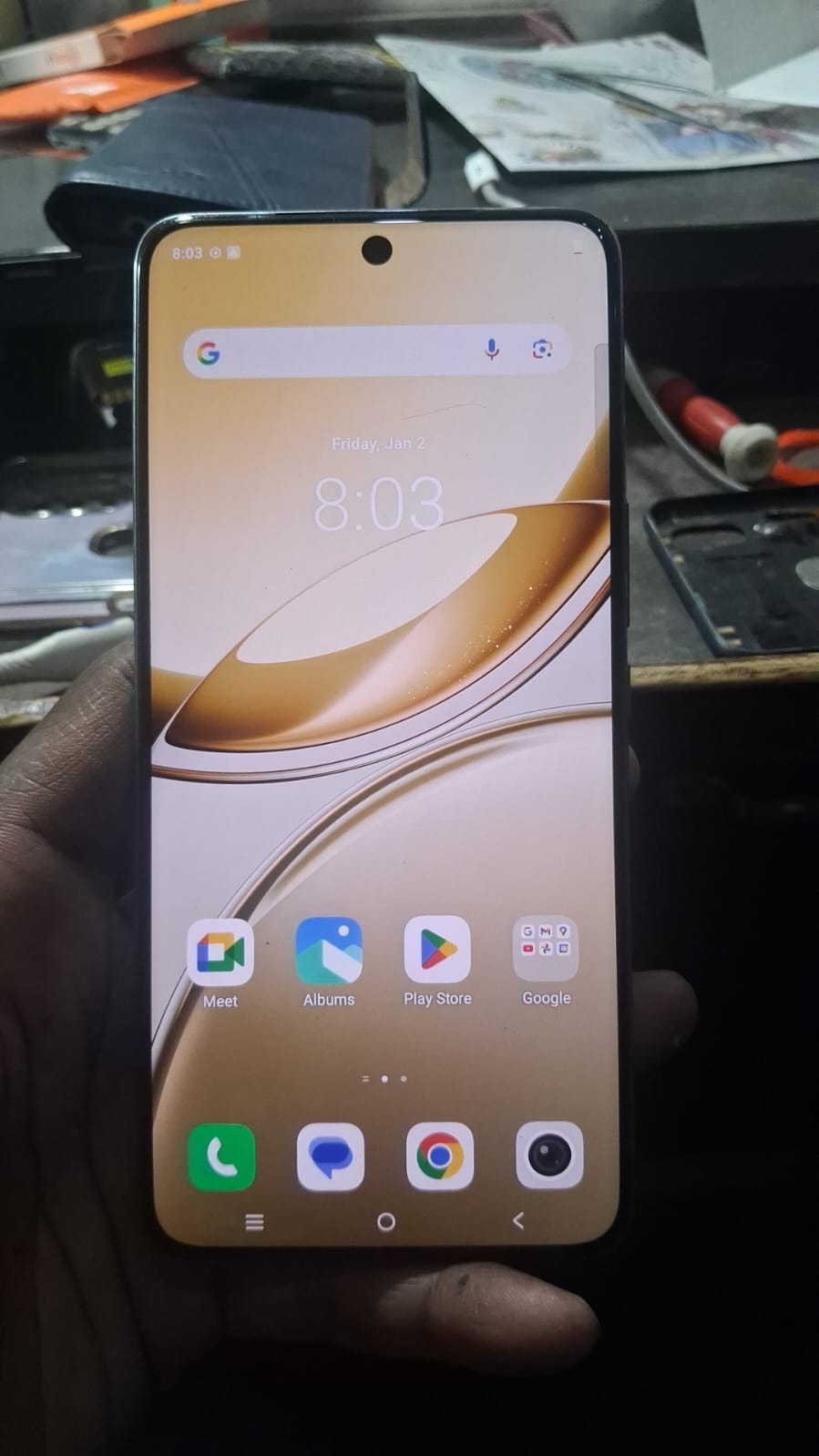
In today’s digital environment, smartphone security features such as Factory Reset Protection (FRP) are designed to protect user data. However, these protections can also create challenges when legitimate users are locked out of their devices. This is where Vivo V50e FRP Unlock solutions become essential.
This guide is designed for both individual users and professional technicians who need a reliable and fast method to bypass FRP on Vivo devices.

What is Vivo V50e FRP Unlock and Why It Is Needed
Vivo V50e FRP Unlock refers to the process of removing Google account verification from a device after it has been reset. This feature is intended to prevent unauthorized access, but it can become a barrier in legitimate situations.
Common scenarios include:
- Forgotten Google account credentials
- Purchase of second-hand devices
- Devices locked after factory reset
- Customer service requirements in repair shops
FRP unlock allows users to regain access quickly without lengthy recovery procedures.
Key Features of Vivo V50e FRP Unlock (Latest Version)
The latest Vivo V50e FRP Unlock Tool provides several advanced features:
- Fully remote unlocking process
- Fast execution within minutes
- Secure and reliable method
- Compatible with latest Android versions
- User-friendly interface for beginners
- High success rate for Vivo V50e FRP Done Successfully
Supported Devices and Brands
Although the focus is on Vivo V50e FRP Unlock, the tool supports a wide range of devices.
Supported brands include:
- Vivo
- Oppo
- Xiaomi
- Samsung
- Realme
Supported services:
- FRP Unlock
- Network Unlock
- IMEI Repair (select models)
- Software flashing
Download and Installation Process
Step-by-Step Installation Guide
- Visit the official download page
- Download the latest version of the tool
- Extract the ZIP file
- Run the setup file
- Install required drivers
- Launch the tool
How to Register and Activate
To use the Vivo V50e FRP Unlock Tool:
- Open the software
- Click on register
- Enter your details
- Purchase activation plan (Buy Now)
- Login with credentials
- Start using the tool

How to Use Vivo V50e FRP Unlock
For Individual Users
- Connect your device to the computer
- Follow the on-screen instructions
- Select FRP Unlock option
- Wait for the process to complete
The Vivo V50e FRP Unlock process is usually completed within a few minutes.
For Technicians
Technicians can use this tool for:
- Handling multiple devices efficiently
- Providing fast customer service
- Increasing business revenue
- Offering remote unlocking services
Additional Services
In addition to Vivo V50e FRP Bypass, the tool supports:
- Network unlock
- IMEI repair
- Software fixes
- Boot repair
Comparison with Other Tools
| Feature | GendaTool | Other Tools |
|---|---|---|
| Remote Unlock | Yes | Limited |
| Success Rate | High | Medium |
| Support | 24/7 | Limited |
| Ease of Use | Easy | Complex |
| Updates | Regular | Rare |
Vivo V50e FRP Unlock by GendaTool offers better reliability and ease of use compared to many alternatives.
Safety Tips and Legal Considerations
While using Vivo V50e FRP Unlock, consider the following:
- Use only on devices you own or are authorized to service
- Avoid any unauthorized or illegal usage
- Always take customer consent in professional environments
- Use trusted and verified tools only
Troubleshooting Common Errors
Common issues and solutions:
Device not detected
Install or update drivers properly
Process failed
Ensure stable internet connection and retry
Login issues
Verify subscription status
Slow performance
Use a high-speed internet connection
Pricing and Subscription Plans
The tool offers flexible pricing options:
- Daily plan
- Weekly plan
- Monthly plan
- Lifetime plan
Technicians are recommended to choose long-term plans for better value.
FAQs
What is Vivo V50e FRP Unlock
It is a method to remove Google account verification from a locked Vivo V50e device
Is it safe
Yes, if performed using trusted tools
How long does it take
Usually between 5 to 10 minutes
Does it support latest Android versions
Yes, updated tools support new Android versions
Can beginners use it
Yes, the interface is user-friendly
Final Thoughts and Call to Action
Vivo V50e FRP Unlock is an essential solution for users and technicians dealing with locked devices. With a reliable tool and proper process, unlocking becomes quick and efficient.
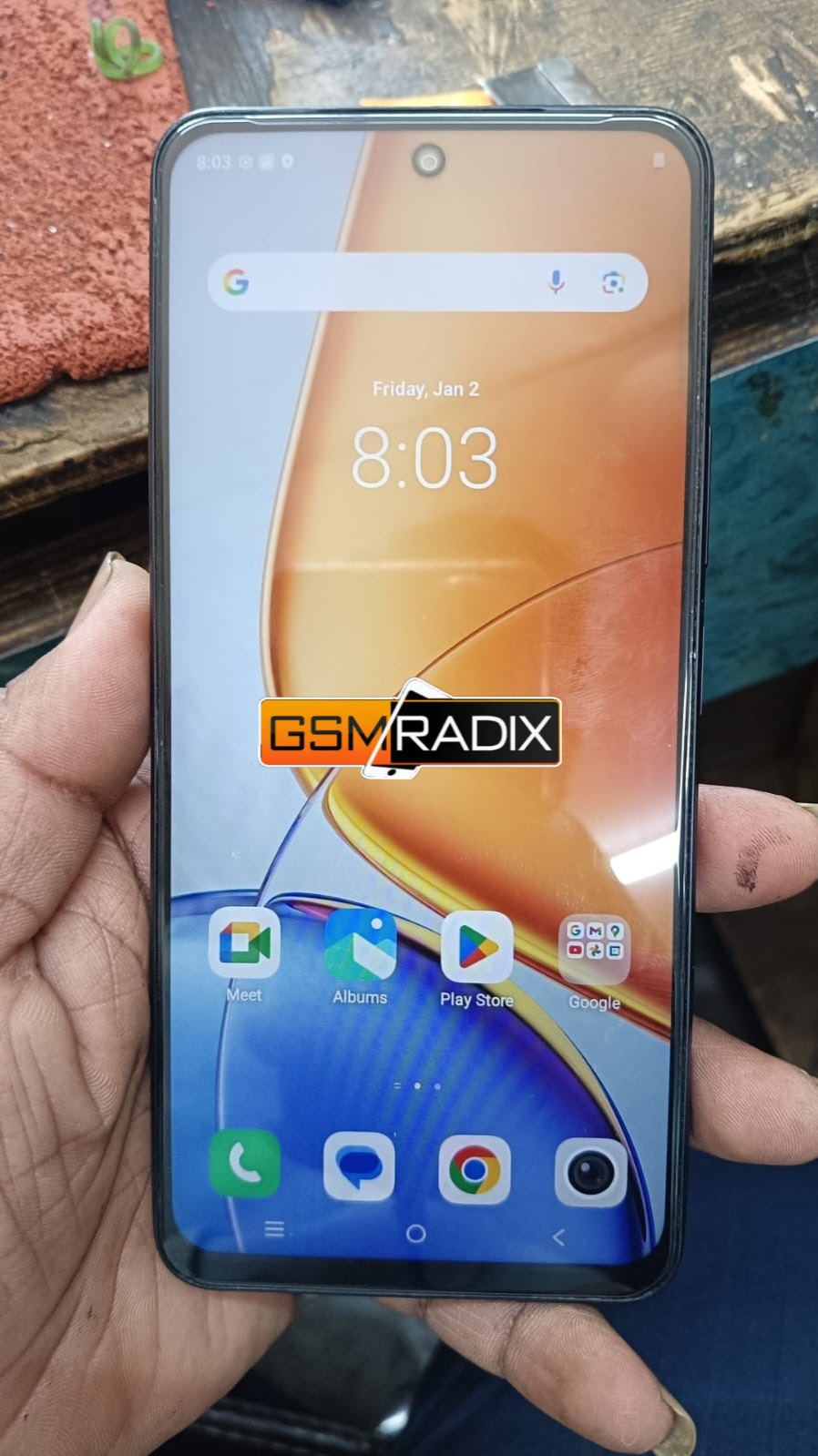
FRP is such a double-edged sword—it’s great for security but tricky when you’re the rightful owner locked out. Guides like this make the process much more approachable for both users and technicians, especially when the steps are clearly explained.