


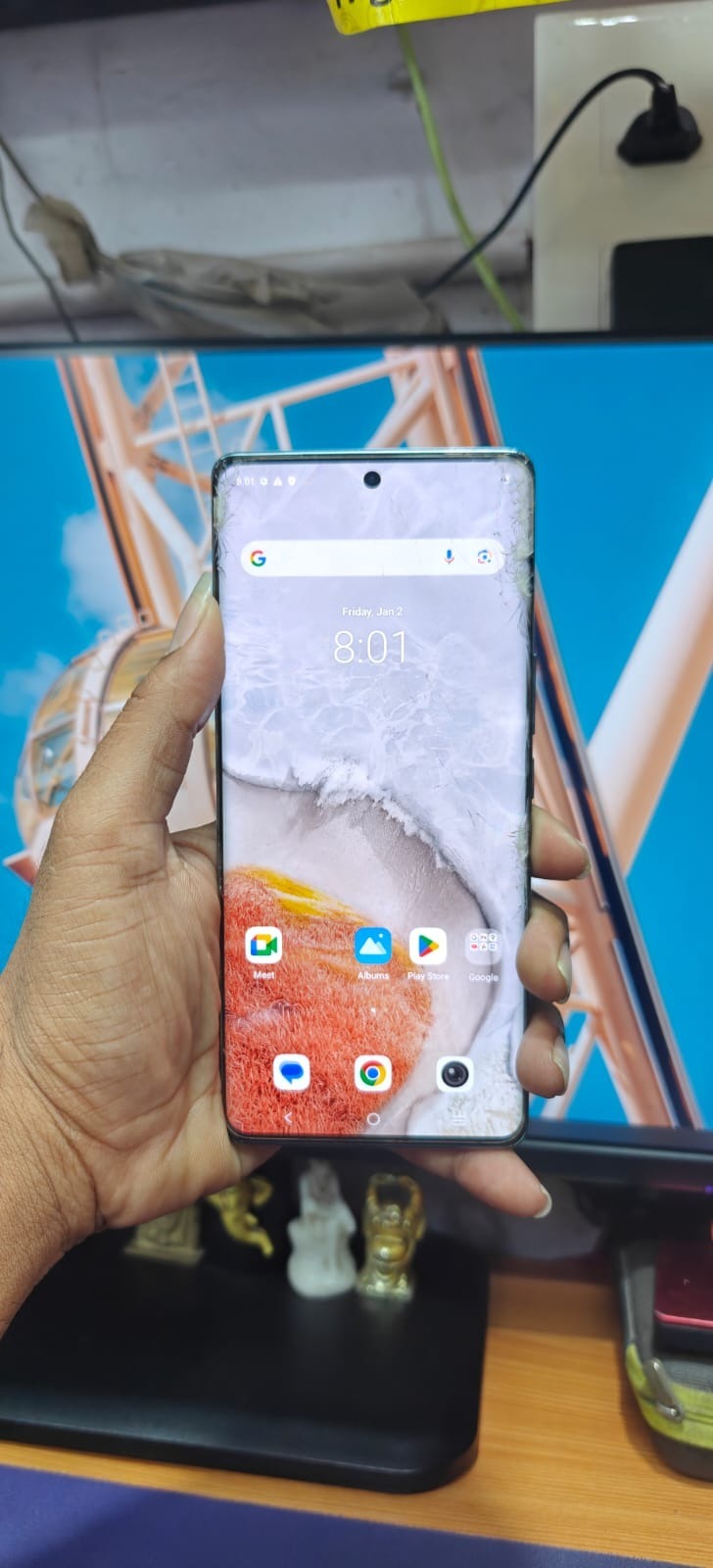
Factory Reset Protection (FRP) is a security feature designed to protect Android devices from unauthorized access. However, many users and technicians face challenges when they forget Google account credentials after a reset. This is where iQOO Neo 7 Pro FRP Unlock becomes essential.
In this detailed guide, you will learn everything about iQOO Neo 7 Pro FRP Unlock, including tools, methods, installation, usage, pricing, and troubleshooting. Whether you are an individual user or a professional technician, this guide will help you unlock devices quickly and safely.

What is iQOO Neo 7 Pro FRP Unlock and Why It Is Needed
iQOO Neo 7 Pro FRP Unlock refers to the process of removing the Google account verification lock from the device after a factory reset.
Why FRP Lock Happens:
- Device reset without removing Google account
- Forgotten Gmail ID or password
- Buying a second-hand device
- System update or firmware issues
Why You Need FRP Unlock:
- Access your locked device
- Restore full functionality
- Save time compared to service centers
- Enable technicians to serve clients efficiently
Key Features of iQOO Neo 7 Pro FRP Unlock (Latest Version)
The latest iQOO Neo 7 Pro FRP Unlock Tool offers advanced capabilities:
- Fast and secure FRP removal
- One-click FRP bypass process
- Supports latest Android versions
- No data corruption risk
- Remote unlocking support
- Compatible with multiple chipsets (MTK, Qualcomm)
- Regular updates and improvements
Supported Devices and Brands
Although this guide focuses on iQOO Neo 7 Pro FRP Unlock, most tools support:
| Brand | Supported Models |
|---|---|
| iQOO | Neo series, Z series |
| Vivo | Y series, V series |
| Samsung | A, M, S series |
| Xiaomi | Redmi, Mi series |
| Oppo | A, F series |
Download and Installation Process
Step-by-step Installation Guide
- Download the iQOO Neo 7 Pro FRP Unlock Tool
- Extract the ZIP file
- Disable antivirus temporarily
- Run setup file as administrator
- Install required drivers (USB, MTK, Qualcomm)
- Launch the tool
How to Register and Activate
To use the full version:
- Open the tool
- Click on “Register”
- Enter license key
- Connect to internet
- Activation will complete instantly
For activation, contact official providers via WhatsApp or Telegram.

How to Use iQOO Neo 7 Pro FRP Unlock
FRP Unlock Process
- Open the tool
- Connect your device via USB
- Select model: iQOO Neo 7 Pro
- Click on “FRP Unlock”
- Wait for process completion
- Device will reboot automatically
iQOO Neo 7 Pro FRP Unlock Without PC
Some methods allow FRP bypass without PC:
- Using TalkBack method
- Using emergency dialer tricks
- Using APK installation method
However, these methods are less reliable than professional tools.
Network Unlock
- Remove SIM restrictions
- Enable all network carriers
- Useful for international users
IMEI Repair and Other Services
Advanced tools also provide:
- IMEI repair (for corrupted devices)
- Firmware flashing
- Bootloader unlock
- Pattern/password removal
Comparison with Other Tools
| Feature | GendaTool | Other Tools |
|---|---|---|
| FRP Unlock Speed | Fast | Medium |
| Success Rate | 100% | 70–90% |
| Remote Support | Yes | Limited |
| Updates | Regular | Irregular |
| Ease of Use | Beginner-friendly | Complex |
Safety Tips and Legal Considerations
Before using any iQOO Neo 7 Pro FRP Unlock Service, keep these points in mind:
- Use only on legally owned devices
- Avoid unauthorized unlocking
- Backup important data
- Use trusted tools only
- Follow official guidelines
Troubleshooting Common Errors
Common Issues:
Device Not Detected
- Install USB drivers
- Change cable or port
FRP Unlock Failed
- Update tool
- Retry with correct mode
Stuck on Logo
- Flash firmware
- Perform factory reset again
Pricing and Subscription Plans
Pricing depends on the tool or service:
| Plan Type | Price Range |
|---|---|
| Single Unlock | $5 – $15 |
| Monthly Plan | $30 – $80 |
| Yearly Plan | $100+ |
Professional tools like iQOO Neo 7 Pro FRP Unlock Online services often provide flexible plans for technicians.
FAQs
What is iQOO Neo 7 Pro FRP Unlock?
It is the process of removing Google account lock after reset.
Is FRP Unlock safe?
Yes, if done using trusted tools.
Can I unlock without PC?
Yes, but success rate is lower.
How long does it take?
Usually 5–10 minutes.
Do I need technical knowledge?
Basic knowledge is enough, tools are beginner-friendly.
Final Thoughts + Call to Action
The iQOO Neo 7 Pro FRP Unlock process has become faster and more reliable with modern tools. Whether you are a user locked out of your device or a technician providing services, using a trusted tool ensures success.

Thanks for sharing this detailed guide on iQOO Neo 7 Pro FRP unlocking. It’s always helpful to have a clear step-by-step process when dealing with FRP issues, especially since forgetting Google credentials after a reset can be frustrating. Your breakdown of the methods and tools makes it easier for users to understand their options and choose the right approach. This kind of resource really supports the tech community in solving real-world device problems.